4 Properties to transform obj.
- position
- scale
- rotation
- quaternion - 회전과 관련된 속성 (후에 자세히 다룸)
All classes that inherit from the Object3D like PerspectiveCamera or Mesh has thos props.
1의 단위
- 본인이 설정하면 됨 just stick to it
position
- position 속성은 Vector3의 인스턴스
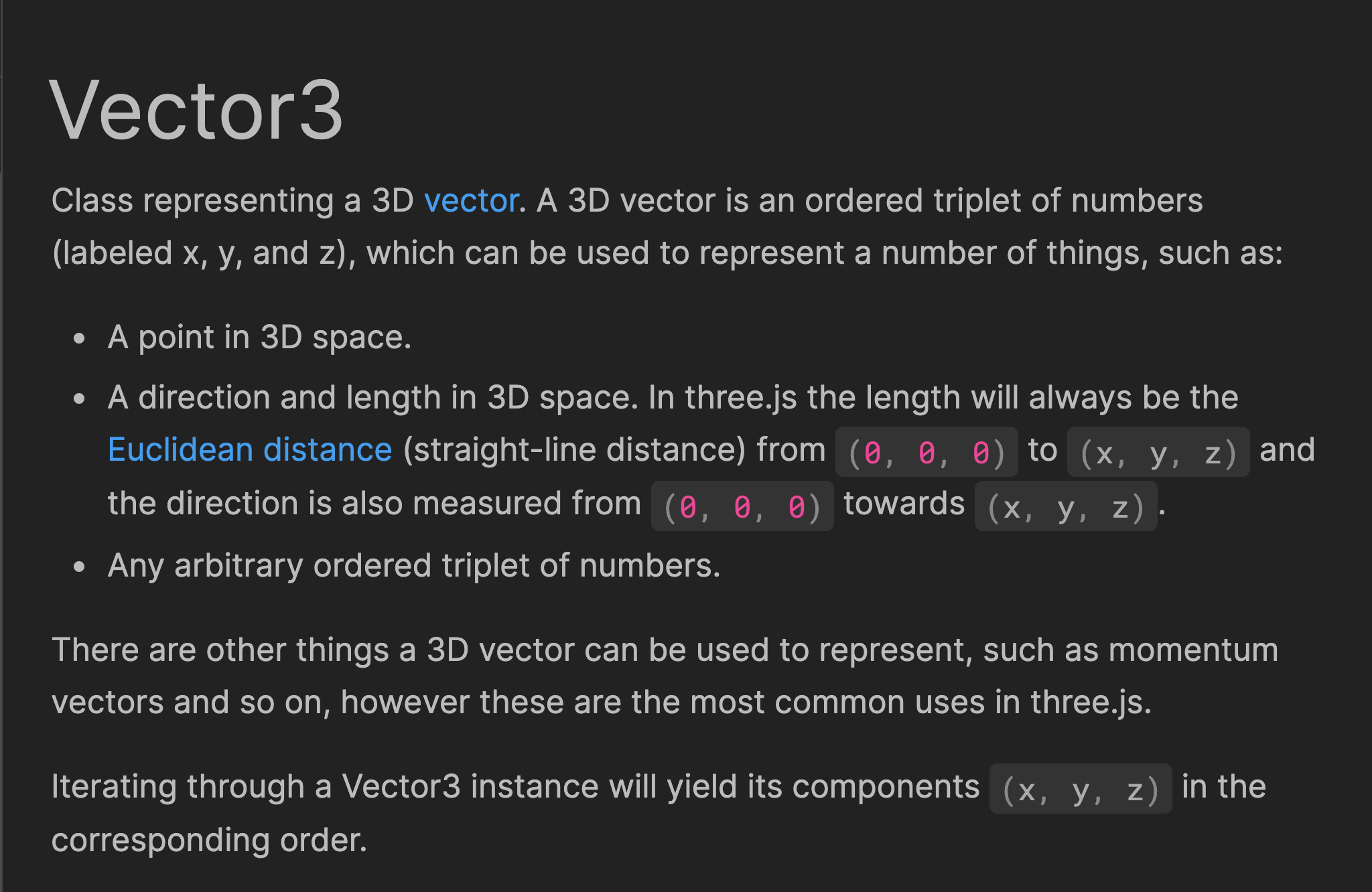
- Any arbitrary ordered triplet of numbers.
- position은 x, y, z라는 props을 가짐
mesh.position.x = 0.7;
mesh.position.y = - 0.6;
mesh.position.z = 1;
// set은 x,y,z 한 번에 설정하는 메소드, Vector3이므로 지정 가능
mesh.position.set(0.7, -0.6, 1);
// nomarlize()는 방향을 유지하면서 length를 1로 설정하는 메소드

mesh.position.normalize();


// length()는 (0, 0, 0)부터, 점, 혹은 mesh까지의 거리
console.log(mesh.position.length())
// mesh와 object의 거리 distanceTo()

console.log(mesh.position.distanceTo(camera.position))
Axes Helper
- 축을 시각화해서 보여주는 속성
- param으로 축의 길이 설정 가능. default는 1
// Axes helper
const axesHelper = new THREE.AxesHelper();
scene.add(axesHelper);
이미지에 z축이 보이지 않는 이유는 카메라 기준 it's moving forward "straight"
camera.position.set(1, 1, 4); // 로 설정해주면...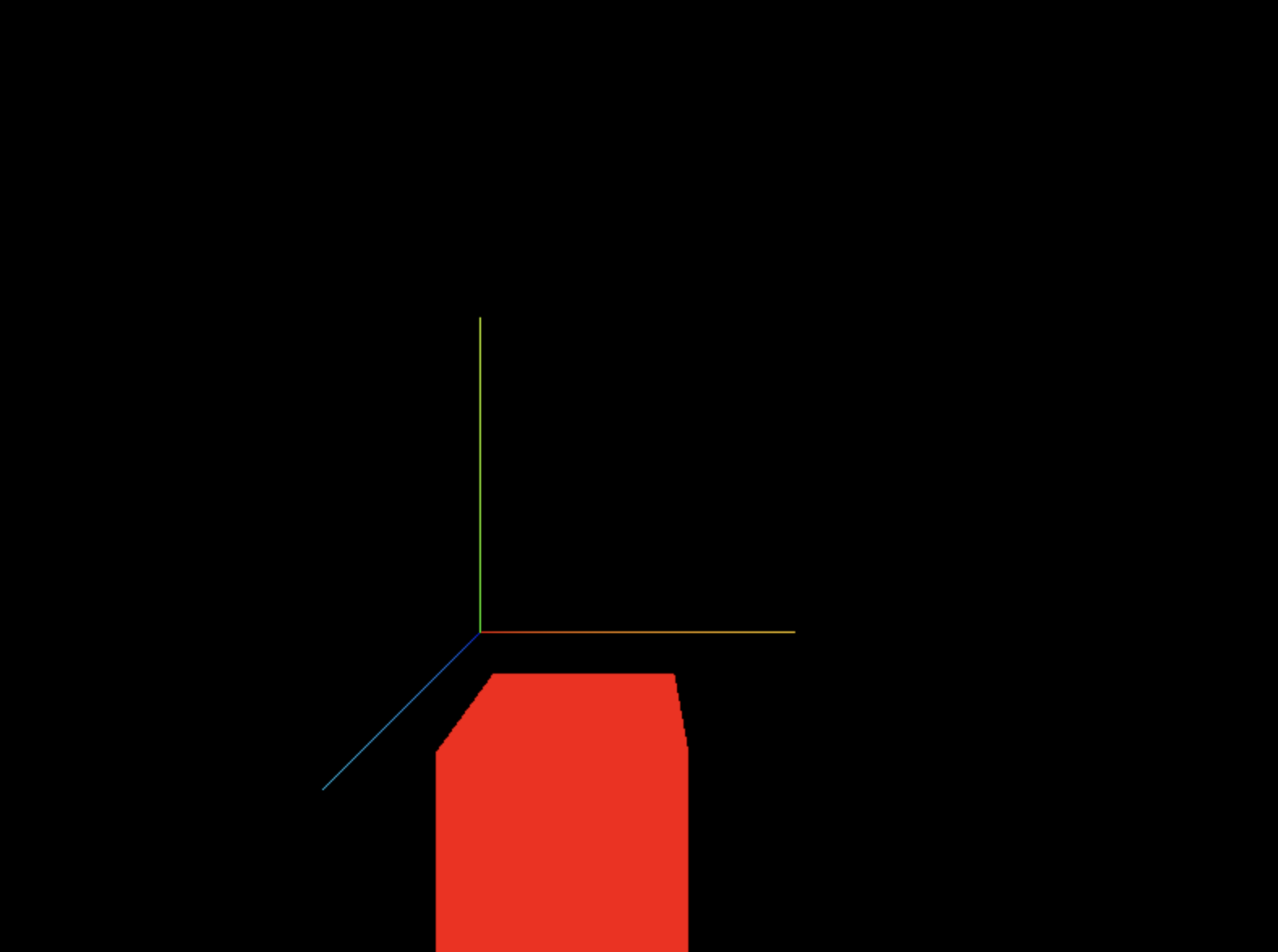
Scale Objects
-
scale 또한
Vector3의 인스턴스이므로 any arbitrary triplet of nums -
음수값을 사용해도 되지만, 축이 logical direction에 위치하지 않게 되고, 이로 인해 나중에 버그가 발생할 수 있으므로 사용을 지양하는 편이 좋음
// Scale
mesh.scale.x = 2;
mesh.scale.y = 0.5;
mesh.scale.z = 0.5;
mesh.scale.set(2, 0.5, 0.5)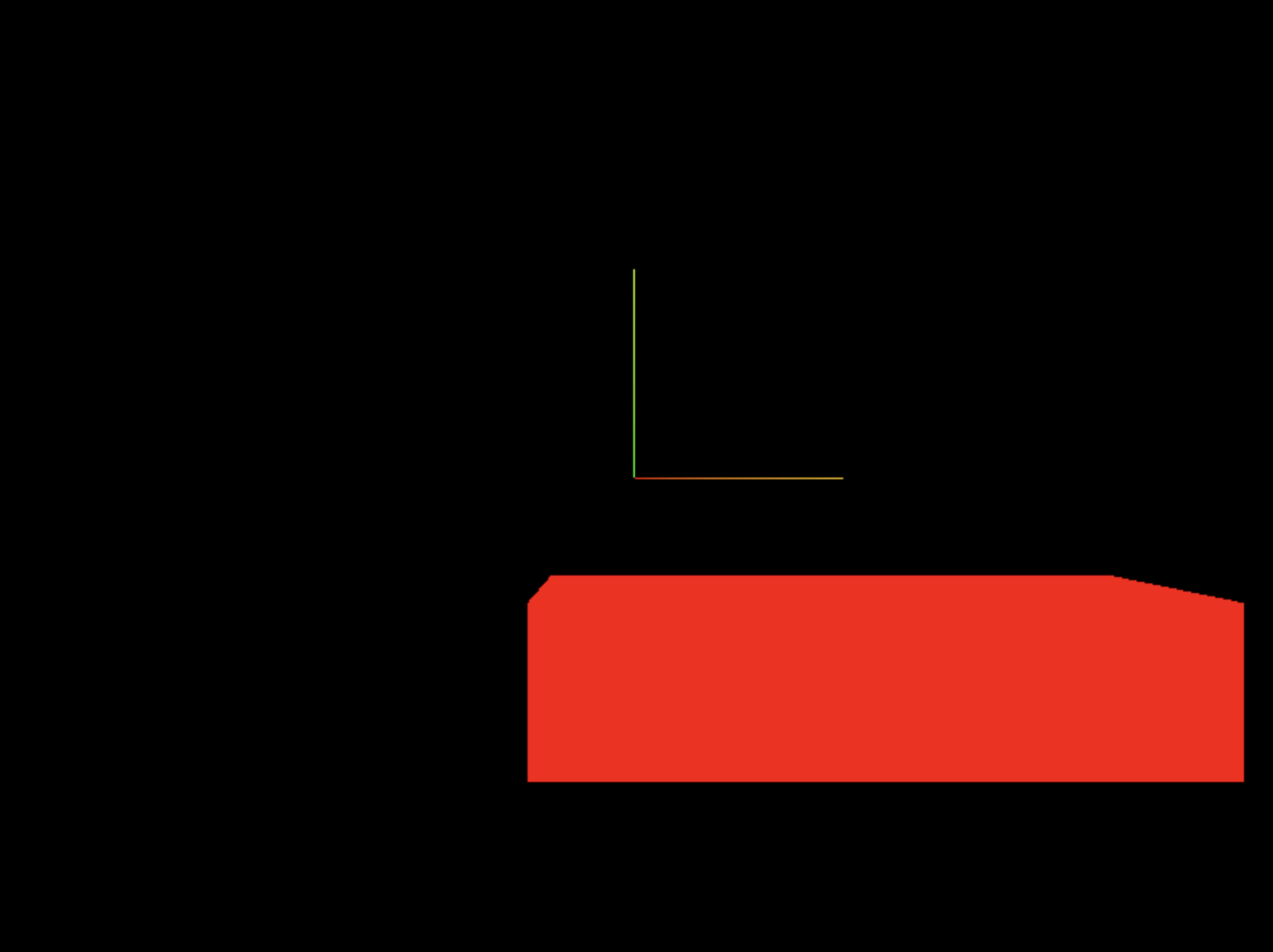
Rotate Objects
rotate는 두 가지 방법이 있음
rotationquaternion
Rotation
- rotation 역시 x, y, z 속성을 갖고 있지만, 이들은 Vector3가 아니라, Euler이다.
단위는 라디안을 사용하므로 Math.PI를 이용
// Rotation
mesh.rotation.x = Math.PI * 0.25;
mesh.rotation.y = Math.PI * 0.25;
Axes order
주의 : x축을 회전하면 다른 축의 방향도 동시에 변함

축은 서로 영향을 받을 수 밖에 없어서gimbal lock 발생 가능 (축이 다른 축에 영향 받아서)
이럴 때는 축 적용 순서를 지정해주면 된다
주의 : reorder 먼저
// Rotation
mesh.rotation.reorder('YXZ')
mesh.rotation.x = Math.PI * 0.25;
mesh.rotation.y = Math.PI * 0.25;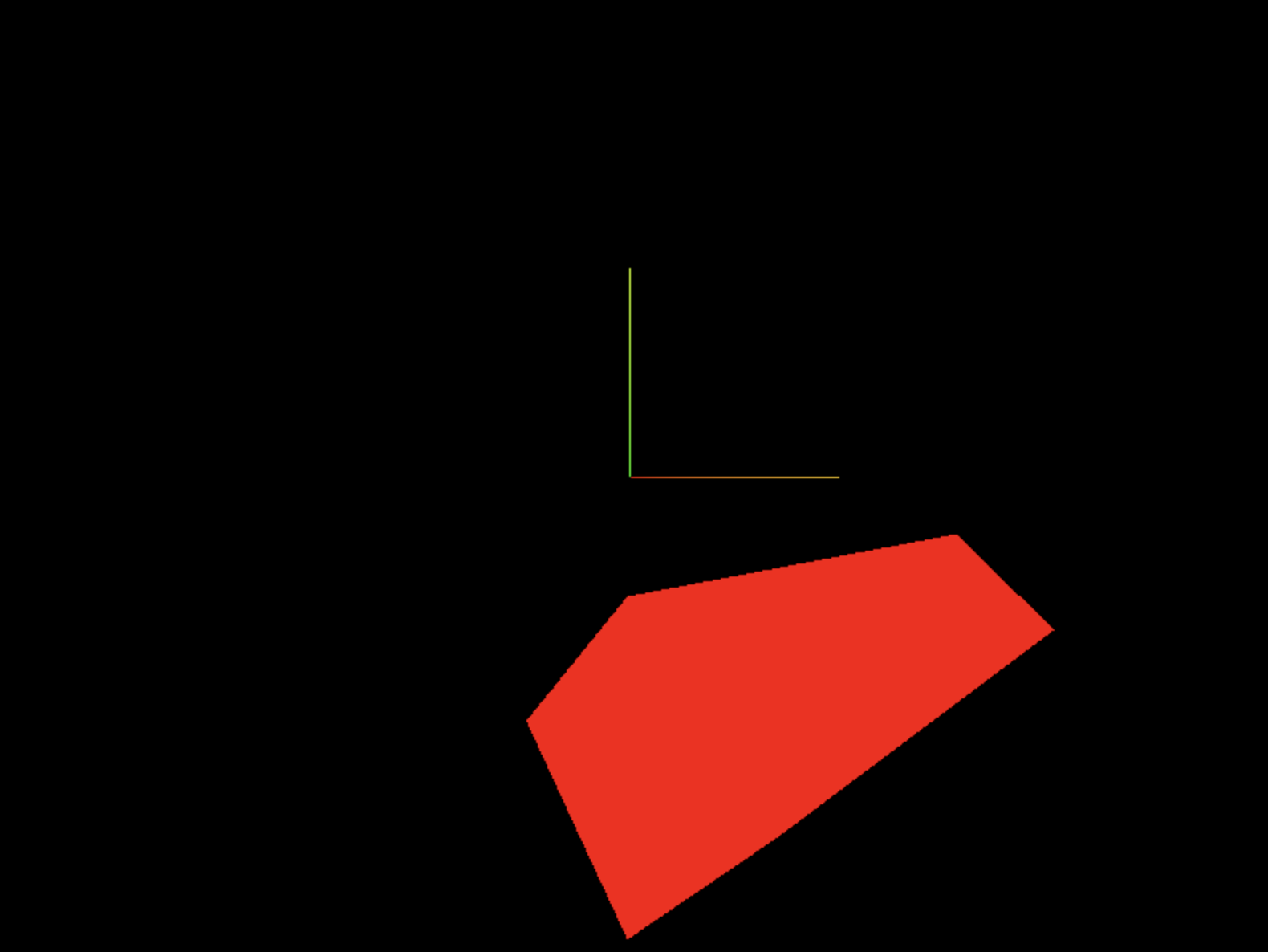
Quaternion
Euler is easy to understand but this axid order can be problematic. This is why most engine sand 3D S/W use Quaternion
also expressess a rotation, but in more 수학적 방법
서로 업데이트
Quaternionupdates ->rotation
rotationupdates ->Quaternion
LookAt
lookAt(...) method rotates the obj. so that its
-zfaces thetargetyou provided.targetmust be a Vector3
이 메서드를 통해 카메라가 어떤 obj를 바라보도록 해줄 수 있다.
ex. 게임에서 플레이어가 어떤 물체 바라보는 시점
인자로 Vector3를 받는다
// 조금 무식한 방식
camera.lookAt(new THREE.Vector3(3, 0, 0));

// posiotion도 vector3이므로
camera.lookAt(mesh.position);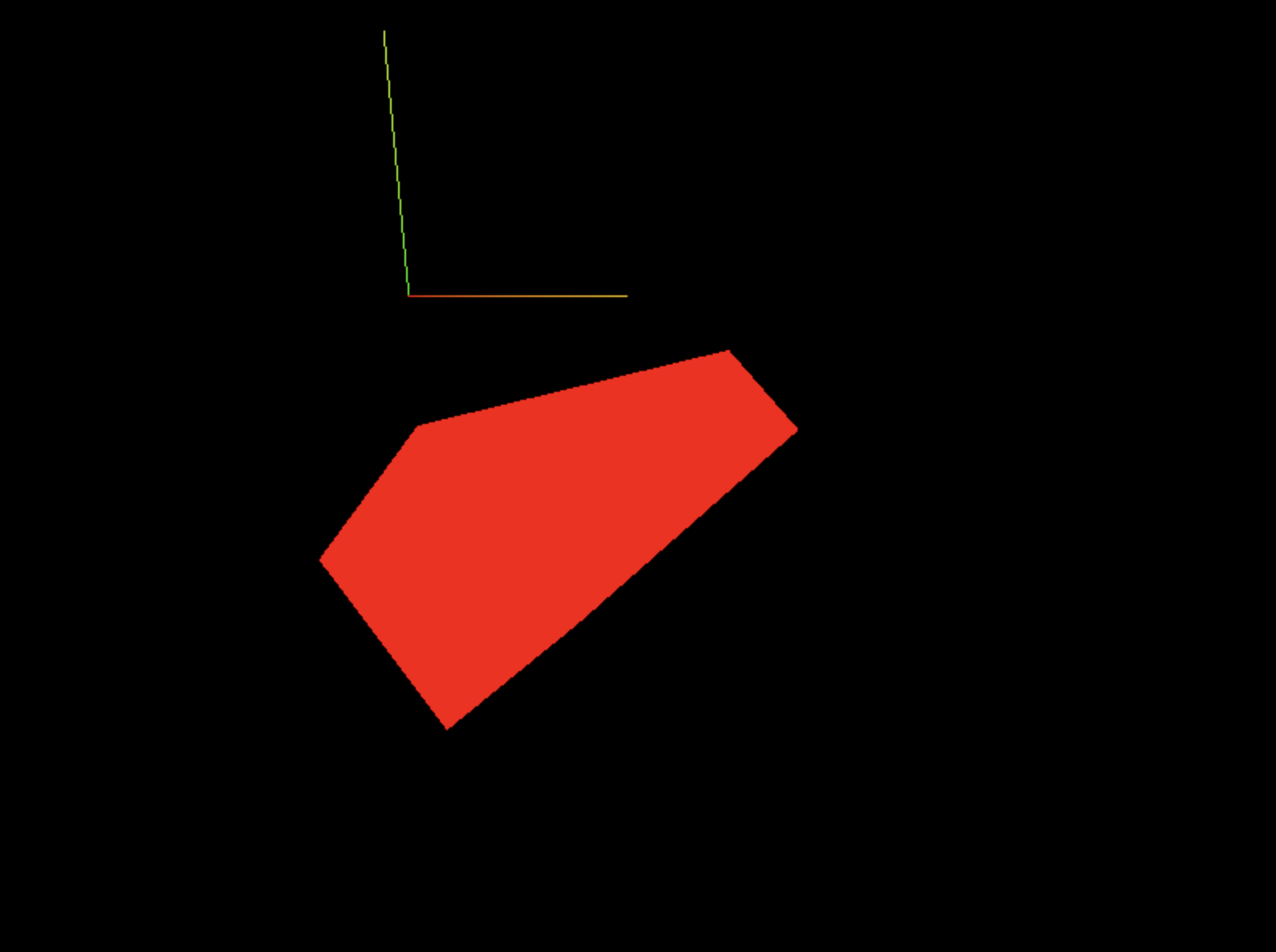
Scene Graph
you can put objs inside groups and use
position,rotation(or quaternion), andscaleon those groups. To do this, use the Group class
Group으로 묶는 습관 들이기!
const group = new THREE.Group();
scene.add(group);

const cube1 = new THREE.Mesh(
    new THREE.BoxGeometry(1, 1, 1),
    new THREE.MeshBasicMaterial({ color: 0xff0000 }),
);
group.add(cube1)

const cube2 = new THREE.Mesh(
    new THREE.BoxGeometry(1, 1, 1),
    new THREE.MeshBasicMaterial({ color: 0x00ff00 }),
);
cube2.position.x = -2;
group.add(cube2)

const cube3 = new THREE.Mesh(
    new THREE.BoxGeometry(1, 1, 1),
    new THREE.MeshBasicMaterial({ color: 0x0000ff }),
);
cube3.position.x = 2;
group.add(cube3)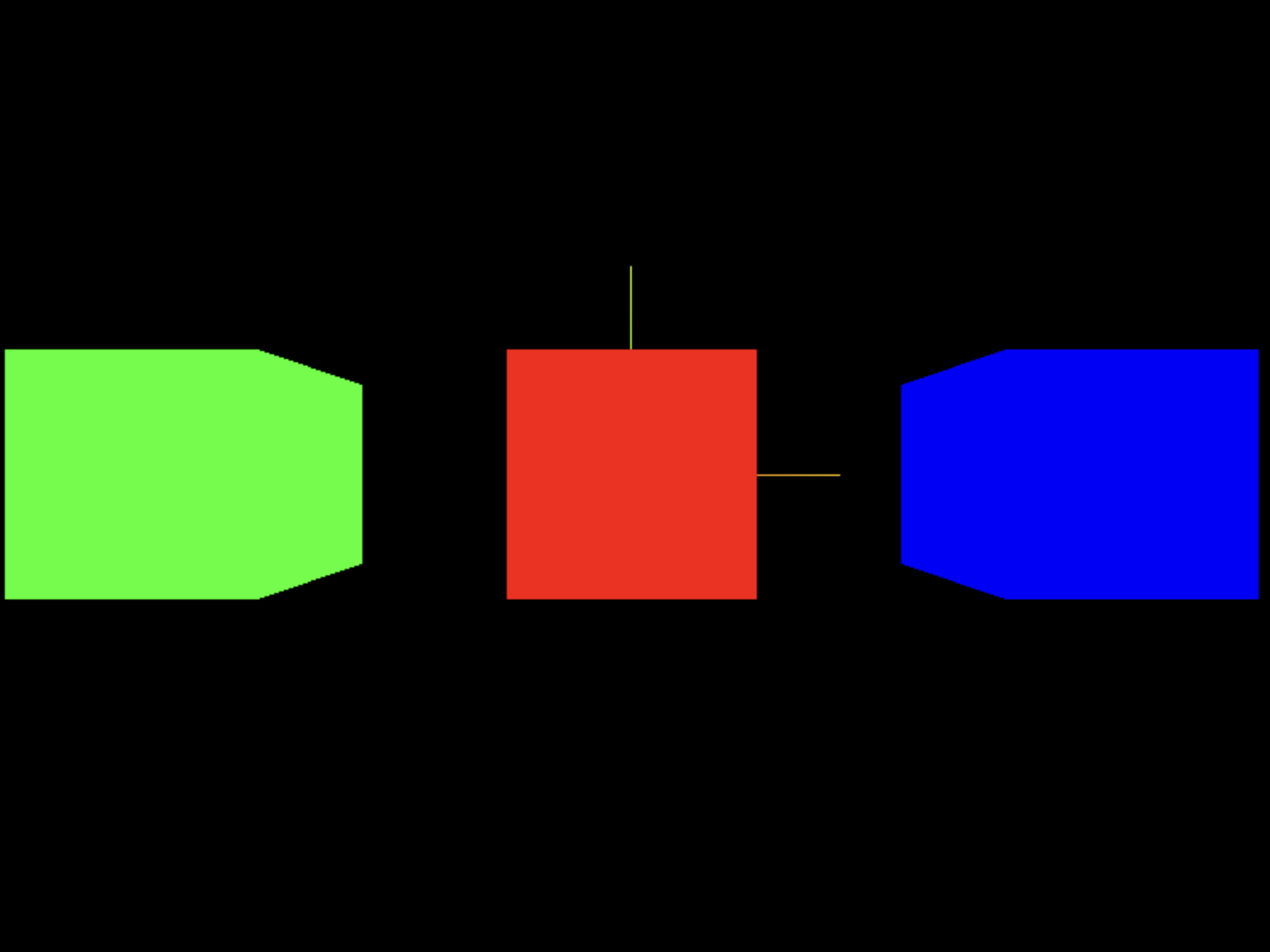
group.position.y = 1;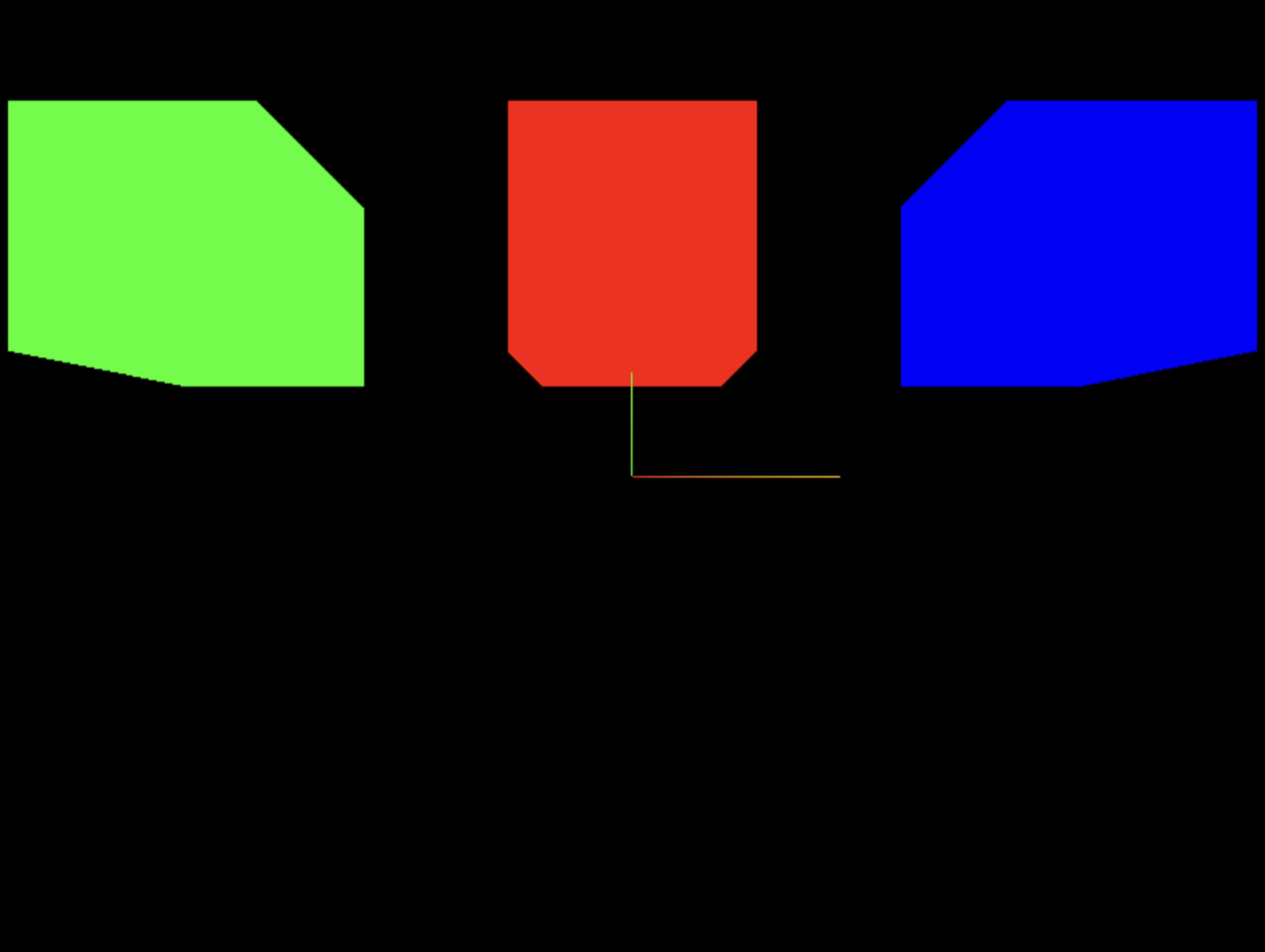
group.position.y = 1;
group.scale.y = 2;
group.position.y = 1;
group.scale.y = 2;
group.rotation.y = 1;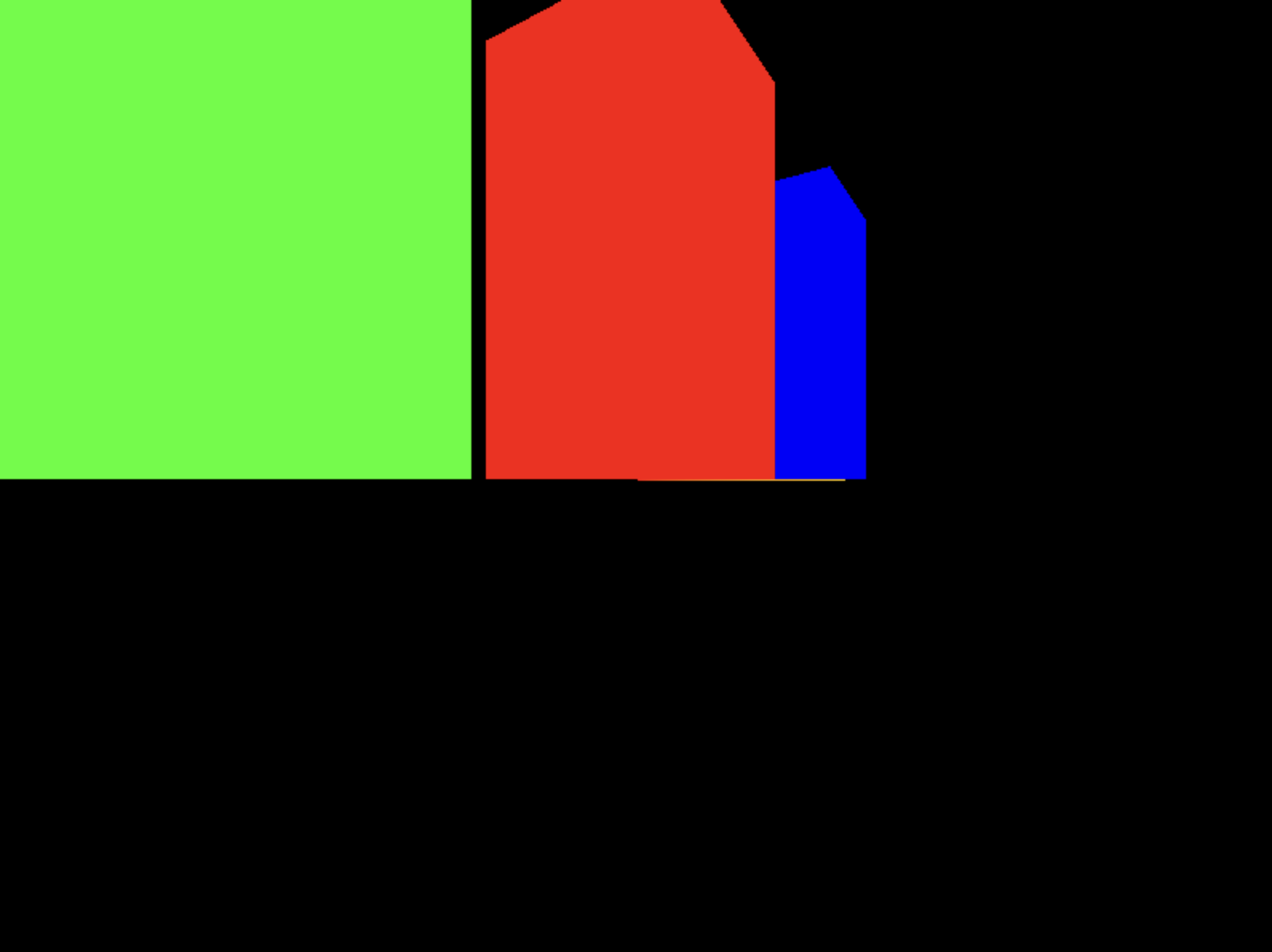
퀴즈 인증