
2주차 수강 진도
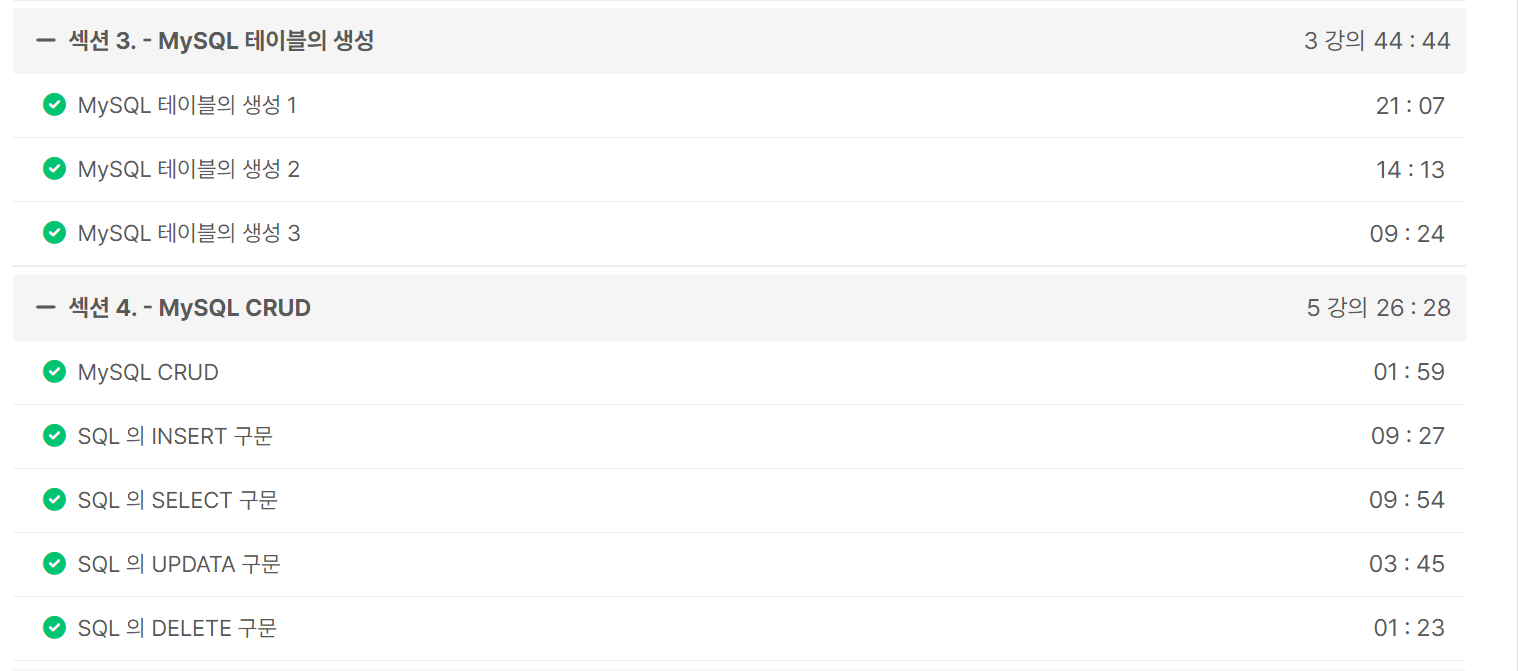
섹션 3. MySQL 테이블의 생성
테이블 생성
CREATE TABLE topic (
	id INT(11) NOT NULL AUTO_INCREMENT,
	title VARCHAR(100) NOT NULL,
	description TEXT NULL,
	created DATETIME NOT NULL,
	author VARCHAR(15) NULL,
	profile VARCHAR(200) NULL,
	PRIMARY KEY(id));
Data Types
- INT, VARCHAR, TEXT, DATATIME 등
NOT NULL
- 내용이 반드시 있어야함
AUTO_INCREMENT
- 자동적으로 증가
PRIMARY KEY
- 각각의 행을 식별하는 식별자 → 고유한 내용 → 중복X
섹션 4. MySQL CRUD
CRUD
- 데이터베이스 필수 기능: Create, Read
- 데이터베이스 선택 기능: Update, Delete
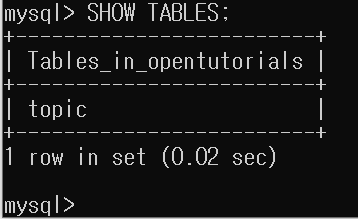
table 모아보기
SHOW TABLES;table 구조 보기
DESC topics;- Create
TABLE 행 추가
INSERT INTO topic (title, description, created, author, profile)
VALUES('MySQL', 'MySQL is...', NOW(), 'egoing', 'developer');

INSERT INTO topic (title, description, created, author, profile)
VALUES('ORACLE', 'ORACLE is', NOW(), 'egoing', 'developer');

INSERT INTO topic (title, description, created, author, profile)
VALUES('SQL Server', 'SQL Server is...', NOW(), 'duru', 'datebase administrator');

INSERT INTO topic (title, description, created, author, profile)
VALUES('PostgreSQL', 'PostgreSQL is...', NOW(), 'taeho', 'datebase scientist, developer');

INSERT INTO topic (title, description, created, author, profile)
VALUES('MongoDB', 'MongoDB is...', NOW(), 'egoing', 'developer');
- Read
- SELECT → 가장 많이 사용됨.
전체 행 출력
SELECT * FROM topic;선택한 목록만 출력
- FROM 생략 가능
SELECT id, title, created, author FROM topic;WHERE (필터링)
SELECT id, title, created, author FROM topic WHERE author = 'egoing';ORDER BY (정렬)
‘id’를 기준으로 DESC (내림차순)
SELECT id, title, created, author FROM topic WHERE author = 'egoing' ORDER BY id DESC;LIMIT (출력 행 개수 제한)
SELECT id, title, created, author FROM topic WHERE author = 'egoing' ORDER BY id DESC LIMIT 2;- Update
❗ WHERE 조심하기
UPDATE topic SET description = 'Oracle is...', title = 'Oracle' WHERE id = 2;- Delete
❗ WHERE 조심하기
DELETE FROM topic WHERE id = 5;