1. Animation(frame by frame)
- html
<!DOCTYPE html>
<html lang="en">

<head>
  <meta charset="UTF-8">
  <meta name="viewport" content="width=device-width, initial-scale=1.0">
  <meta http-equiv="X-UA-Compatible" content="ie=edge">
  <title>Interactive Web</title>
  <style>
    body {
      background: #222;
    }

    @keyframes spaceship-ani {
      to {
        /* to == 100% */
        background-position: -2550px 0;
        /* x y 축 (y 축은 변화 필요 x)
        5100/2 == 2550
        */
      }
    }

    .spaceship {
      width: 150px;
      height: 150px;
      background: url('images/sprite_spaceship.png') no-repeat 0 0 / auto 150px;
      /* / w h 값 중 하나만 정해주면 나머지는 outo 자동계산*/
      animation: spaceship-ani 1.5s infinite steps(17);
      /* steps를 활용해 단계별로 이미지 나오게 */
    }
  </style>
</head>

<body>
  <div class="spaceship"></div>
</body>

</html>- 이미지 스프라이트(Image Sprite) 사용

일정 간격씩 이동시키면서 frame by frame Animation 표현
각 이미지 크기: 300px * 300px
전체 이미지 width: 5100px
- Animation 동작
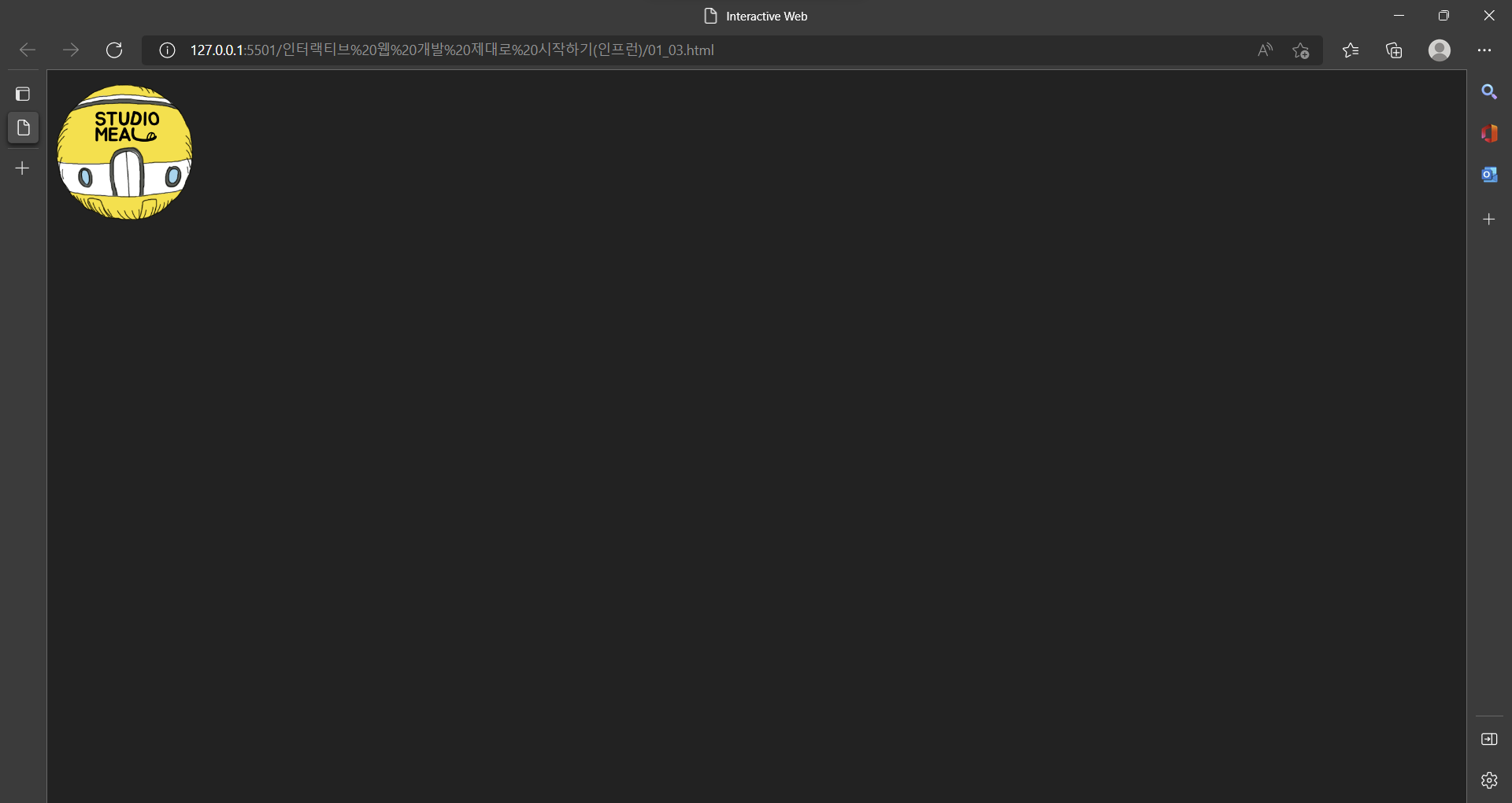
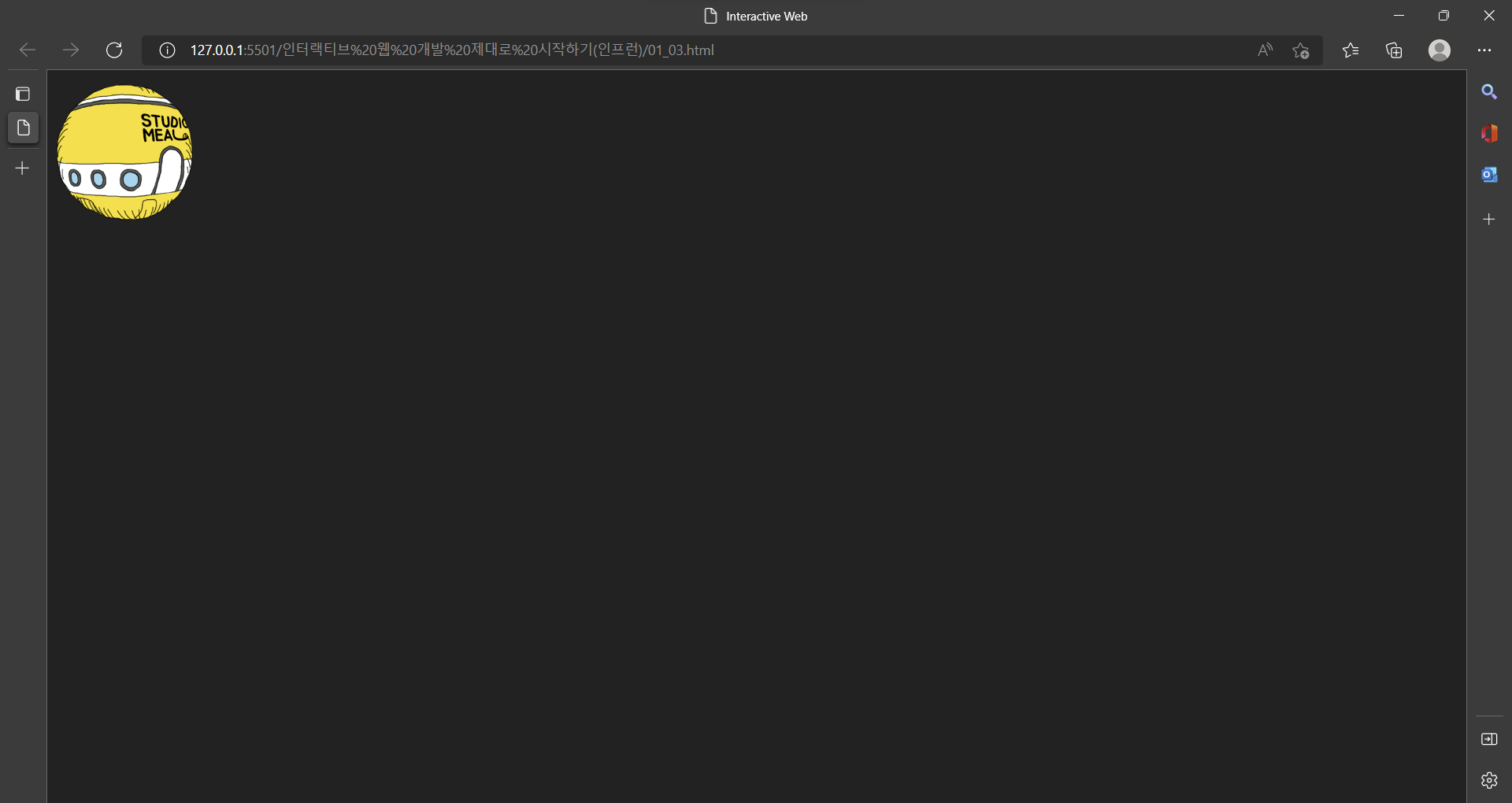
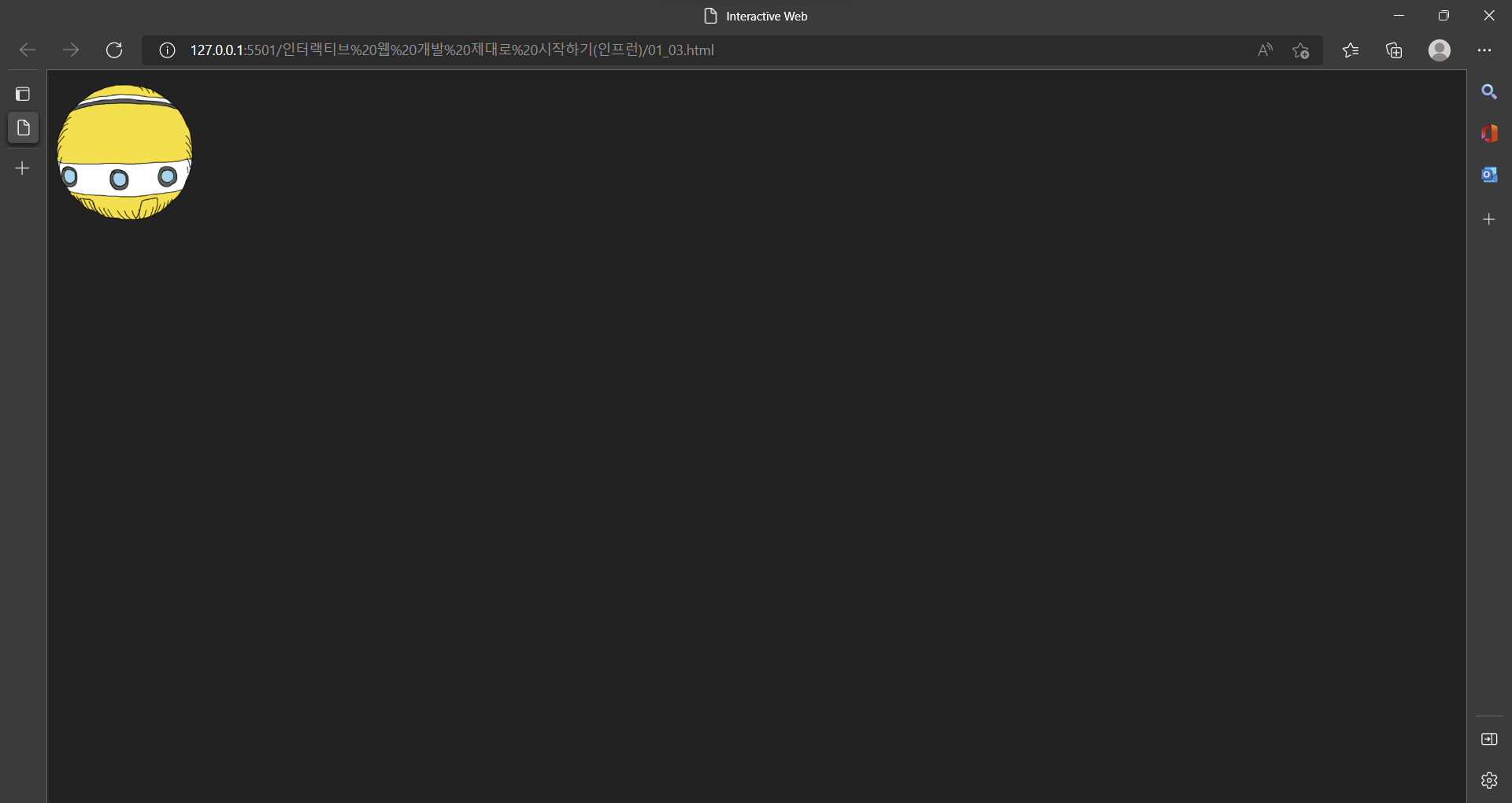
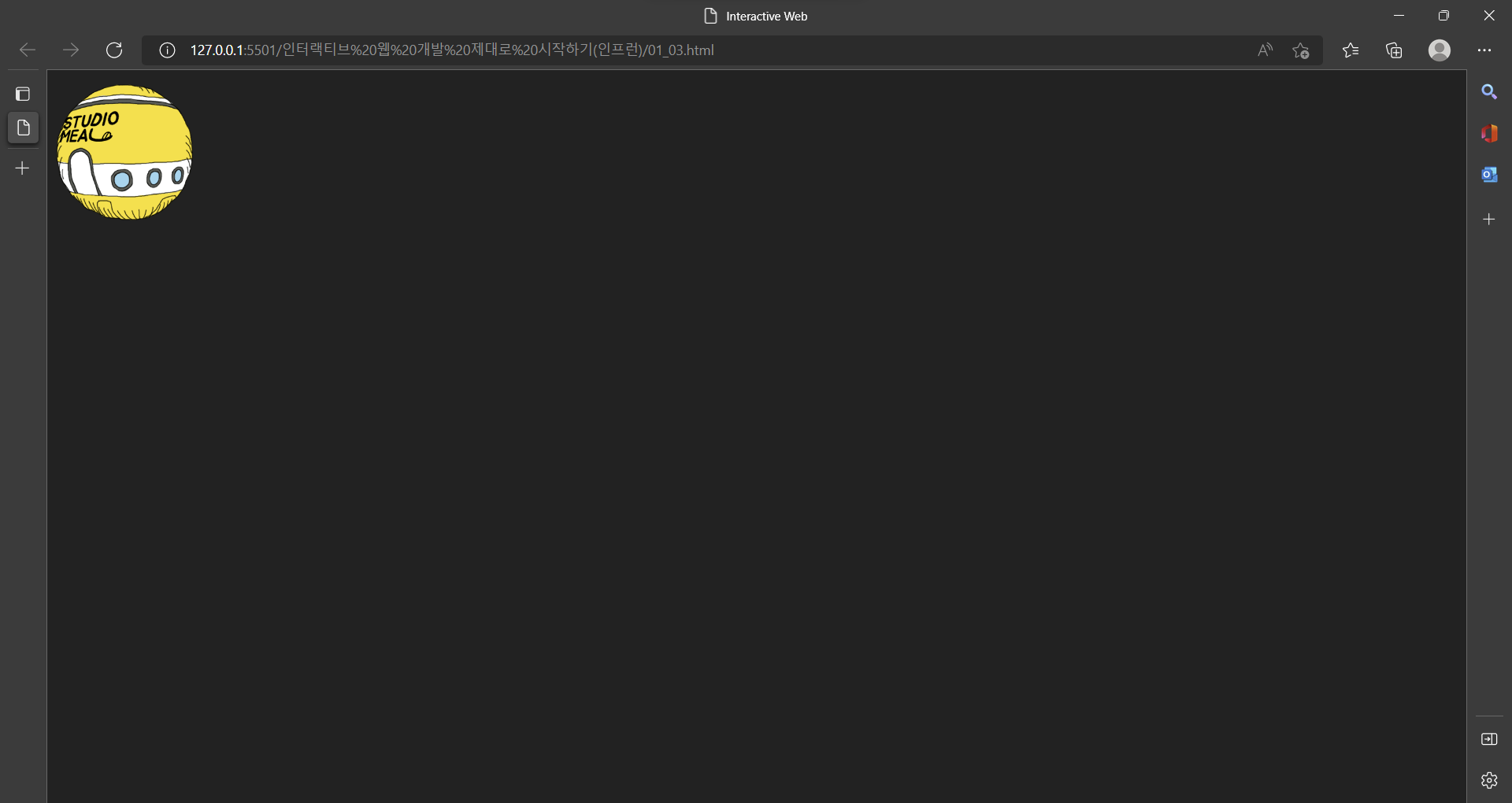
<style>
    body {
      background: #222;
    }

    @keyframes spaceship-ani {
      to {
        /* to == 100% */
        background-position: -2550px 0;
        /* x y 축 (y 축은 변화 필요 x)
        5100/2 == 2550
        */
      }
    }

    .spaceship {
      width: 150px;
      height: 150px;
      background: url('images/sprite_spaceship.png') no-repeat 0 0 / auto 150px;
      /* / w h 값 중 하나만 정해주면 나머지는 outo 자동계산*/
      animation: spaceship-ani 1.5s infinite steps(17);
      /* steps를 활용해 단계별로 이미지 나오게 */
    }
  </style>
background: 이미지 설정
- 이미지 크기 300px * 300px 이지만 300px / 2 = 150px로 사용
=> 고해상도 이미지 사용하기 위해 width: 150px & height: 150px 로 설정
- background: url('images/sprite_spaceship.png') no-repeat 0 0 / auto 150px;
=>
background-image: url('images/sprite_spaceship.png');
background-repeat: no-repeat; == 반복x
background-position: 0 0; == top left
- background 이미지 크기 설정
/ auto 150px; == (width, height)
== background size 설정은 슬래쉬(/)로 구분
== width, height 중 빠르게 계산되는 값 설정 후 나머지는 auto로 자동계산
Animation ex)
- animation: spaceship-ani 1.5s infinite steps(17);
=>
animation-duration: 1.5s; == 1.5초 동안 실행
animation-iteration-count: infinite; == 무한루프
animation-timing-function: steps(17);
== steps(css animation 속성)를 활용해 단계별로 이미지 나오게(17개 이미지)- steps 사용 안하면 긴 이미지가 연속적으로 흘러가는 듯 보임
Animation keyframes
Animation 효과를 사용하려면 keyframes 사용
 <style>
    @keyframes spaceship-ani {
      to {
        /* to == 100% */
        background-position: -2550px 0;
        /* x y 축 (y 축은 변화 필요 x)
        5100/2 == 2550
        */
      }
    }
  </style>
- background-position: -2550px 0; == x y 값 (y 축은 변화 필요 x)
=> 고해상도 이미지 사용하기 위해 5100px / 2 = 2550px 로 설정
from { background-position: 0 0; }
to { background-position: -2550px 0; }
0에서 -2550 까지
- -2550 까지인 이유
<---------
화살표 방향으로 애니메이션 진행
시작점 = 0px
진행 될 수록 이미지 크기인 150px 씩 마이너스
마지막 = -2550(-150 * 7)
- Animation의 실행 퍼센트 마다 효과를 입힐 수 있다.
- from(0%) ~ to(100%)로 설정 가능
이창목