1. 오늘 배운 내용(키워드)
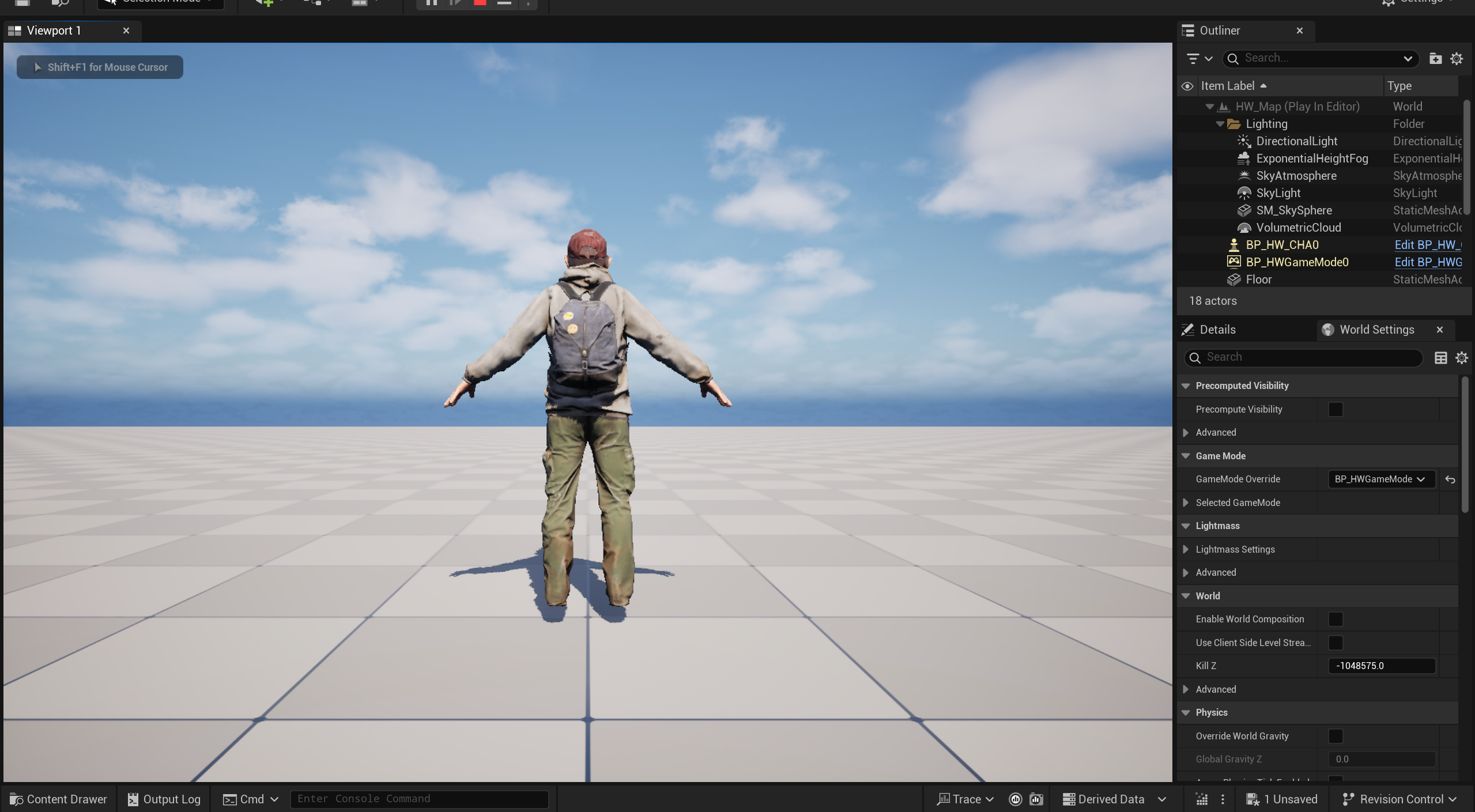
오늘 7번째 과제를 진행하였다. 일반적으로 캐릭터를 만들 때 Character 클래스를 이용하는데 이번 과제에서는 Pawn 클래스로 캐릭터를 만드는 것이 목표이다.
Character 클래스와 Pawn 클래스의 차이는 Pawn 클래스가 상위 개념이라고 볼수 있으며, Character 클래스에는 기본적으로 캐릭터를 구현할 수 있는 기능(이동, 점프 등)을 가지고 있다. Pawn 클래스에서는 그러한 기능을 일일이 구현해야 한다.
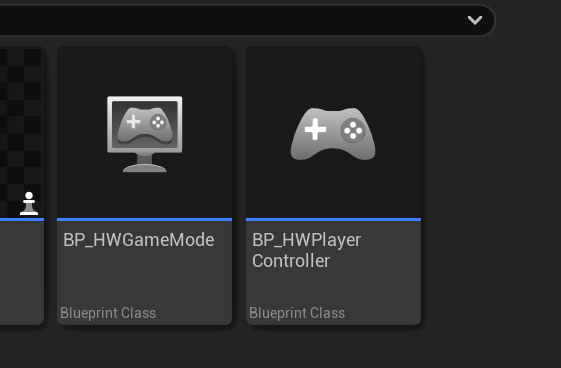
먼저 게임 모드를 위한 클래스를 생성하고
이어서 게임 모드와 연결되어 게임 조작을 위한 입력을 담당한 컨트롤러 클래스를 생성하였다.
-
각 클래스를 생성하였다.
-
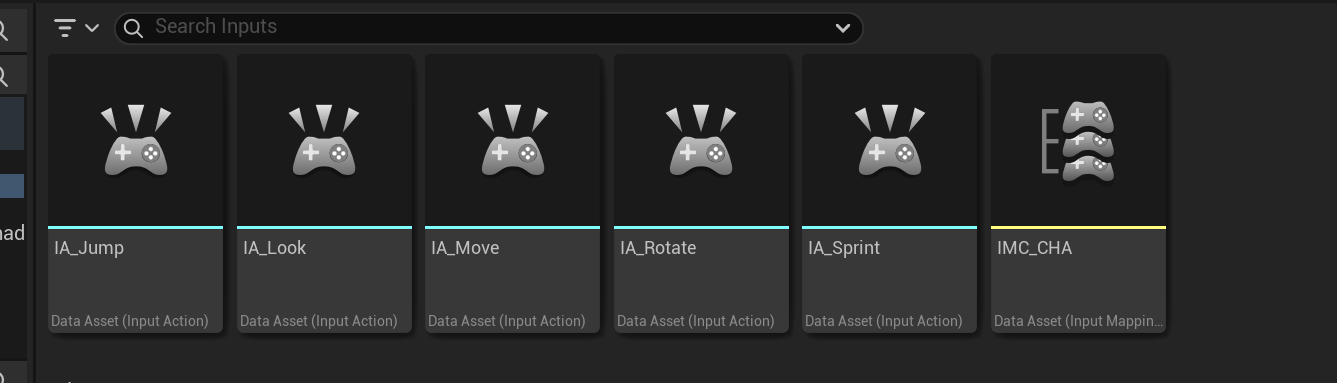
입력키도 매핑할 수 있도록 인풋액션과 인풋매핑컨텍스트도 만들었다.
-
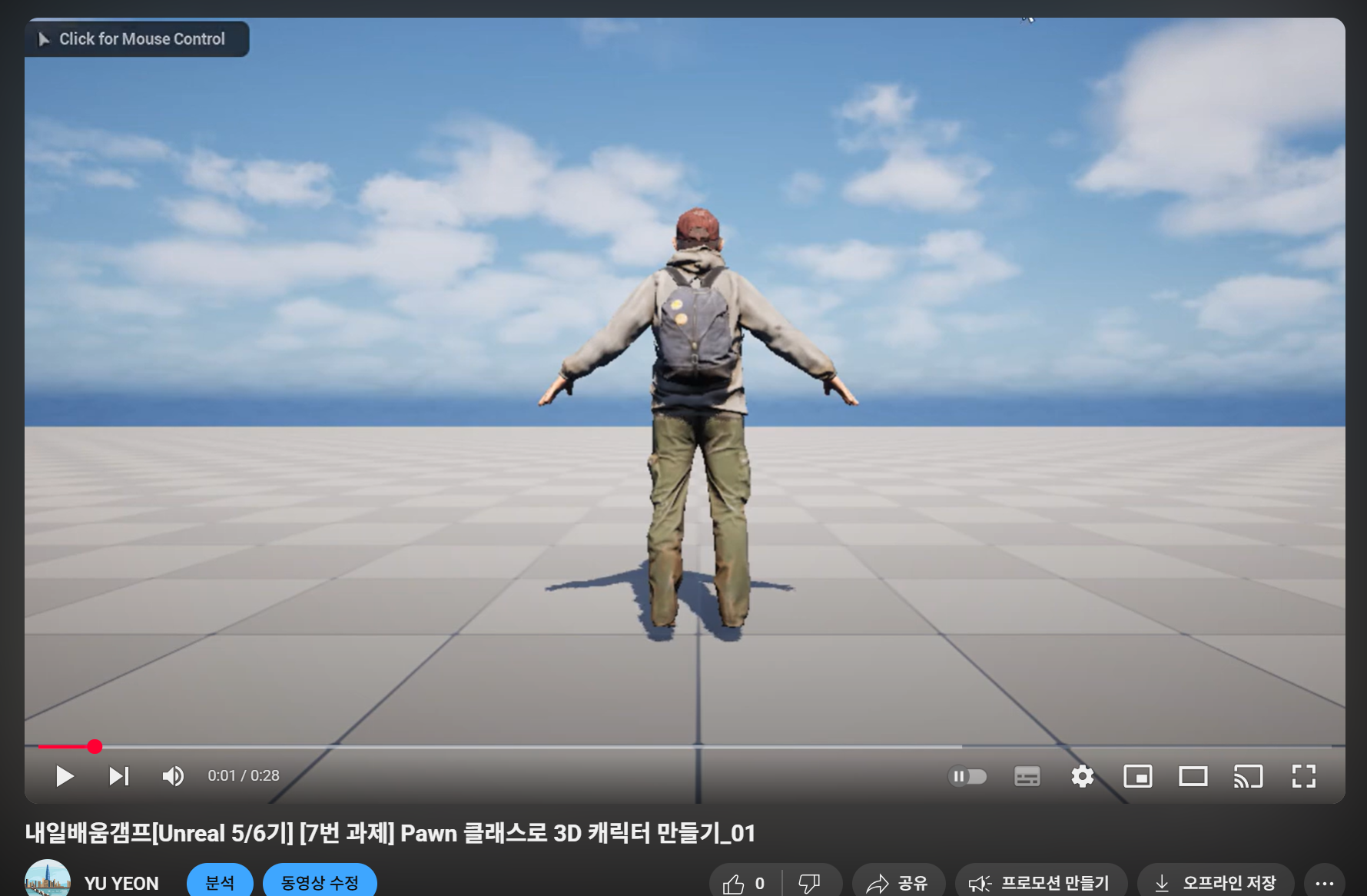
스켈레탈 메시도 입혀 캐릭터를 레벨에 배치하였다.
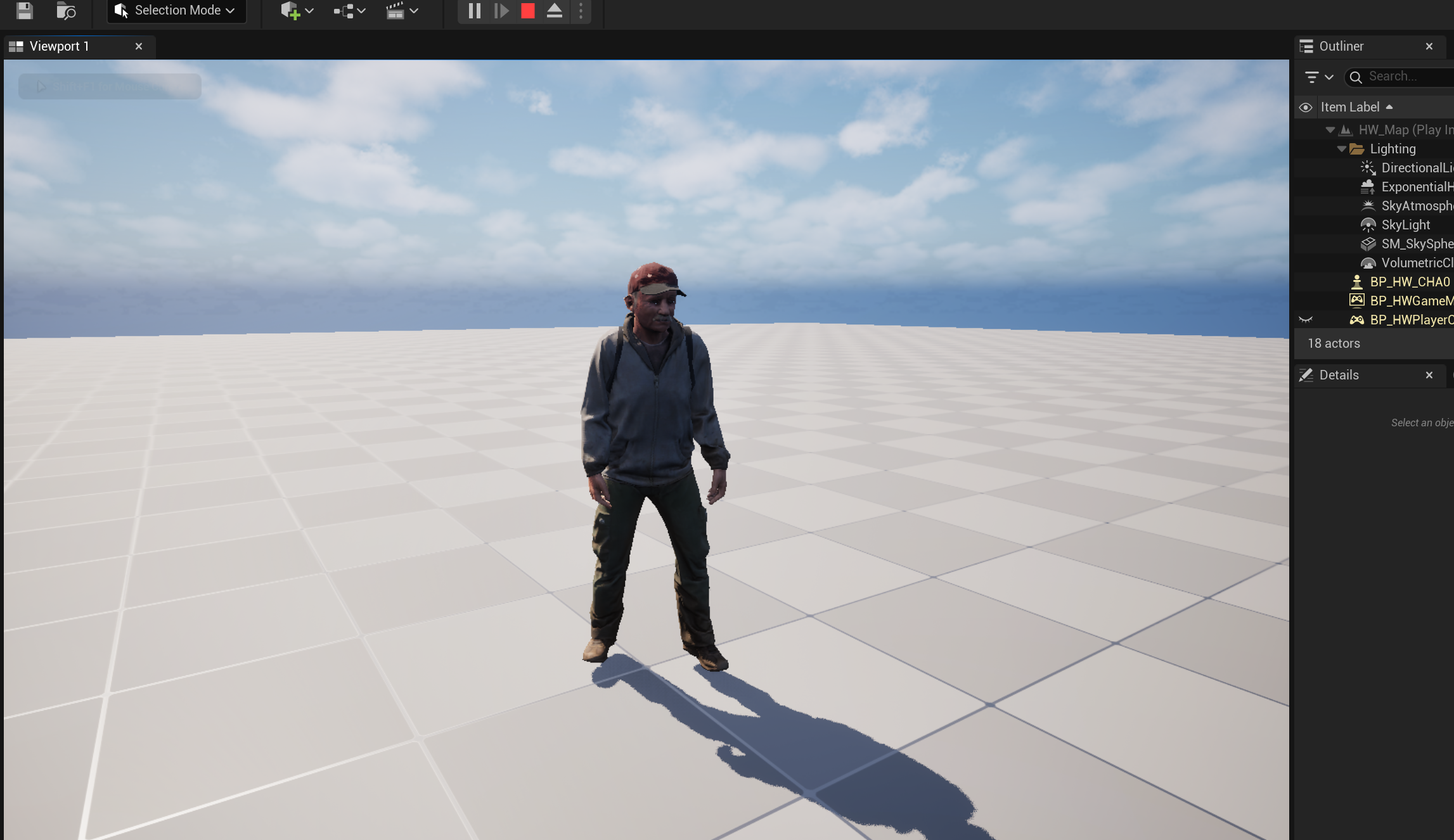
- 캐릭터 소스파일을 작성하였다.
#include "HW_CHA.h"
#include "HWPlayerController.h"
#include "EnhancedInputComponent.h"
#include "Components/CapsuleComponent.h"
#include "Camera/CameraComponent.h"
#include "GameFramework/SpringArmComponent.h"


AHW_CHA::AHW_CHA()
{
	PrimaryActorTick.bCanEverTick = true;

	CapsuleComp = CreateDefaultSubobject<UCapsuleComponent>(TEXT("Capsule"));
	CapsuleComp->InitCapsuleSize(42.f, 96.f);
	RootComponent = CapsuleComp;

	SkeletalMeshComp = CreateDefaultSubobject<USkeletalMeshComponent>(TEXT("SkeletalMesh"));
	SkeletalMeshComp->SetupAttachment(RootComponent);
	SkeletalMeshComp->SetSimulatePhysics(false);

	SpringArmComp = CreateDefaultSubobject<USpringArmComponent>(TEXT("SpringArm"));
	SpringArmComp->SetupAttachment(RootComponent);
	SpringArmComp->TargetArmLength = 300.0f;
	SpringArmComp->bUsePawnControlRotation = true;

	CameraComp = CreateDefaultSubobject<UCameraComponent>(TEXT("Camera"));
	CameraComp->SetupAttachment(SpringArmComp, USpringArmComponent::SocketName);
	CameraComp->bUsePawnControlRotation = false;

	FloatingMovement = CreateDefaultSubobject<UFloatingPawnMovement>(TEXT("FloatingMovement"));
}


void AHW_CHA::BeginPlay()
{
	Super::BeginPlay();

}

void AHW_CHA::Tick(float DeltaTime)
{
	Super::Tick(DeltaTime);
}

void AHW_CHA::SetupPlayerInputComponent(UInputComponent* PlayerInputComponent)
{
	Super::SetupPlayerInputComponent(PlayerInputComponent);


	if (UEnhancedInputComponent* EnhancedInput = Cast<UEnhancedInputComponent>(PlayerInputComponent))
	{
		if (AHWPlayerController* PlayerController = Cast<AHWPlayerController>(GetController()))
		{
			if (PlayerController->MoveAction)
			{
				EnhancedInput->BindAction(PlayerController->MoveAction, ETriggerEvent::Triggered, this, &AHW_CHA::Move);
			}

			if (PlayerController->JumpAction)
			{
				EnhancedInput->BindAction(PlayerController->JumpAction, ETriggerEvent::Triggered, this, &AHW_CHA::StartJump);
			}

			if (PlayerController->JumpAction)
			{
				EnhancedInput->BindAction(PlayerController->JumpAction, ETriggerEvent::Completed, this, &AHW_CHA::StopJump);
			}

			if (PlayerController->LookAction)
			{
				EnhancedInput->BindAction(PlayerController->LookAction, ETriggerEvent::Triggered, this, &AHW_CHA::Look);
			}

			if (PlayerController->SprintAction)
			{
				EnhancedInput->BindAction(PlayerController->SprintAction, ETriggerEvent::Triggered, this, &AHW_CHA::StartSprint);
			}

			if (PlayerController->SprintAction)
			{
				EnhancedInput->BindAction(PlayerController->SprintAction, ETriggerEvent::Completed, this, &AHW_CHA::StopSprint);
			}

			if (PlayerController->RotateAction)
			{
				EnhancedInput->BindAction(PlayerController->RotateAction, ETriggerEvent::Triggered, this, &AHW_CHA::Rotate_CHA);

			}


		}
	}

}

void AHW_CHA::Move(const FInputActionValue& value)
{
	if (!Controller) return;

	const FVector2D MoveInput = value.Get<FVector2D>();

	if (MoveInput.IsZero()) return;

	FVector Movement = FVector(MoveInput.X, MoveInput.Y, 0.f) * MoveSpeed * GetWorld()->GetDeltaSeconds();
	AddActorLocalOffset(Movement, true);
}

void AHW_CHA::StartJump(const FInputActionValue& value)
{

}
void AHW_CHA::StopJump(const FInputActionValue& value)
{

}

void AHW_CHA::Look(const FInputActionValue& value) //마우스 시점 변경
{
	FVector2D LookInput = value.Get<FVector2D>();

	AddControllerYawInput(LookInput.X);
	AddControllerPitchInput(LookInput.Y);
}
void AHW_CHA::StartSprint(const FInputActionValue& value) //달리기 시작
{

	MoveSpeed = NormalSpeed * SprintSpeedMultiplier;
}
void AHW_CHA::StopSprint(const FInputActionValue& value) //달리기 종료
{
	MoveSpeed = NormalSpeed;
}

void AHW_CHA::Rotate_CHA(const FInputActionValue& value) //캐릭터 회전 구현
{
	FVector2D RotateInput = value.Get<FVector2D>();

	if (!FMath::IsNearlyZero(RotateInput.X))
	{
		FRotator DeltaRotation(0.f, RotateInput.X * RotationSpeed * GetWorld()->GetDeltaSeconds(), 0.f);
		AddActorLocalRotation(DeltaRotation); // 현재 회전에 상대적으로 회전 추가
	}
}
키 바인딩 함수와 이동을 위한 각종 함수(이동, 달리기, 회전, 점프 등)을 구현하였다. 점프는 캐릭터는 Jump()함수로 한 번에 해결하다가 Pawn 클래스로는 세부적인 구현을 하려하니 어려워 일단 만들지 않았다.
작업은 어려웠던 부분이 이동 함수였다.
캐릭터 이동함수가 캐릭터 기준으로 움직이도록 설정이 되어야하는데 맵 기준으로 설정된것 같아 회전을 해도 회전해서 바뀐 앞으로 가지 않고 맵 기준으로 고정된 방향으로 이동하는 것 같았다. 코드를 작성할때 기준점이 월드기준인지 캐릭터 기준인지 확인을 하고 작성해야겠다.
- 테스트 영상
스크린샷을 클릭하면 영상을 볼 수 있습니다.
2. 느낀점
캐릭터 클래스로 만들지 않고 폰 클래스로 만드니 코드 입력이 많아지고 복잡해지는 것 같다. 캐릭터 처럼 많은 기능을 구현해보도록 해야겠다.
3. 내일 학습할 것
6번 과제 마무리 및 제출, 7번 과제 캐릭터 애니매이션 추가해보기