오늘의 목표 : 데이터 수집 다 끝내기ㅠㅠ
7장. PJ1_악성코드 탐지 모델(데이터 수집)
악성코드 수집
계속 기다려도 HybridAnalysis 사이트에서 악성코드 다운로드 허가를 내어주지 않았다.. 너무해..
그래서 그냥 깃허브에 있는 theZoo에서 악성코드를 다운로드 받는 코드를 작성하였다.
크롤링 못써먹어서 아쉽지만.. 그래도 나는 노력했다.. 다음에 다른 프로젝트 때 해야징~
import os
import subprocess
import random
from zipfile import ZipFile
import shutil

# TheZoo GitHub Repository
THEZOO = "https://github.com/ytisf/theZoo.git"
DOWNLOAD_FOLDER = "./malware_samples"

# Clone the repository
def clone_theZoo():
    if not os.path.exists("theZoo"):
        print("Cloning TheZoo repository...")
        subprocess.run(["git", "clone", THEZOO], check=True)
    else:
        print("Already Cloned! :)")

# List of malware directories
def get_malware_list():
    binaries_path = "theZoo/malware/Binaries/"
    if not os.path.exists(binaries_path):
        print(f"Error: The path {binaries_path} does not exist.")
        return []

    # Look for .zip files or specific binary files
    malware_list = [os.path.join(binaries_path, file) for file in os.listdir(binaries_path) if file.endswith(".zip")]
    if len(malware_list) == 0:
        print("No zip files found, checking for binary files.")
        # Add logic to handle non-zip files if necessary, e.g., list all files
        malware_list = [os.path.join(binaries_path, file) for file in os.listdir(binaries_path)]

    print(f"Found {len(malware_list)} malware samples.")
    return malware_list

# Download and decrypt
def download_samples(sample_folder=DOWNLOAD_FOLDER):
    malware_list = get_malware_list()
    if not malware_list:
        return

    # Randomly shuffle the malware list
    random.shuffle(malware_list)

    # Ensure the download folder exists
    os.makedirs(sample_folder, exist_ok=True)

    for idx, malware_path in enumerate(malware_list, start=1):
        malware_name = os.path.basename(malware_path)
        print(f"[{idx}/{len(malware_list)}] Processing: {malware_name}")

        # Locate the zip file
        for file in os.listdir(malware_path):
            if file.endswith(".zip"):
                source = os.path.join(malware_path, file)
                destination = os.path.join(sample_folder, f"{malware_name}.zip")

                # Copy and decrypt
                print(f"Copying {file} to {sample_folder}...")
                shutil.copy(source, destination)

                # Decrypt (password : 'infected')
                try:
                    with ZipFile(destination) as zip_file:
                        malware_output_folder = os.path.join(sample_folder, malware_name)
                        os.makedirs(malware_output_folder, exist_ok=True)
                        print(f"Decrypting {file}...")
                        zip_file.extractall(malware_output_folder, pwd=b'infected')
                    print(f"Decryption complete for {malware_name}.")
                except Exception as e:
                    print(f"Error during decryption of {malware_name}: {e}")

# Main Function
if __name__ == "__main__":
    # Step 1: Clone the repository
    clone_theZoo()

    # Step 2: Download and decrypt
    download_samples()

    print(f"Finish!! :> Samples stored in {DOWNLOAD_FOLDER}.")
작성한 코드는 대충 이렇다. 살짝(보다 조금 더) gpt의 힘을 빌리긴 했지만, 그래도..ㅎㅎ
우선 암호도 'infected'로 다 풀고 다운로드를 받아 좀 손쉽게 파일들을 다룰 수 있도록 하였다. 근데 너무 무섭다 후덜덜.. 가성머신이긴 하지만.. 무서운걸..~
저장만 하는건 괜찮겠지? 끝나면 바로 삭제해야겠다..
총 259개의 샘플을 다운받을 수 있었다.

정상 프로그램 수집
응용 프로그램을 제공하는 자료실 사이트에서 다양한 프로그램을 포터블 형태로 묶어 제공하는 프로그램을 설치하여 정상 프로그램을 수집하려고 한다.
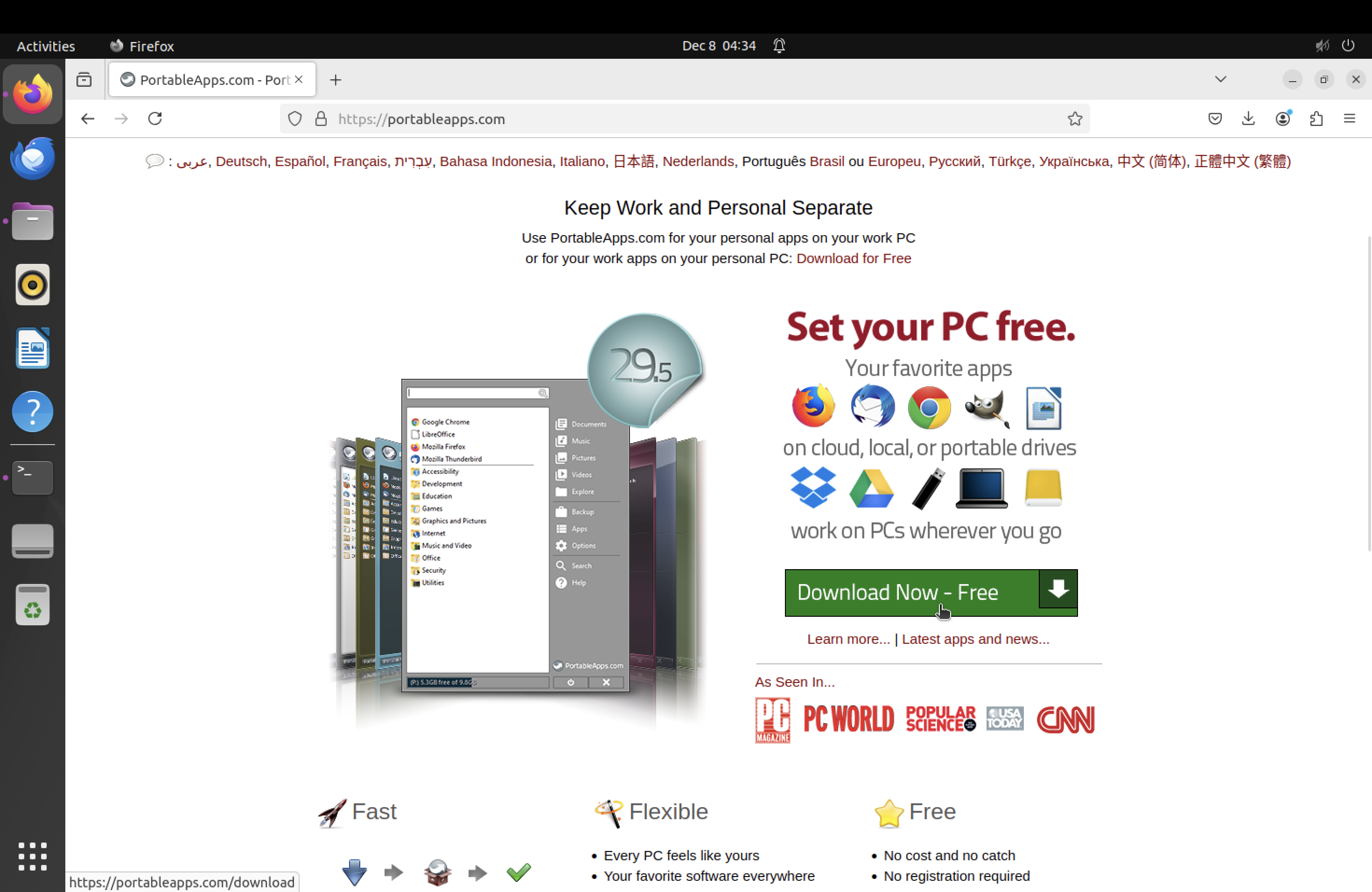
다음의 사이트에서 다운로드를 받았는데, PortableApps.com_Platform_Setup_29.5.3.paf.exe 파일이 다운받아졌다.
나는 우분투에서 가상환경을 돌리고 있기 때문에,
sudo dpkg --add-architecture i386
sudo apt update
sudo apt install wine64 wine32
winecfg
하려고 했는데 이거 arm에서 안돌아간다고 해서 box86으로 돌릴 예정이다.
sudo apt update
sudo apt install build-essential cmake git libx11-dev
git clone https://github.com/ptitSeb/box86.git
cd box86
mkdir build
cd build
cmake ..
make -j$(nproc)
sudo make install
계속되는 오류에 너무 화가나서
그냥 다른 사이트 사용하기로 결정!
멘탈이 너무 터지네ㅠ
정상 프로그램을 크롤링하는 코드를 작성하면 어떨까라는 생각을 하게 되었다.
마음에 드는 사이트는 filehippo.
열심히 분석해봤는데,
파일 이름들이 적혀있는 페이지
https://filehippo.com/popular/
https://filehippo.com/popular/2/
뒤에 1씩 늘어나서 페이지를 변경할 수 있음.
다운로드 링크형식은 아래와 같음.
https://filehippo.com/download_winrar-64/post_download/?dt=internalDownload
저기 winrar-64가 파일 저장된이름임.
(사이트에 들어가자마자 다운로드 받아진다)
앞에 이름들을 리스트로 저장한다음.
download_{list}/post_download/?dt=internalDownload
형식을 따르면 되지 않을까?
다운로드 받을 때 디렉토리를 지정해주고, 반복시키면 가능할 것 같다.
코드도 다 작성했는데!!!!!!
robot.txt를 확인해보니까 금지되어있는 것 같아서 포기했다 ㅎㅎ
나 진짜 어떻게 하지..? 정상 프로그램을 어떻게 찾지
....진짜.. 진짜 이렇게 허망할 수가 없다.
https://github.com/bjpublic/Ai-learnsecurity?tab=readme-ov-file
실습코드 다운받았던 곳에..
악성코드도 다 있었다.
진짜 개화난다.
악성코드는 다운받았으니까, 정상 프로그램만 저장해야겠다..ㅎ
지도학습을 위한 레이블링
악성/정상 여부를 다시 한번 확인할 필요가 있다.
바이러스토탈에서 제공하는 REST API를 이용해 레이블링을 재조정할 계획이다.
API는 공개하면 안되는 거겠지..?
레이블링 코드의 동작 원리
1. 주어진 폴더에서 파일을 하나 가져온다.
2. 파일명이 MD5 해시가 아니면 MD5 해시 값을 계산하여 파일을 검색한다.
3. 검색 결과가 없으면 파일을 분석 요청한다.
4. 20초 대기 후 MD5로 다시 검색하여 분석 결과를 받아온다.
5. 백신 탐지된 개수를 파일명 앞에 추가한다.
6. 15초 대기 후 작업을 마친다.
import os
import time
import hashlib
import requests

API_KEY = '-'
BASE_URL = 'https://www.virustotal.com/api/v3/'

path_dir = './malware_samples'

headers = {
    'x-apikey': API_KEY
}

def calculate_md5(file_path):
    hash_md5 = hashlib.md5()
    with open(file_path, 'rb') as f:
        for chunk in iter(lambda: f.read(4096), b""):
            hash_md5.update(chunk)
    return hash_md5.hexdigest()

def get_report(file_hash):
    url = f"{BASE_URL}files/{file_hash}"
    response = requests.get(url, headers=headers)
    return response.json()

def req_scan(file_path):
    url = f"{BASE_URL}files"
    with open(file_path, 'rb') as f:
        files = {'file': f}
        response = requests.post(url, headers=headers, files=files)
    return response.json()

def scan_files_in_directory(path_dir):
    for filename in os.listdir(path_dir):
        file_path = os.path.join(path_dir, filename)

        if not os.path.isfile(file_path):
            continue

        if len(filename) != 32 or not all(c in '0123456789abcdef' for c in filename.lower()):
            md5_hash = calculate_md5(file_path)
        else:
            md5_hash = filename

        print(f"Scanning: {file_path} (MD5: {md5_hash})")

        report = get_report(md5_hash)

        if 'data' not in report:
            print("No analysis result found. Requesting scan.")
            req_scan(file_path)
            time.sleep(20)

            report = get_report(md5_hash)

        if 'data' in report:
            detected_count = sum(1 for engine in report['data']['attributes']['last_analysis_results'].values() if engine['category'] == 'malicious')
            print(f"Detected by {detected_count} antivirus engines.")

            new_filename = f"{detected_count}#{md5_hash}"
            new_file_path = os.path.join(path_dir, new_filename)

            os.rename(file_path, new_file_path)
            print(f"Renamed file to: {new_filename}")

        time.sleep(15)

if __name__ == '__main__':
    scan_files_in_directory(path_dir)
그냥 진짜 너무 힘들어서.. 오늘이 프로젝트 하면서 최고로 스트레스 받은 날이다.
python3 virustotal_labeling.py명령어를 통하여, malware_samples 따로, normal_samples 따로 실행시켜주었다.
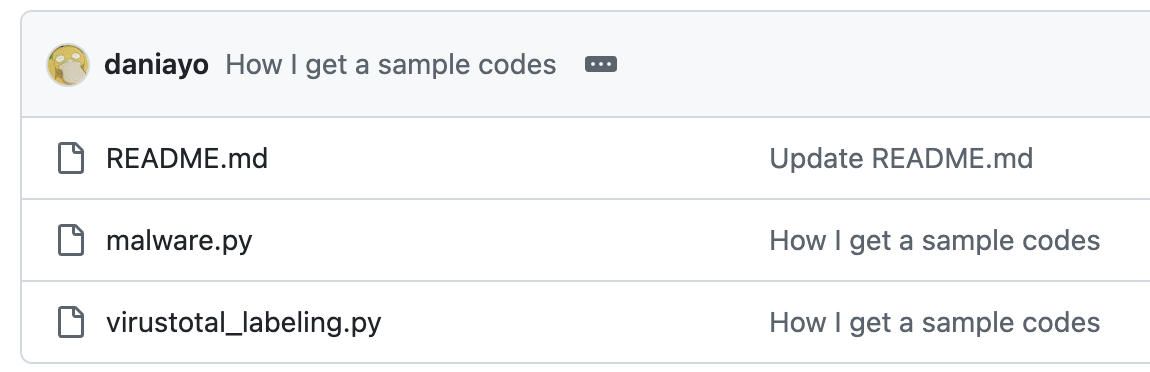
깃허브에 올리기까지 하면~~
드디어 오늘의 공부 드디어 끗끗끗!!!!!!!!
진짜 결국 해냈다. 결국..마침내..