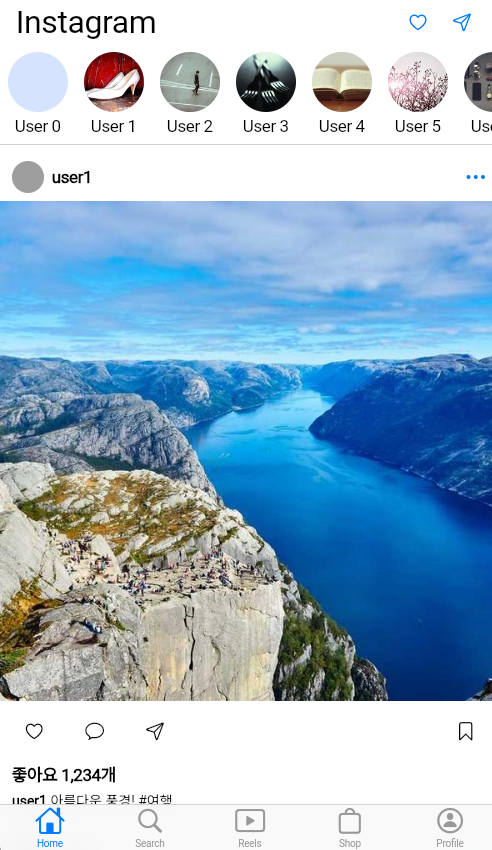
최근 앱 개발에 흥미가 생겨 앱개발에 도전해보기로 했다 .
https://docs.flutter.dev/install/archive?tab=windows
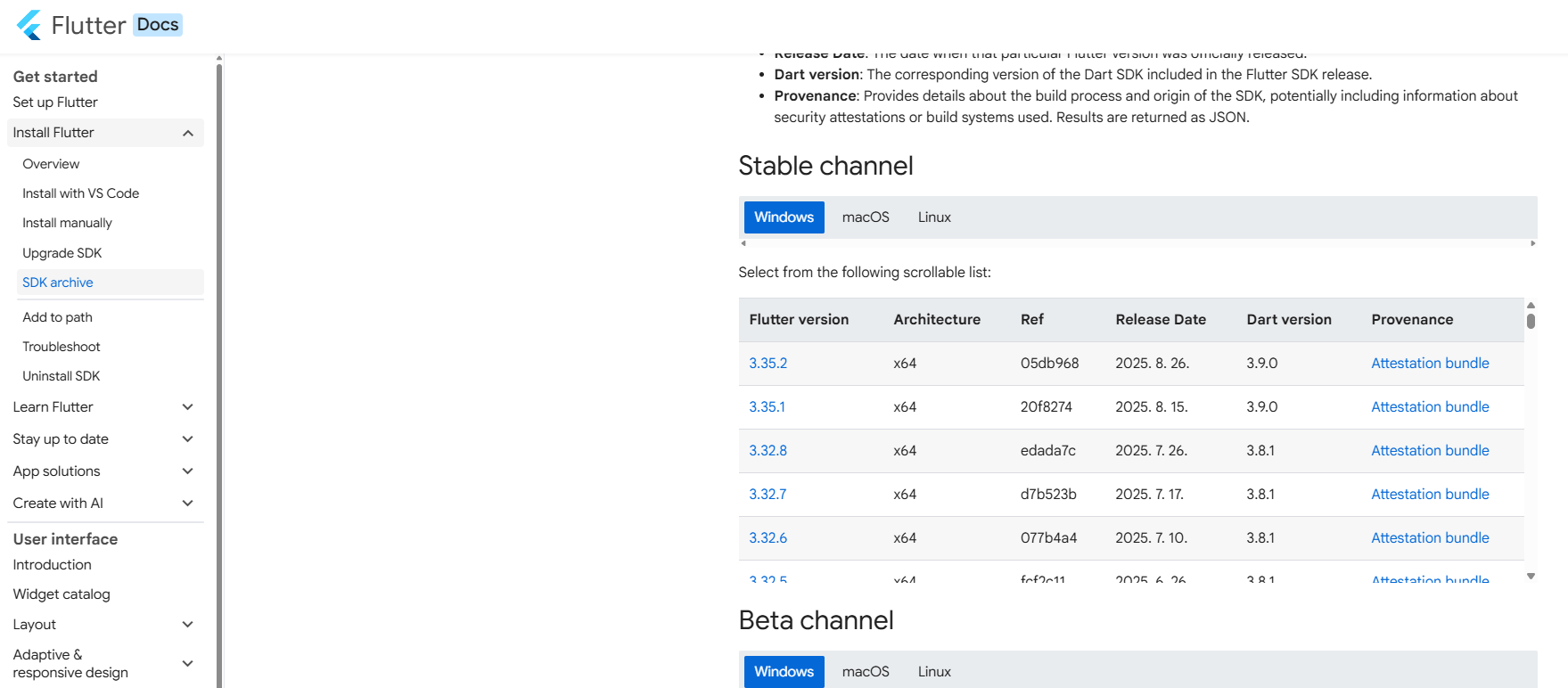
가장 최신 버전인 3.35.2를 설치했다
https://developer.android.com/studio?hl=ko

안드로이드 스튜디오 또한 최신버전
시간이 제법 걸린다
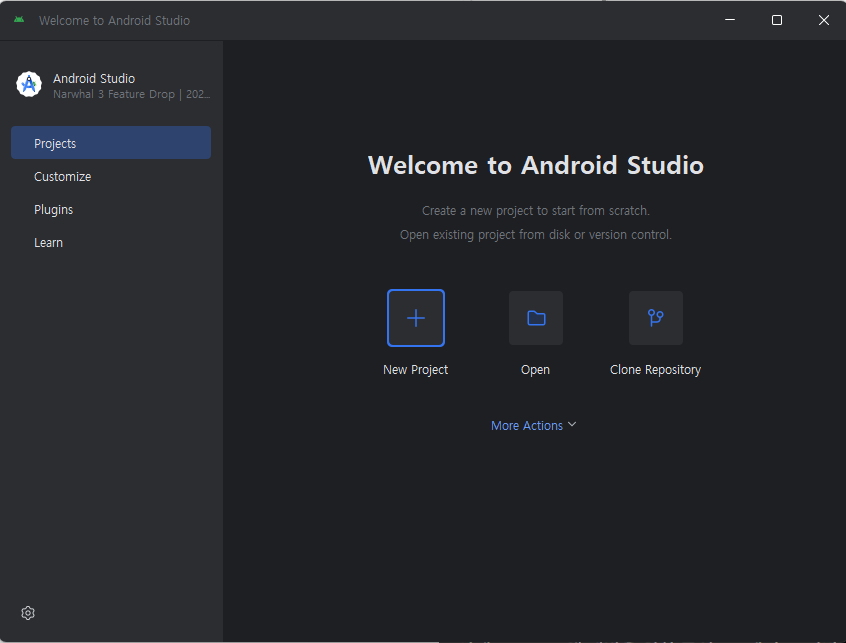
FLUTTER를 플러그인으로받고 MORE ACTIONS에서
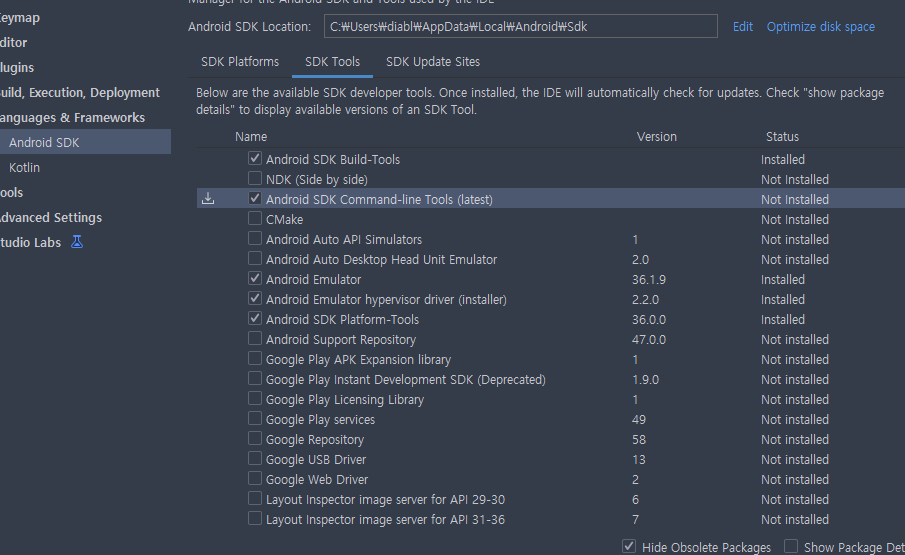

환경변수를 설정해준다 .
PowerSehll - flutter doctor
PS C:\Users\diabl> flutter doctor
Doctor summary (to see all details, run flutter doctor -v):
[√] Flutter (Channel stable, 3.35.2, on Microsoft Windows [Version 10.0.26100.4946], locale ko-KR)
[√] Windows Version (11 Home 64-bit, 24H2, 2009)
[√] Android toolchain - develop for Android devices (Android SDK version 36.1.0-rc1)
[√] Chrome - develop for the web
[!] Visual Studio - develop Windows apps (Visual Studio Build Tools 2019 16.11.42)
    X The current Visual Studio installation is incomplete.
      Please use Visual Studio Installer to complete the installation or reinstall Visual Studio.
[√] Android Studio (version 2025.1.3)
[√] IntelliJ IDEA Community Edition (version 2024.1)
[√] VS Code (version 1.103.0)
[√] Connected device (3 available)
[√] Network resources
위와같은 오류가 나왔다 Visual Studio를 Visual Studio Installer로 재설치해준다 .
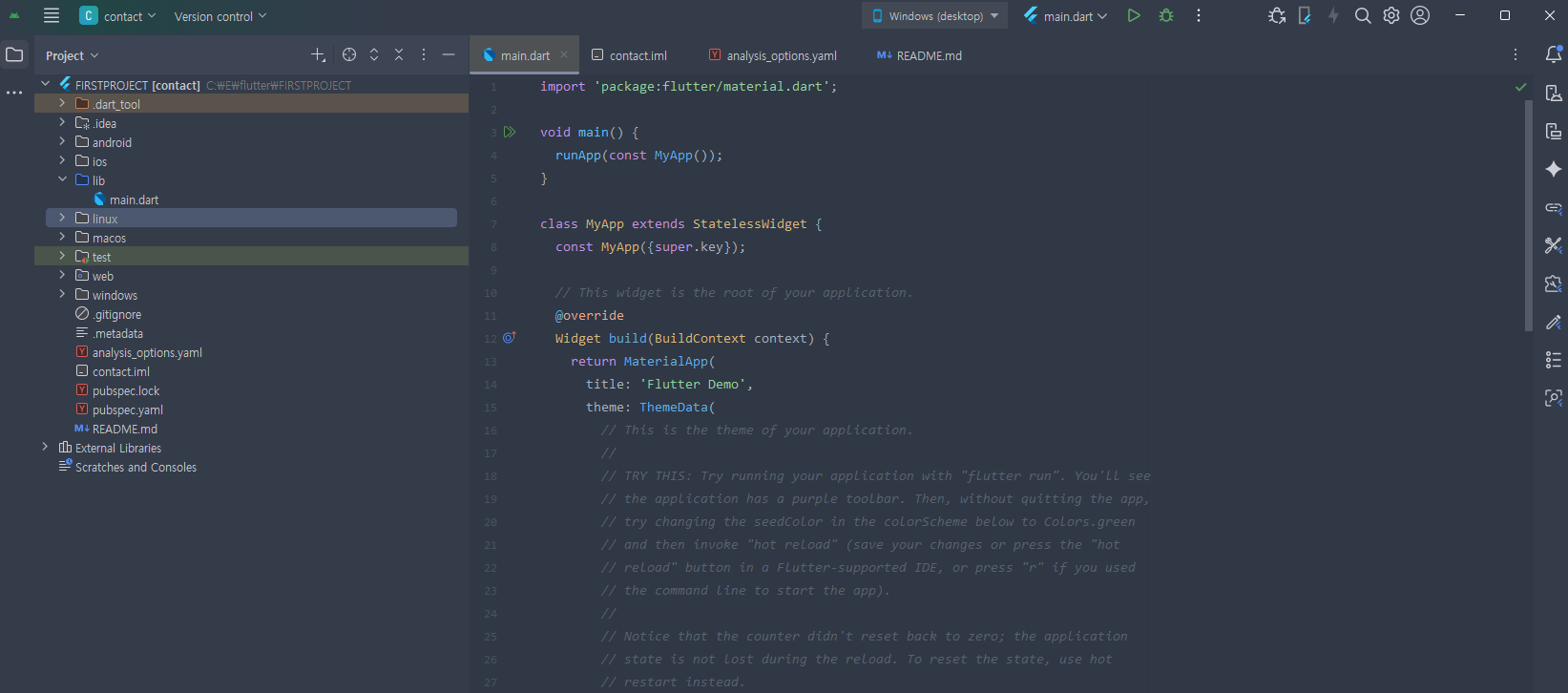
준비완료
  @override
  build( context) {
    return SizedBox(
      child: Text('안녕'),
    );
  }

  class ShopItem extends StatelessWidget {
  const ShopItem({super.key});

  @override
  Widget build(BuildContext context) {
    return SizedBox(
      child: Text('안녕'),
    );
  }

}
compon, func