◼ URL 파라미터 👈
◼ 쿼리스트링
useParams의 사용
1) 사용하려는 컴포넌트에서 useParams를 불러와서 변수에 저장해준다.
// Profile.js
import { useParams } from "react-router-dom";

const Profile = () => {
  const params = useParams();

  return <div></div>;
};

export default Profile;
2) App.js 컴포넌트
//App.js
import { Route, Routes } from 'react-router-dom';
import './App.css';
import Profile from './pages/Profile';


function App() {
  return (
    <Routes>
      <Route path='/profiles/:name' element={<Profile/>}/>
    </Routes>
  );
}

export default App;
Route안의 path 파라미터에 주목하자.
params로 무엇을 불러올 수 있을까?
console.log를 사용해 불러와지는 내용을 살펴보자.
//Profile.js

import { useParams } from "react-router-dom";

const Profile = () => {
  const params = useParams();

  return <div>{console.log(params)}</div>;
};

export default Profile;
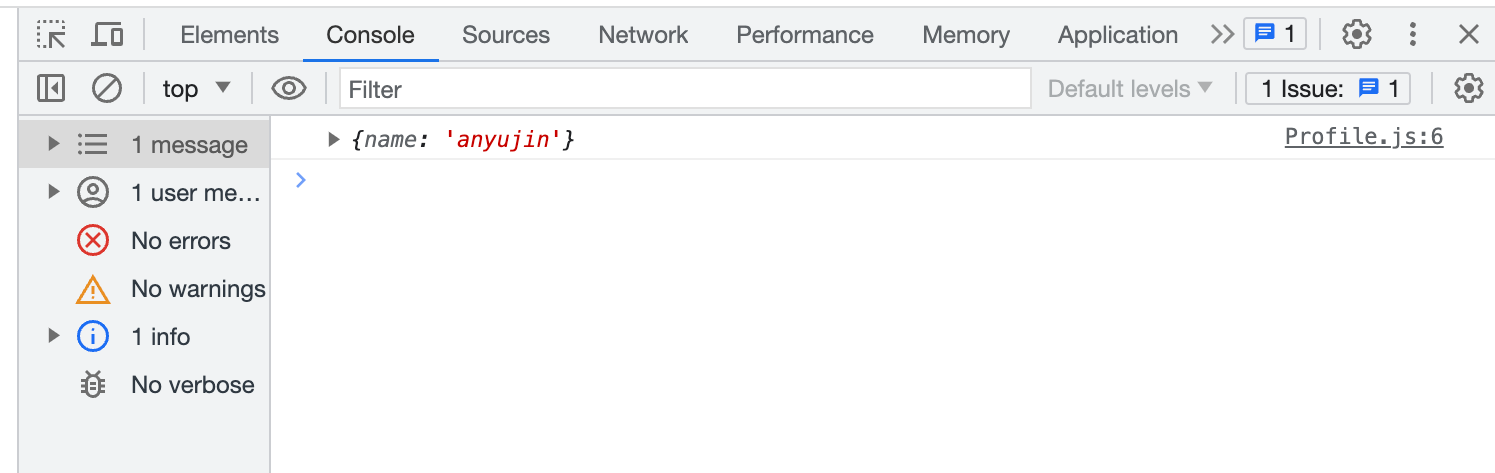
현재 URL : localhost:3000/profiles/anyujin
App 컴포넌트에서 :name(key)으로 지정해 주었던 부분과 anyujin(value)인 URL파라미터값이 한 객체로 출력된다.
import { useParams } from "react-router-dom";

const Profile = () => {
  const params = useParams();
  const profiles = {
    anyujin: {
      name: "안유진",
      group: "아이브",
    },
    liz: {
      name: "리즈",
      group: "아이브",
    },
  };
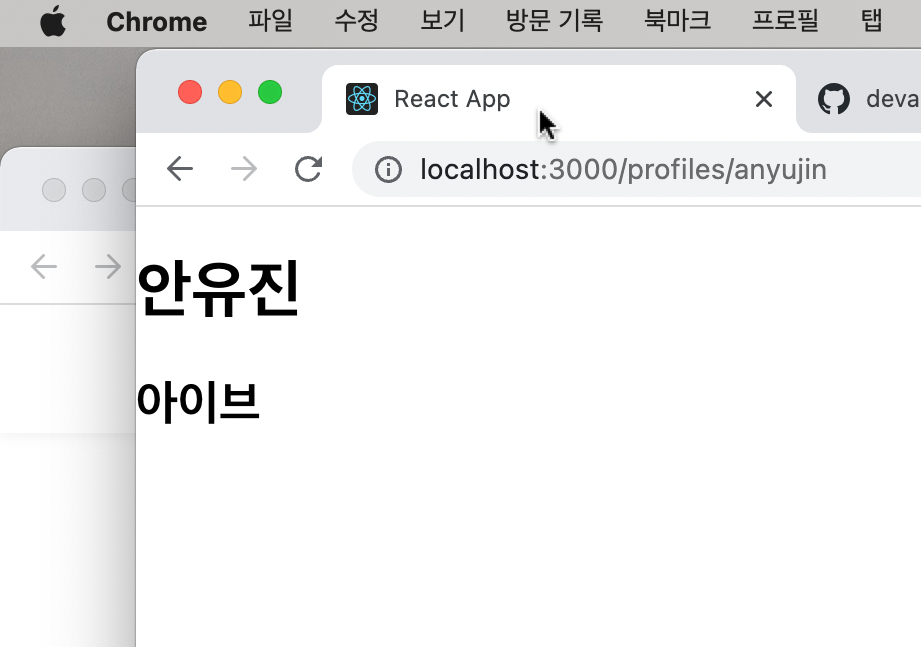
  const profile = profiles[params.name];
  // params.name => anyujin / 여기서의 name은 app에서 지정해주었던 :name임.
  // profiles[anyujin] === {name: "안유진", group: "아이브"}

  return (
    <div>
      <h1>{profile.name}</h1>
      <h2>{profile.group}</h2>
    </div>
  );
};

export default Profile;