My first Personal Project: Dance Matching platform_11) 2020_04_27
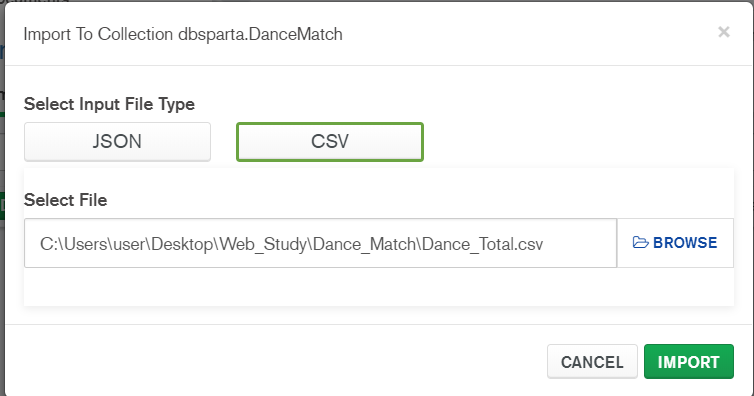
To Dos
1) Import csv file to DB ( revised CSV )
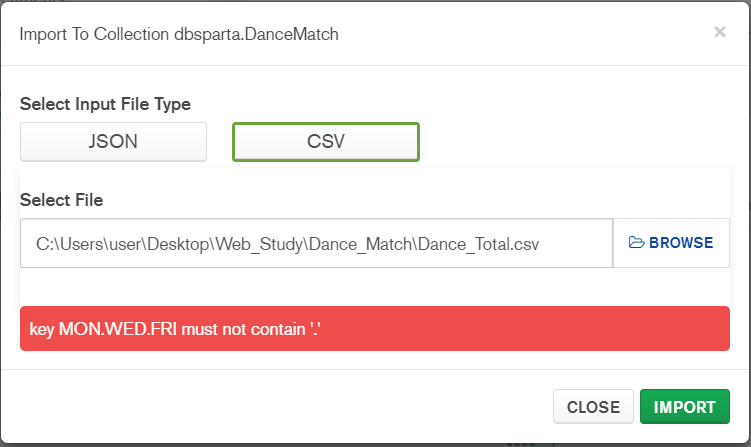
- So I tried using other method, rather than directly importing csv into DB
mongoimport -d "디비명" -c "컬렉션명" --type csv --file "파일명" --headerline 헤드라인이 있을 경우 추가되는 옵션mongoimport -d "dbsparta" -c "DanceMatch" --type csv --file "Dance_Total.csv" --headerlineBut, I found new problem
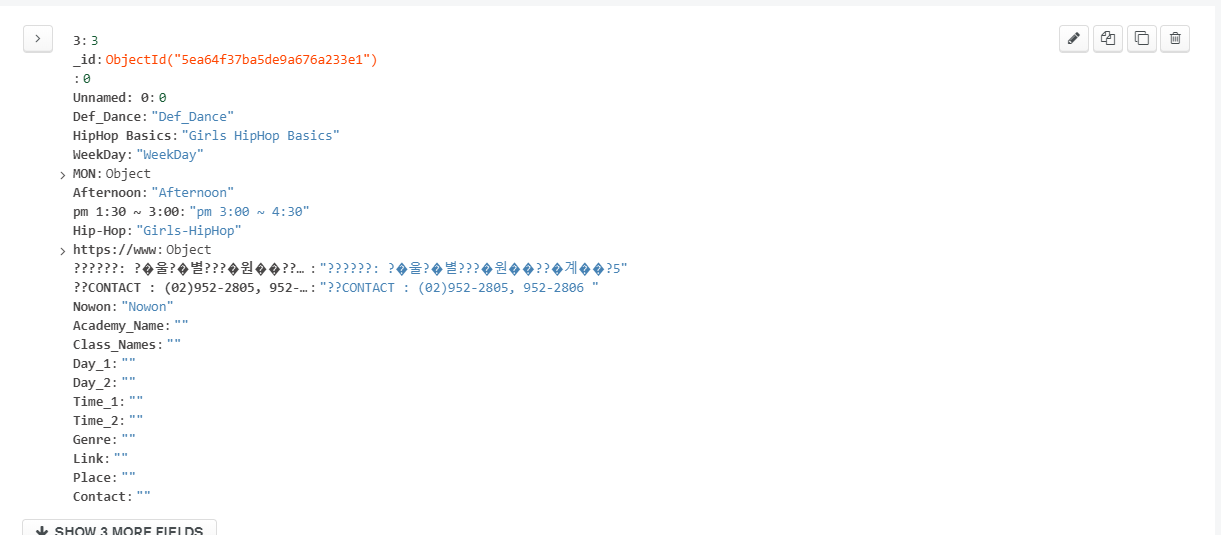
Then.. I have to orginally make csv file that can read Korean
by adding code "encoding = utf-8-sig" rather than "utf-8"

But !!! problem was still happening even if I save the data by "encoding = utf-8"

What do I do...?.......
- Lets's...just skip it for a moment
In anykind of Situation
To clearly import csv into DB

using Node.js is the best solution !!
2) Applying scss, and css I made and upload it on the server
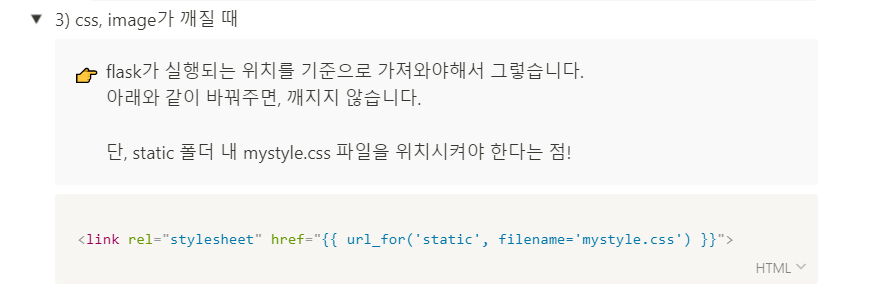
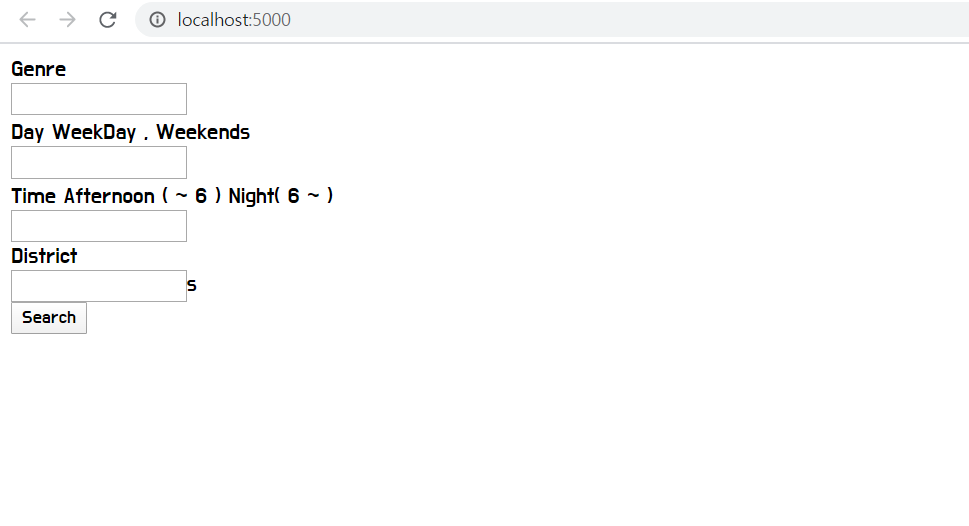
It didn't still work. even though I appropriately applied the css into html
The Soulution was that

I checked the "html.file" I used in render_template ( app.py )
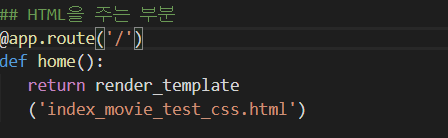
I had to refer "index_movie" instead of "index_movie_test_css.html"

Dream of being "물빵개" ( Go abroad for Dance and Programming)