Spring 응답 데이터 1강
Server에서 Client로 Data를 전달하는 방법은 정적 리소스, View Template, HTTP Message Body 세가지 방법이 있다.
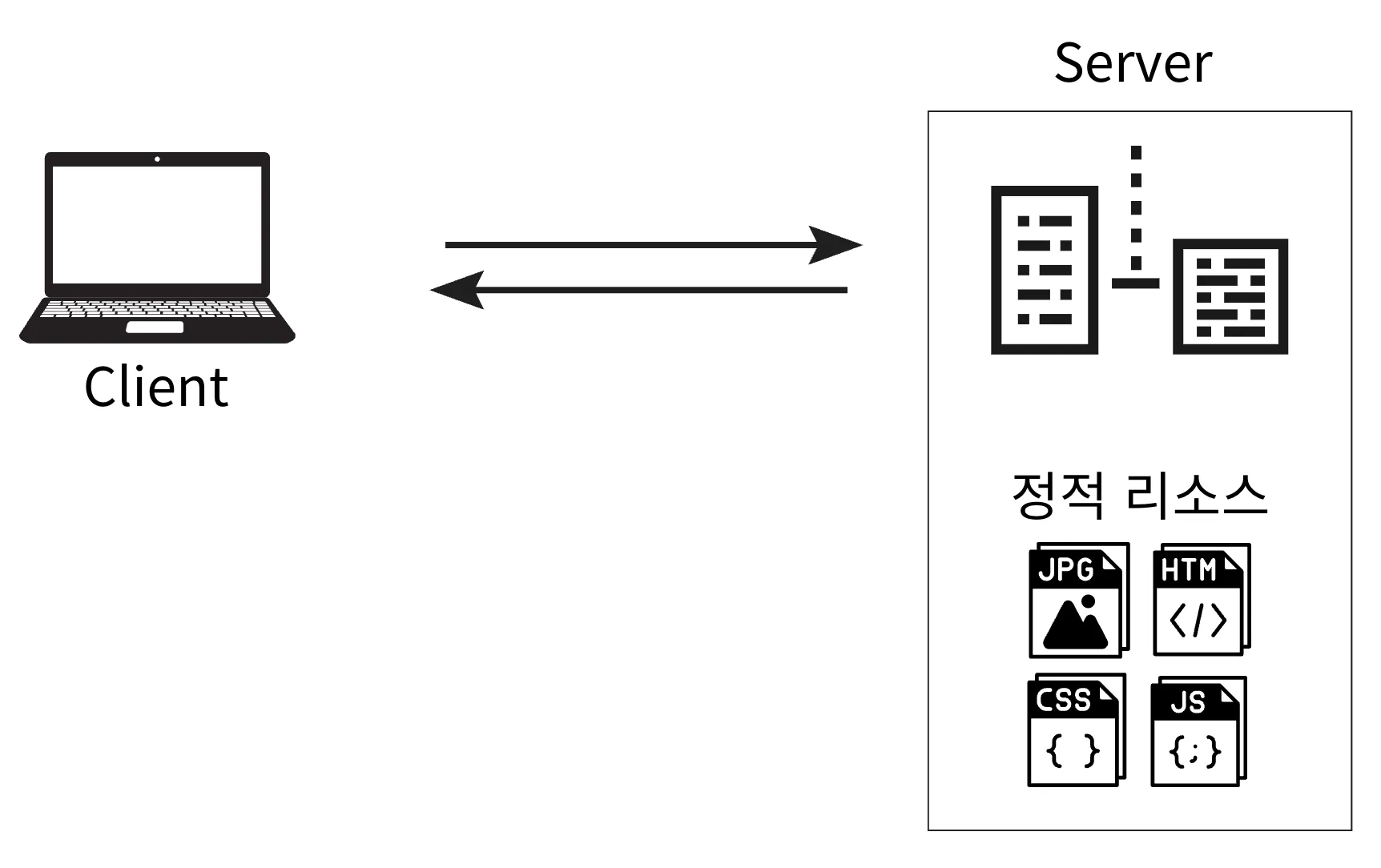
1. 정적 리소스
- 정적인 HTML, CSS, JS, Image 등을 변경 없이 그대로 반환한다.
2. View Template
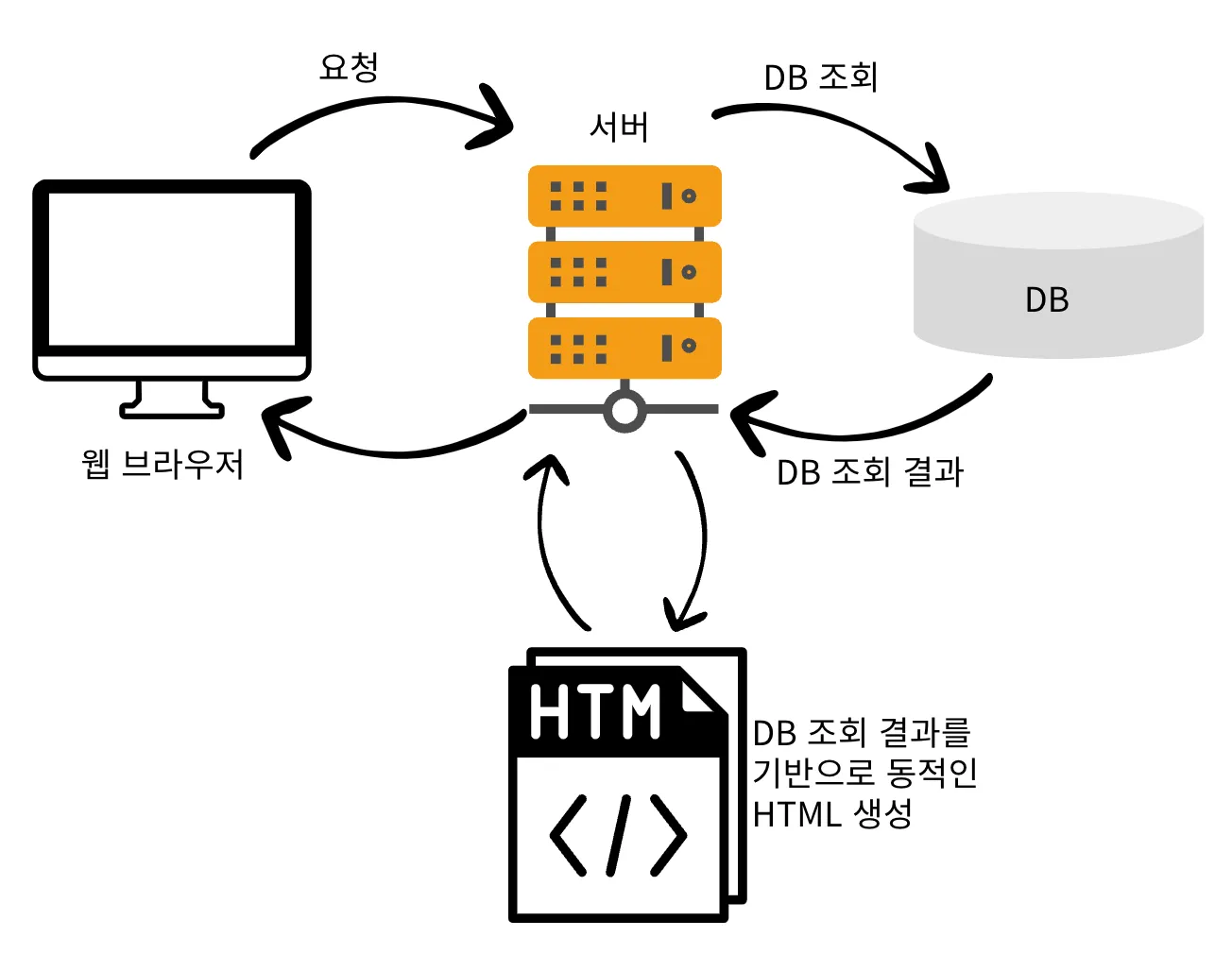
- SSR(Server Side Rendering)을 사용할 때 View가 반환된다.
3. HTTP Message Body
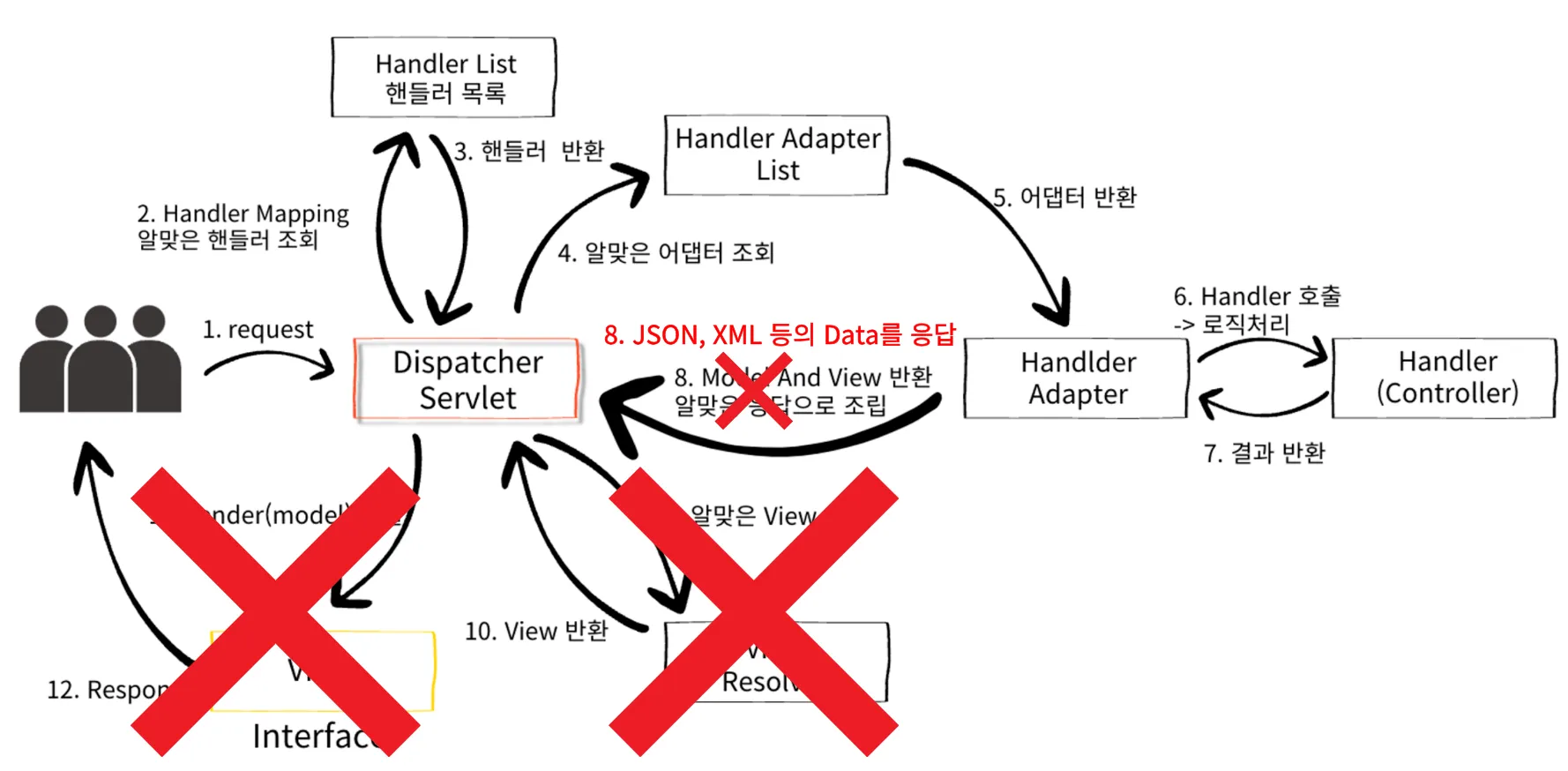
- 응답 데이터를 직접 Message Body에 담아 반환한다.
정적 리소스
웹 애플리케이션에서 변하지 않는 파일들을 의미한다. 예를 들어, HTML, CSS, JavaScript, 이미지 파일들(JPG, PNG, GIF) 등이 정적 리소스에 해당한다.
- Spring Boot의 정적 리소스 경로
- 아래 경로들에 정적 리소스가 존재하면 서버에서 별도의 처리 없이 파일 그대로 반환된다.
/static/public/META-INF/resourcessrc/main/resources/static
- Spring Boot Directory 구조
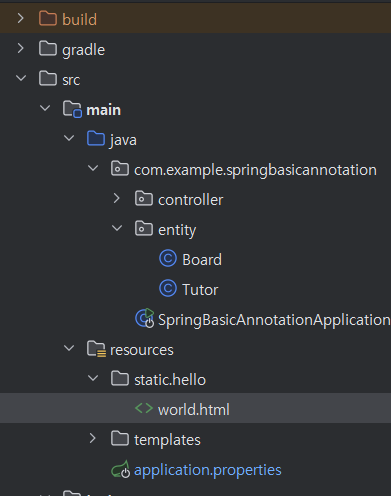
src/main/resources/static/hello/world.html디렉토리 구조라면
-http://localhost:8080/hello/world.htmlURL로 리소스에 접근이 가능하다.
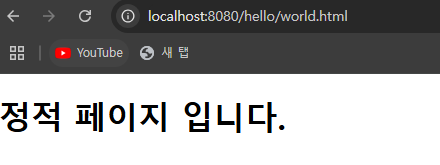
- /static 대신 /public 혹은 /META-INF/resources 도 사용 가능하다.
View Template
Spring에서는 Thymeleaf, JSP와 같은 템플릿 엔진을 사용해 View Template을 작성할 수 있고, View Template은 서버에서 데이터를 받아 이를 HTML 구조에 맞게 삽입한 후, 최종적으로 클라이언트에게 전송되는 HTML 문서로 변환하여 사용자에게 동적으로 생성된 웹 페이지를 제공한다.
- View Template
-
View Template은 Model을 참고하여 HTML 등이 동적으로 만들어지고 Client에 응답된다.
-
Spring Boot는 기본적으로 View Template 경로(
src/main/resources/templates)를 설정한다. -
build.gradle에 Thymeleaf 의존성을 추가하면
ThymeleafViewResolver와 필요한 Spring Bean들이 자동으로 등록된다. -
기본 설정 예시(아래 내용을 자동으로 Spring Boot가 등록해준다.)
spring.thymeleaf.prefix=classpath:/templates/
spring.thymeleaf.suffix=.html // or jsp
1. @Controller의 응답으로 String을 반환하는 경우
@ResponseBody가 없으면 View Resolver가 실행되며 View를 찾고 Rendering한다.
@Controller
public class ViewTemplateController {

	@RequestMapping("/response-view")
  public String responseView(Model model) {
      // key, value
      model.addAttribute("data", "sparta");

      return "thymeleaf-view";
  }

}
<!DOCTYPE html>
<html xmlns:th="http://www.thymeleaf.org">
<head>
<meta charset="UTF-8">
<title>Hello</title>
</head>
<body>
<h1>Thymeleaf</h1>
<h2 th:text="${data}"></h2>
</body>
</html>ex) http://localhost:8080/response-view
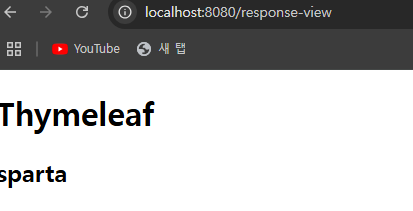
- @ResponseBody 가 있으면 HTTP Message Body에 return 문자열 값이 입력된다.
@Controller
public class ViewController {

	@ResponseBody // @RestController = @Controller + @ResponseBody
	@RequestMapping("/response-body")
	public String responseBody() {
		return "thymeleaf-view";
	}

}- Postman

2.반환타입이 void인 경우
- 잘 사용하지 않는다.
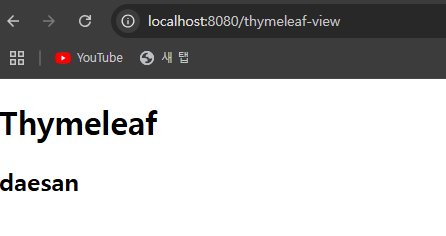
- @Controller + (@ResponseBody, HttpServletResponse, OutputStream)과 같은 HTTP Message Body를 처리하는 파라미터가 없으면 RequestMapping URL을 참고하여 View Name으로 사용한다.
@Controller
public class ViewTemplateController {

	// thymeleaf-view.html 과 Mapping된다.
  @RequestMapping("/thymeleaf-view")
  public void responseViewV2(Model model) {
      model.addAttribute("data", "daesan");
  }

}- 예시와 같은 경우에는 viewTemplate(viewName)을 RequestMapping URL 주소로 찾는다.

사나이 張大山 포기란 없다.