HTTP Message Body(응답)
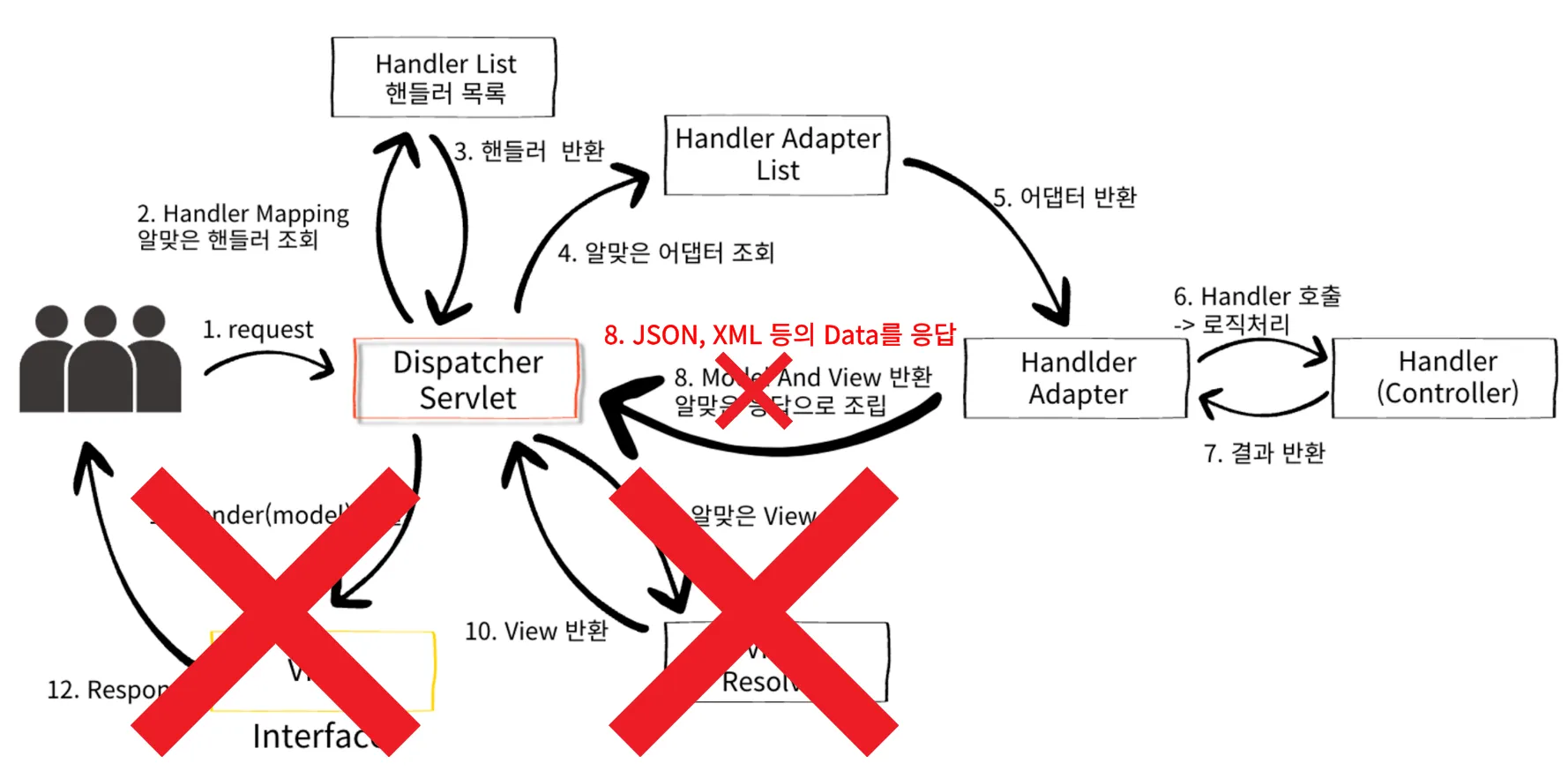
REST API를 만드는 경우 Server에서 Client로 HTML을 전달하는 방식이 아닌 HTTP Message Body에 직접 Data를 JSON 형식으로 담아 전달한다.
정적 HTML, View Template 또한 HTTP Message Body에 담겨서 전달된다. 현재 설명하는 Response의 경우는 정적 HTML, View Template을 거치지 않고 직접 HTTP Response Message를 만들어 전달하는 경우를 말하는것.
- HTTP Message Body
- HttpServletResponse 사용
@Controller
public class ViewTemplateController {

    @RequestMapping("/response-view")
    public String responseView(Model model) {
        model.addAttribute("data", "daesan");

        return "thymeleaf-view";
    }
}- Postman
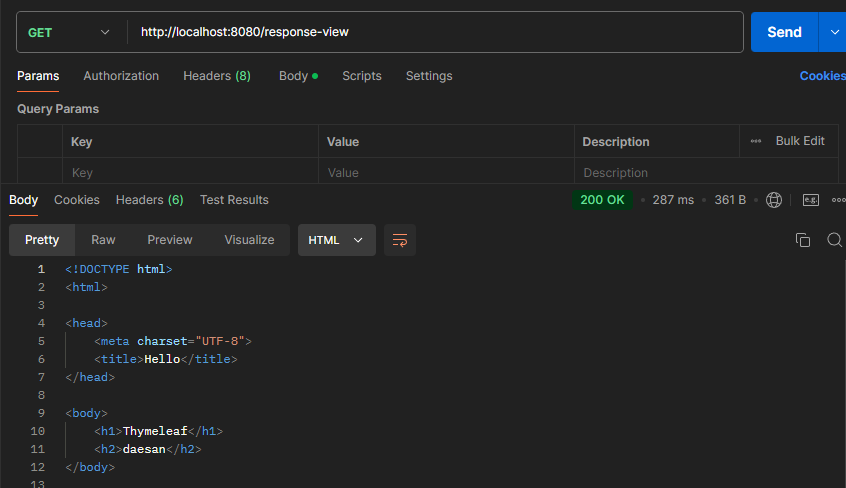
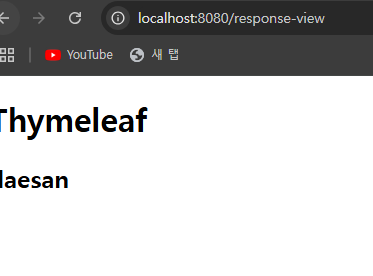
- HTTP Message Body
1. HttpServletResponse 사용
@Controller
public class ResponseBodyController {

	@GetMapping("/v1/response-body")
	public void responseBodyV1(
														HttpServletResponse response
													) throws IOException {

		response.getWriter().write("data");

	}
}
-Postman
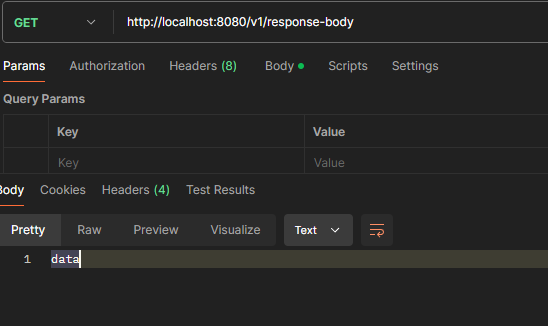
- Response Body에 data 라는 문자열이 입력되어 응답된다.
- 기존 Servlet을 다룰 때 코드와 형태가 같다.
2.ResponseEntity<> 사용
@GetMapping("/v2/response-body")
public ResponseEntity<String> responseBodyV2() {

	return new ResponseEntity<>("data", HttpStatus.OK);
}
-Postman
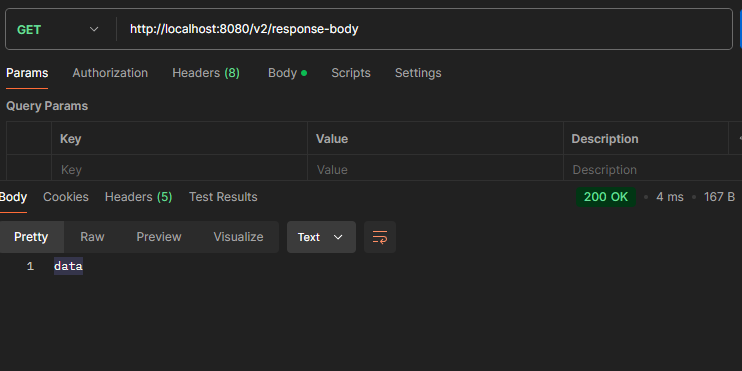
- Response Body에 data라는 문자열과 HttpStatus.OK에 해당하는 상태 코드를 반환한다.
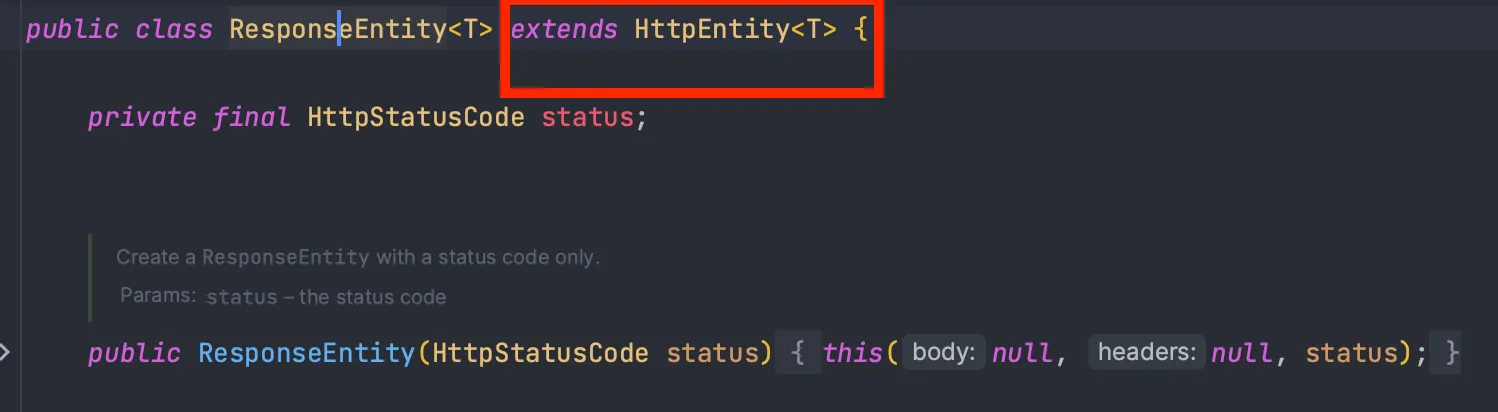
ResponseEntity는HttpEntity를 상속받았다.HttpEntity는 HTTP Message의 Header, Body 모두 가지고 있다.
3.@ResponseBody(TEXT, JSON) 사용
@Data
@NoArgsConstructor // 기본 생성자
@AllArgsConstructor // 전체 필드를 인자로 가진 생성자
public class Tutor {

    private String name;
    private int age;

}
// TEXT 데이터 통신
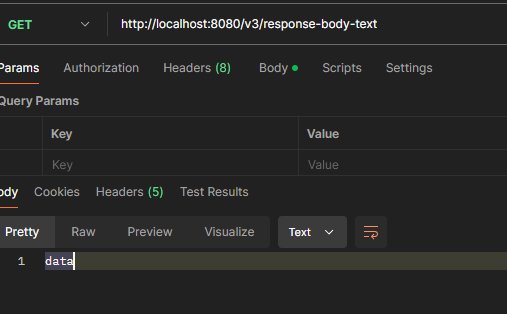
@ResponseBody
@GetMapping("/v3/response-body-text")
public String responseBodyText() {
return "data"; // HTTP Message Body에 "data"
}- Postman
// JSON 데이터 통신
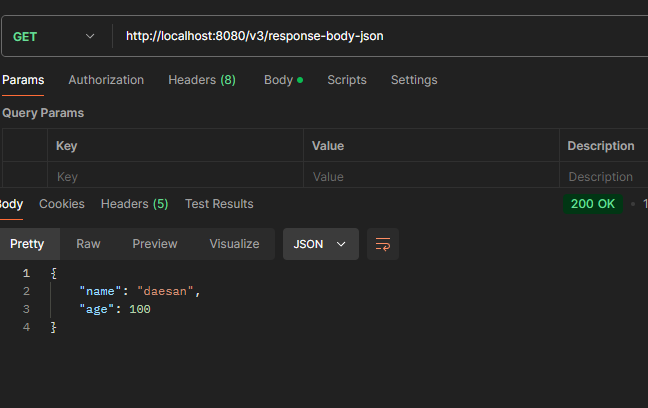
@ResponseBody
@GetMapping("/v3/response-body-json")
public Tutor responseBodyJson() {

	Tutor tutor = new Tutor("daesan", 100);

	return tutor; // HTTP Message Body에 Tutor Object -> JSON
}-
Postman
-
View를 사용하는 것이 아닌 HTTP Message Converter를 통해 HTTP Message Body를 직접 입력할 수 있다. →
ResponseEntity와 같음 -
@ResponseStatus를 사용하여 상태 코드를 지정할 수 있다.
@ResponseStatus(HttpStatus.OK)
@ResponseBody
@GetMapping("/v4/response-body")
public Tutor responseBodyV4() {

	Tutor tutor = new Tutor("wonuk", 100);

	return tutor;
}
-Postman
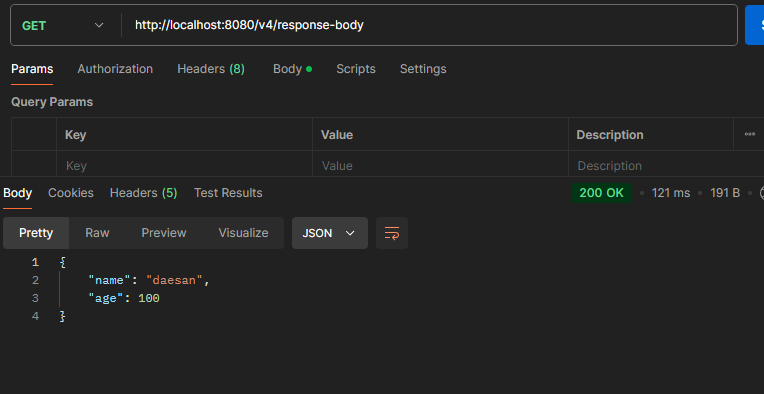
- 단, 응답 코드를 조건에 따라서 동적으로 변경할 수는 없다.
ex) 1번의 경우 OK, 2번의 경우 Created
4.ResponseEntity(JSON)
@ResponseBody
@GetMapping("/v5/response-body")
public ResponseEntity<Tutor> responseBody() {

	Tutor tutor = new Tutor("daesan", 100);

	return new ResponseEntity<>(tutor, HttpStatus.OK);
}
@ResponseBody
@GetMapping("/v5/response-body")
public ResponseEntity<Tutor> responseBody() {
Tutor tutor = new Tutor("daesan", 100);
return new ResponseEntity<>(tutor, HttpStatus.OK);
}-Postman
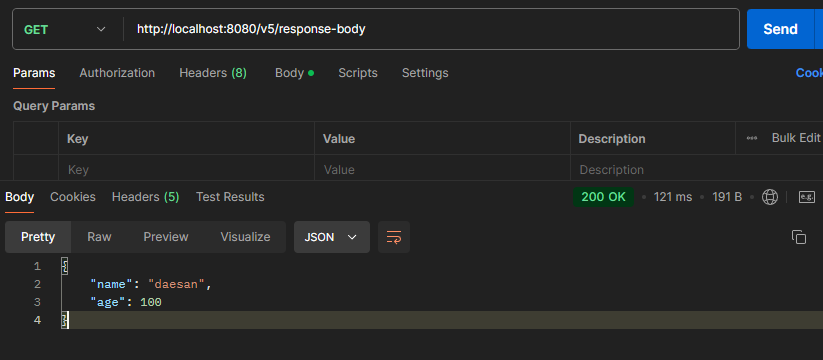
ResponseEntity<>두 번째 파라미터에 Enum을 사용하여 상태 코드를 바꿀 수 있다.- HTTP Message Converter를 통하여 JSON 형태로 변환되어 반환된다.
- 동적으로 응답 코드를 변경할 수 있다.
- HttpEntity를 상속받았다.
정리
Client에서 Server로 Data를 전달하는 세가지 방법
1. GET - Query Param, Query String
ex) http://localhost:8080/tutor?name=wonuk&age=100
- 사용하는 어노테이션
- @RequestParam, @ModelAttribute
2. POST - HTML Form(x-www-form-urlencoded)
POST /form-data
content-type: application/x-www-form-urlencoded

key1=value1&key2=value2- 사용하는 어노테이션
- @RequestParam, @ModelAttribute
3. HTTP Request Body
ex) 데이터(JSON, TEXT, XML 등)를 직접 HTTP Message Body에 담아서 사용한다.
- 사용하는 어노테이션
- @RequestBody

- @RequestBody
Server(Spring)에서 HTTP 응답을 Client에 전달하는 세가지 방법
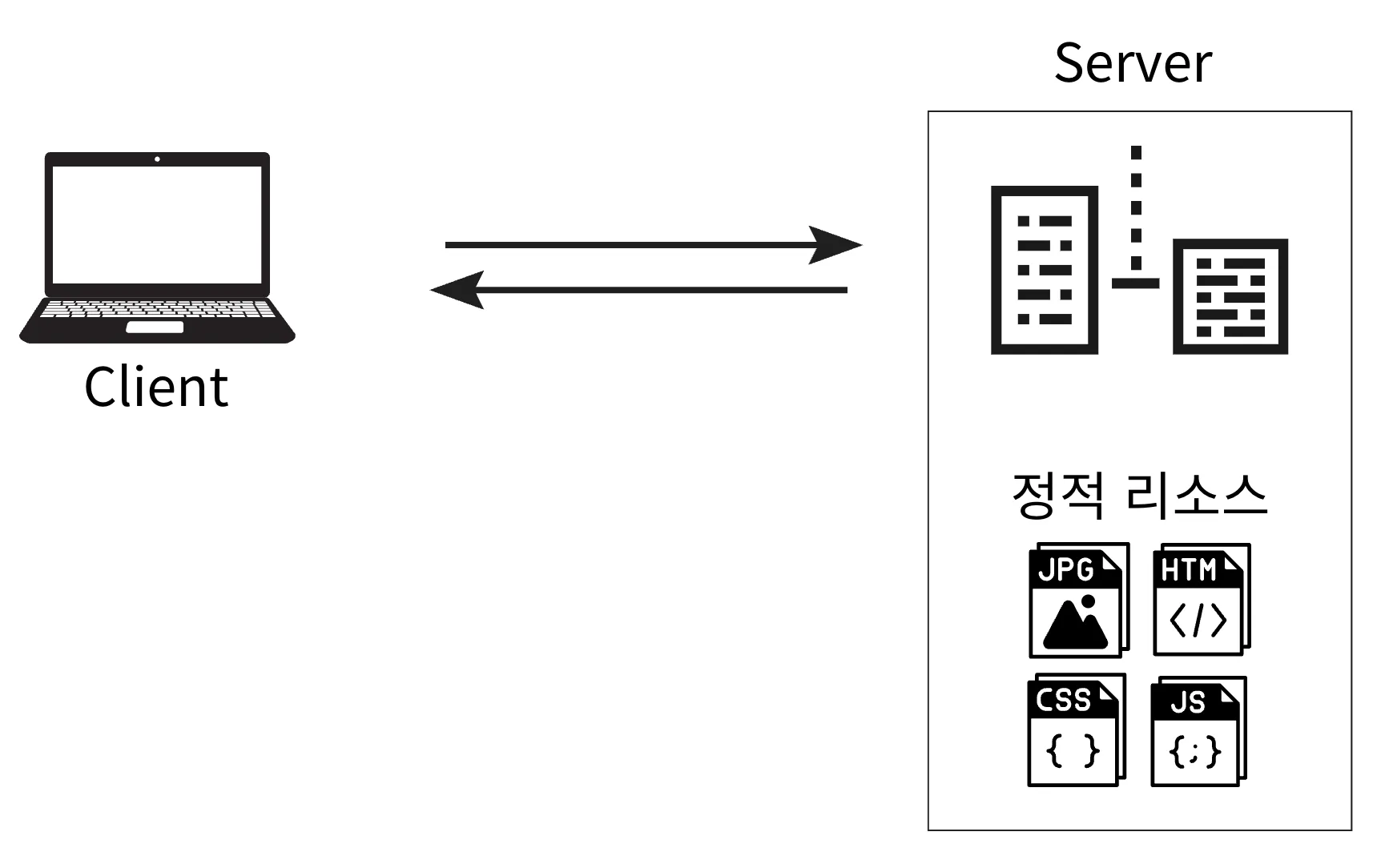
1.정적 리소스
정적인 HTML, CSS, JS, Image 등을 변경없이 그대로 반환한다.
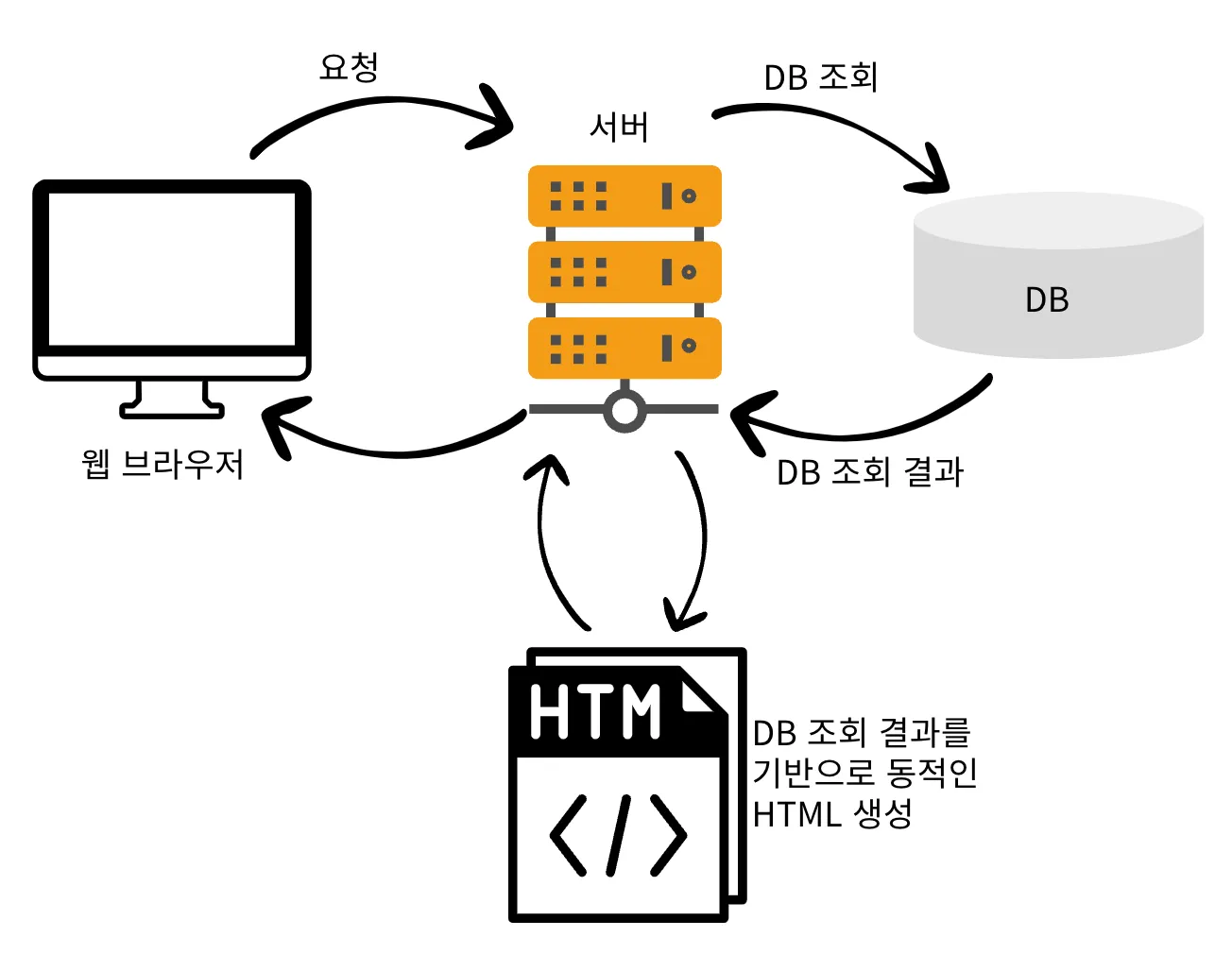
2.View Template
- SSR(Server Side Rendering)을 사용할 때 View가 반환된다.
- 사용하는 어노테이션
- @Controller
3.HTTP Message Body
-
응답 데이터를 직접 Message Body에 담아 반환한다.
-
사용하는 어노테이션
- @ResponseBody, ResponseEntity
요청
- @RequestParam, @ModelAttribute, @RequestBody
응답
- 정적 리소스, View Template(@Controller), @ResponseBody, ResponseEntity