Axios
promise 기반의 HTTP 클라이언트 라이브러리, 브라우저 및 Node.js 환경에서 모두 사용 가능하며 브라우저 환경에서는 XMLHttpRequests를 생성하고 Node.js에서는 http 요청을 생성.
Axios는 백엔드와 통신하기 위해 AJAX 요청을 만들고 응답을 다루는데 사용되며 다른 비동기 통신 api보다 사용하기 쉽다.
크게 get,post,put,patch, delete가 존재 하며 비동기 처리 방식으로 이루어져 async함수 및 await 로 주로 구성을 한다
- async => 함수로서 promise를 반환하여 await를 통해 안에 함수가 비동기적으로 실행된다
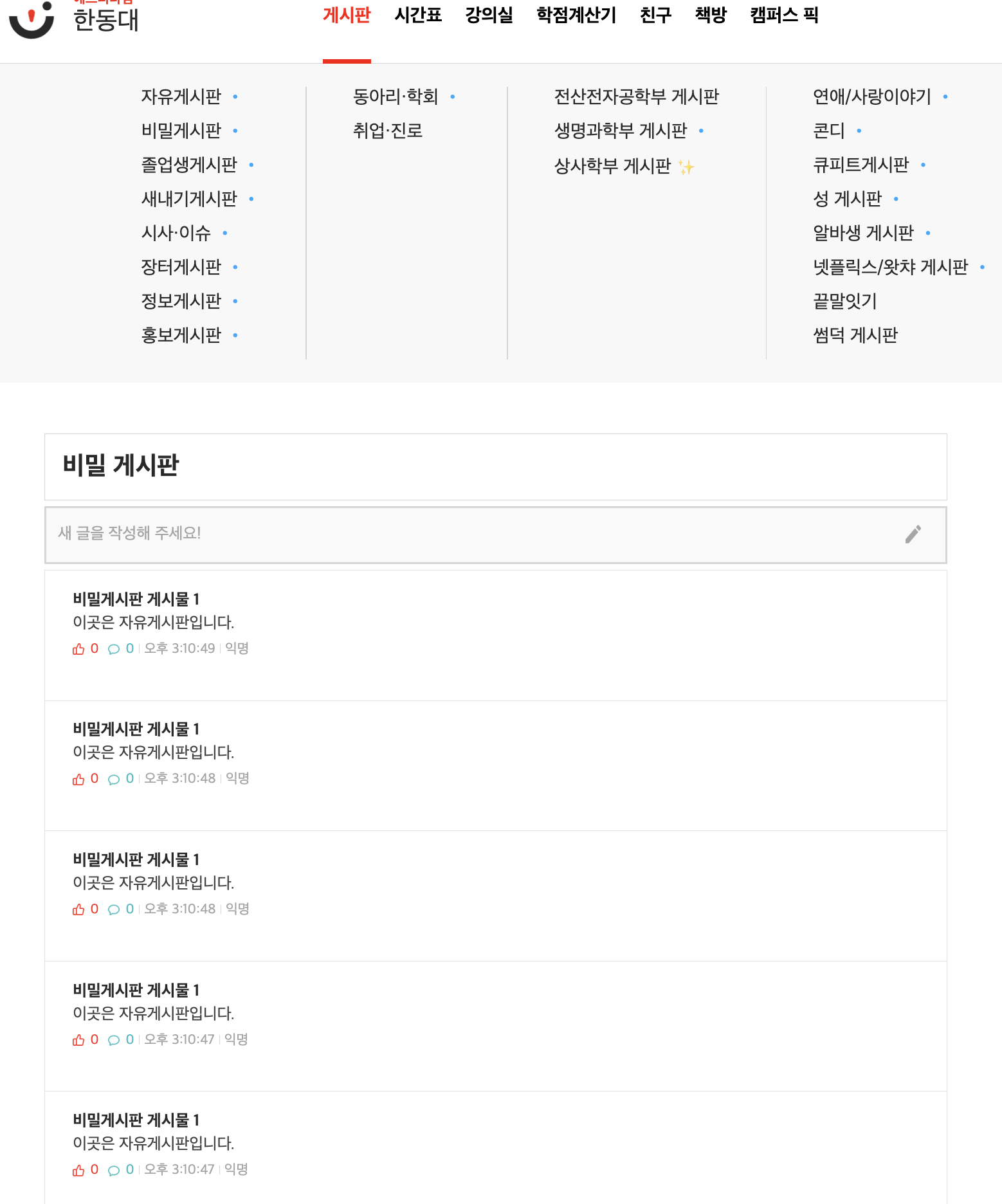
get
- 서버에 자원을 보내달라고 요청하여 프론트로 가져오는 형태이다.
  useEffect(() => {
    // Fetch data from the API
    const fetchData = async () => {
      try {
        const response = await axios.get(
          "http://localhost:8080/api/secretboard/read"
        ); // Replace with your API endpoint
        setData(response.data);
      } catch (error) {
        console.error("Error fetching data", error);
      }
    };

    fetchData();
  }, []);
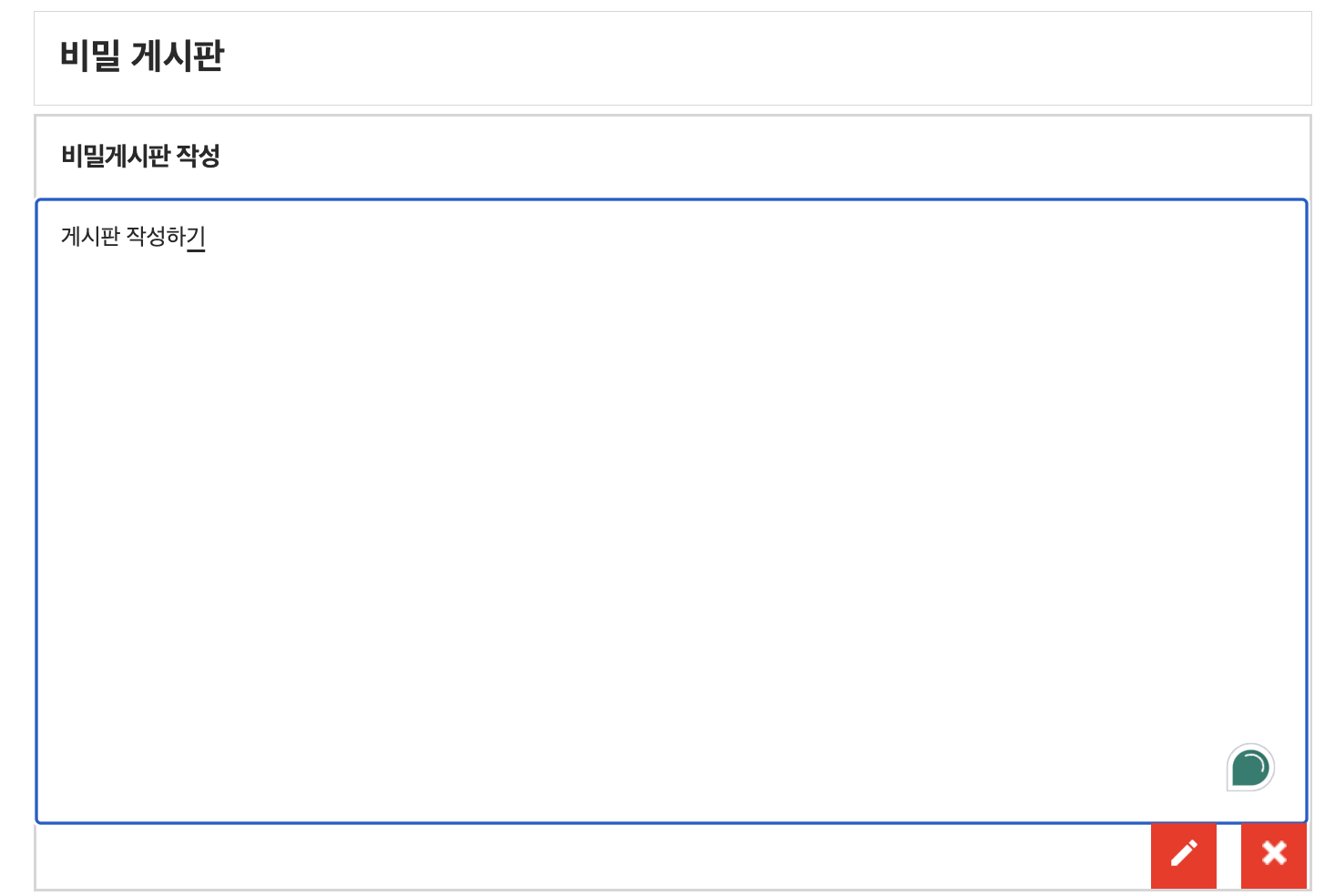
post
- 서버에게 자원을 프론트에서 보내서 저장해달라고 요청하는 형태이다.
  const handleAddPost = async (newPost) => {
    try {
      const response = await axios.post(
        "http://localhost:8080/api/secretboard/save",
        newPost
      ); // newPost라는 새로운 값을 가진 객체나 변수를 더한다
      setData([...data, response.data]); // 새로운 값을 기존에 데이터 값에 더한다
    } catch (error) {
      console.error("Error adding post:", error);
    }
  };
delete
- 서버에게 자원의 삭제를 요청하는 형태이다.
  const handleDeletePost = async () => {
    try {
      await axios.delete(`http://localhost:8080/api/secretboard/delete/${id}`);
      //특정 id에 해당하는 값을 삭제하는

    } catch (error) {
      console.error("Error deleting post", error);
    }
  };
put
- 서버에 있는 자원을 업데이트하거나 새로운 자원 생성해 달라고 요청하는 형태이다.
   const handleUpdatePost = async () => {
      try {
        await axios.put(`http://localhost:8080/api/secretboard/update/${id}`, post);
        // 특정 id에 해당하는 값을 post로 아예 덮어버린다.

        const response = await axios.get(`http://localhost:8080/api/secretboard/read/${id}`);

        // 업데이트 후에 새로 get으로 불러서 post객체에 넣어야 업데이트 되는 형태가 바로 보였음

        setpost(response.data);

      } catch (error) {
        console.error("Error updating post", error);
      }
    };
patch
- put과 비슷하지만 put은 모든 내용을 덮어 쓰는 것, patch는 수정할 부분만 수정하는 것.
참고: https://sokkung.tistory.com/213
참고: https://velog.io/@hyeseung/axios-%EC%9A%94%EC%B2%ADGETPOSTPUTPATCH
참고: https://velog.io/@hyunn/Axios-%EB%9D%BC%EC%9D%B4%EB%B8%8C%EB%9F%AC%EB%A6%AC-%EA%B0%9C%EB%85%90-%EC%A0%95%EB%A6%AC

다른 사람들과 소통하는 개발자가 되고 싶습니다.