axios interceptors 정리
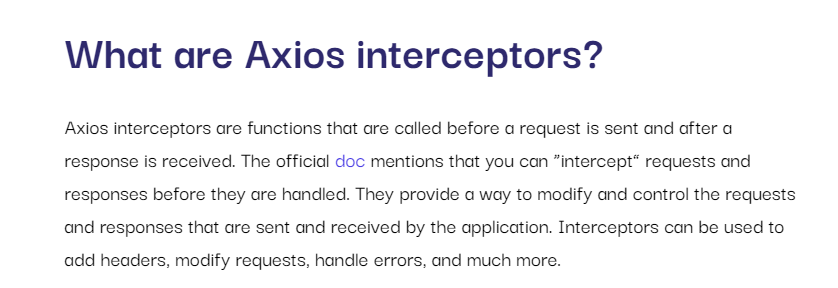
원티드 FE 과제를 하다보니 axios interceptors를 사용해야 할 것 같아서 정리함
공식 docs는 axios interceptors부분이 너무나도 설명이 없어서
(https://axios-http.com/docs/interceptors)
reference 2번째 블로그 글을 주로 참고(번역 및 요약)했음
(https://geshan.com.np/blog/2022/12/axios-interceptors)
1. 사용하는 이유
-
인터셉터(번역-
가로채기)를 사용해서, 요청과 응답을 처리하기 전에
헤더추가, 요청 수정, 오류 처리에 사용할 수 있음
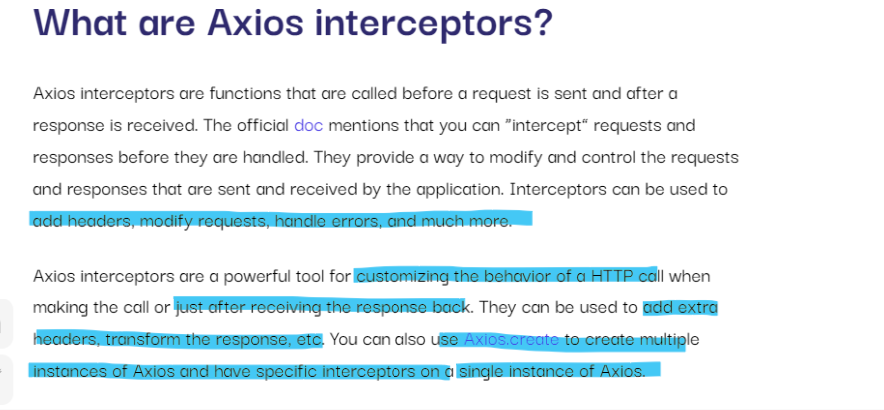
-
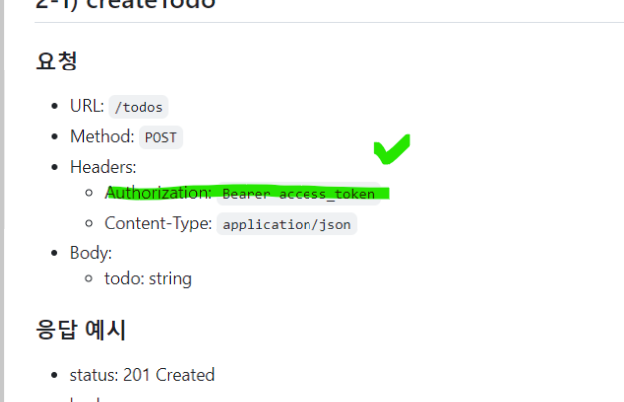
제출 과제 내용 중에 헤더에 인증 토큰을 껴 넣는 부분이 있음
2. 사용법
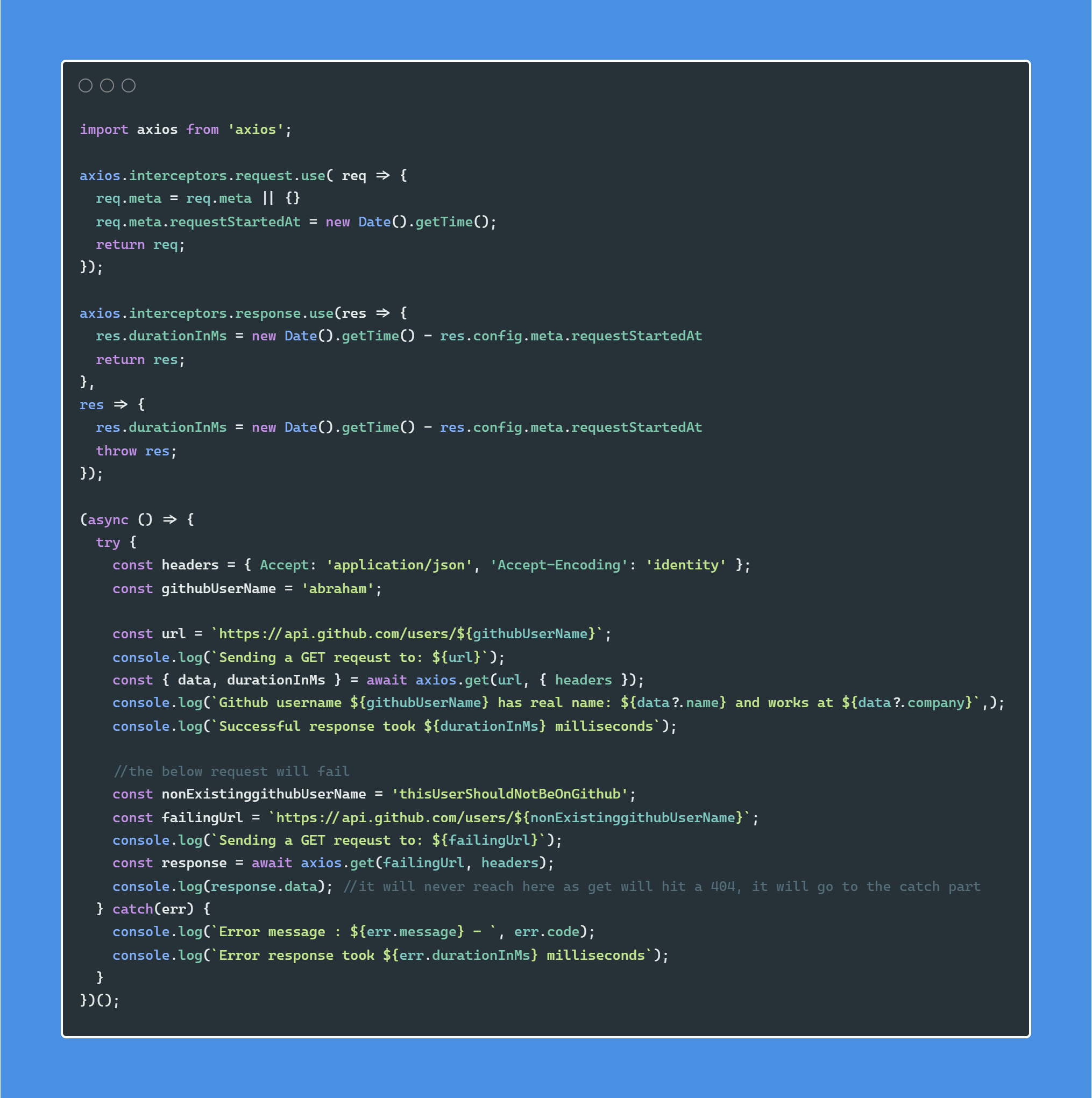
request에 인터셉터 붙이기
- request에 메타 키 추가해서 current time 넣음
- (아래 요청 시간 계산하는 응답 인터셉터에서 사용)
axios.interceptors.request.use( req => {
  req.meta = req.meta || {}
  req.meta.requestStartedAt = new Date().getTime();
  return req;
});
response에 인터셉터 붙이기
- response 받은 직후 응답 처리 가능,오류 기록(logging errors),parsing data이나 실패 요청 재시도에 사용
durationInMs사용해서 응답 반응 시간 저장- 1st 함수: happy path, 2nd 함수: error path
axios.interceptors.response.use(res => {
  res.durationInMs = new Date().getTime() - res.config.meta.requestStartedAt
  return res;
},
res => {
  res.durationInMs = new Date().getTime() - res.config.meta.requestStartedAt
  throw res;
});- 전체코드 보기
3. other uses
JWT 인증 토큰 만료되면 refresh하는데 사용하거나
특정 횟수만큼 실패 요청 재시도 하기
- to be utilized to refresh a JWT token when it expires
- to retry the request a certain number of times if it fails.
4. 결론
axios 인터셉터는 필요할 때 적절히 사용하면 좋을 것 같음
conditional하게 헤더나 인증 토큰을 껴 넣는 로직 등등
Axios interceptors are a powerful tool for making changes to requests and responses
in a non-intrusive way where the code stays in a single place
5. References

기록하기