AWS Ubuntu에서 git clone을 사용할 일이 생겨 오랜만에 사용하려다 바뀐 내용이 있어 적어두고자 한다.
이전에는 비공개 Repo를 clone 할 경우 username과 password를 입력하면 clone 이 가능했던 것으로 기억하는데...
ubuntu@ip-172-31-63-240:~$ git clone https://github.com/kigma00/########
Cloning into '########'...
Username for 'https://github.com': kigma00
Password for 'https://kigma00@github.com':
remote: Support for password authentication was removed on August 13, 2021.
2021년 8월부터 HTTPS를 사용한 기본 암호 인증을 더 이상 지원하지 않는다고 한다.
대신, Github Personal Access Token 일명 PAT를 사용하여 인증하면 된다.
Token 생성 방법
- github 웹사이트 로그인
- 오른쪽 상단 프로필 아이콘 Setting 클릭.
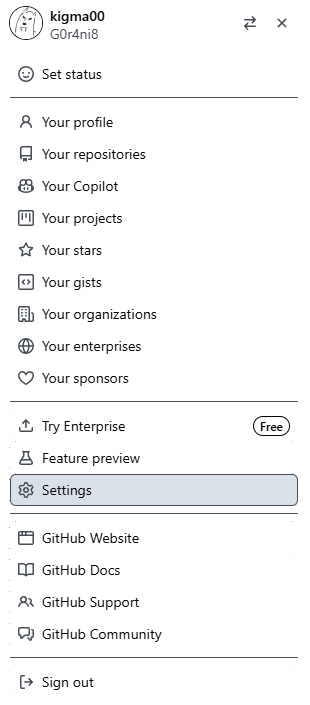
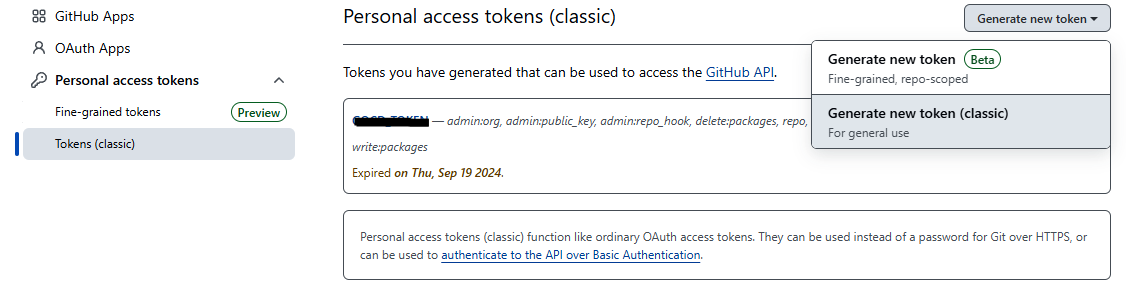
- Developer Settings > Personal Access Tokens > Token(classic)로 이동.
- Generate new token (classic) 클릭.
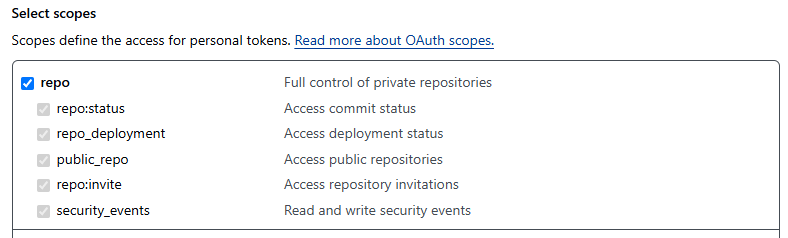
- 토큰의 Scope를 설정 (기본적으로 repo를 선택하면 충분.)
- Generate token을 클릭하여 토큰 생성.
- 생성된 토큰을 복사하여 안전한 곳에 저장. 다시 볼 수 없으니 복사 필수
git clone with Token
이렇게 PAT를 생성하게 되면 다음과 같이 사용하여 git clone이 가능하다.
git clone https://<username>:<PAT>@github.com/<username>/<repository>.git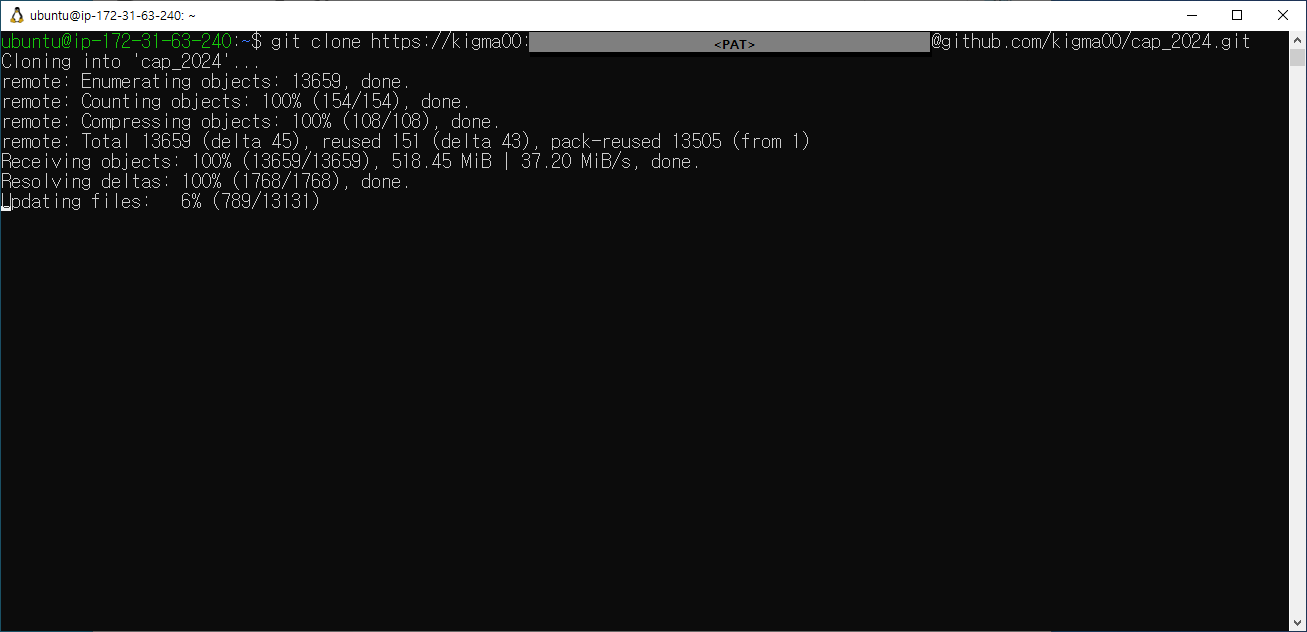

Let it rip!