
Detail/0/author을 접속하면 작가소개가 나오고
Detail/0/comment을 접속하면 댓글이 나오게
다른 URL로 나누고(쪼개고) 싶으면 nested routes 사용
nested routes 사용법
1. childern 생성
path과 같은 선상에children: [{}]생성
router.js 파일
import TheAuthor from './components/TheAuthor.vue'
import TheComment from './components/TheComment.vue'

const routes = [
  {
    path: '/Detail/:id',
    component: TheDetail,
    children: [ //페이지 쪼개고 싶을 때
      {
        //Detail/0(즉, :id)/author로 접속 시 노출
        path: 'author', //슬래시 X
        component: TheAuthor.vue,
      },
      {
        //Detail/0(즉, :id)/comment로 접속 시 노출
        path: 'comment', //슬래시 X
        component: TheComment.vue,
      },
    ]
  },
];
2. 노출 위치 지정
- 우리는
TheDetail페이지 내에서 쪼갠 거니까 해당 파일에router-view을 넣어줘야 함.
TheDetail.vue 파일
<template>
    <router-view></router-view>
</template>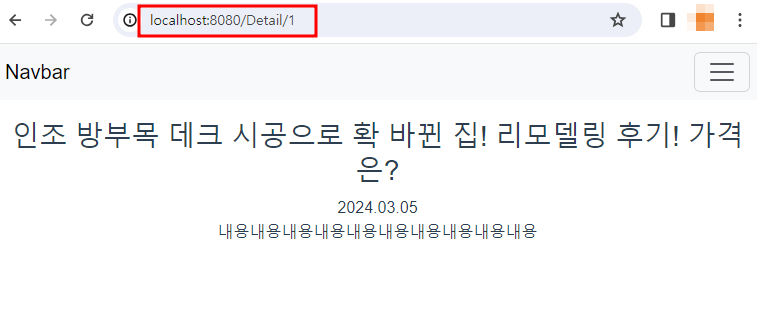
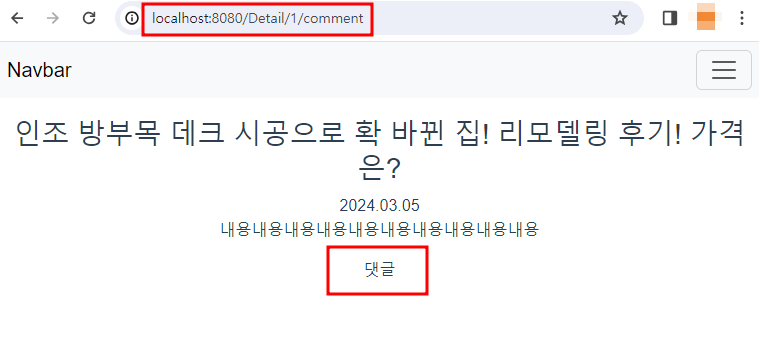
헤헤 보인다~!
$router.push('url')
<router-link></router-link>를 사용하지 않아도 원하는 url로 이동 가능.$router.push('/Detail/0')일 경우/Detail/0로 이동
<button type="button" @click="$router.push('/Detail/0')">
  이동~
</button>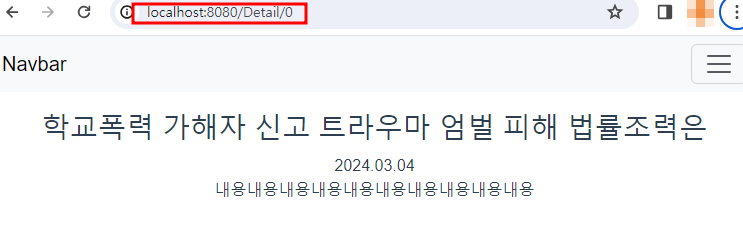
$route VS $router
- $route: 현재 url에 관련된 정보
- $router: 페이지 이동 관련 기능

모든 피드백 받습니다 😊