OpenAPI 를 활용해서 영화진흥위원회에서 제공하는 영화 순위를 활용할 예정이에요.Xcode 를 통해서 iOS 앱으로 만들어서 간편하게 정보를 확인할 수 있도록 해볼게요.
프로젝트 만들기
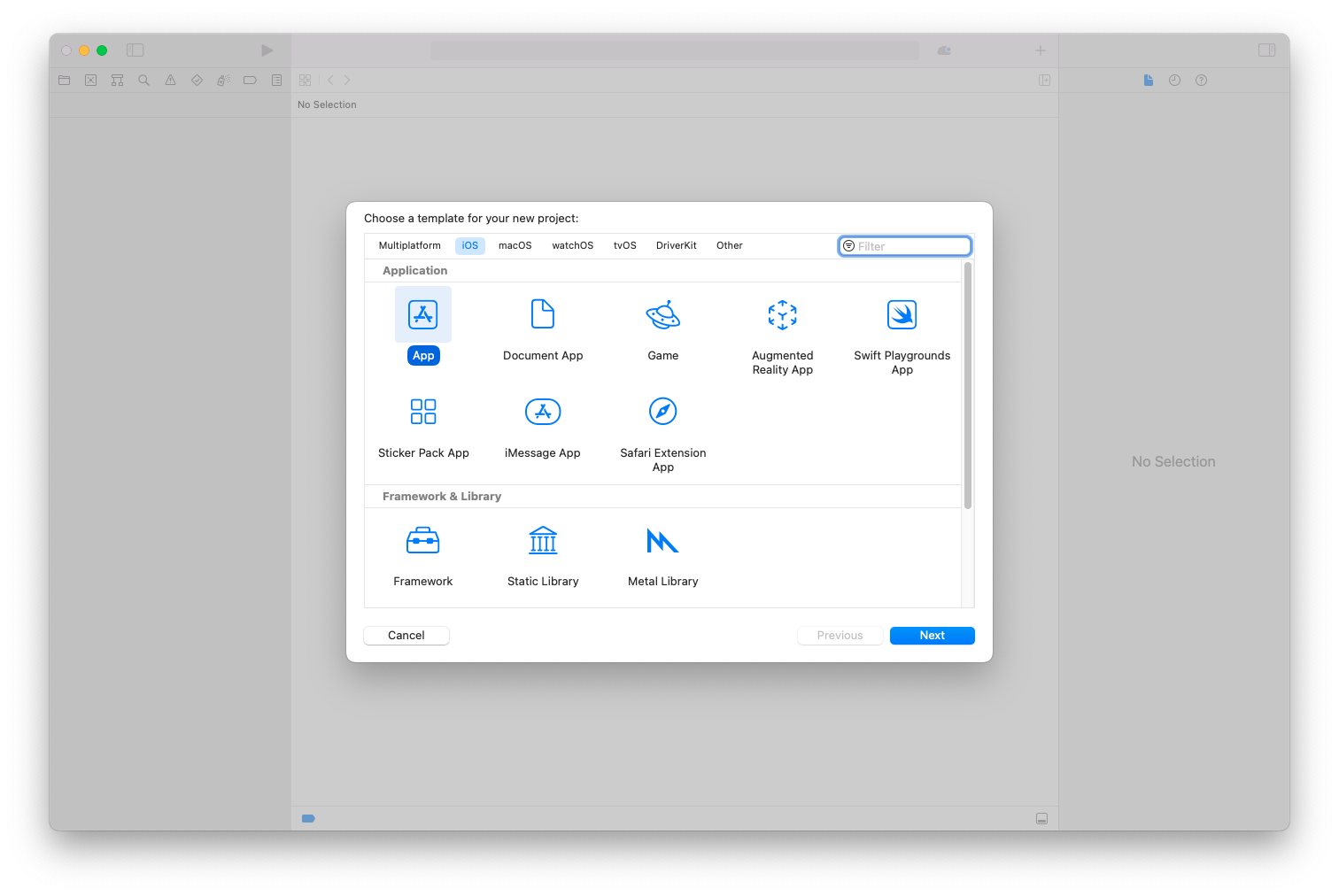
프로젝트 생성
이름 설정
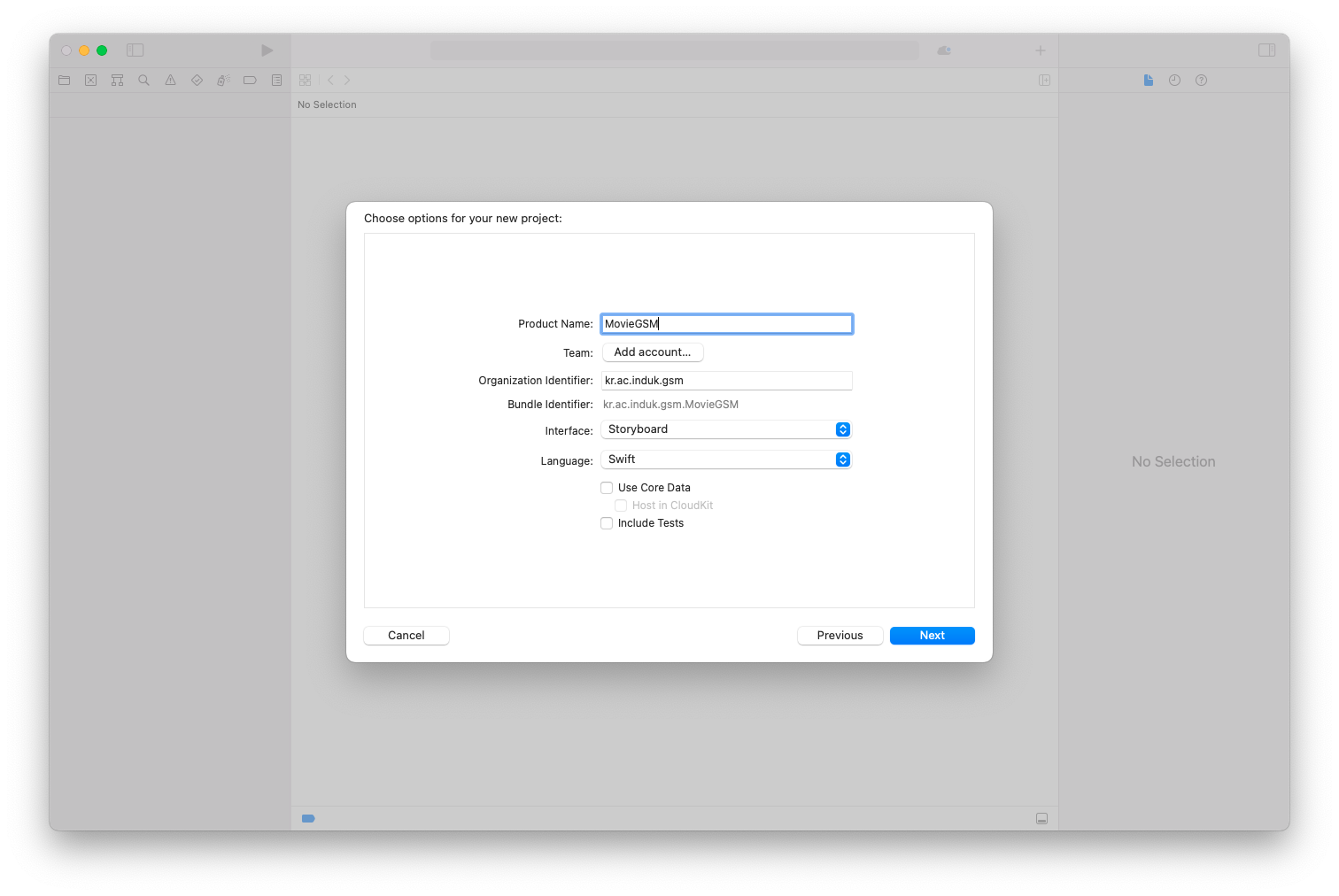
Table View 추가
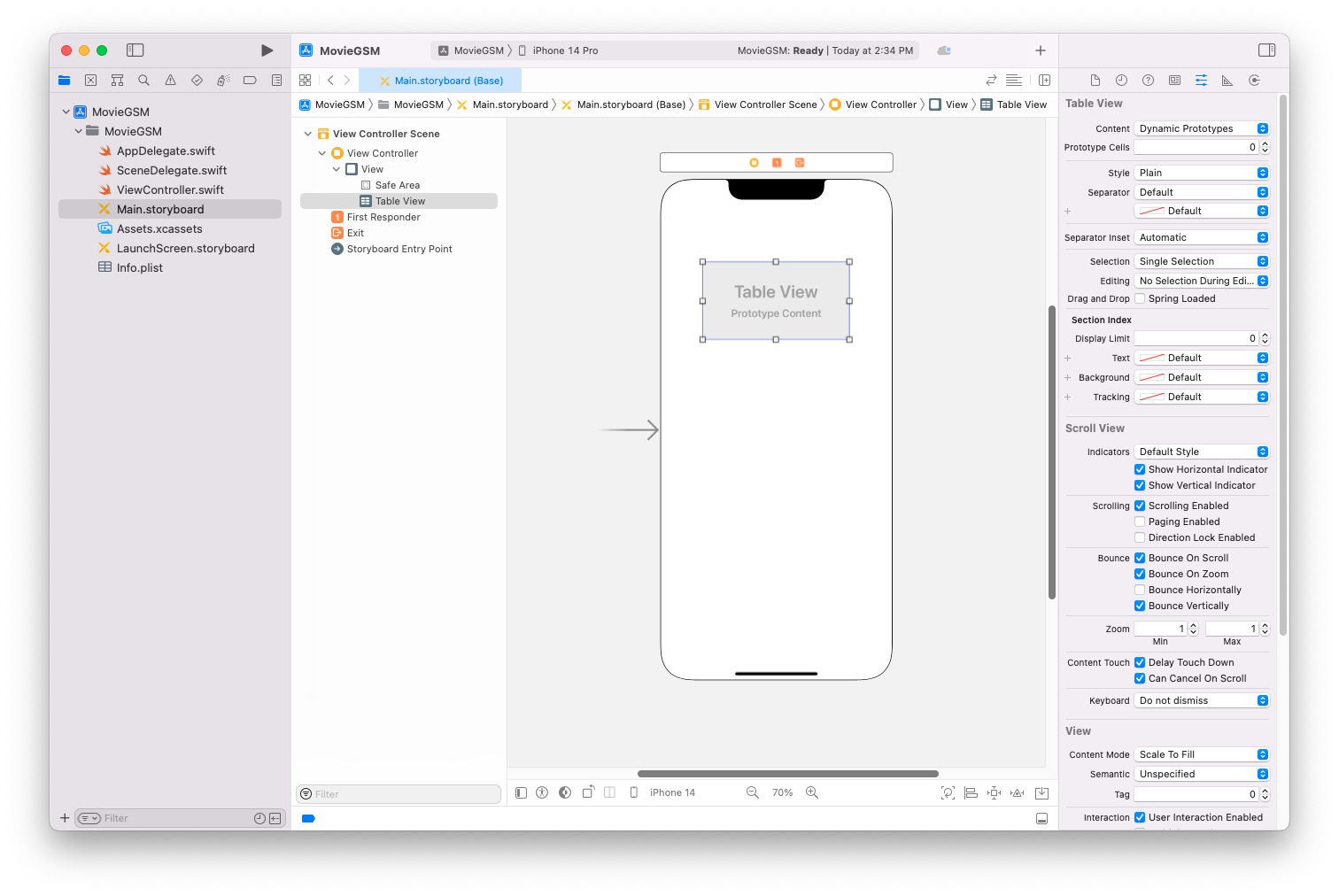
제약조건 추가
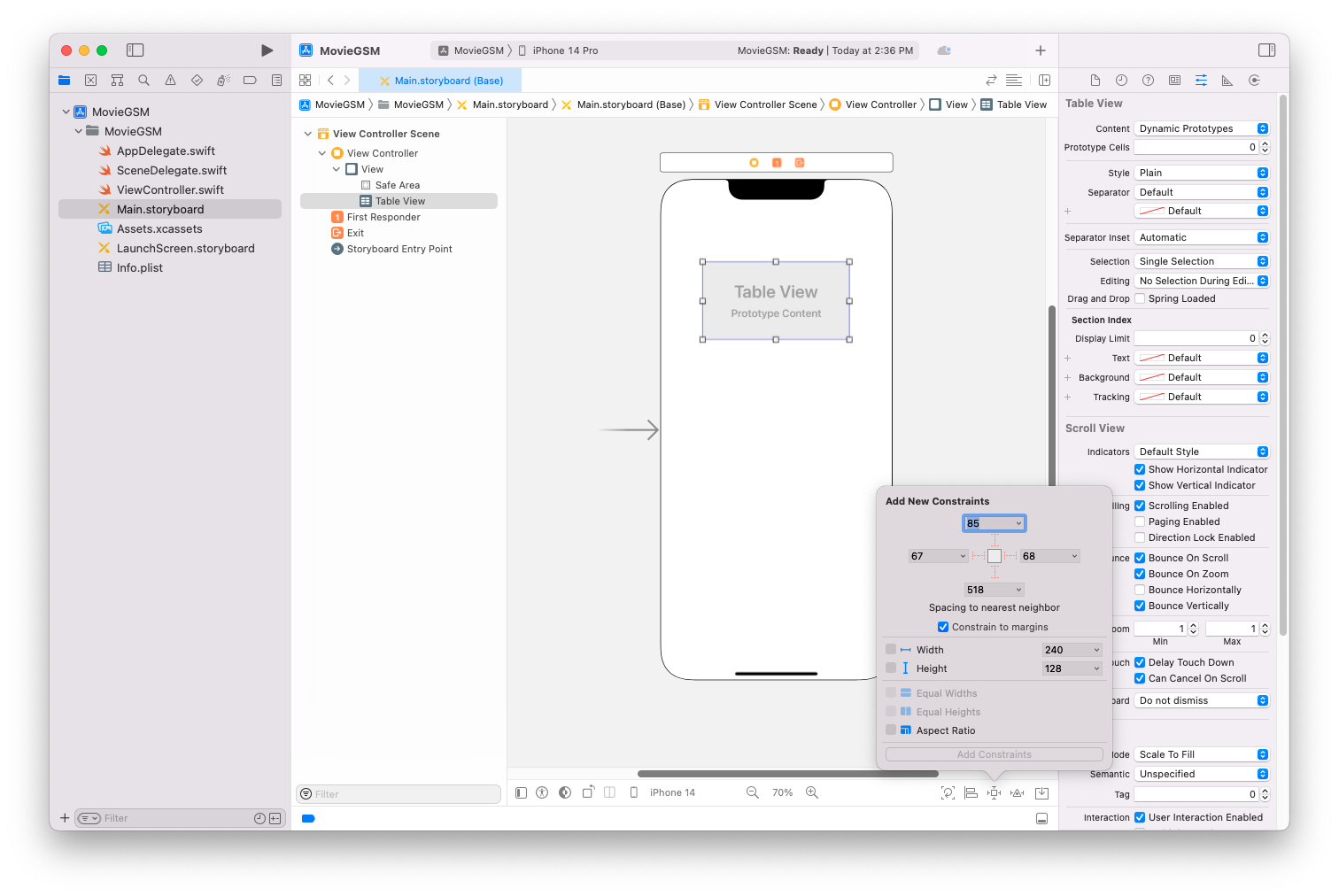
다음과 같이 변경
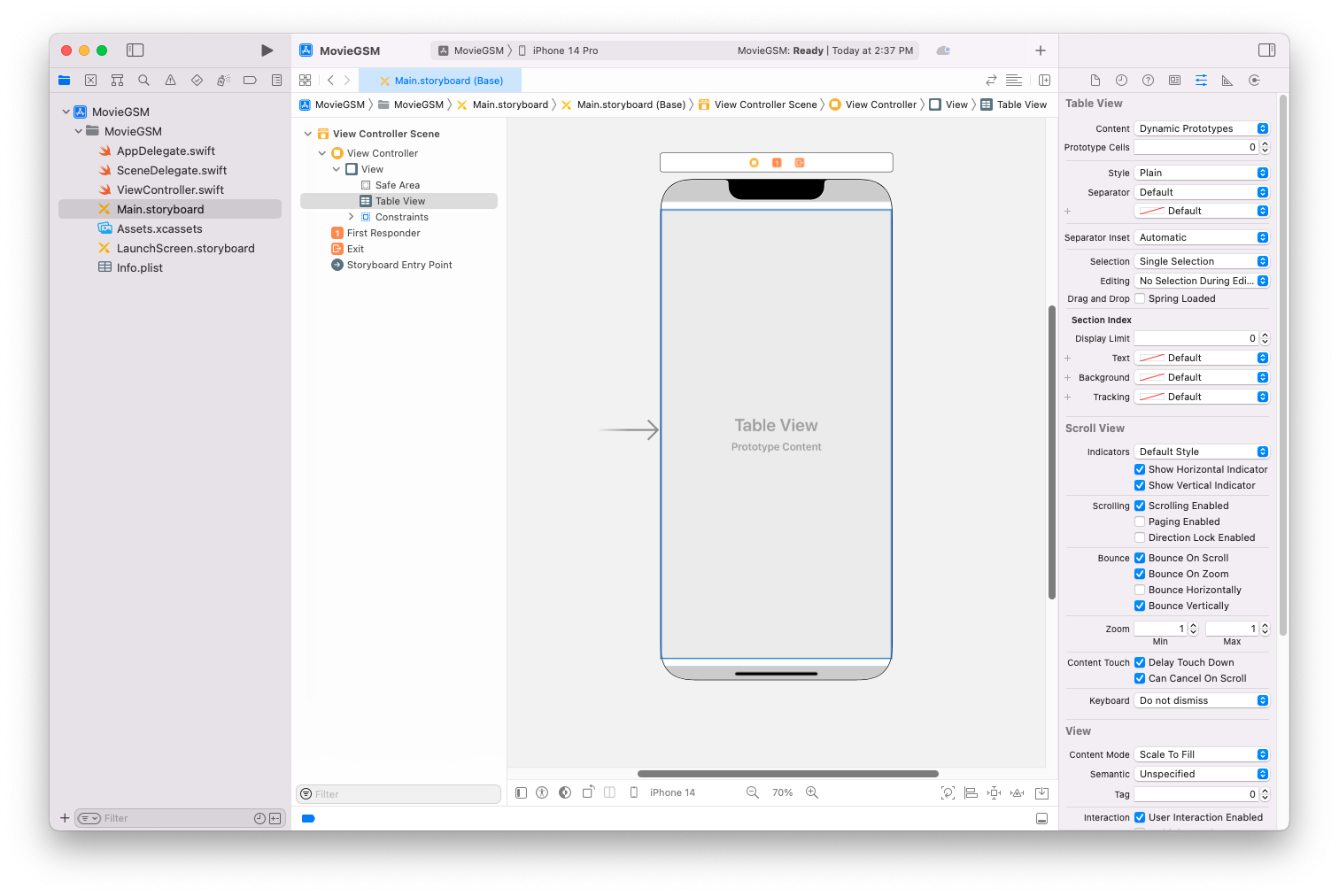
Assistant 띄운 후 Ctrl 드래그로 테이블 뷰 연결
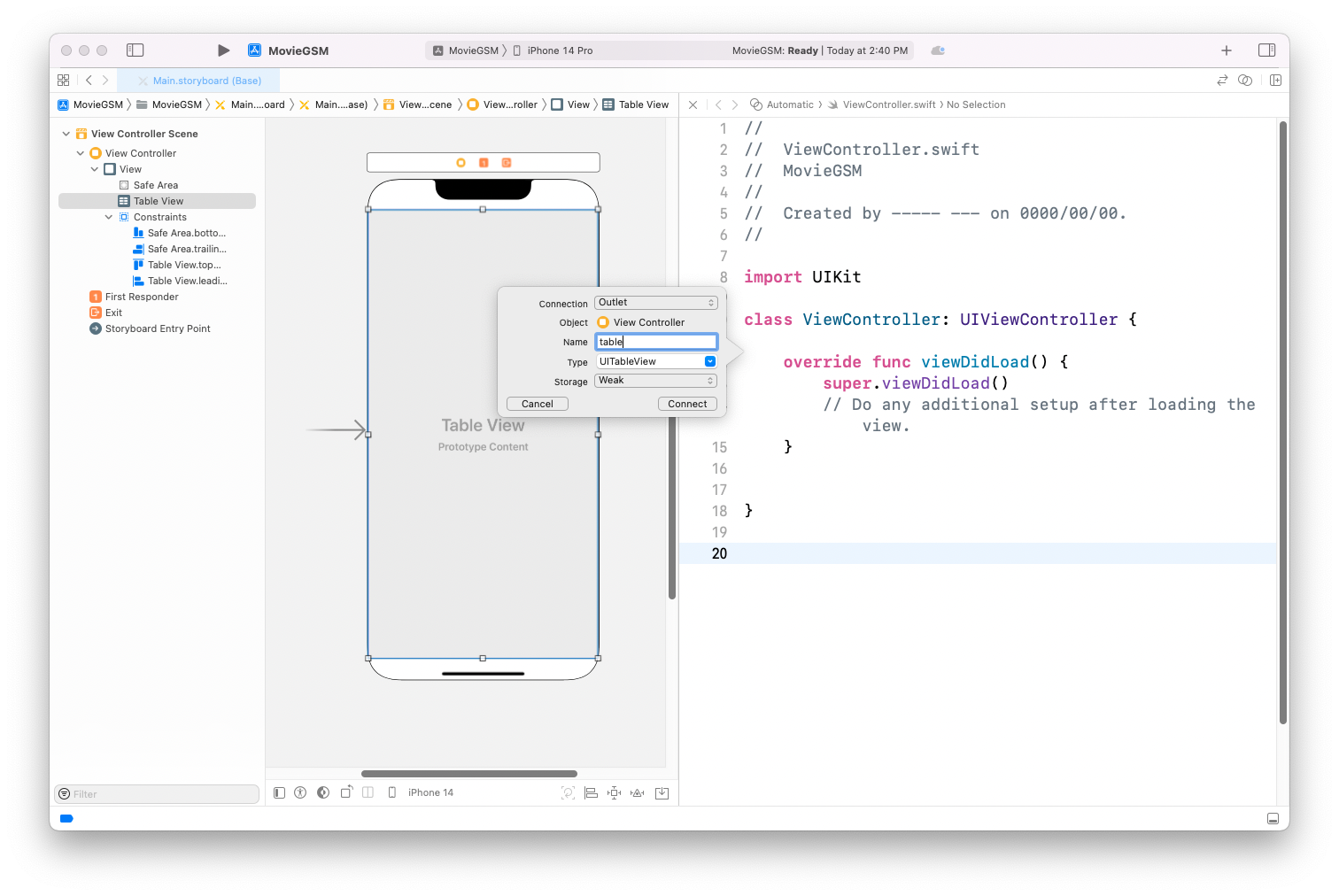
연결 후 UITableViewDelegate, UITableViewDataSource 프로토콜 추가
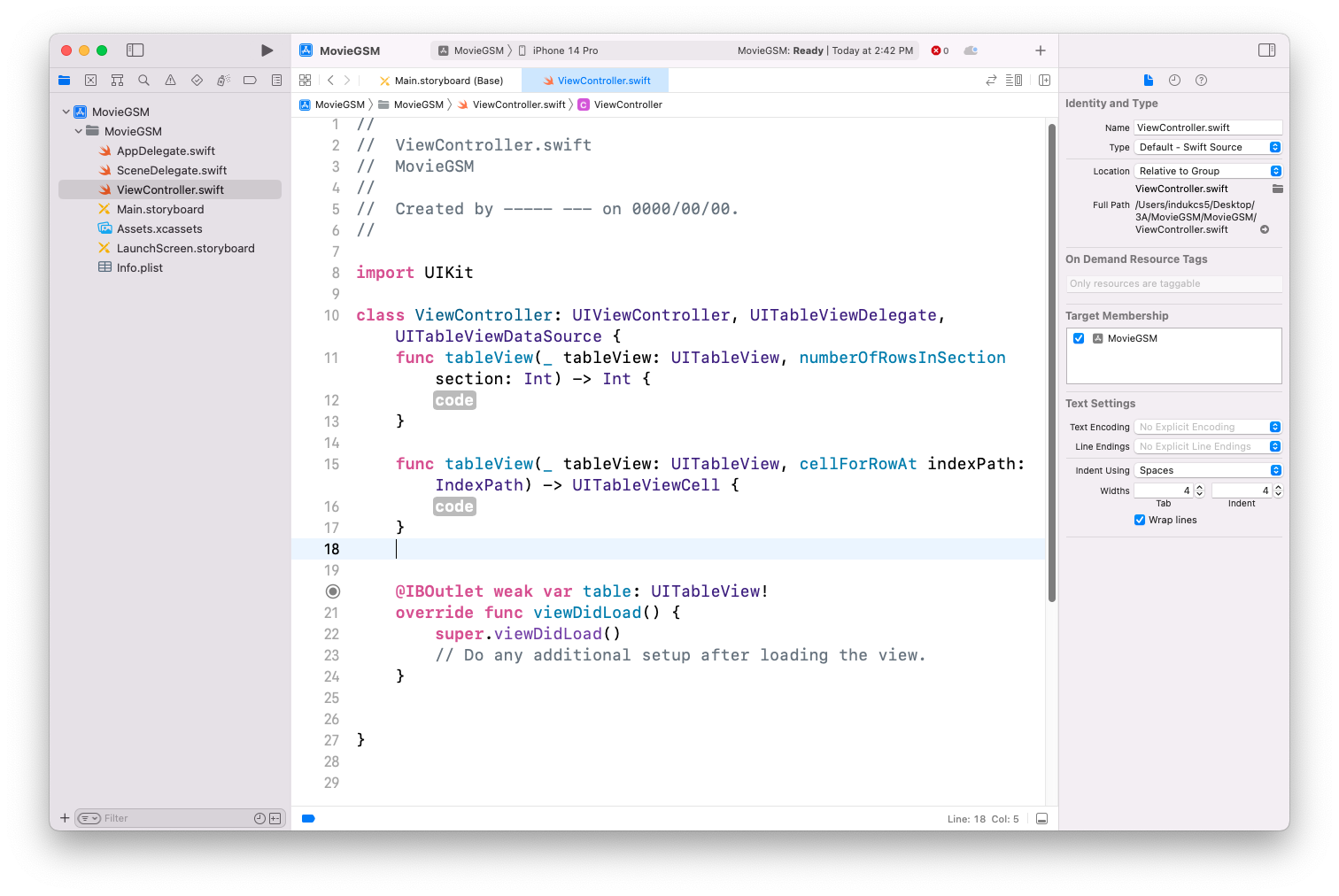
기능 구현을 위한 코드 추가
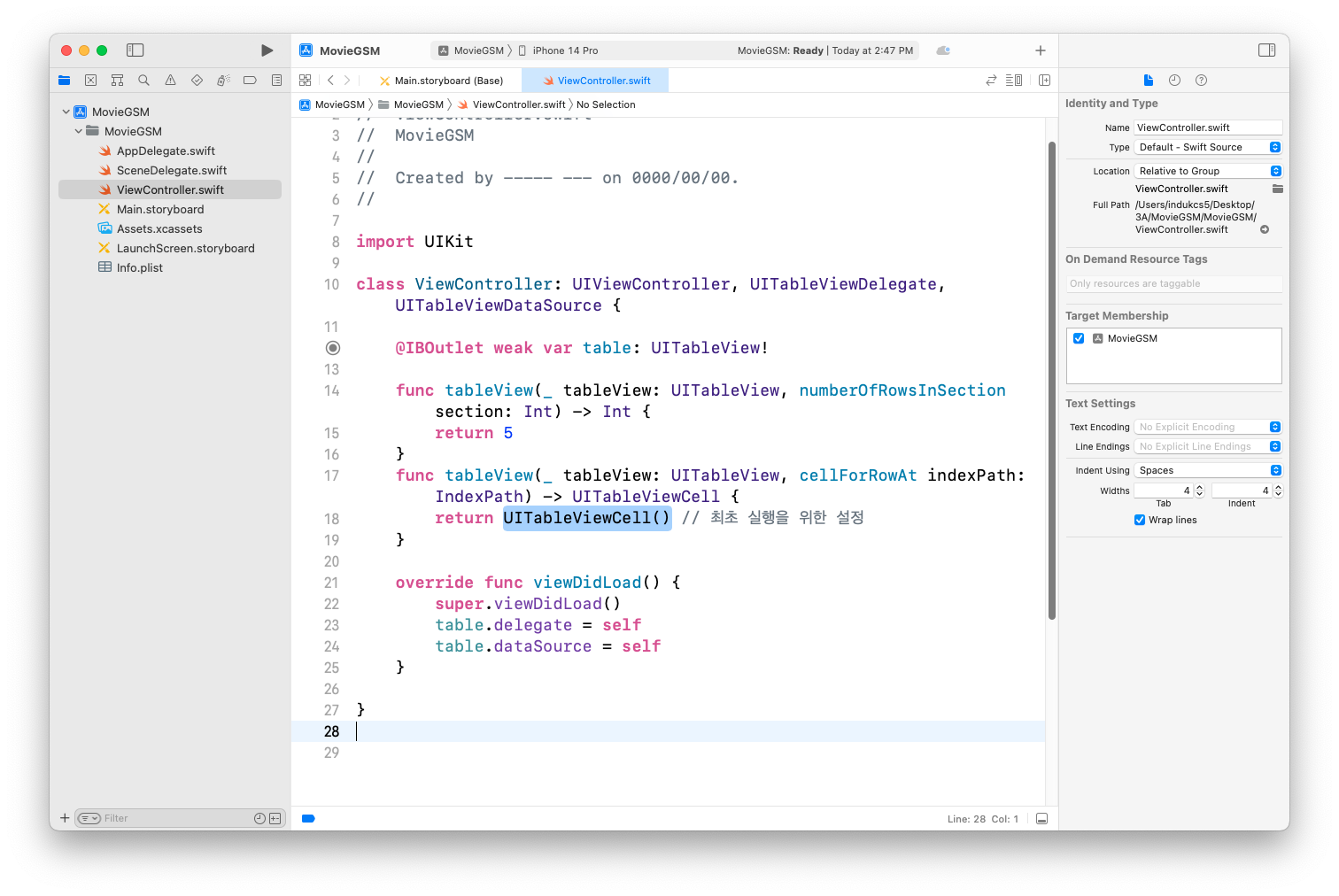
실행 후 정상 동작여부 확인
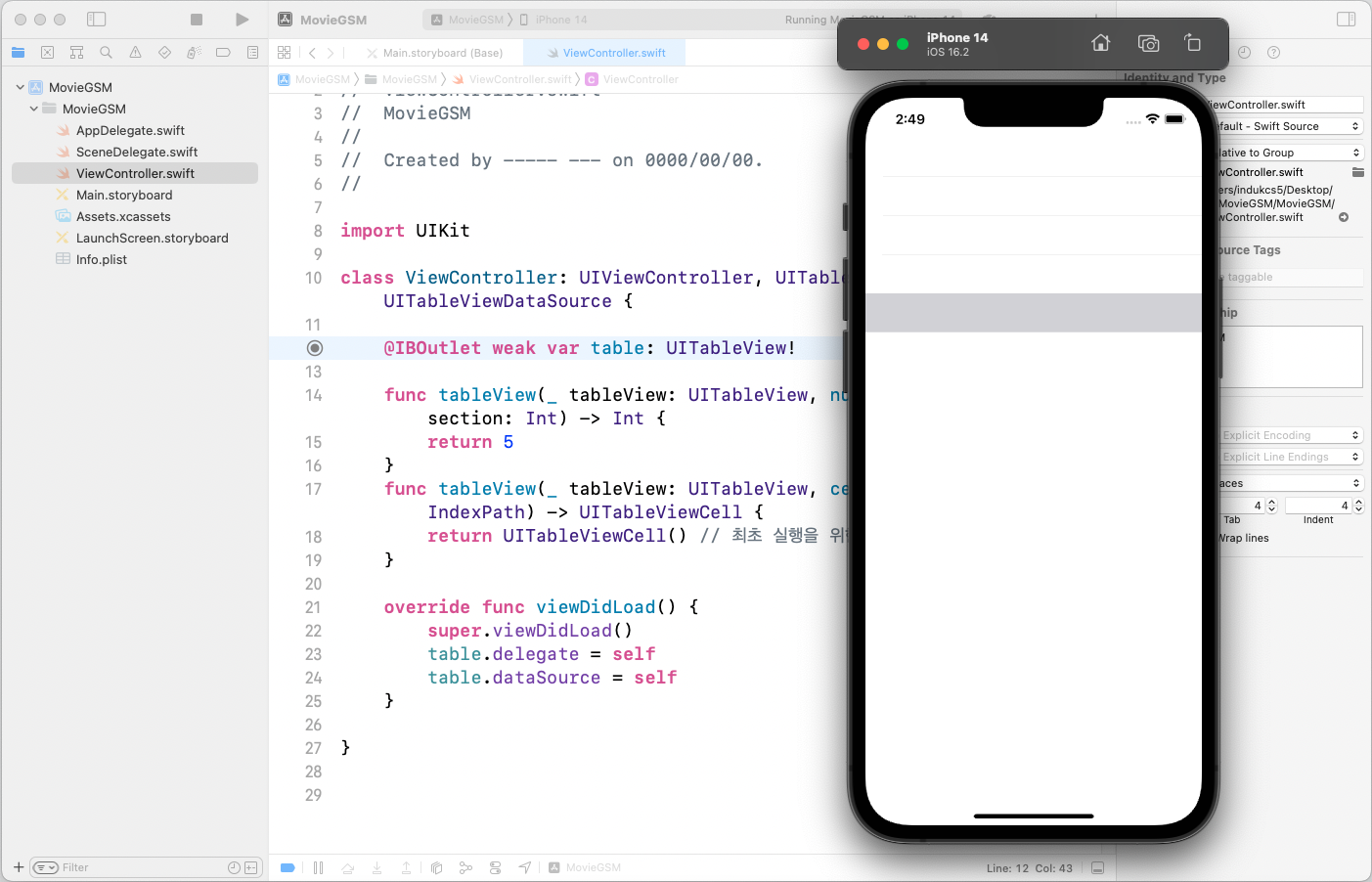
section의 수를 2로 늘린 후 실행
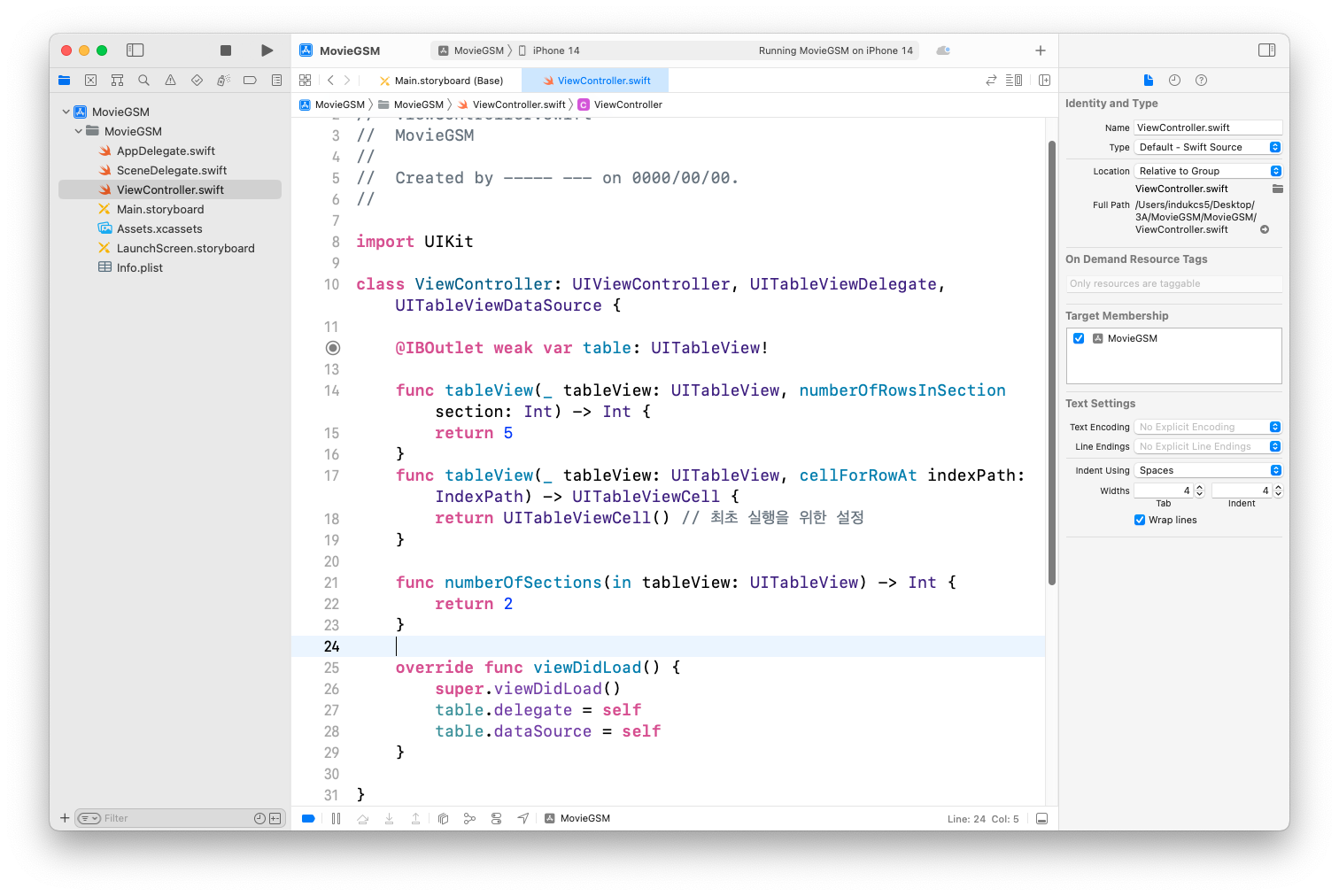
실행결과 확인
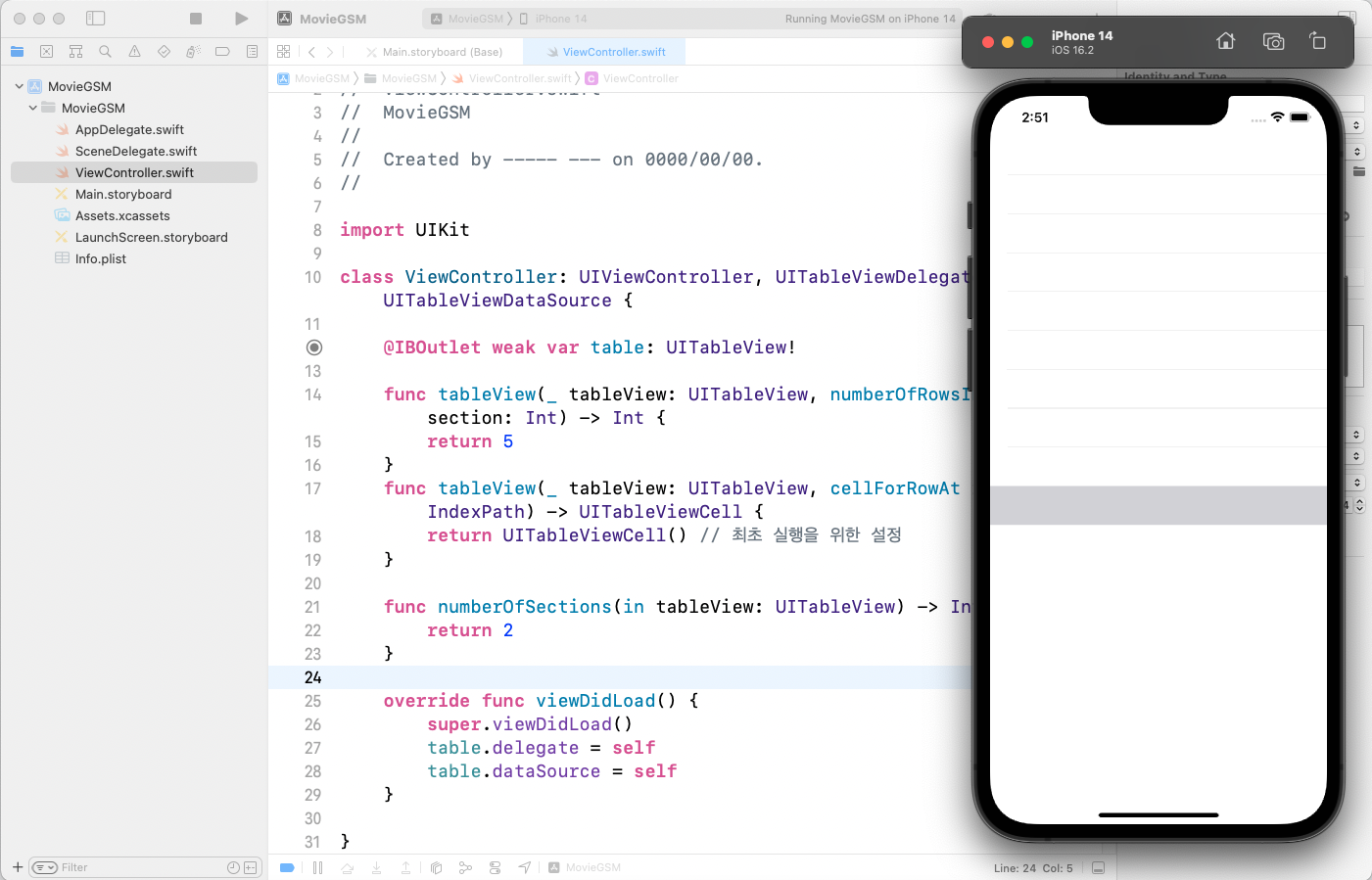
TableView Cell 추가
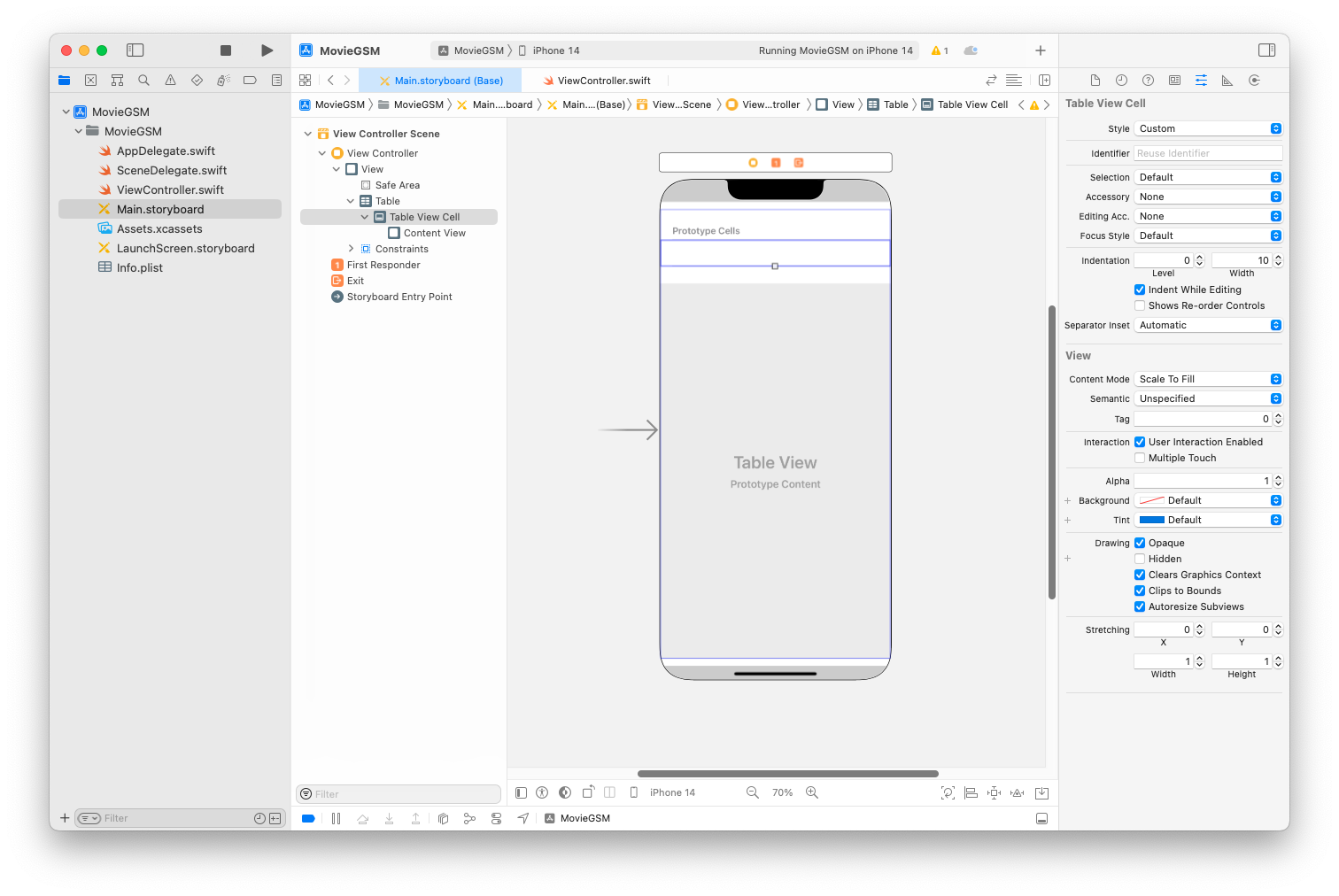
Identifier를 myCell로 변경 후 적용
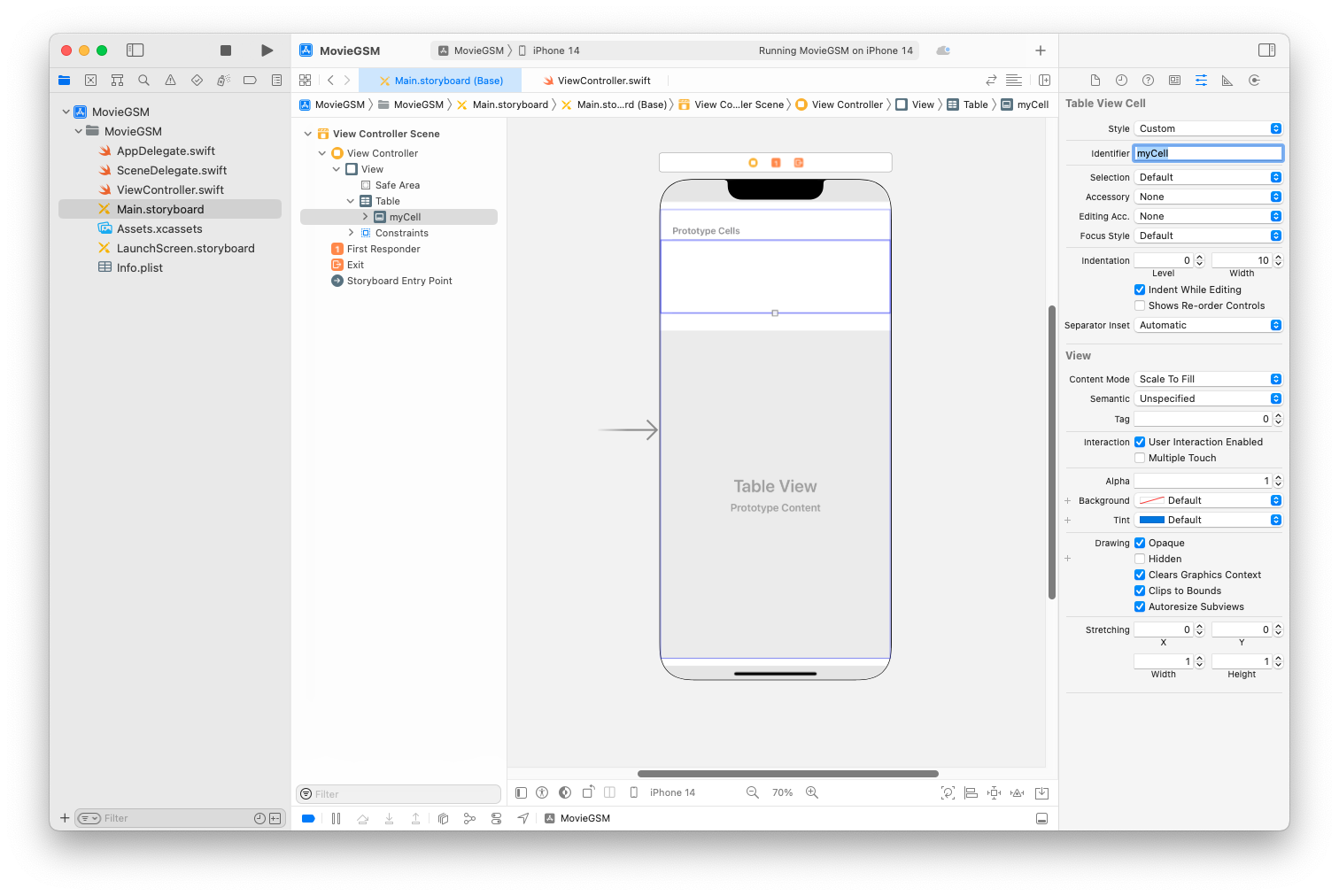
Cell 설정용 Cocoa Touch Calss 추가
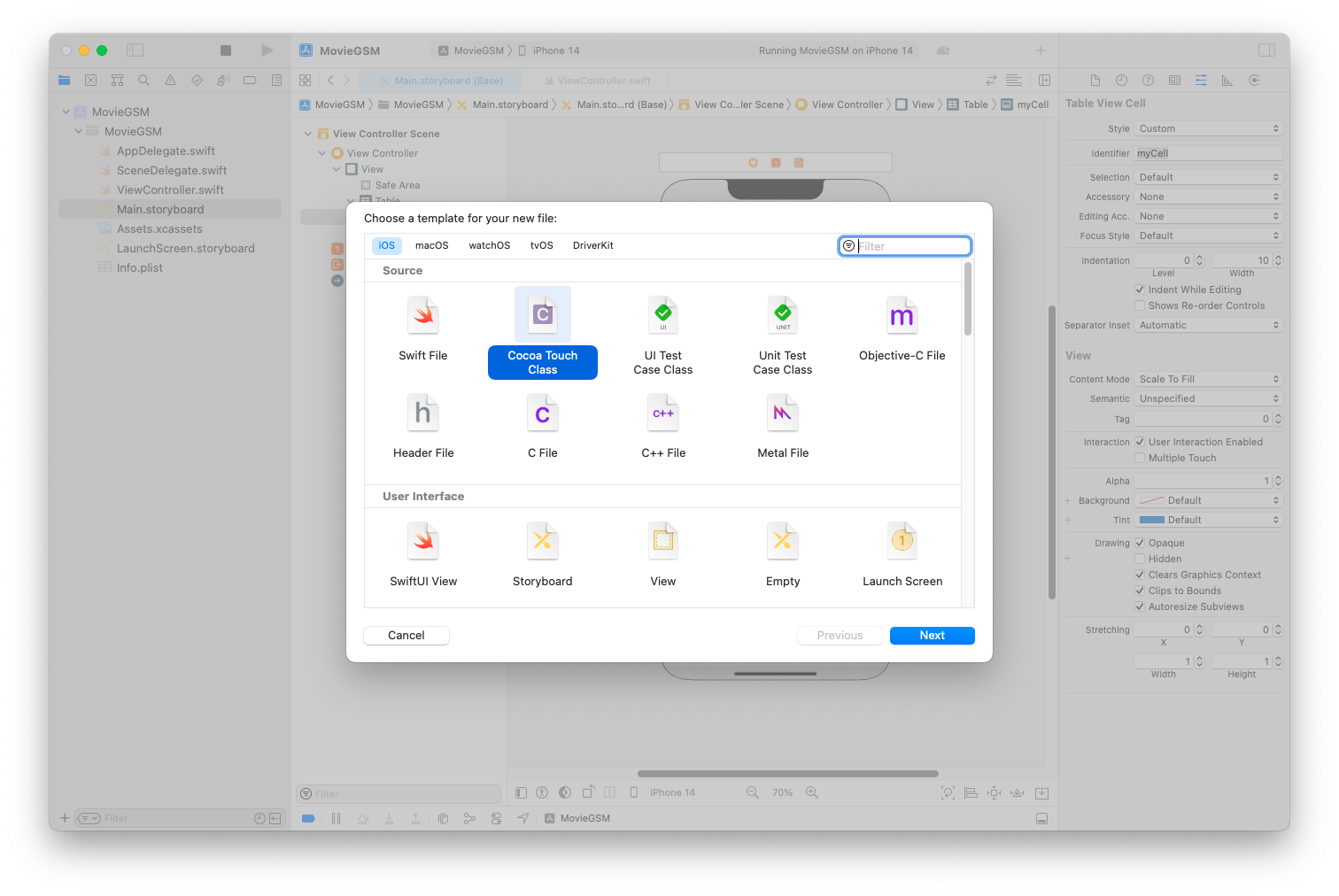
부모 클래스를 UITableViewCell로 지정
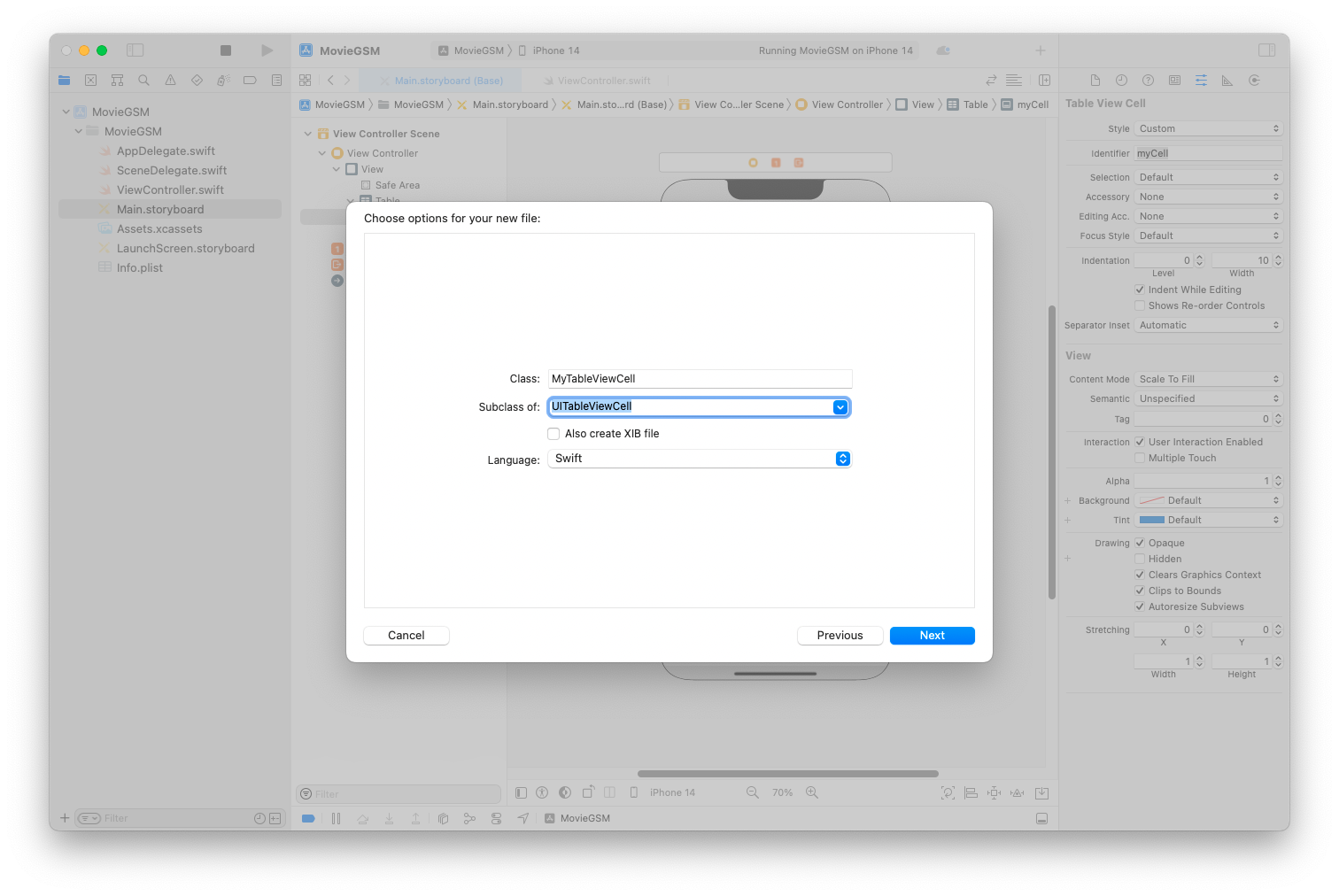
생성한 Cell 선택 후 Class를 연결
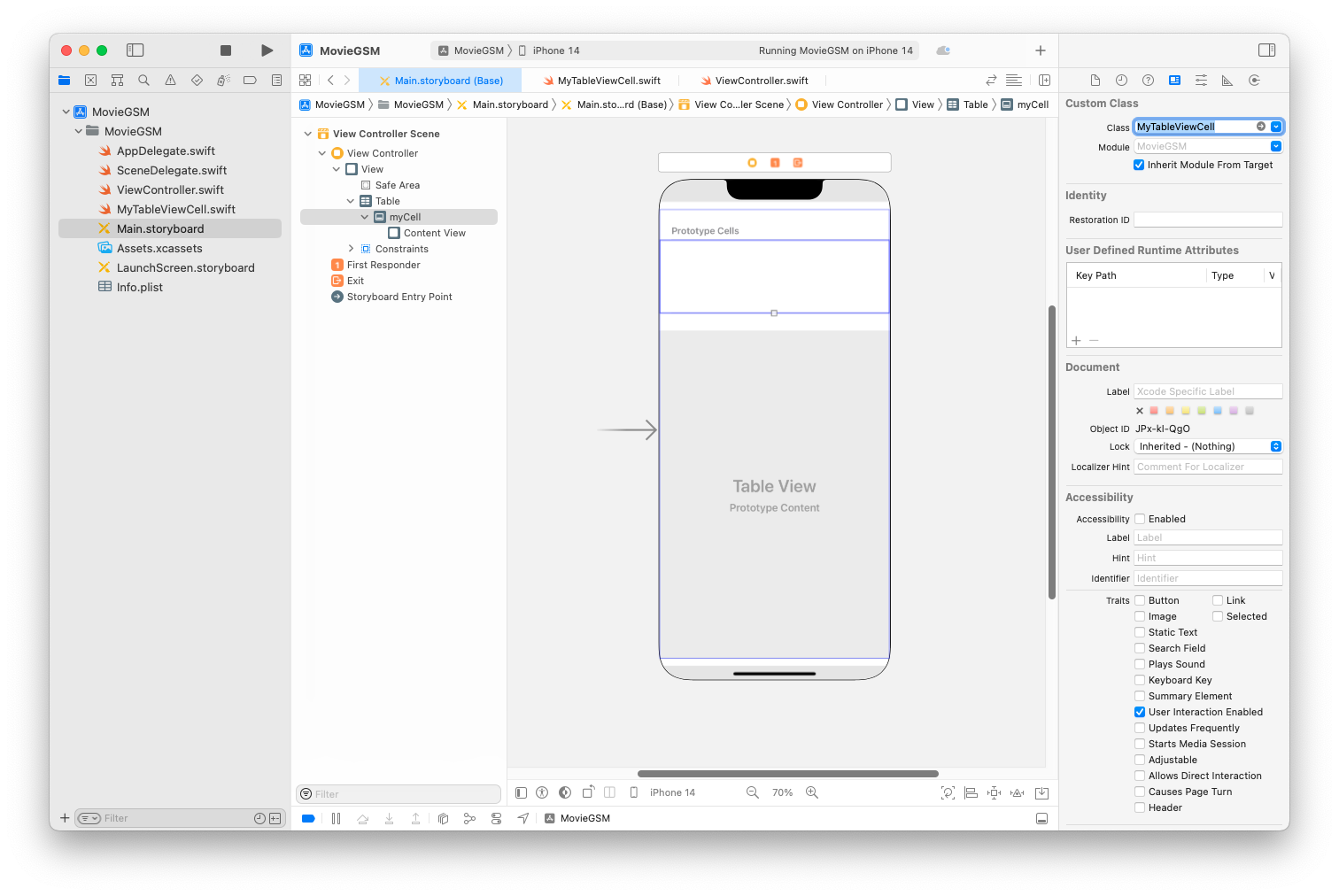
셀 안에 Label 추가 후 제약조건을 추가
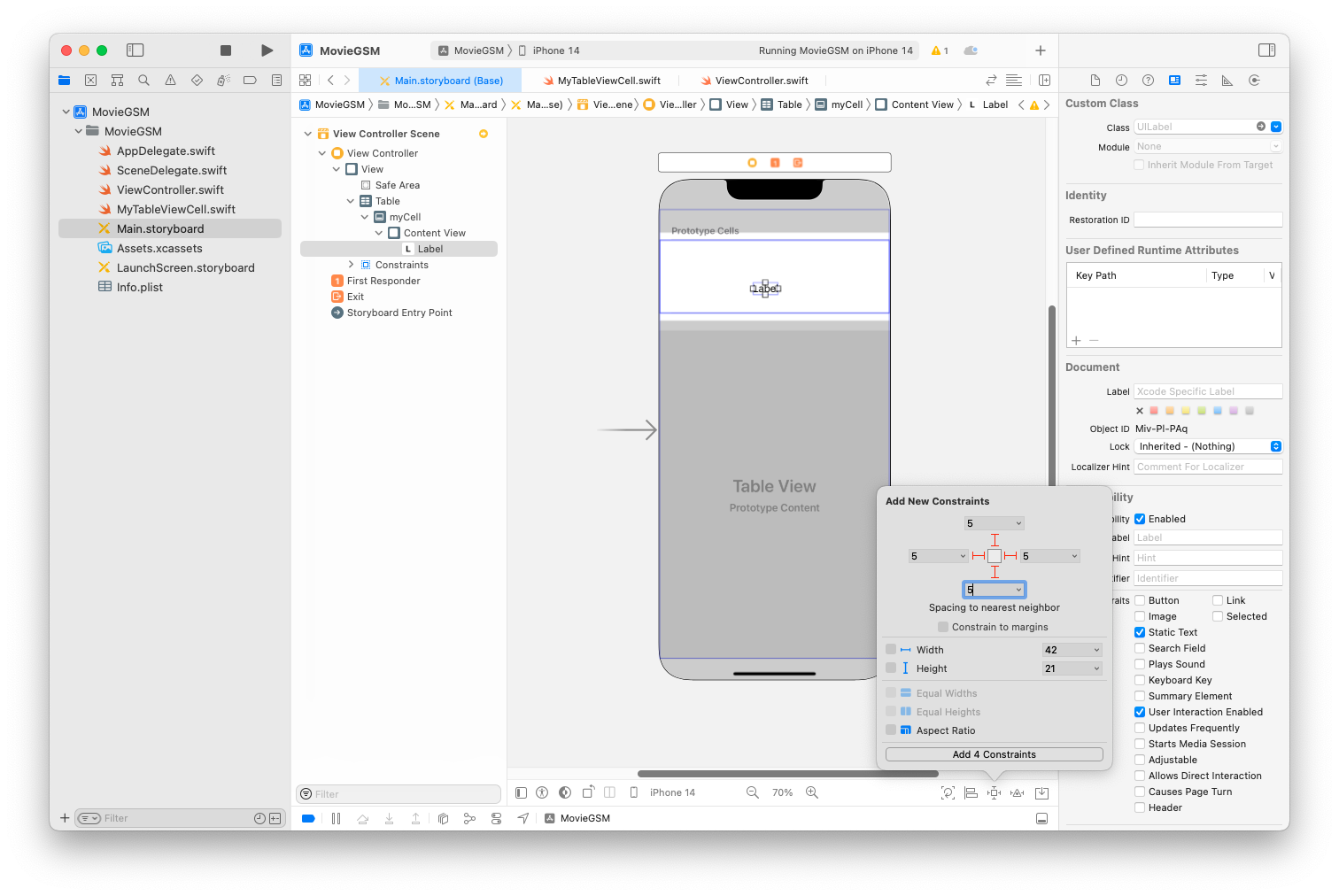
실행 결과 확인
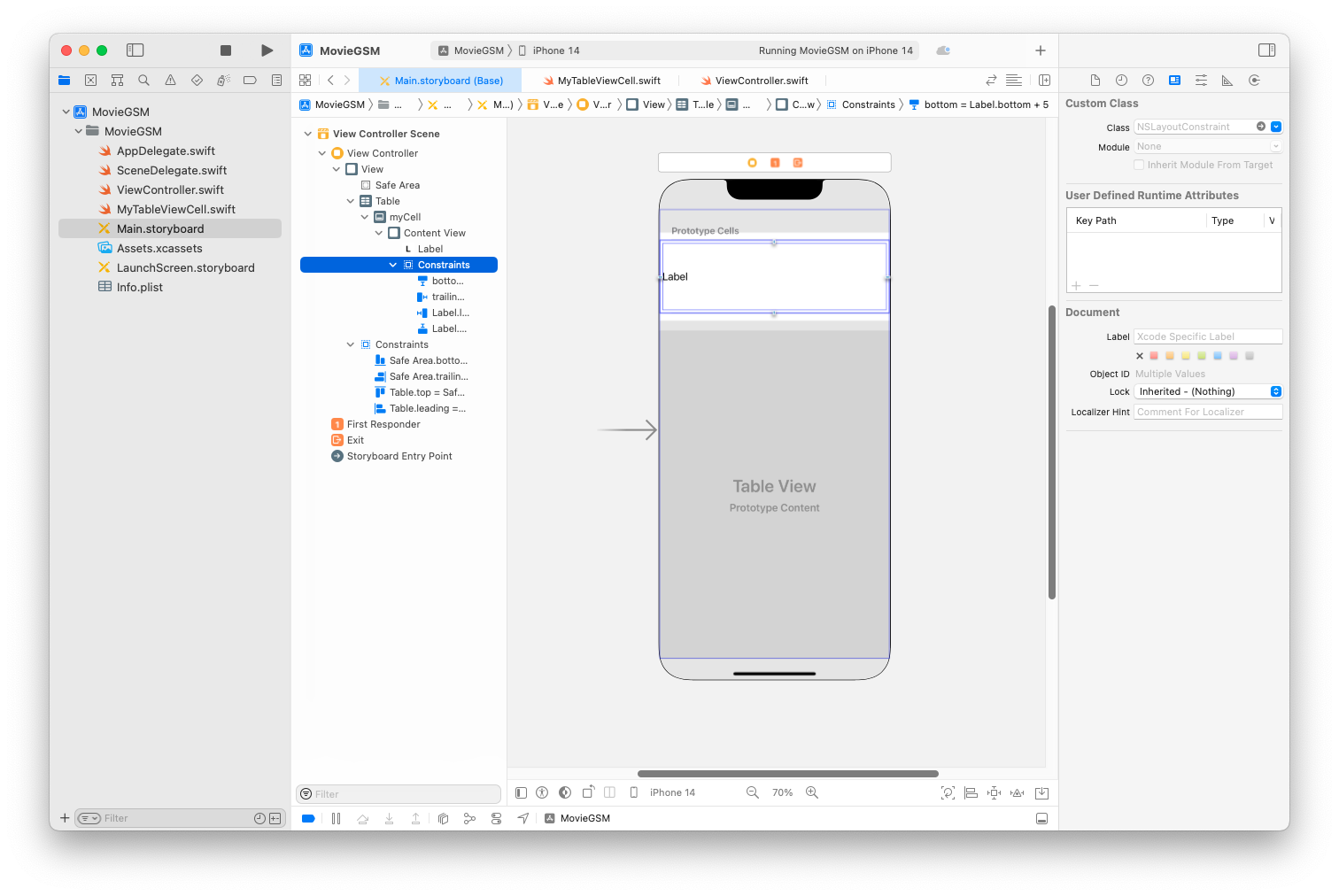
Label 디자인
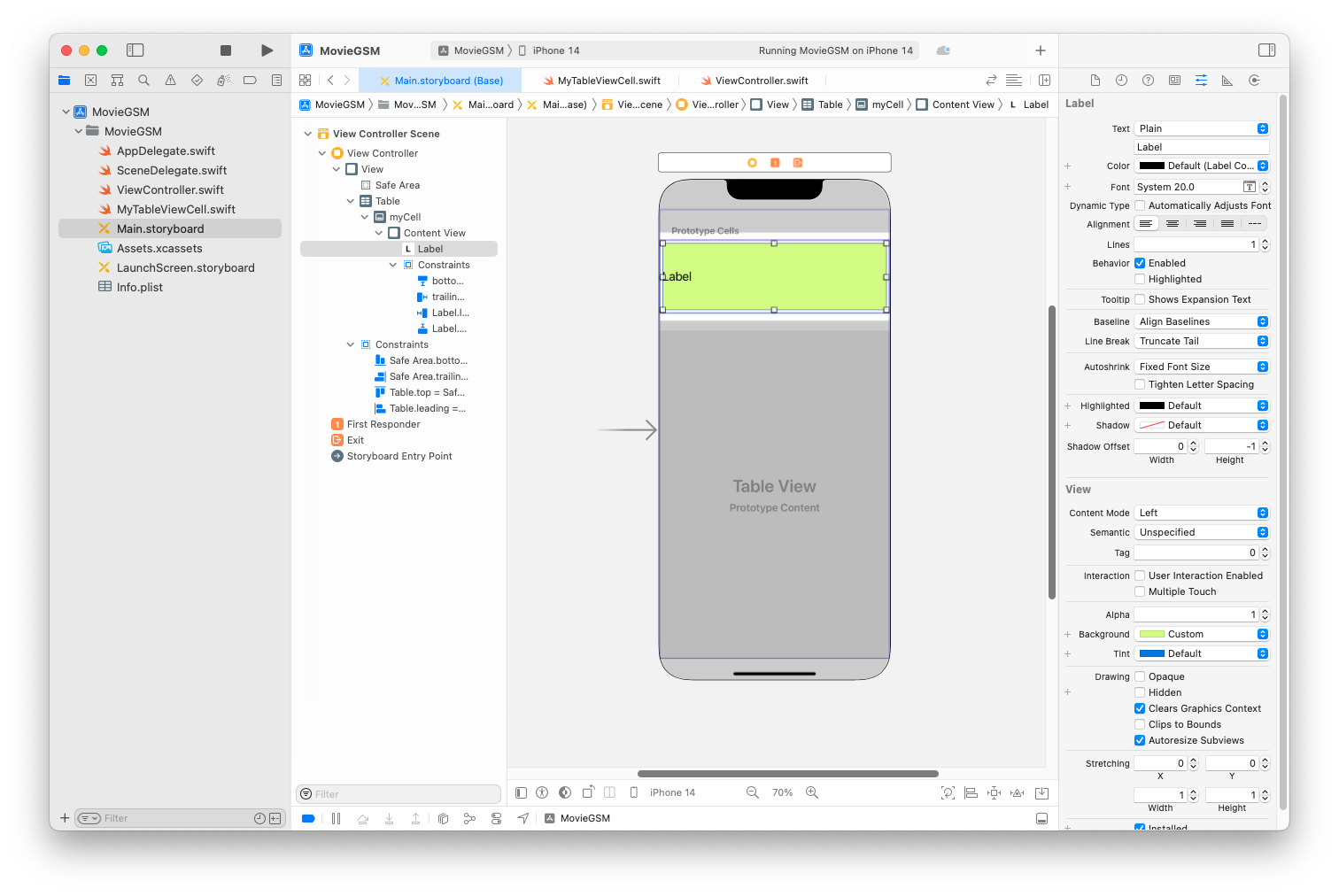
Assistant로 Label 선택 후 Ctrl 드래그
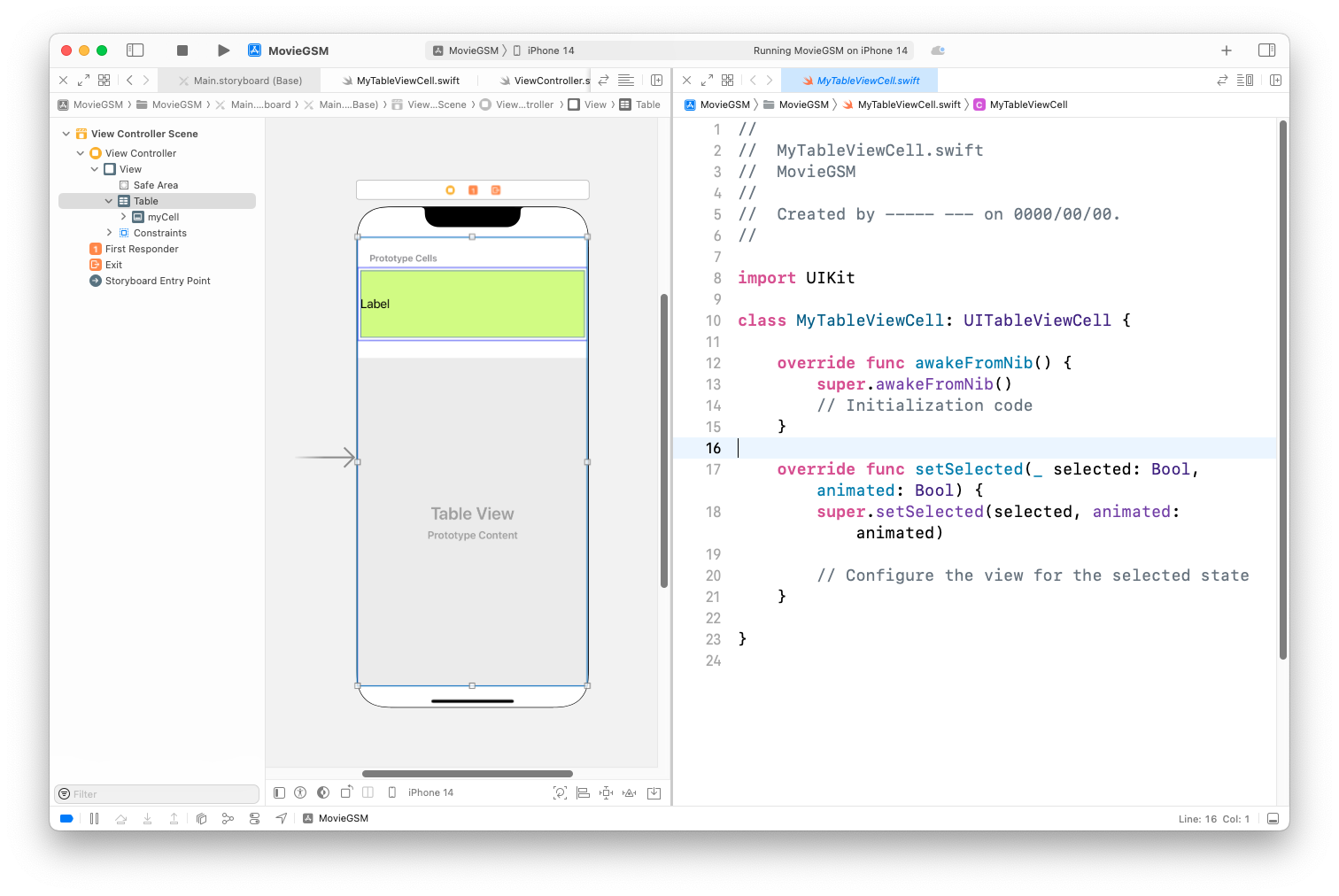
이름 지정 후 코드와 연결
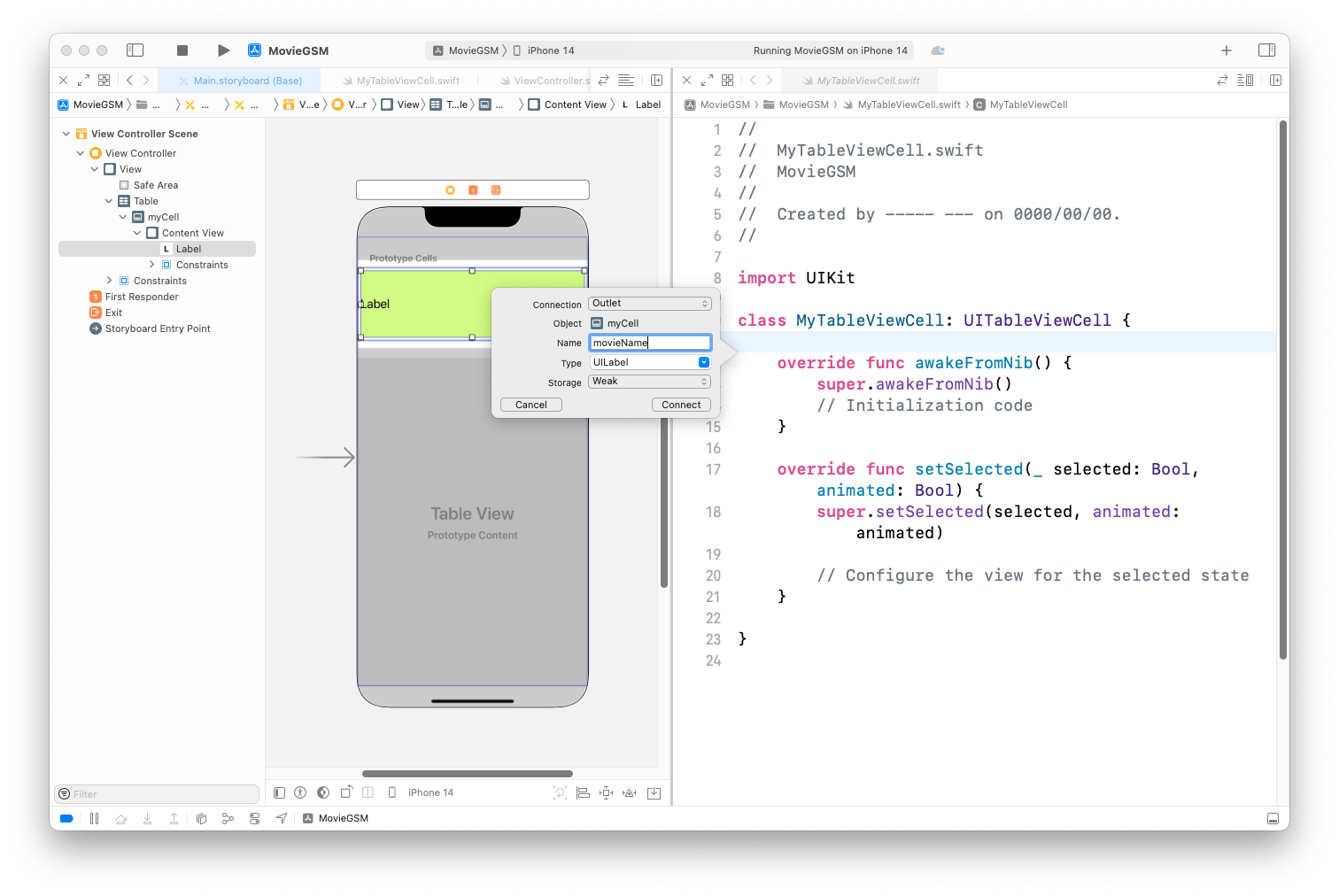
코드를 다음과 같이 수정 후 실행
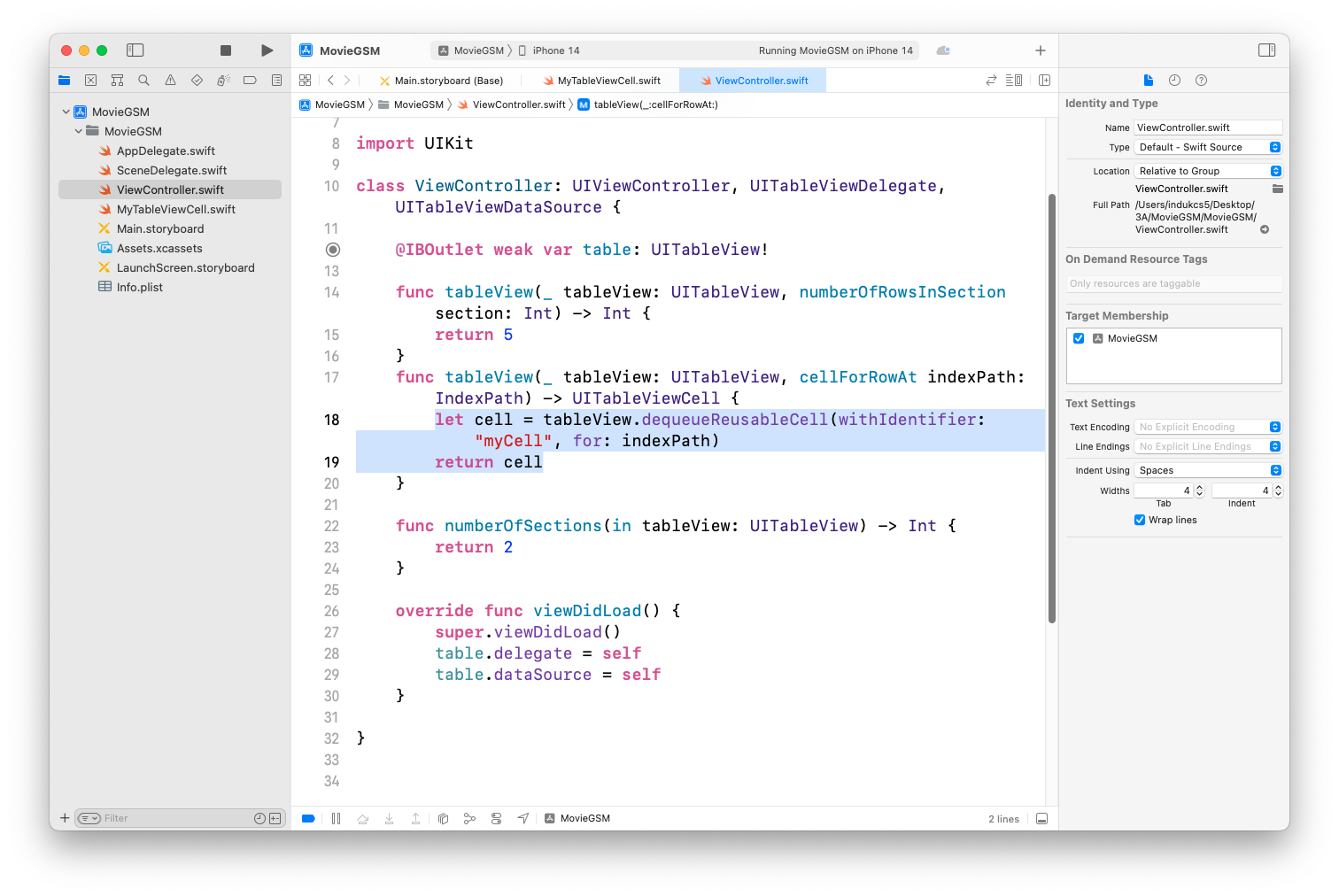
실행 결과 확인
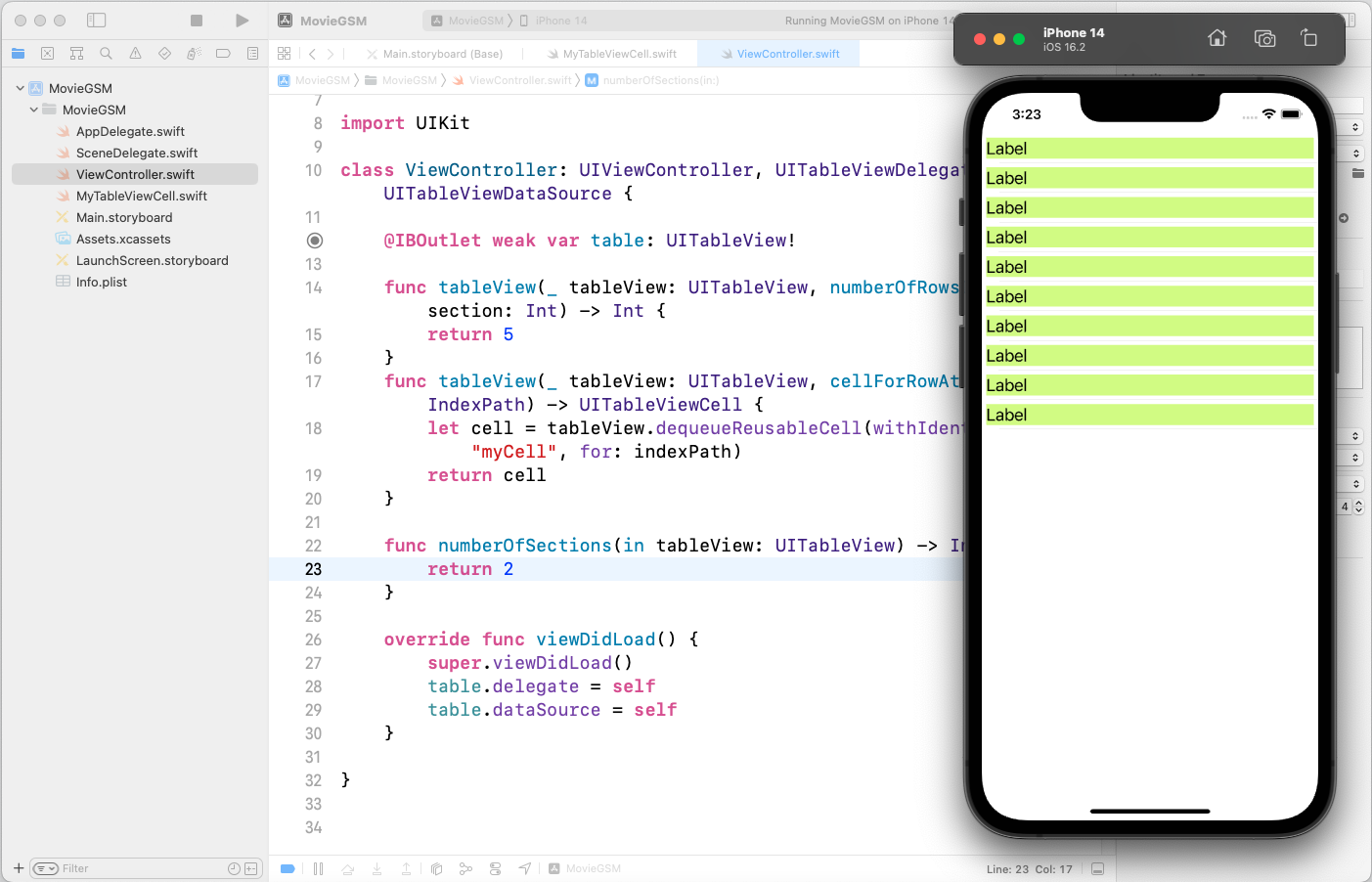
소스 수정
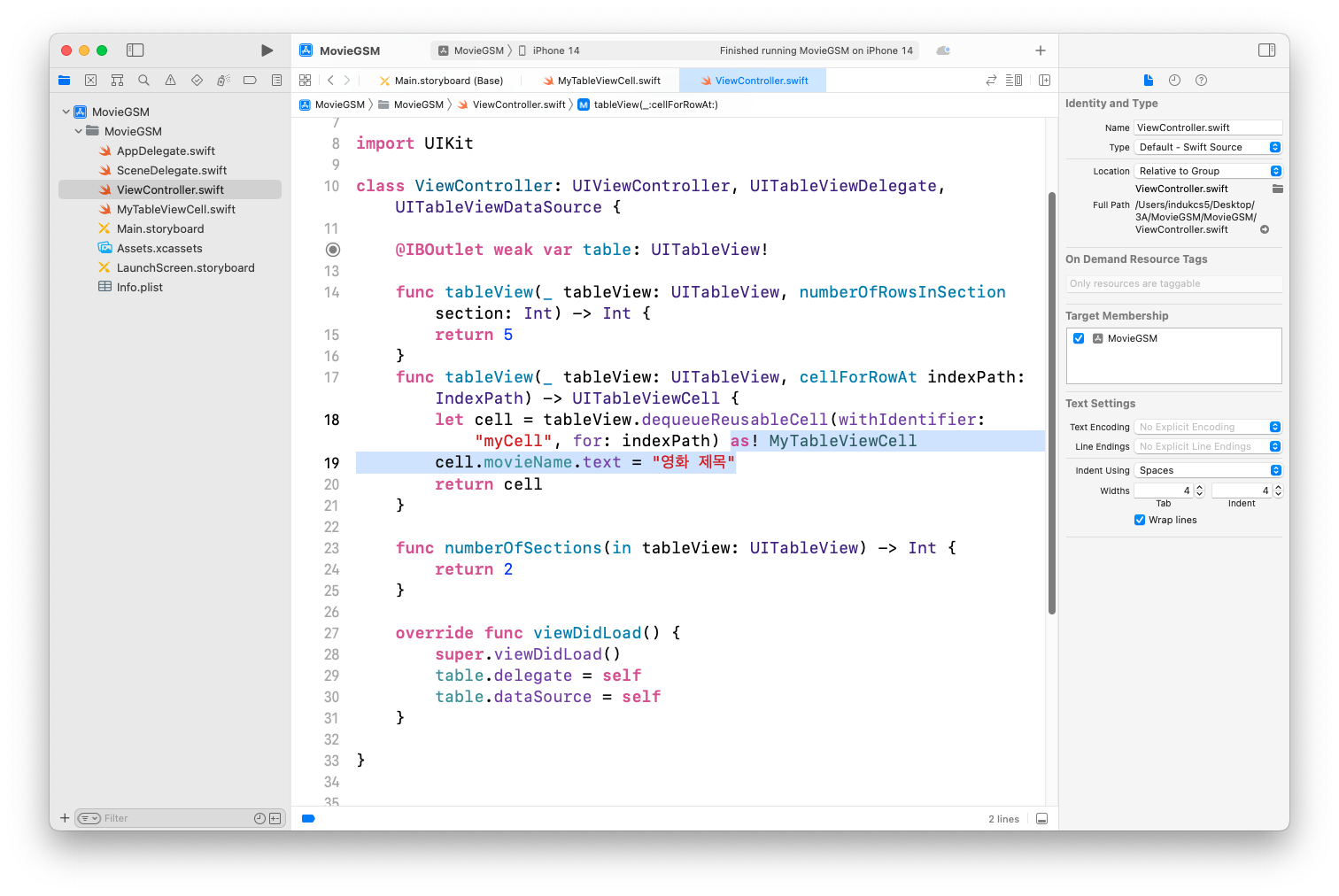
실행결과 확인
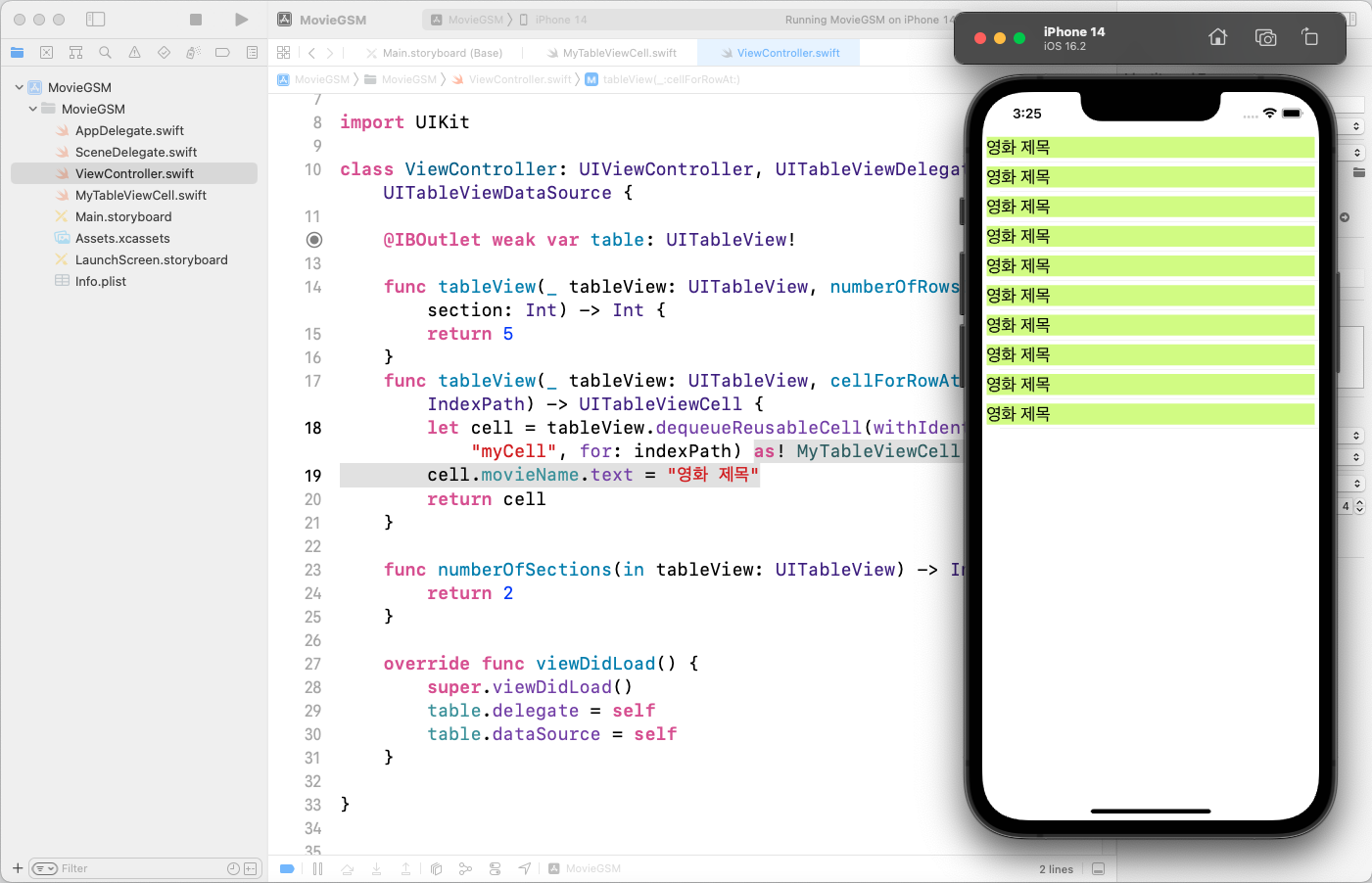
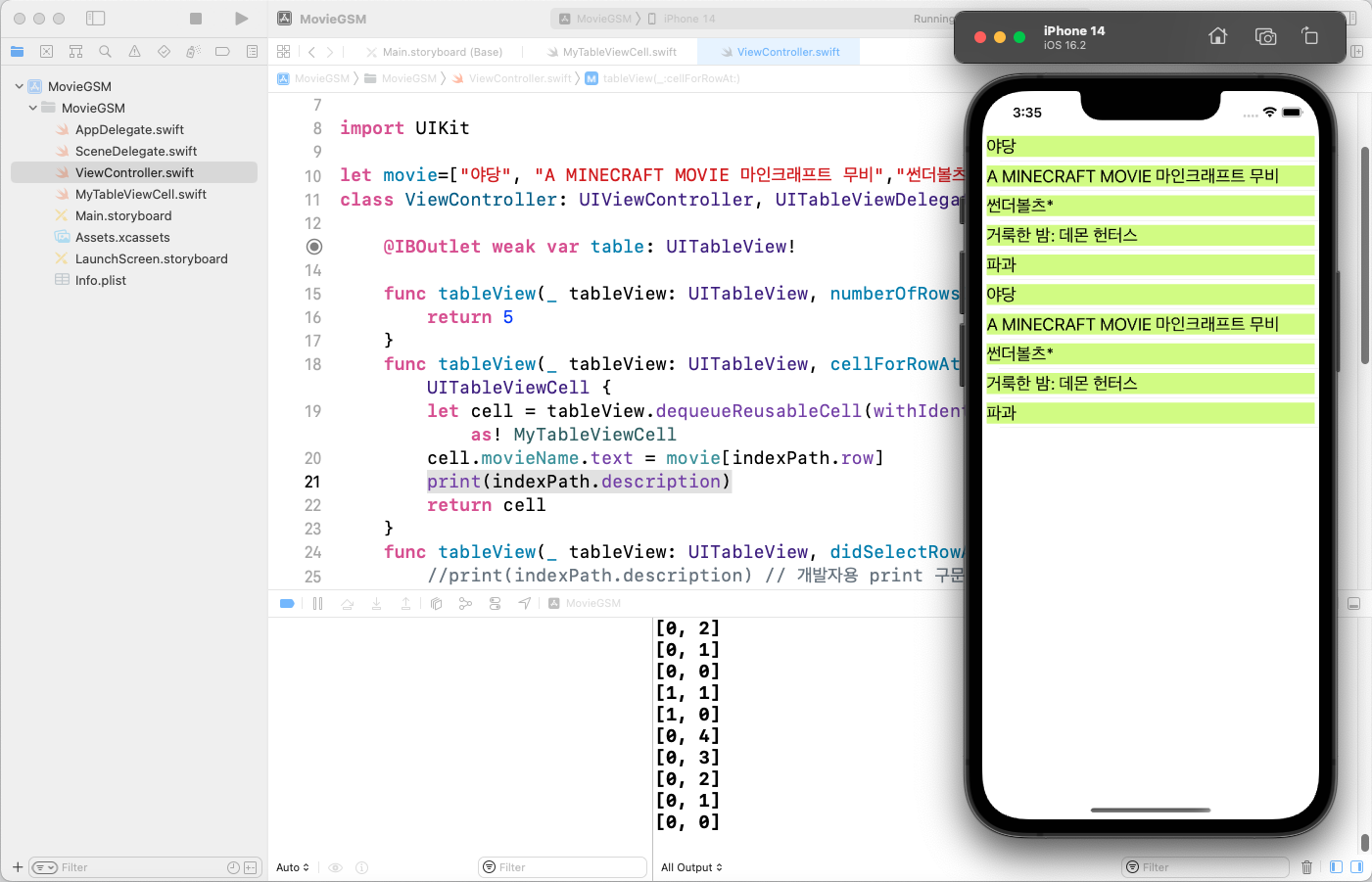
indexPath를 통해 각 셀의 위치 확인
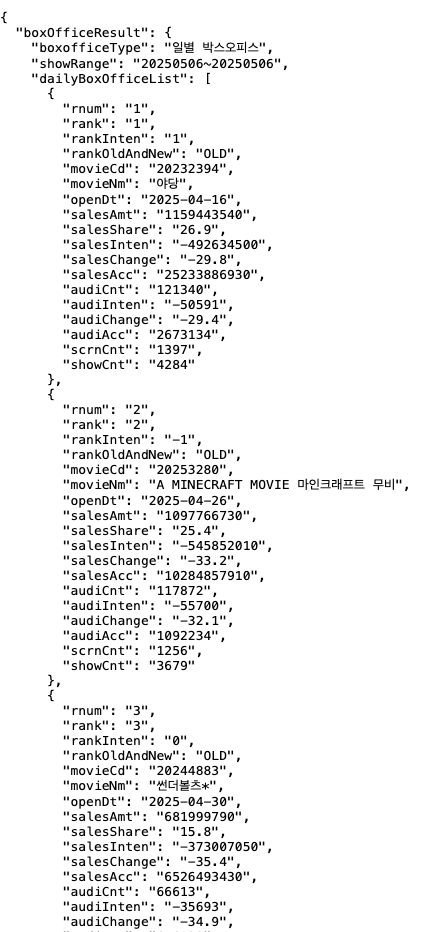
OpenAPI 결과 기반 영화 제목 확인
5위까지 영화 제목을 가져와서 테스트용으로 실행
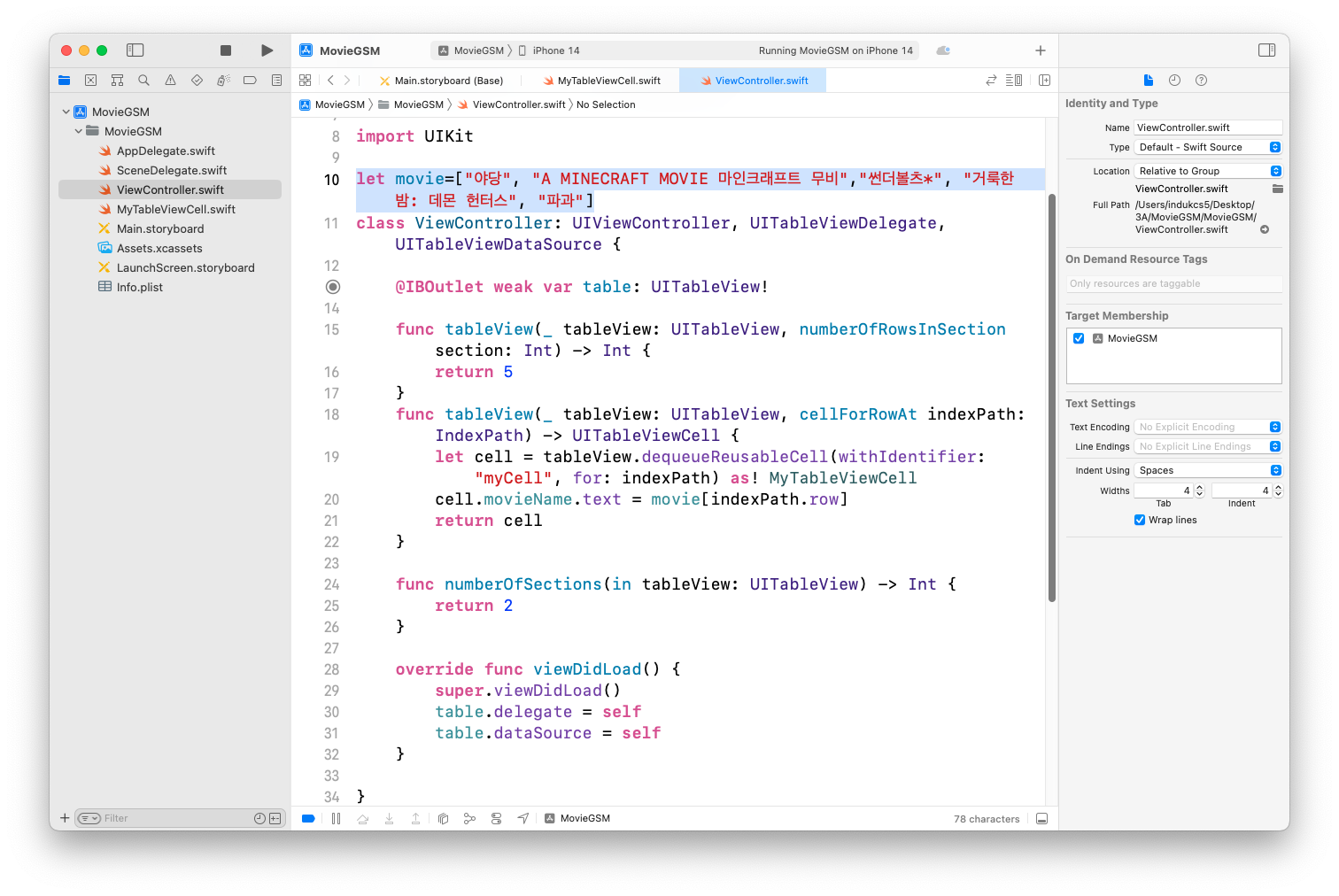
실행결과 확인
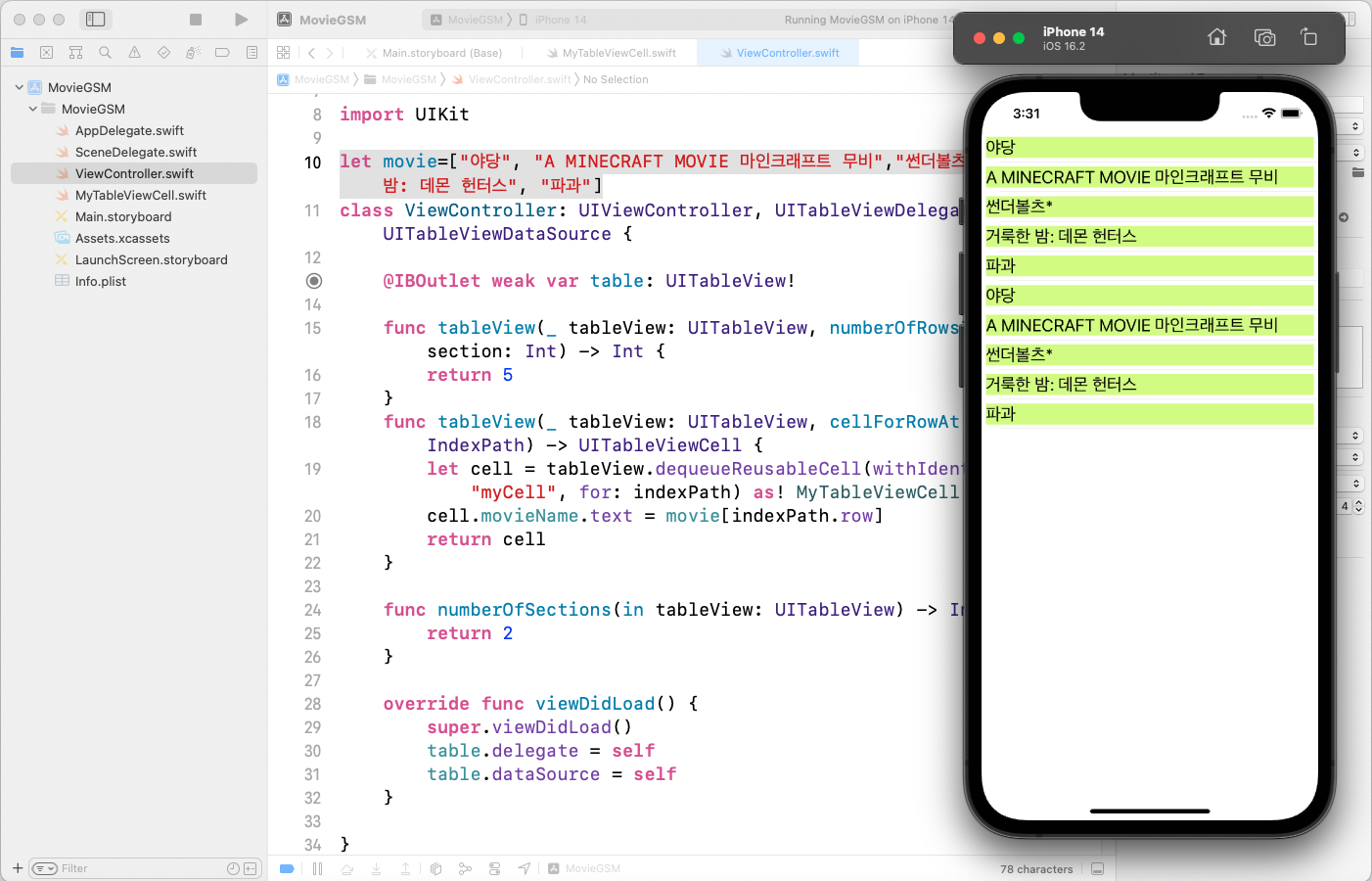
tableView(_:didSelectRowAt:)를 통한 특정 셀 선택 이벤트 확인
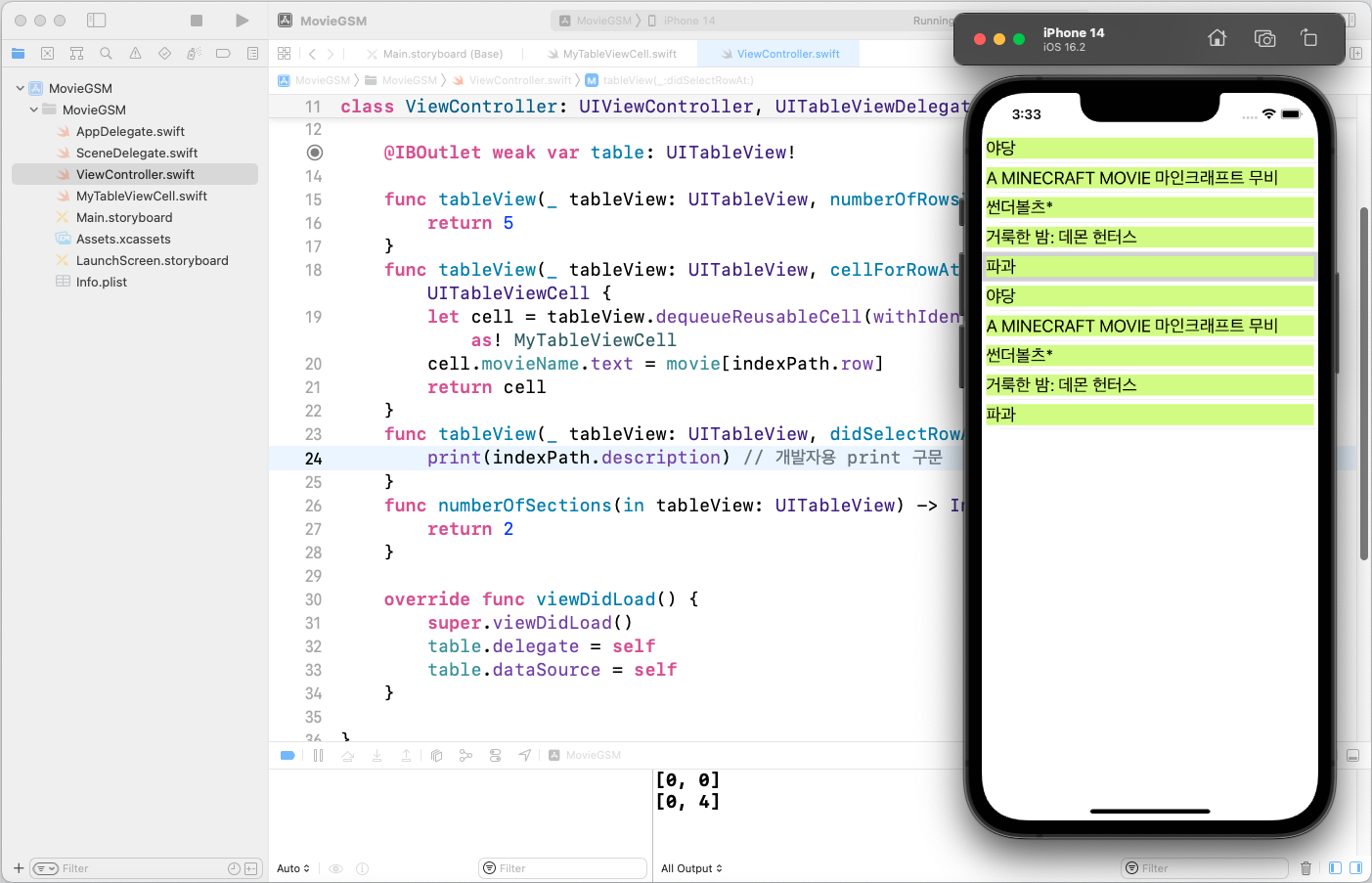
tableView(_:cellForRowAt:)를 통해서 현재 출력되는 셀 확인
네트워크 연결하기
- URL 만들기
- URLSession 만들기
- URLSession(configuration: URLSessionConfiguration)
- URLSession 인스턴스에게 task주기
- URLSession인스턴스.dataTask(with:completionHandler:)
- task시작하기
- URLSessionTask인스턴스.resume()
URL 만들기
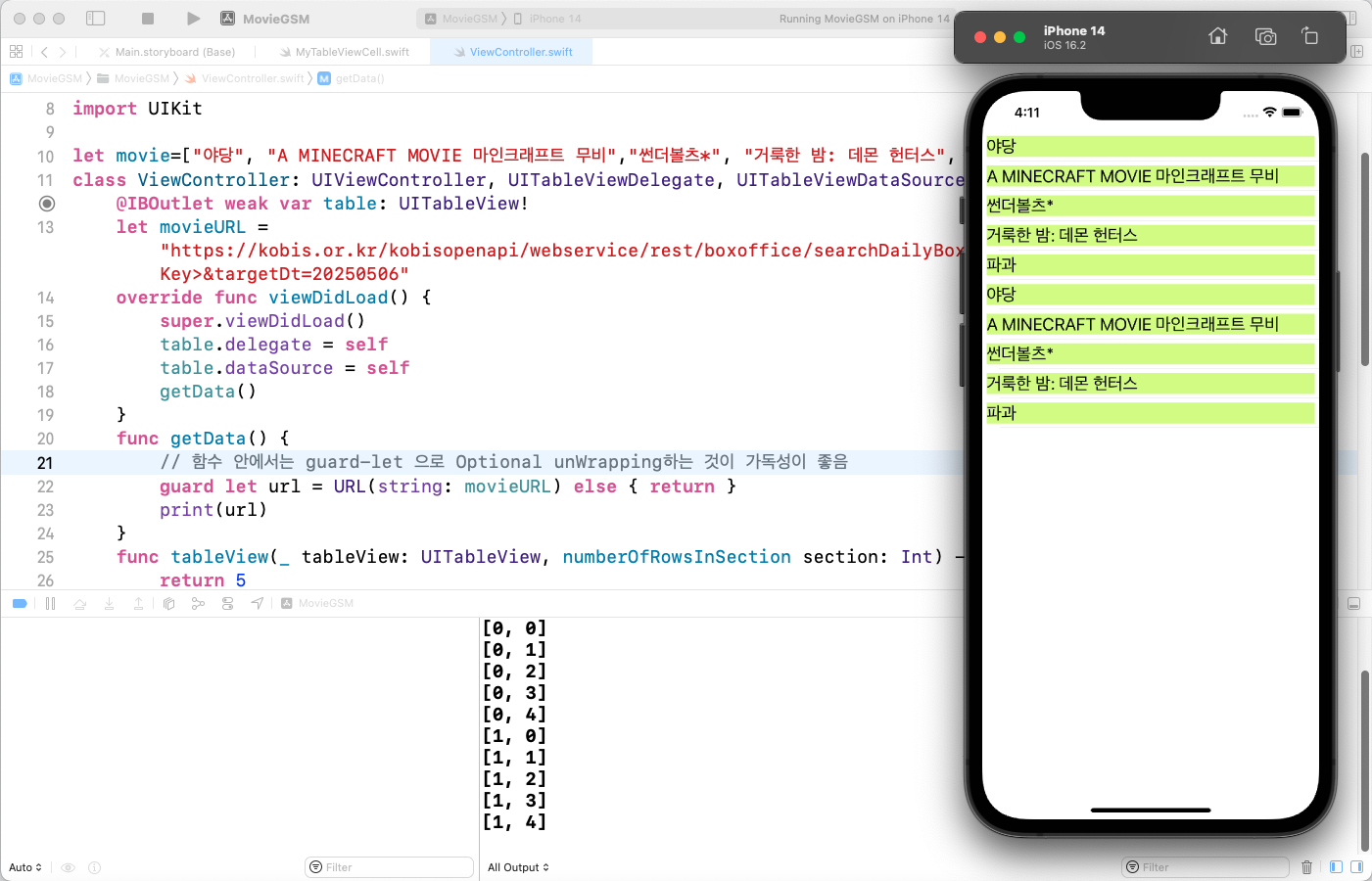
URLSession 만들기
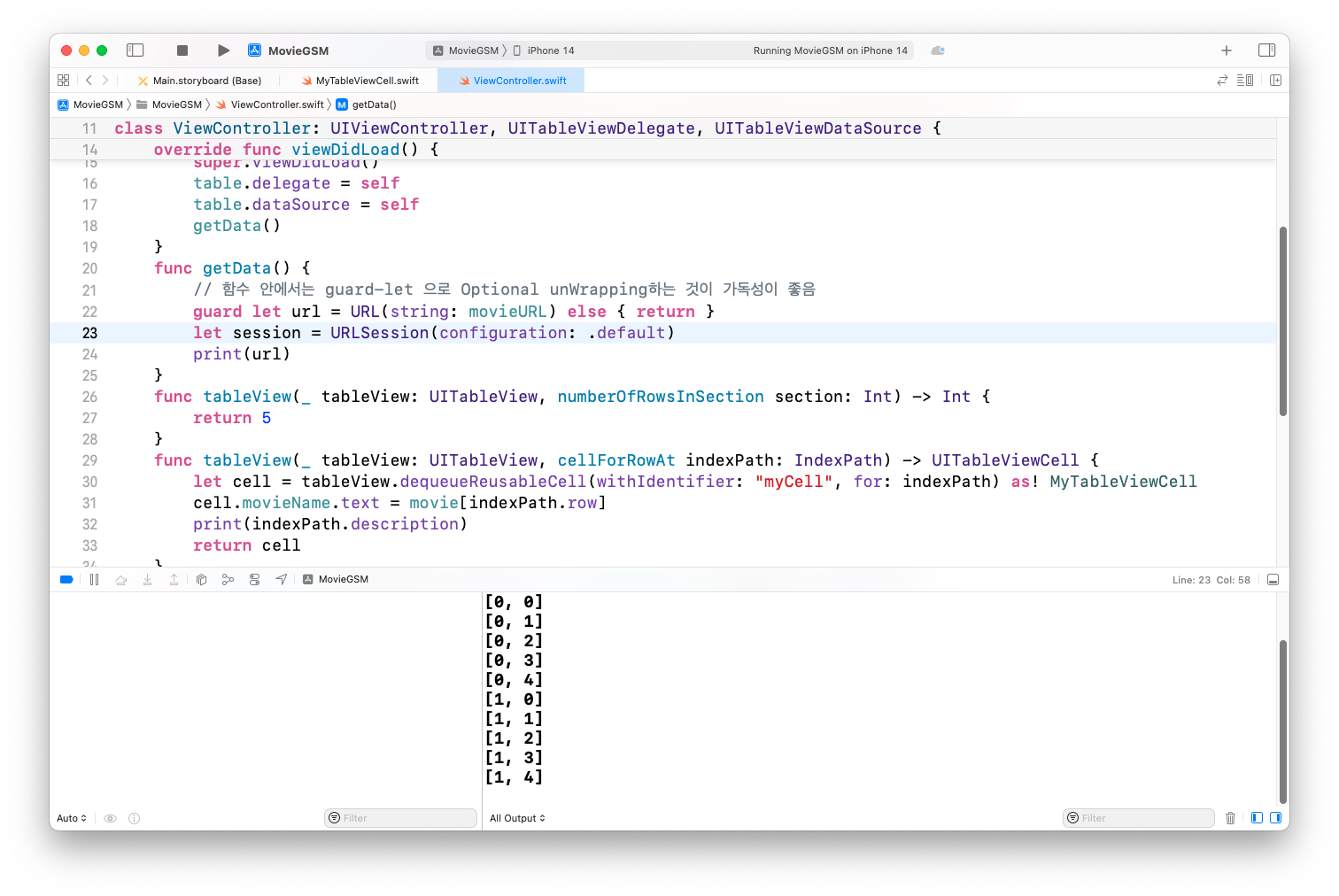
URLSession 인스턴스에게 task주기
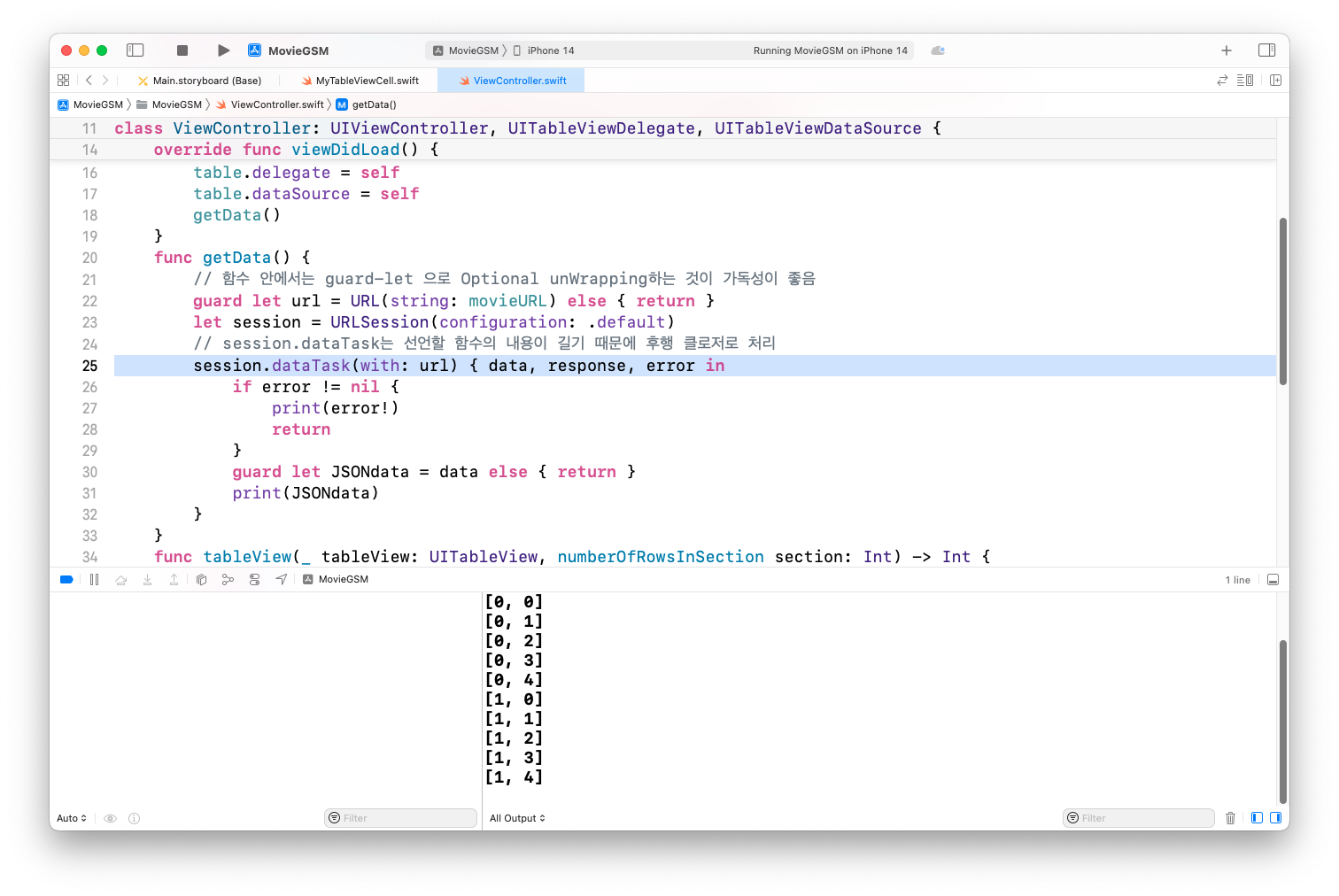
task 시작하기
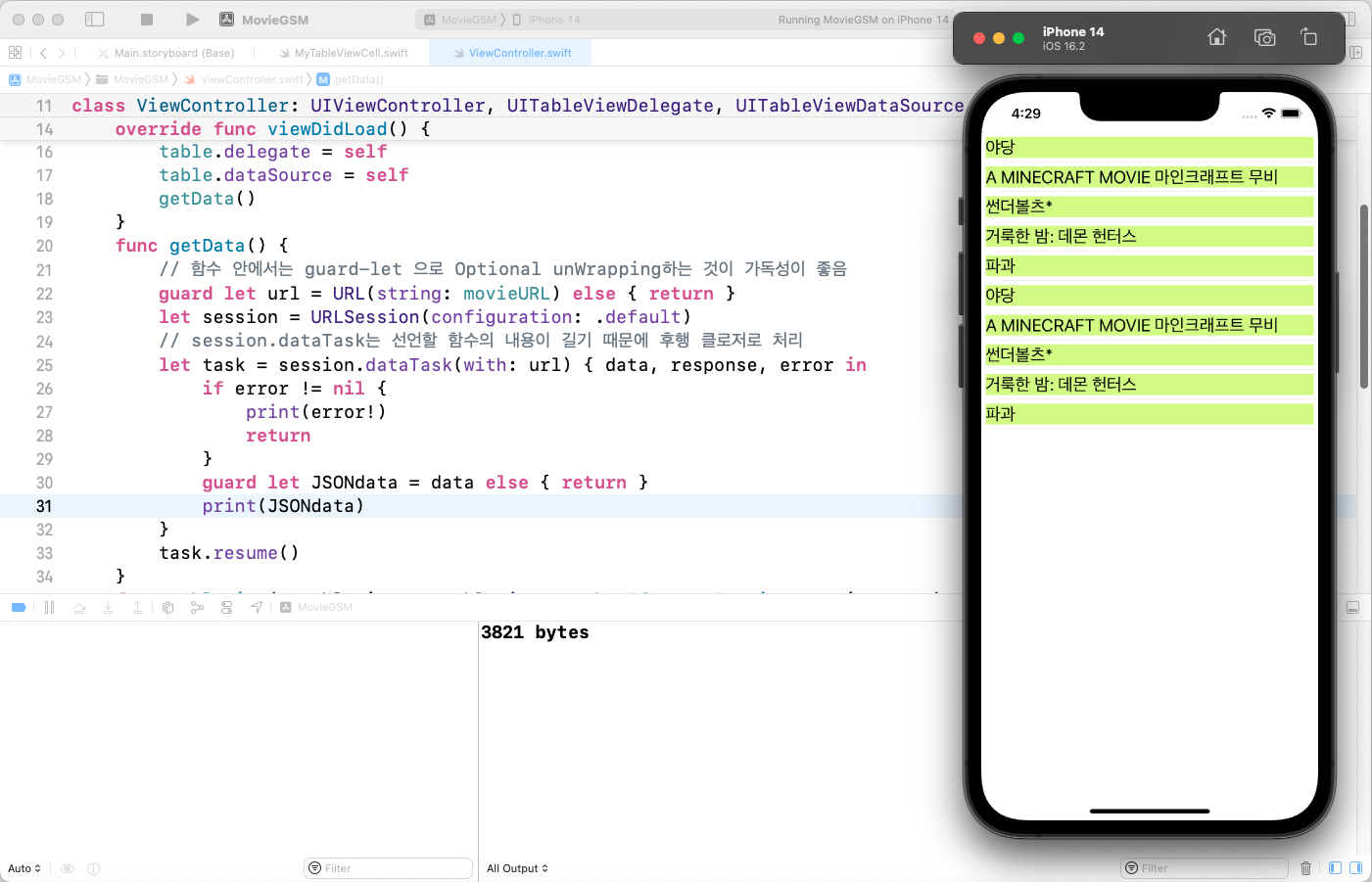
String으로 변환 후 내용 출력하기
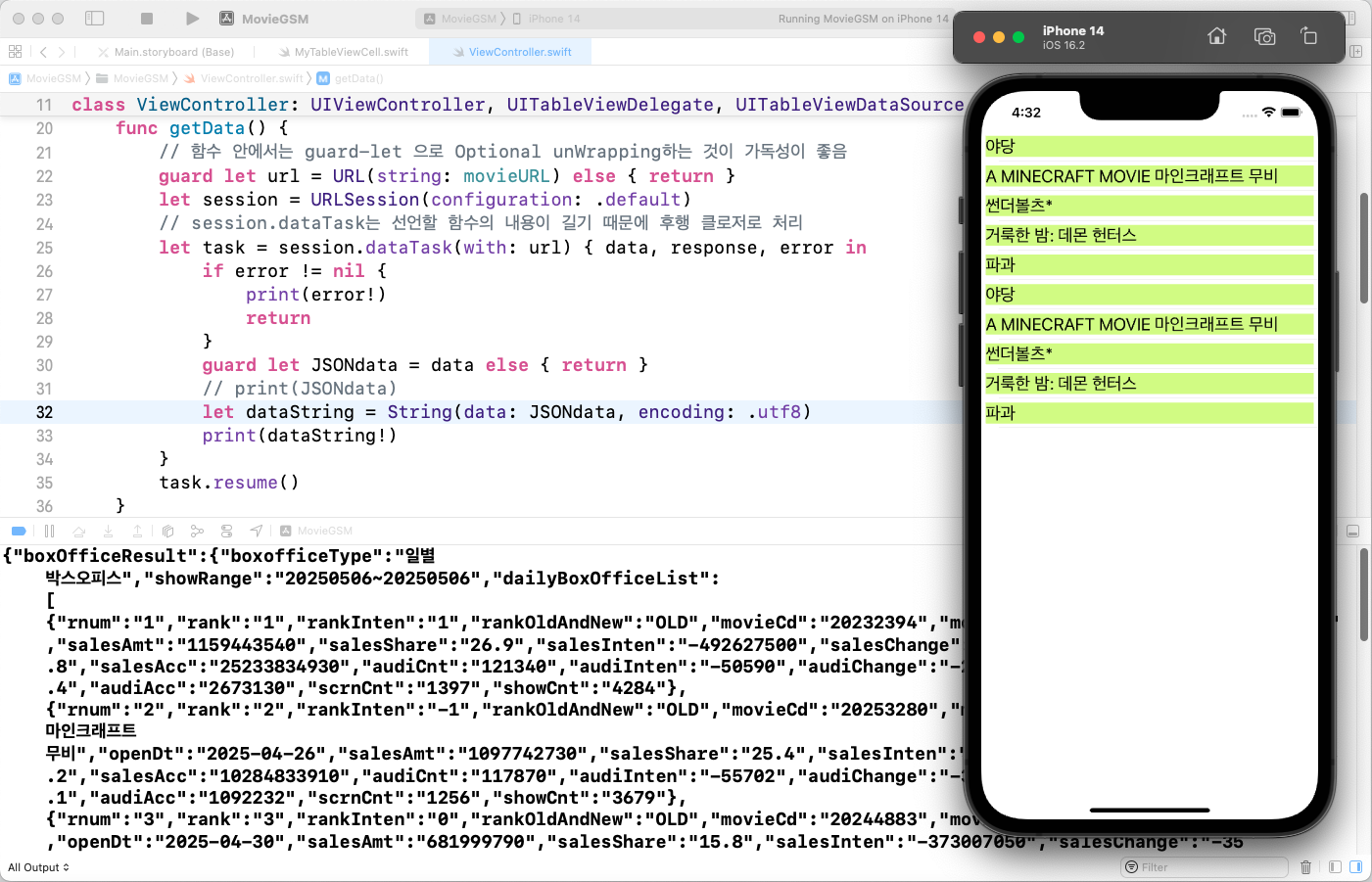
전체 코드
import UIKit
let movie=["야당", "A MINECRAFT MOVIE 마인크래프트 무비","썬더볼츠*", "거룩한 밤: 데몬 헌터스", "파과"]
class ViewController: UIViewController, UITableViewDelegate, UITableViewDataSource {
@IBOutlet weak var table: UITableView!
let movieURL = "https://kobis.or.kr/kobisopenapi/webservice/rest/boxoffice/searchDailyBoxOfficeList.json?key=<API Key>&targetDt=20250506"
override func viewDidLoad() {
super.viewDidLoad()
table.delegate = self
table.dataSource = self
getData()
}
func getData() {
guard let url = URL(string: movieURL) else { return }
let session = URLSession(configuration: .default)
let task = session.dataTask(with: url) { data, response, error in
if error != nil {
print(error!)
return
}
guard let JSONdata = data else { return }
let dataString = String(data: JSONdata, encoding: .utf8)
print(dataString!)
}
task.resume()
}
func tableView(_ tableView: UITableView, numberOfRowsInSection section: Int) -> Int {
return 5
}
func tableView(_ tableView: UITableView, cellForRowAt indexPath: IndexPath) -> UITableViewCell {
let cell = tableView.dequeueReusableCell(withIdentifier: "myCell", for: indexPath) as! MyTableViewCell
cell.movieName.text = movie[indexPath.row]
return cell
}
func tableView(_ tableView: UITableView, didSelectRowAt indexPath: IndexPath) {
}
func numberOfSections(in tableView: UITableView) -> Int {
return 2
}
}
정리
OpenAPI 를 활용해서 영화진흥위원회에서 제공하는 영화 순위를 받아왔어요.Xcode 를 통해서 iOS 앱으로 만들어서 가져오는 부분까지 구현했어요.
출처 : Smile Han - iOS 프로그래밍 기초