
주요 학습내용
외부에서 데이터 가져오기
실습 사용 자료
- 위키백과 : 여명의 눈동자
- https://ko.wikipedia.org/wiki/%EC%97%AC%EB%AA%85%EC%9D%98_%EB%88%88%EB%8F%99%EC%9E%90
- 최총 적으로 추출하고자하는 데이터
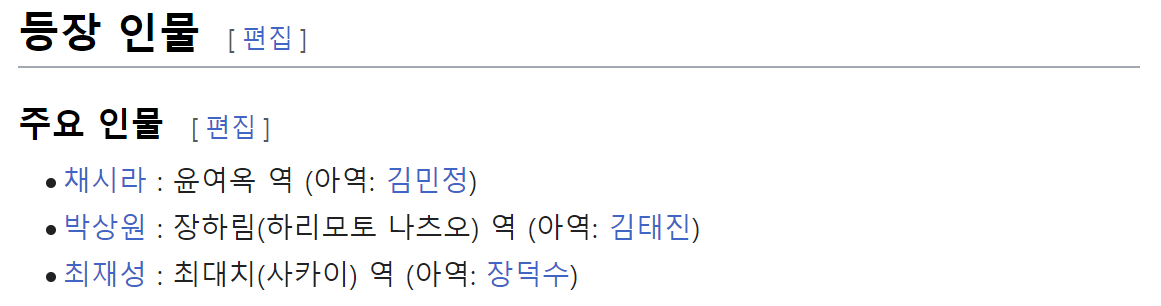
1. 참고 데이터 주소 가져오기
from urllib.request import urlopen, Request
html = "https://ko.wikipedia.org/wiki/%EC%97%AC%EB%AA%85%EC%9D%98_%EB%88%88%EB%8F%99%EC%9E%90"
- 이때, 주소를 복사하면, 기존 웹에서는 한글로 보였던 것이 깨져있는 것을 확인할 수 있다(인코딩이 깨져서 발생)

-
방법 1) 구글 검색
- google에서 "url decode"를 검색한 후 하나 클릭(아무거나 선택하면 됨)
- 그 후, 복사한 주소를 넣고, decode 클릭 후 결과값 복사하여 사용
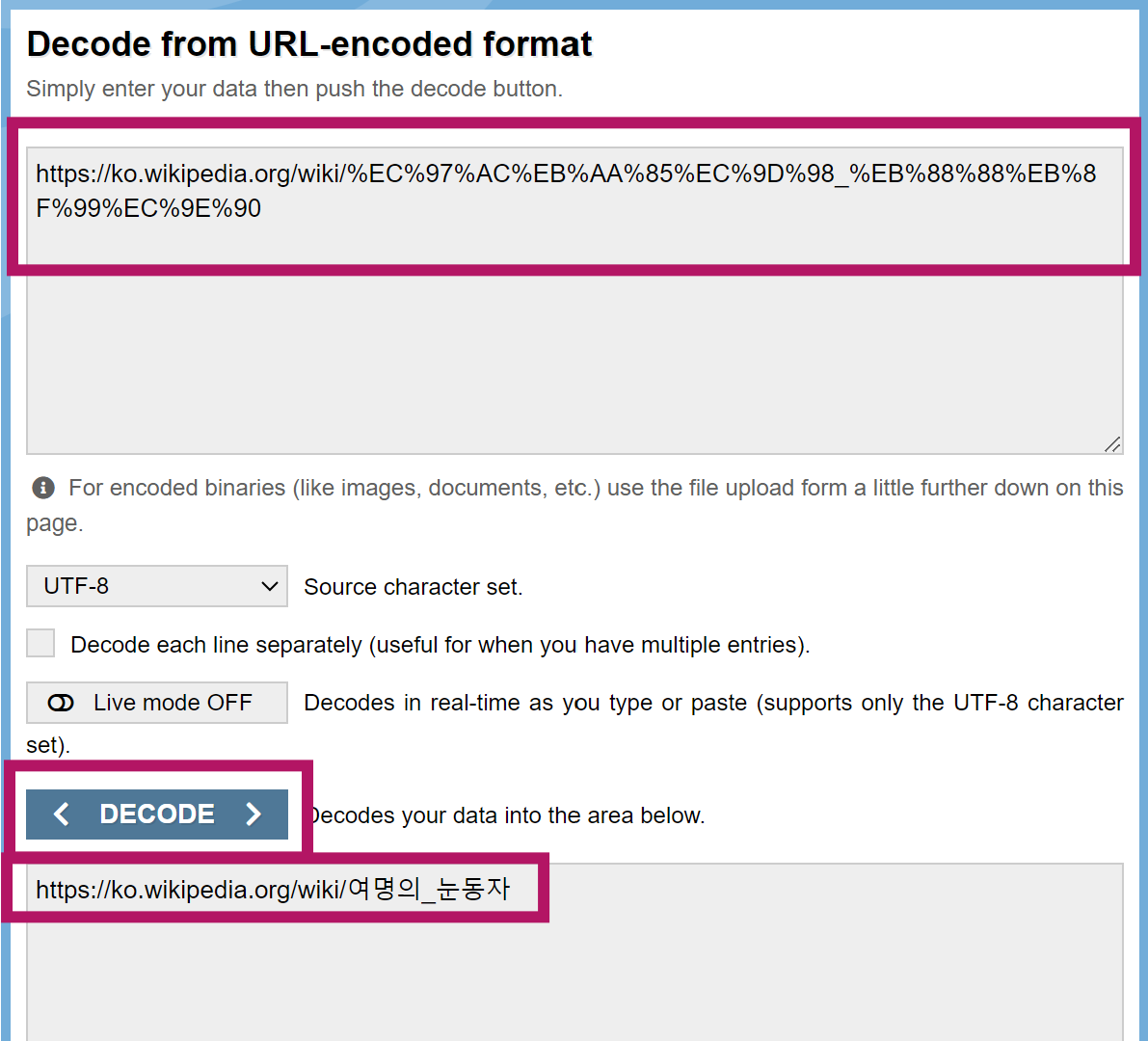
-
방법 2) format()사용
- 글자가 깨지는 부분을 {}형태로 바꿔줌
html = "https://ko.wikipedia.org/wiki/{search_words}" - 글자를 URL로 인코딩
req = Request(html.format(search_words=urllib.parse.quote("여명의_눈동자"))) # 글자를 URL로 인코딩 - urlopen() 및 상태 확인
```python
response = urlopen(req)
response.status
- 글자가 깨지는 부분을 {}형태로 바꿔줌
-
결과 확인
soup = BeautifulSoup(response, "html.parser")
print(soup.prettify())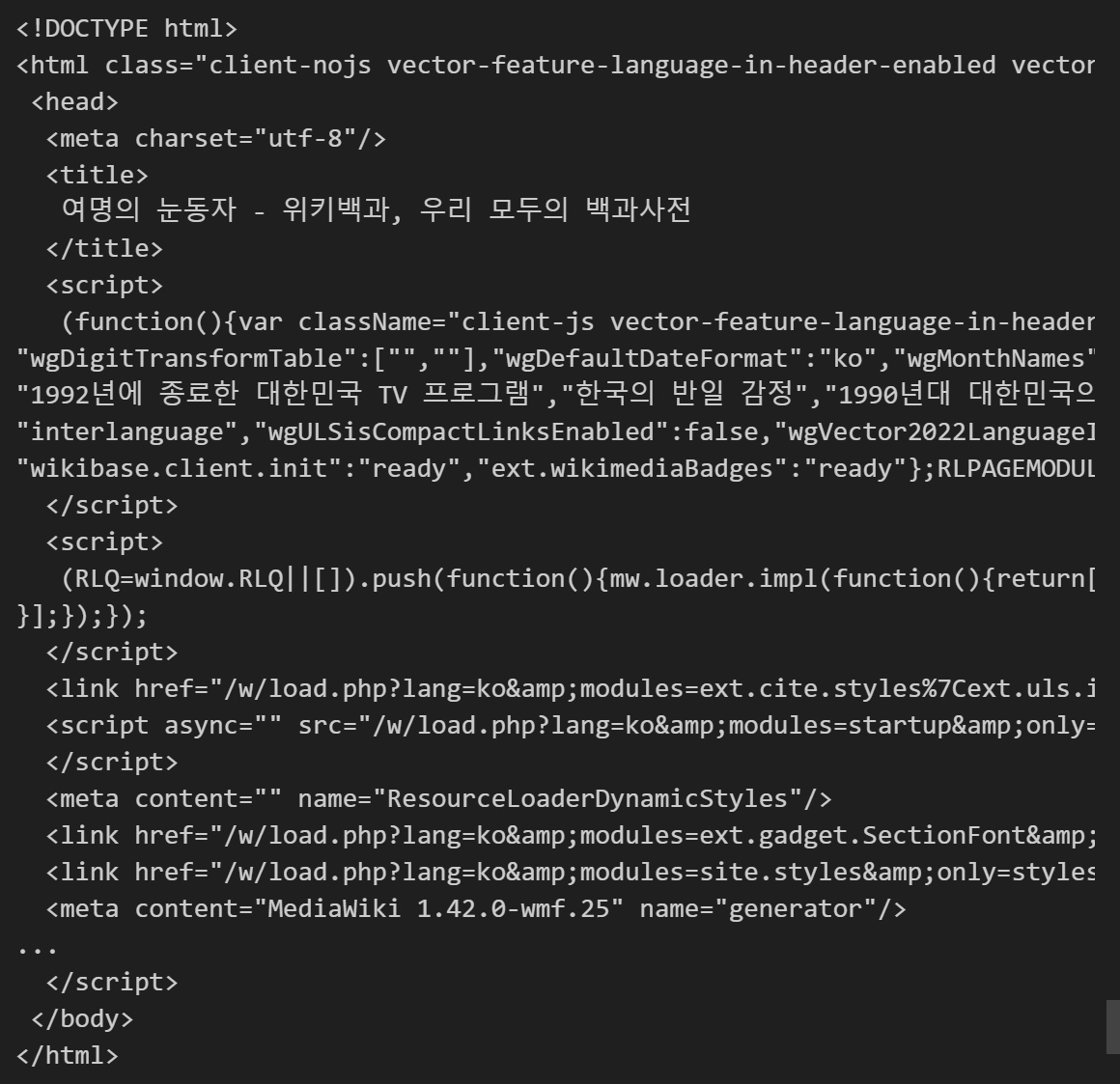
2. 원하는 데이터 위치 파악
# 주요인물 찾기
n = 0

for each in soup.find_all("ul"):
    print("=>" + str(n) + "========================")
    print(each.get_text())
    n += 1
35번째에 있는 것 확인
3. find_all()
- strip() : 공백 제거
- replace(a, b) : a를 b로 변경
soup.find_all("ul")[35].text.strip().replace("\xa0","").replace("\n", "")

할 거면 제대로 하자