메이븐 프로젝트
프로젝트 생성
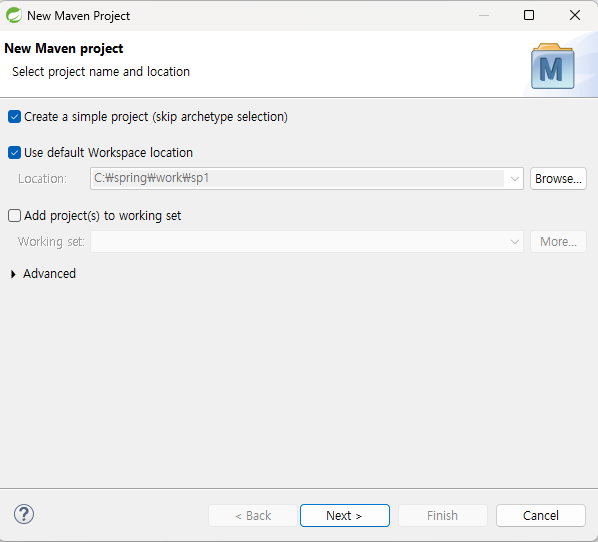
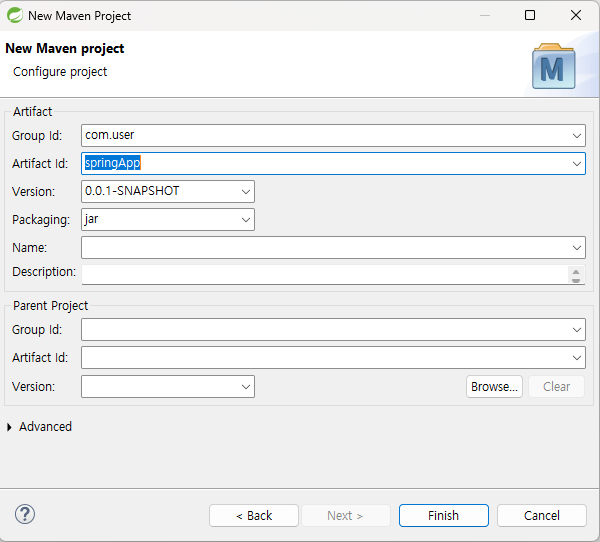
프로젝트 설정
1. SpringApp 우클릭 > 속성 클릭 > Project Facets 클릭 > JAVA 버전: 14 확인
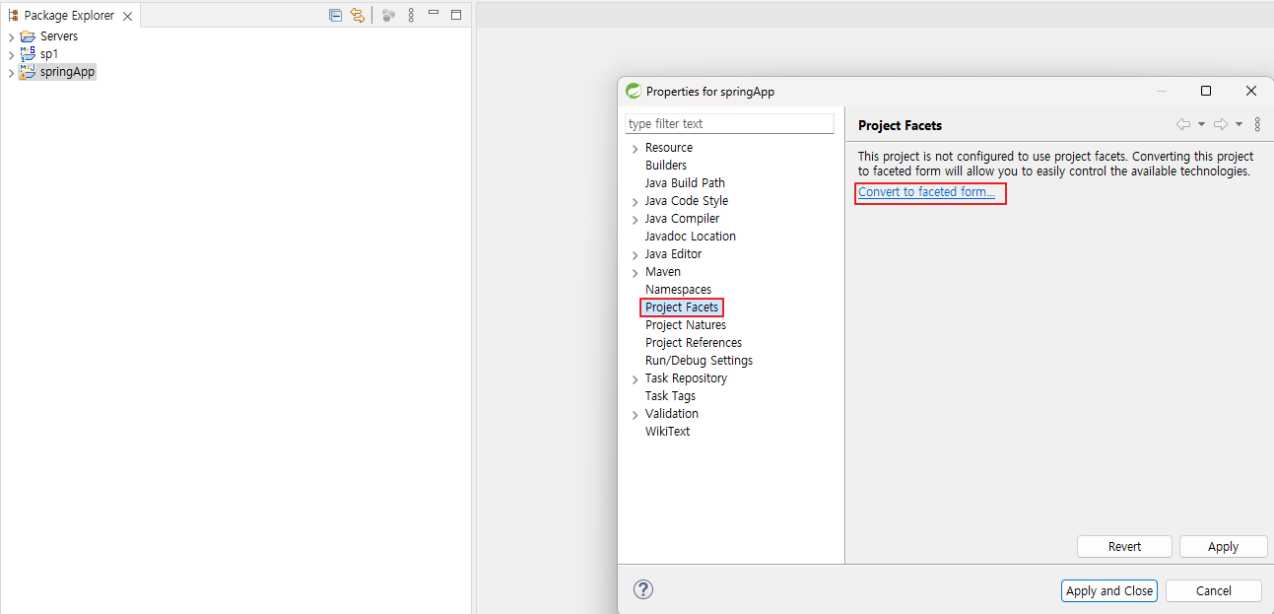
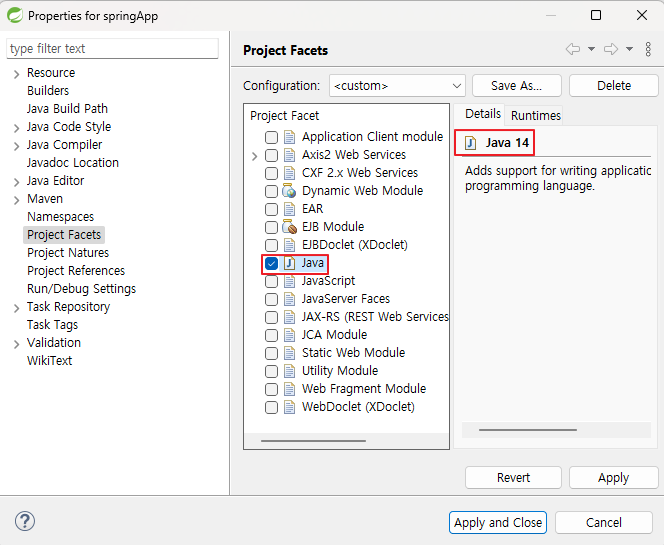
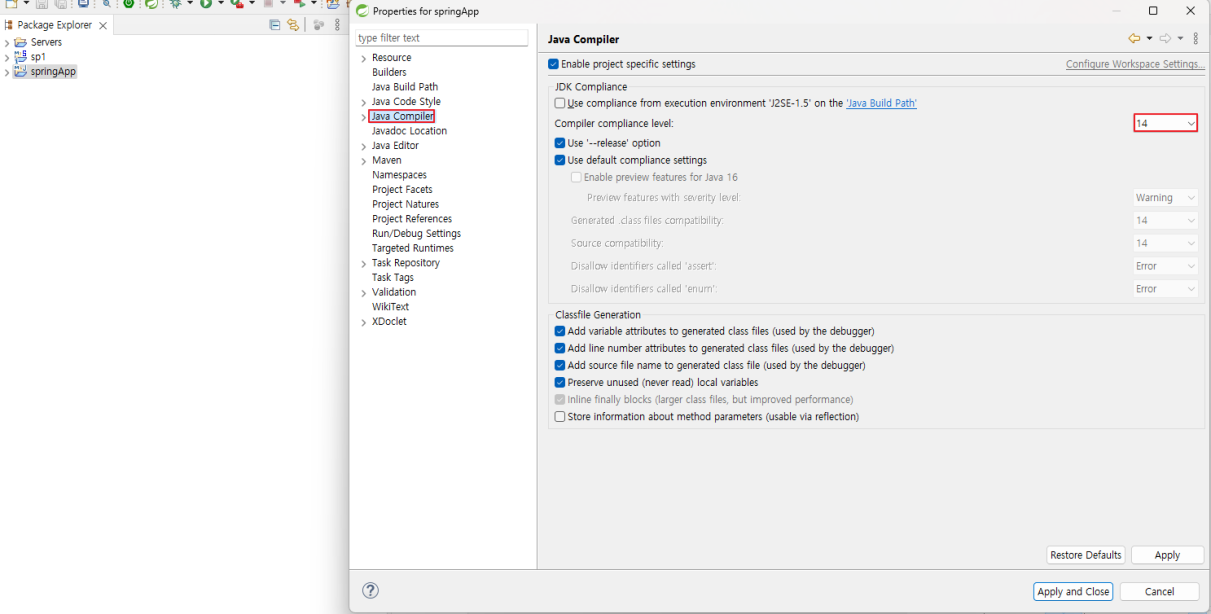
2. SpringApp 우클릭 > 속성 클릭 > JavaCompiler > compiler compliance level : 14 확인
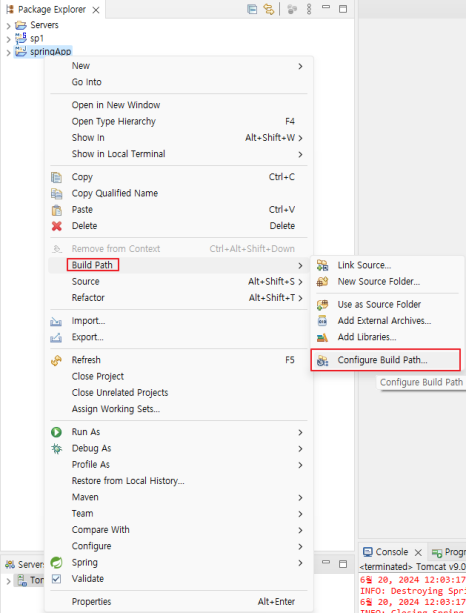
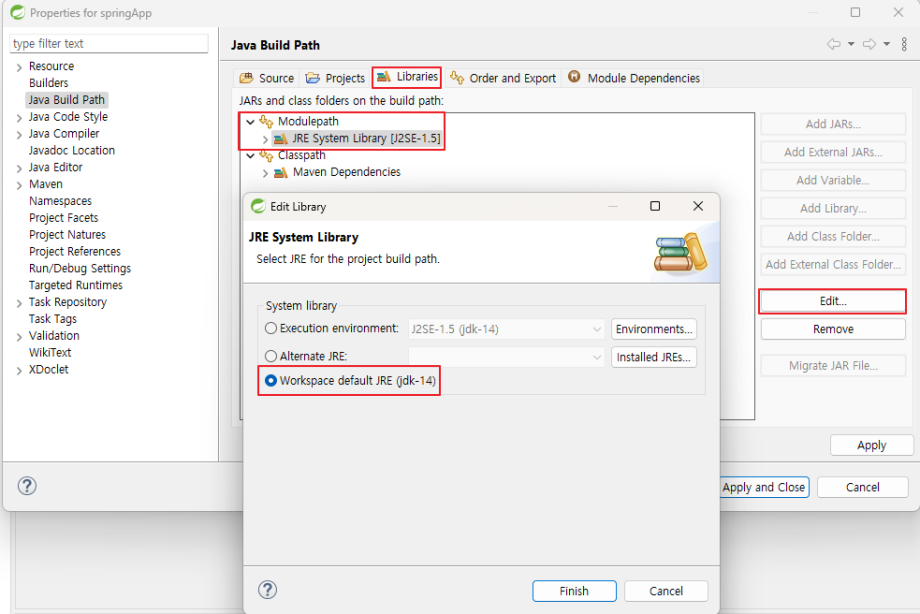
3. SpringApp 우클릭 > Build Path > Configure Build Path > Libraries > Module Path > Edit > Workspace default JRE 선택
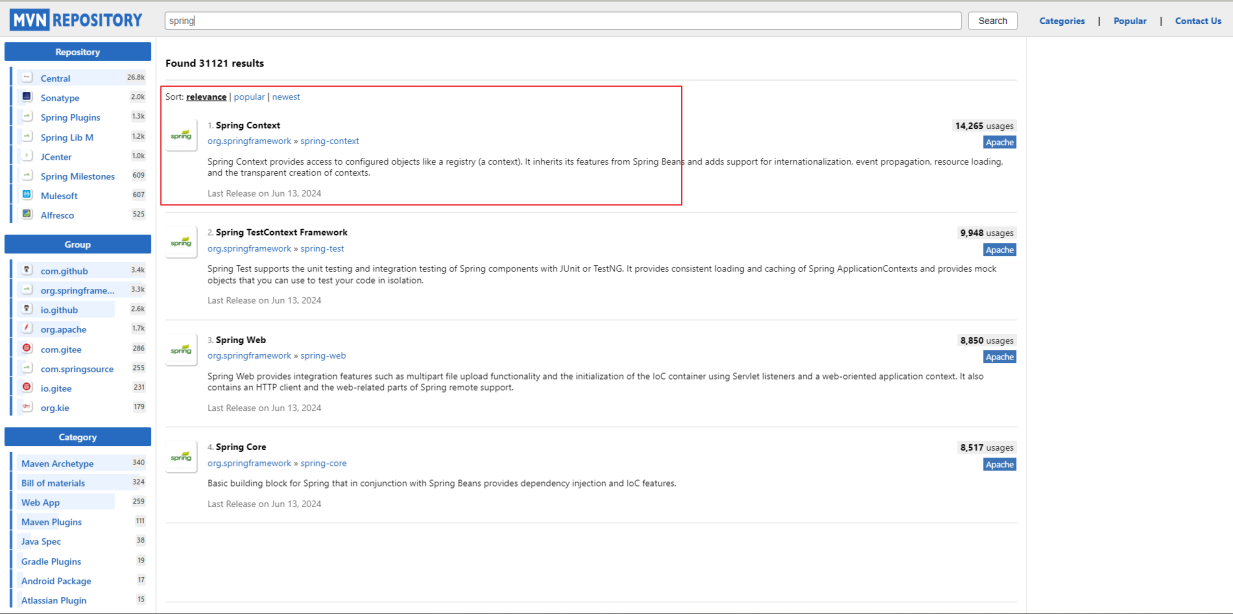
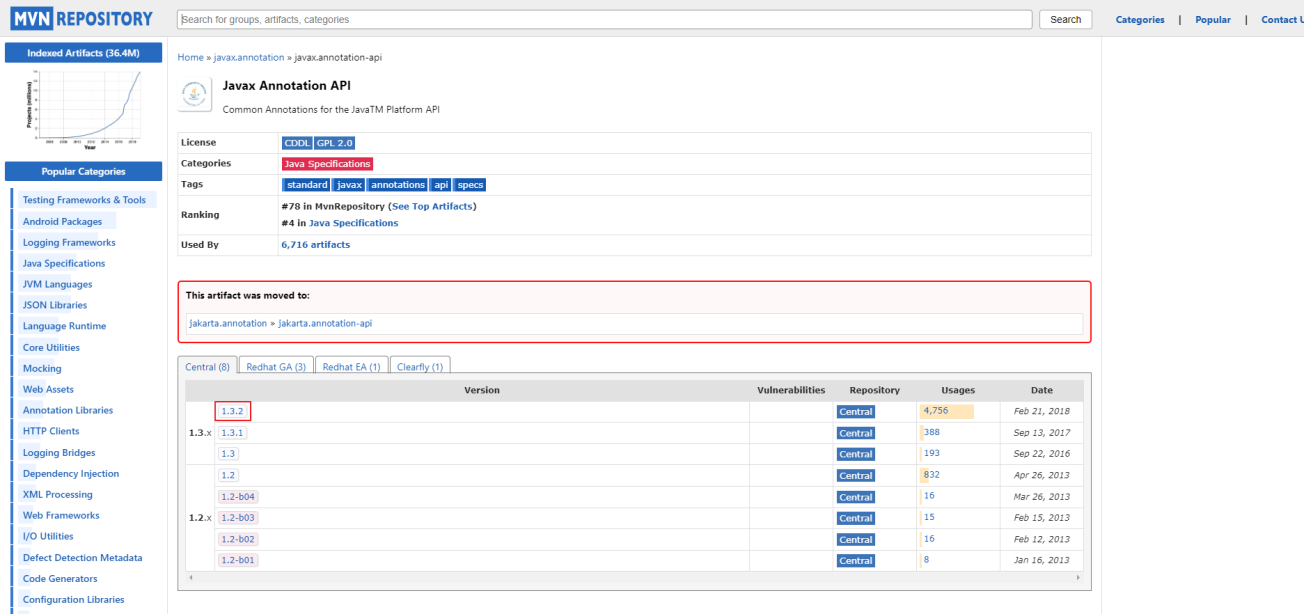
4. MVN Repository에서 Spring 버전 코드 복사
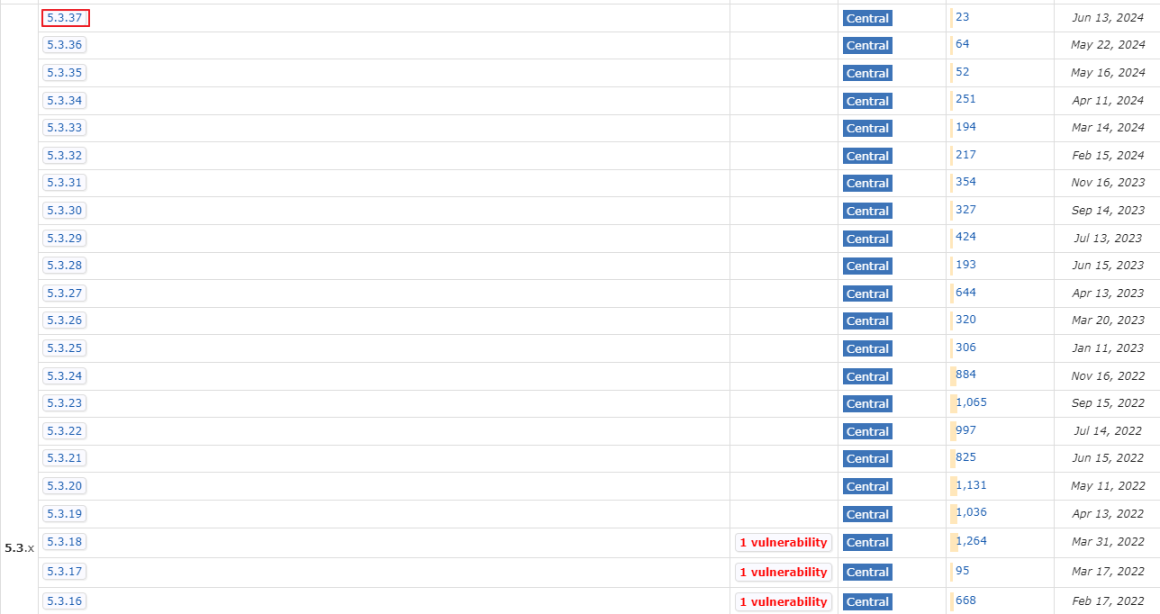
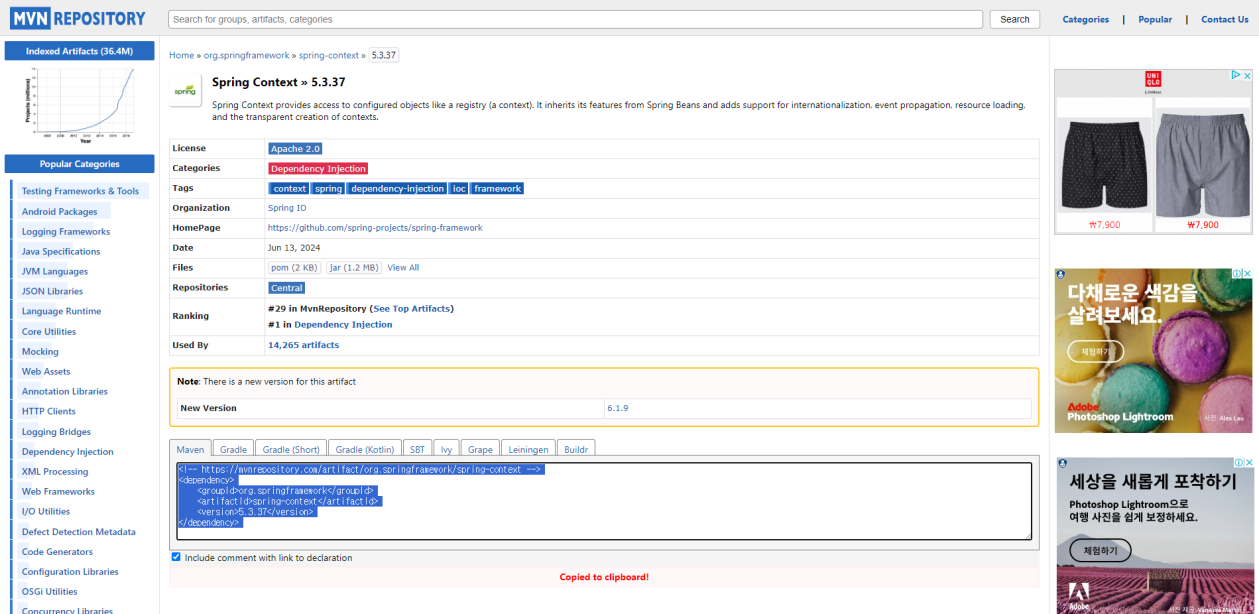
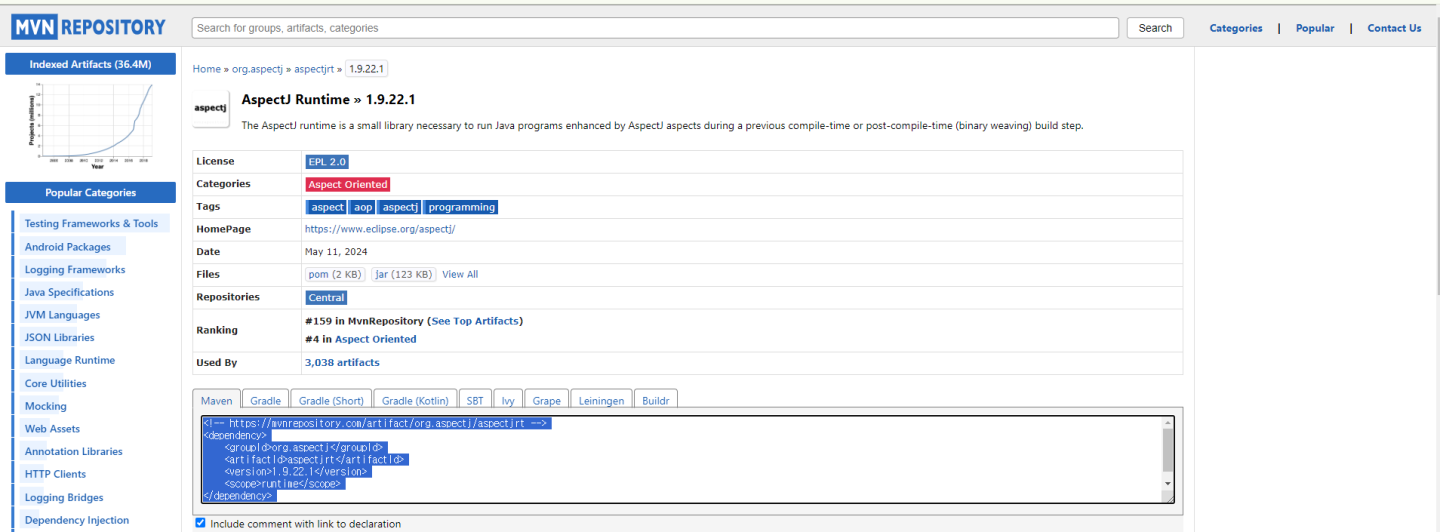
5. MVN Repository에서 aspectj 검색 후 두번째 클릭 후 버전 복사
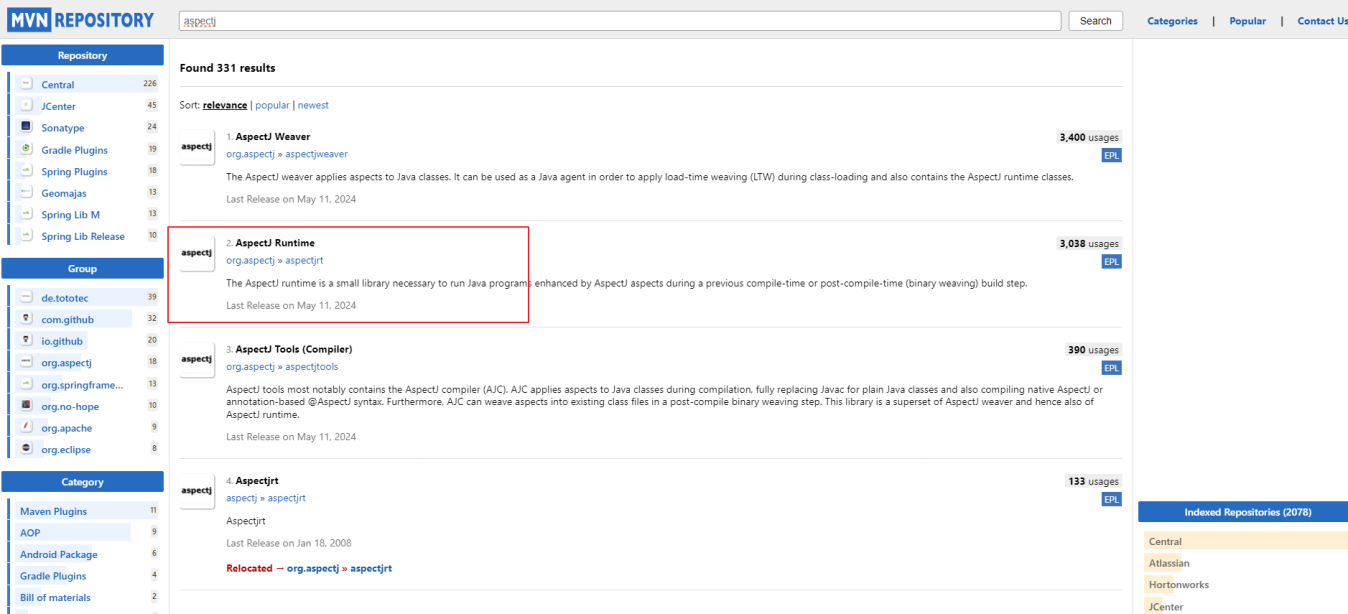
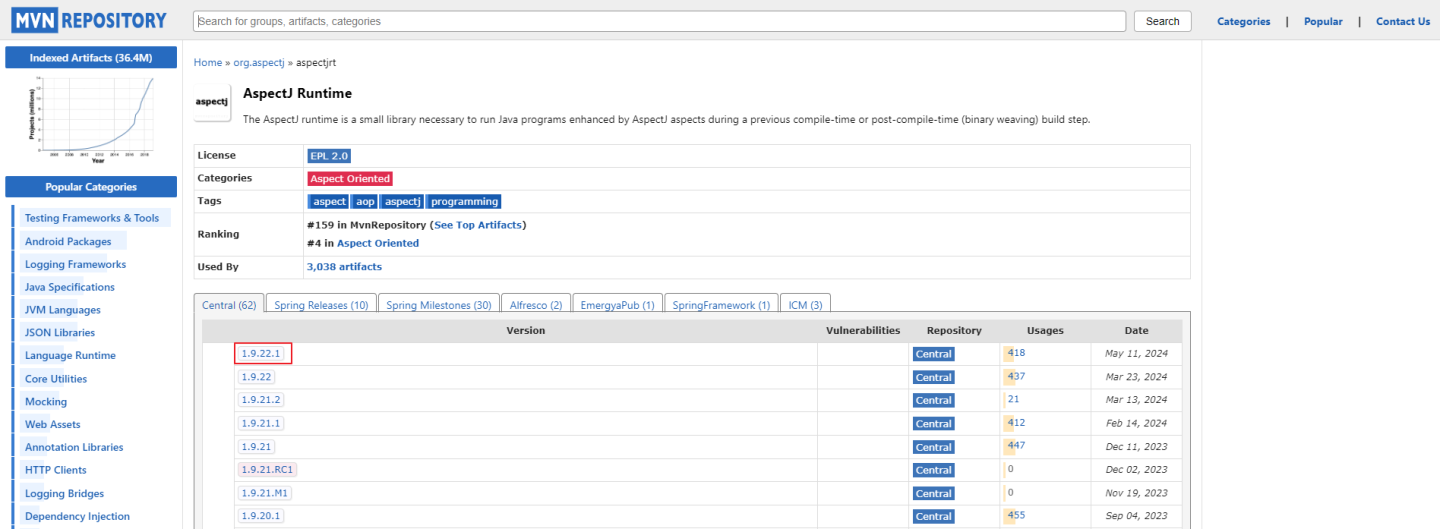
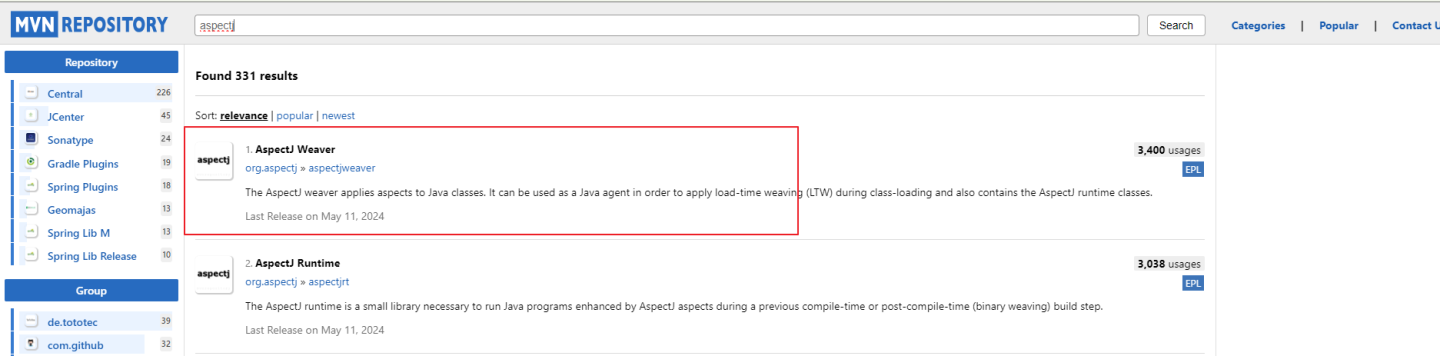
6. MVN Repository에서 aspectj 검색 후 첫번째 클릭 후 버전 복사
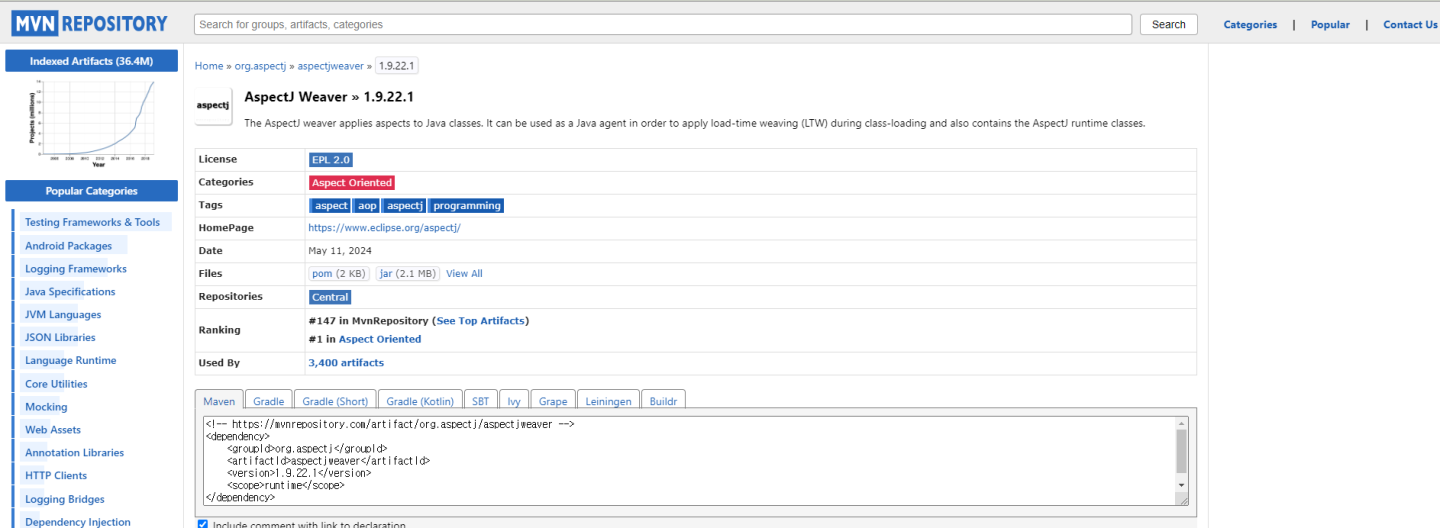
7. springApp의 pom.xml에 추가
✅ springApp의 pom 최종변경화면
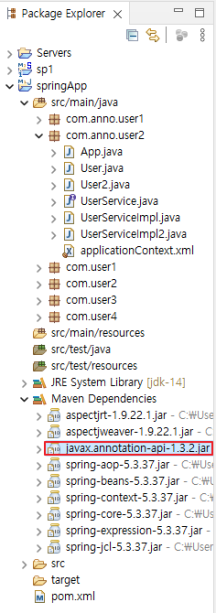
다운로드 확인
1. spring의 라이브러리 다운 받아져 있는지 확인
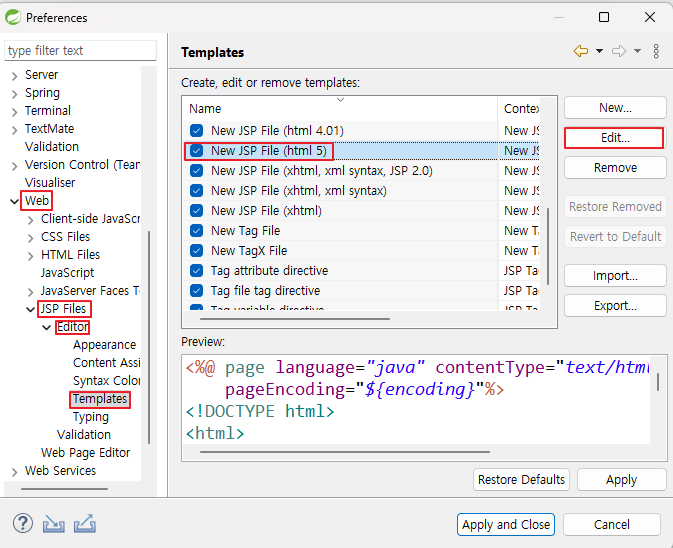
windows > preferences 설정
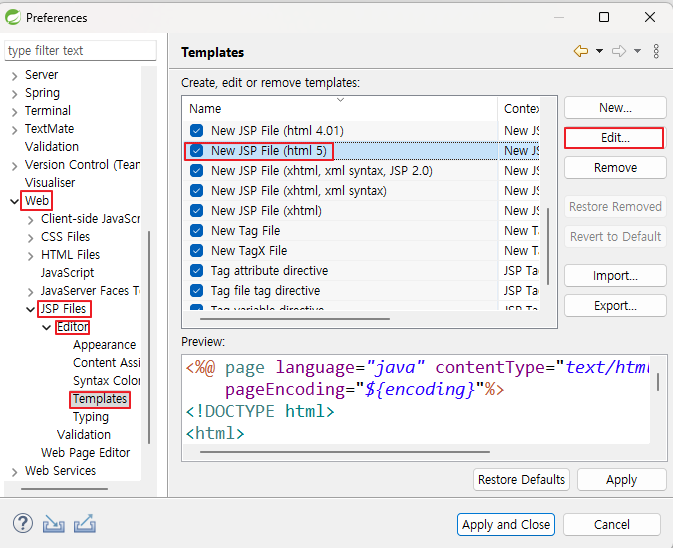
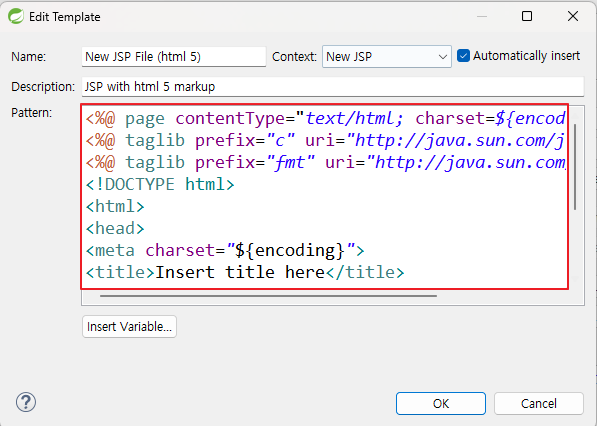
html5기반 JSP 템플릿 수정
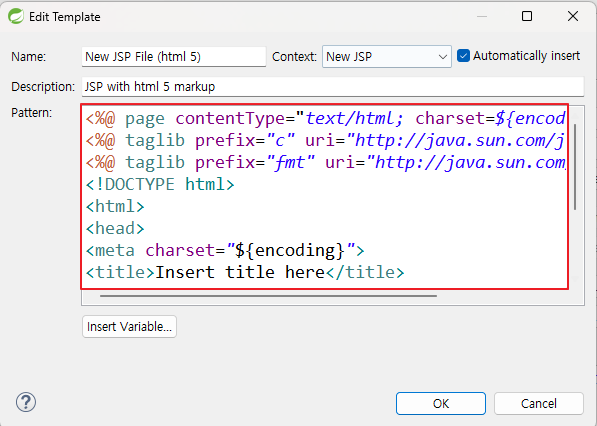
<%@ page contentType="text/html; charset=${encoding}"%>
<%@ taglib prefix="c" uri="http://java.sun.com/jsp/jstl/core%22%%3E
<%@ taglib prefix="fmt" uri="http://java.sun.com/jsp/jstl/fmt%22%%3E
<!DOCTYPE html>
<html>
<head>
<meta charset="${encoding}">
<title>Insert title here</title>
<link rel="icon" href="data:;base64,iVBORw0KGgo=">
</head>
<body>
${cursor}
</body>
</html>
💡 단축키
생성창 자동 생성
Ctrl + n

개발자가 되기 위한 즐거운 여정!
메이븐 프로젝트 만들때 잘 참고하겠습니다ㅎㅎ 정리가 정말 짱이네요ㅎㅎ