GSAP란?
GSAP는 GreenSock Animation Platform의 약자로,
JavaScript로 만들어진 강력한 웹 애니메이션 라이브러리입니다.
=> GSAP를 사용하면 웹 사이트나 웹 애플리케이션에서 다양한 요소들을
부드럽게 애니메이션화할 수 있습니다.
1. 기본 애니메이션
//
const ani1 = gsap.timeline();
ani1.to("#section1 .parallax__item__img", {rotation: 720, scale: 0, borderRadius: 200})
    .to("#section1 .parallax__item__img", {rotation: 0, scale: 1, borderRadius: 20})

ScrollTrigger.create({
    animation: ani1,
    trigger: "#section1",
    start: "top top",
    end: "+=2000",
    scrub: true,
    pin: true,
    anticipatePin: 1,
    markers: false
});
=> 이미지는 회전을 하면서 작아지고 커지는 효과를 연출하였습니다.
2. 이미지 순차적으로 나오기
- from 메서드는 to 메서드의 반대라고 생각하면 된다.
- end: "+=2000" 속성은 요소가 끝나는 부분부터 2000px을 더 준다고 생각하면 끝나는 점이 더 멀어지기 때문에 속도 조절이나 길이 조정이 가능합니다.
const ani2 = gsap.timeline();
ani2.from("#section2 .i1", {y: -100, autoAlpha:0, borderRadius: 200})
    .from("#section2 .i2", {y: 100, autoAlpha:0, borderRadius: 200})
    .from("#section2 .i3", {y: -100, autoAlpha:0, borderRadius: 200});
3.이미지 축소하기
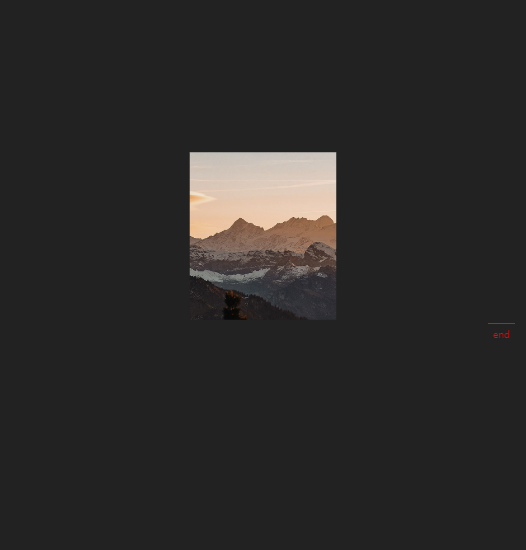
이미지를 화면에 맞게 width: "100vw", height: "100vh" 설정 후, 지금 크기 값으로 애니메이션 할 수 있도록 from 메서드를 사용
const ani4 = gsap.timeline();
ani4.from("#section4 .parallax__item__img", {
    autoAlpha:0,
    scale: 5,
    width: "100vw",
    height: "100vh"
})
4. 텍스트 애니메이션
- 4개의 텍스트를 만들고 x축으로 300%를 설정
- 4개의 요소가 동시에 움직이고 싶다면, 아래와 같이 "text" 문자열을 추가
const ani5 = gsap.timeline();
ani5.to("#section5 .t1", {xPercent: 300}, "text")
    .to("#section5 .t2", {xPercent: -300}, "text")
    .to("#section5 .t3", {xPercent: 300}, "text")
    .to("#section5 .t4", {xPercent: -300}, "text")

5. 텍스트 제자리 애니메이션
- 처음에는 투명도를 0으로 설정하고 밑에서 위로 나오도록 설정
- 텍스트 하나가 끝나고 바로 다음 텍스트가 나오기 때문에 "+=1"을 추가하여 조금 더 자연스럽게 설정
const ani7 = gsap.timeline();
ani7.from("#section7 .t1", {autoAlpha: 0, duration: 1, y: 50}, "+=1")
    .from("#section7 .t2", {autoAlpha: 0, duration: 1, y: 50}, "+=1")
    .from("#section7 .t3", {autoAlpha: 0, duration: 1, y: 50}, "+=1")
    .from("#section7 .t4", {autoAlpha: 0, duration: 1, y: 50}, "+=1")
    .from("#section7 .t5", {autoAlpha: 0, duration: 1, y: 50}, "+=1")
    .from("#section7 .t6", {autoAlpha: 0, duration: 1, y: 50}, "+=1")
    .from("#section7 .t7", {autoAlpha: 0, duration: 1, y: 50}, "+=1")

출처: https://webstoryboy.co.kr/1910 [WEBSTORYBOY:티스토리]

Frontend로 향해가는 Web Publisher입니다.