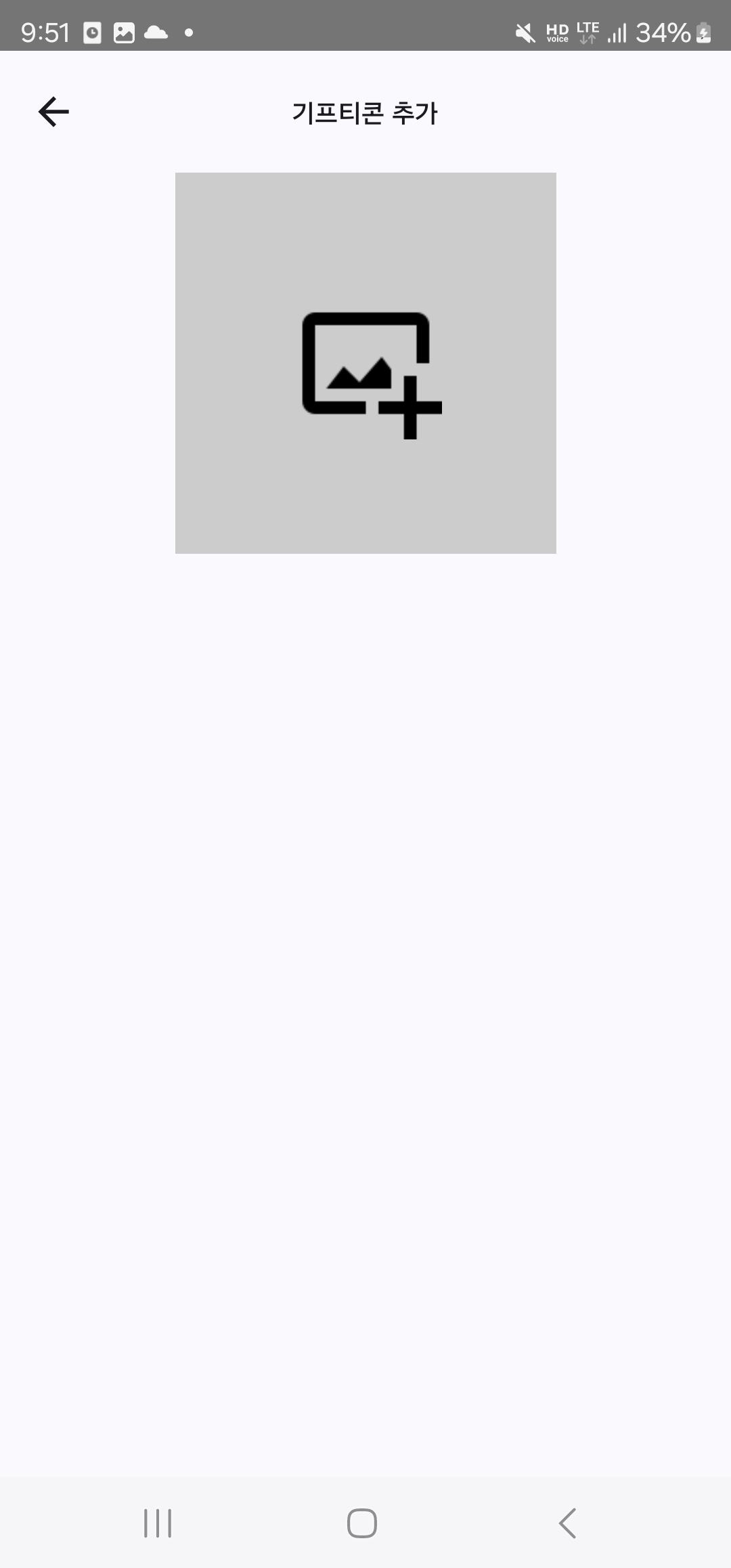
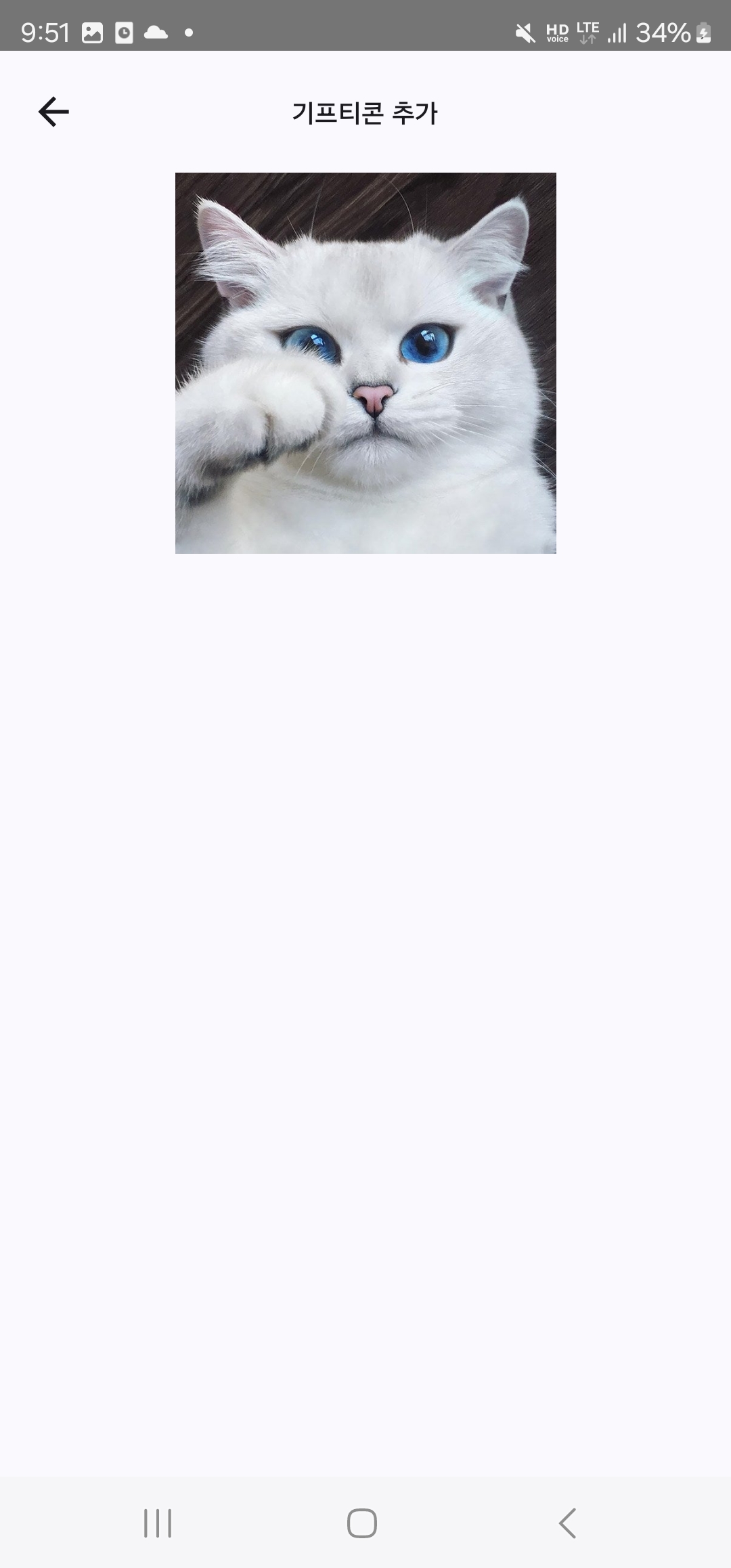
- 갤러리에 있는 사진을 선택해서 화면에 로드하려고 한다.
- PickVisualMediaRequest 를 이용해서 사진 피커를 열수있다.
사진을 선택하면 rememberLauncherForActivityResult() 콜백에서 선택된 사진이 uri 타입으로 받아진다.
    // select photo
    var selectedImageUri by remember {
        mutableStateOf<Uri?>(null)
    }
    val galleryLauncher = rememberLauncherForActivityResult(
        contract = ActivityResultContracts.PickVisualMedia()
    ) { uri ->
        selectedImageUri = uri
    }

    ...

    Box(
      contentAlignment = Alignment.Center,
      modifier = Modifier
        .width(200.dp)
        .height(200.dp)
        .background(Color.LightGray)
        .clickable {
            checkPermission(context, launcherMultiplePermissions) {
                if (it) {
                    galleryLauncher.launch(
                        PickVisualMediaRequest(
                            ActivityResultContracts.PickVisualMedia.ImageOnly
                        )
                    )
                }
            }
        }
    ) {
            if (selectedImageUri == null) {
                Image(
                    modifier = Modifier
                        .width(80.dp)
                        .height(80.dp),
                    painter = painterResource(id = R.drawable.icon_add_photo),
                    contentDescription = "add photo",
                    contentScale = ContentScale.Crop
                )
            } else {
                AsyncImage(
                    model = selectedImageUri,
                    contentDescription = "selected photo",
                    contentScale = ContentScale.Crop
                )
            }
     }
- uri 타입의 사진을 화면에 보여주기 위해 coil 을 사용했다.
build.gradle.kts 파일에 다음과 같이 추가했다.
dependencies {
    //coil
    implementation("io.coil-kt:coil-compose:2.4.0")
}
- AsyncImage() 인자에 uri 를 넘겨 사진을 로드했다.
AsyncImage(
    model = selectedImageUri,
    contentDescription = "selected photo",
    contentScale = ContentScale.Crop
)
https://onlyfor-me-blog.tistory.com/785