오늘 할 일
어제 못했던 css 적용하기 + 점검하기
사이트에 CSS 적용해보기
아직 미완성이라 조금 이른 감이 있지만 디자인을 한번 적용해 보고 싶어서 CSS를 적용해봤다.
1. 웹사이트 전체의 디자인
App.CSS 파일을 만들어서 웹사이트 전체의 디자인을 꾸며준다
웹사이트에 있는 모든 요소들을 가운데 정렬해서 보기 편하게 해보자
.app-container {
  display: flex;
  flex-direction: column;
  align-items: center;
  text-align: center;
  padding: 20px;
}
2. Logo꾸미기
LogoBox.CSS 파일을 만들어 로고를 꾸며준다
가운데로 정렬하는게 보기 좋읅
.logo-size {
  width: 500px;
  height: 200px;
  z-index: 1;
}

.logo-box {
  width: 550px;
  height: 230px;
  border: 1px solid #000000;
  background: linear-gradient(to bottom, #ff3434 50%, #ffffff 50%);
  border-radius: 50%;
  position: relative;
  z-index: -1;
}

.logo-box::after {
  content: "";
  position: absolute;
  top: 50%;
  left: 50%;
  width: 100%;
  height: 2px;
  background-color: #000000;
  transform: translate(-50%, -50%);
  z-index: -1;
}
3. 검색 바 & 검색 버튼 꾸미기
.search-bar {
  margin: 16px 0 16px 0;
  width: 300px;
  padding: 10px;
  background-color: #ededed;
  border-radius: 12px;
}
.search-container {
  margin: 16px 0 16px 0;
  display: flex;
  align-items: center;
}
GPT한테 몬스터볼 디자인 한 번 뽑아보라고 했는데 생각보다 잘 나왔다...!
.pokeball-button {
  margin: 0 0 0 8px;
  width: 30px;
  height: 30px;
  background: linear-gradient(to bottom, #ff0000 50%, #ffffff 50%);
  border: 2px solid #000000;
  border-radius: 50%;
  position: relative;
  cursor: pointer;
  outline: none;
}

/* 몬스터볼의 가운데 검은색 띠 */
.pokeball-button::before {
  content: "";
  position: absolute;
  top: 45%;
  left: 0;
  width: 100%;
  height: 10%;
  background: #000000;
}

/* 몬스터볼의 중앙 흰색 원 */
.pokeball-button::after {
  content: "";
  position: absolute;
  top: 50%;
  left: 50%;
  width: 8px;
  height: 8px;
  background: #ffffff;
  border: 2px solid #000000;
  border-radius: 50%;
  transform: translate(-50%, -50%);
}
4. 렌더링 된 포켓몬 이미지 화면 꾸미기 & 배치하기
기본으로 렌더링 되는 크기가 좀 작길래 크게 만들어 줬다. 덤으로 테두리도 그려보았다.
.pokemon-img-style {
  border: 2px solid #000000;
  background-color: #ffffff;
  width: 150px;
  height: 150px;
}
그 다음 이미지 & 포켓몬 정보 텍스트들을 pokemon-showbox로 한 번 감싸주고 grid 로 정렬해 주었다.
.pokemon-grid {
  display: grid;
  grid-template-columns: 375px 375px;
  grid-template-rows: 210px 80px;
  gap: 8px;
}

.pokemon-showbox {
  border: 2px solid #000000;
  border-radius: 15%;
  display: flex;
  justify-content: space-evenly;
  align-items: center;
  gap: 16px;
  padding: 24px;
  margin-bottom: 8px;
  background-color: #fa5353;
}
5. 스타일 적용 결과
꽤 그럴싸 하다!
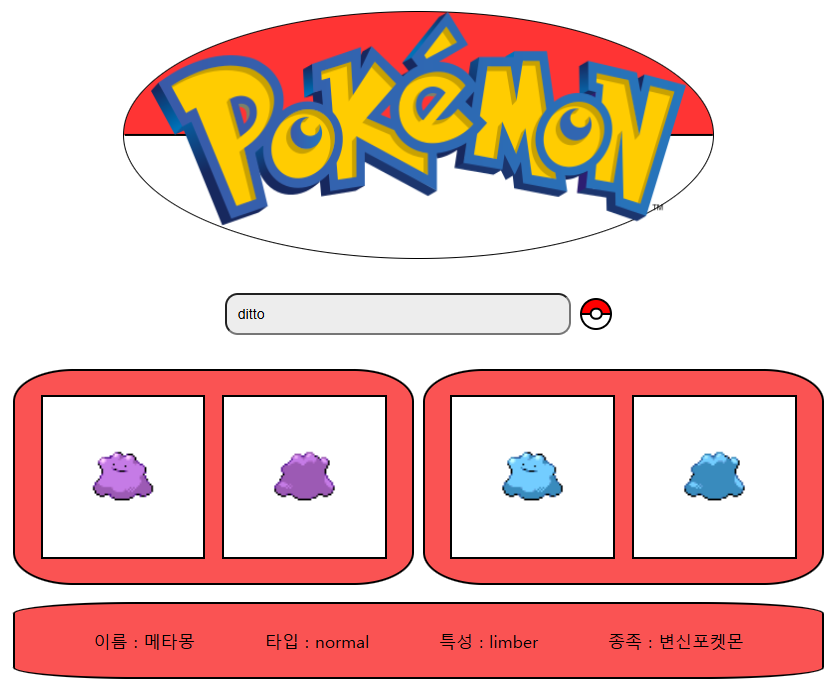
추가로 적용한 것
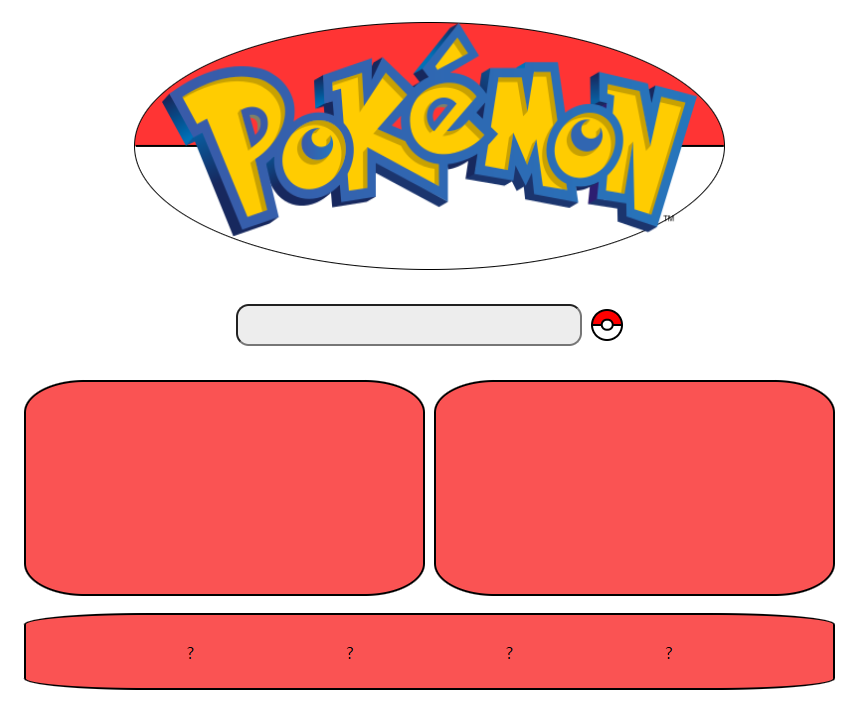
맨 처음 사이트에 들어가면 이렇게 비어있는 이미지 부분이 보이지 않아 뭔가 허전해 보인다... 흰색 네모 바탕을 적용시켜야 겠다.
App.js 에 PokemonImg 앨리먼트를 렌더링 하는 부분에 ? 연산자를 써서 pokemonName이 비어있는 경우 비어있는 흰색 바탕을 렌더링하고 아니면 정상적으로 포켓몬 이미지를 렌더링 하도록 바꿔주자.
<div className="pokemon-showbox">
          {pokemonName ? (
            <>
              <PokemonImg id={pokemonName} isFront={true} isShiny={false} />
              <PokemonImg id={pokemonName} isFront={false} isShiny={false} />
            </>
          ) : (
            <>
              <div className="pokemon-img-style"></div>
              <div className="pokemon-img-style"></div>
            </>
          )}
        </div>
        <div className="pokemon-showbox">
          {pokemonName ? (
            <>
              <PokemonImg id={pokemonName} isFront={true} isShiny={true} />
              <PokemonImg id={pokemonName} isFront={false} isShiny={true} />
            </>
          ) : (
            <>
              <div className="pokemon-img-style"></div>
              <div className="pokemon-img-style"></div>
            </>
          )}
        </div>
적용결과
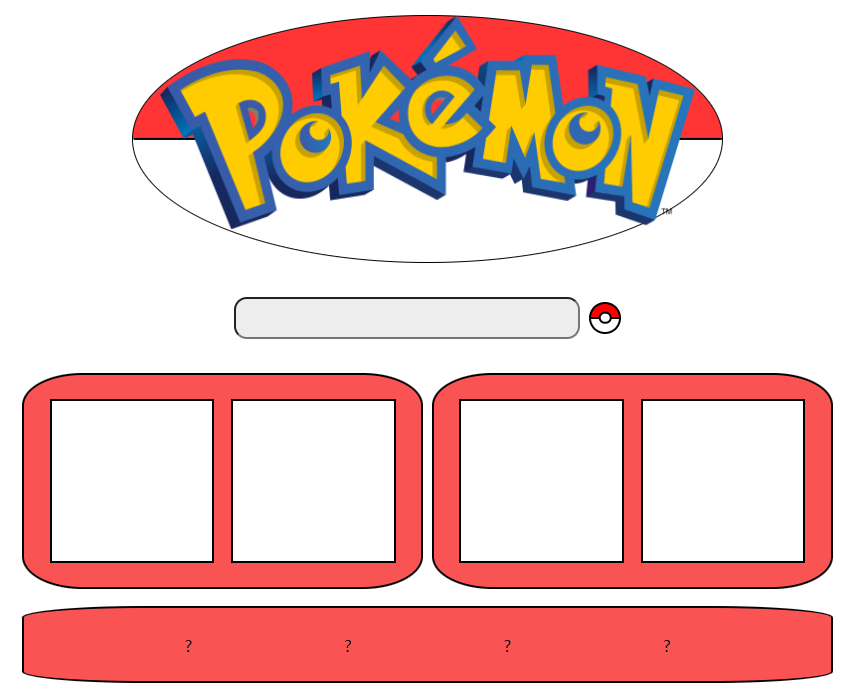
초기에 들어갔더니 흰색 빈 네모가 잘 보이고
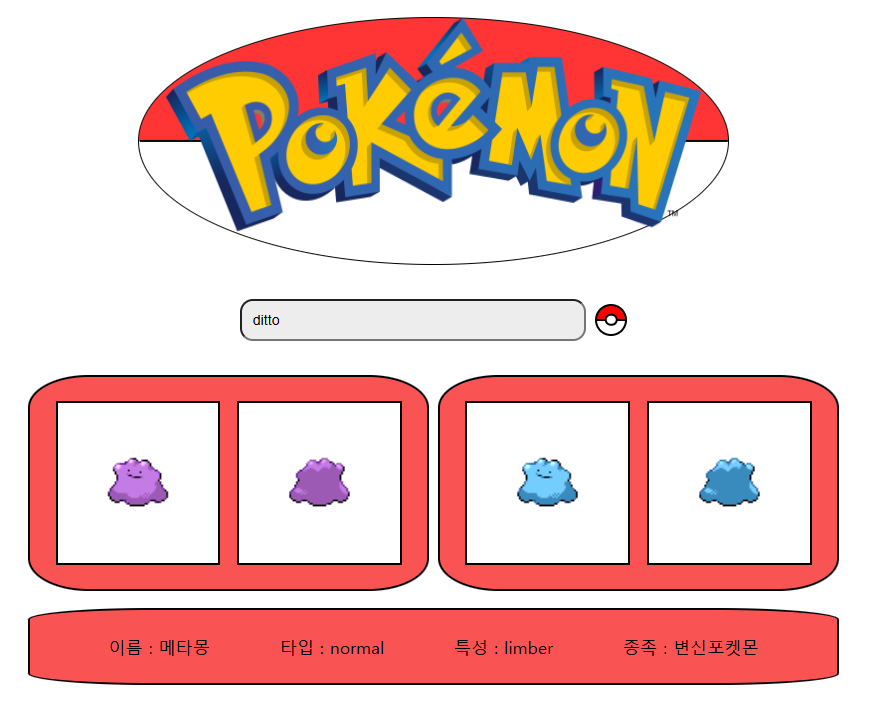
검색후 잘 채워진다
앞으로 수정할 사항
- 지금 사이트를 보면 이미지와 텍스트 데이터가 한번에 화면에 렌더링 되지 않고 제각각으로 렌더링 되어서 정신없어 보인다. API 호출 부분을 수정해서 한번에 렌더링 되도록 만들어보자
- 로딩중 화면도 구현해보자
아프지 말자 - (잘못된 정보, 수정 사항 있으면 언제든지 알려주시면 감사하겠습니다!)