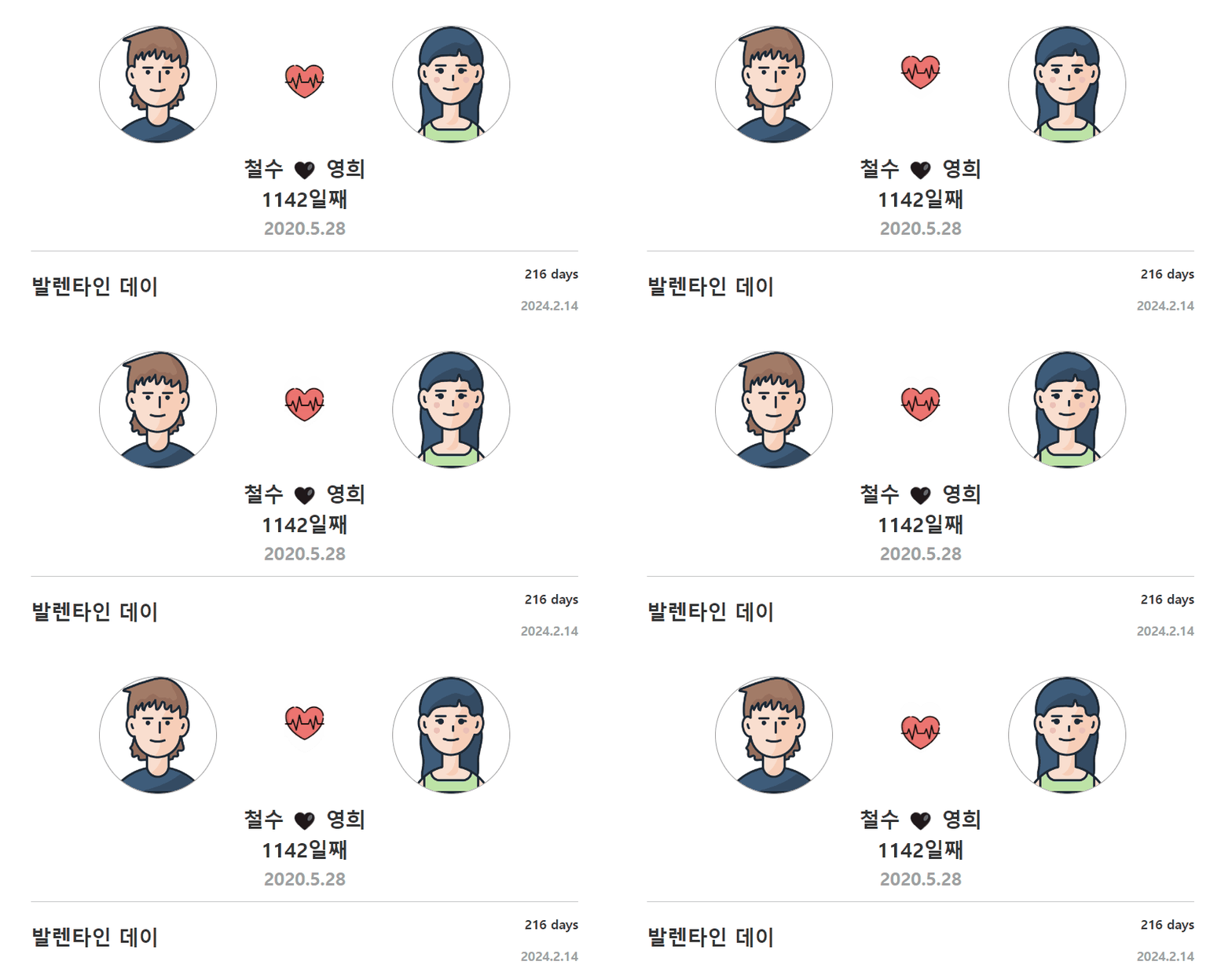
📆 기념일 계산기
🔉 핵심 To Do List
- 사귄 날짜 계산
- 발렌타인데이 날짜 계산
- 1000일 기념일 계산
- 2000일 기념일 계산
🔉 우리 사귄지 며칠째?
const now = new Date();
const start = new Date("2020.5.28");
데이터 객체 생성
new Date()는 현재 날짜와 시간을 나타내는 객체를 생성한다.
new Date('2020-05-28')는 사귄 시점을 기준으로 객체를 생성한다.
const now = new Date();
const start = new Date('2020-05-28');

const dayDiff = Math.floor((now - start) / (1000 * 60 * 60 * 24) + 1);
$('#love').text(dayDiff + '일째');
사귄 날짜 구하기
(now - start)는 현재 날짜와 시작일 사이의 밀리초 단위의 차이를 계산한다.
(1000 * 60 * 60 * 24)는 밀리초를 날짜로 변환하기 위해 사용되며,
1일은 24시간 * 60분 * 60초 * 1000밀리초로 표현된다.
Math.floor()는 소수점 이하를 버리고 정수 부분만 반환한다.
$('#love').text(dayDiff + '일째')는dayDiff를일째문자열과 함께#loveHTML 요소의 텍스트로 설정한다.

🔉 발렌타인데이까지 남은 날짜
const valentine = new Date('2024-02-14');
const dayDiff2 = Math.floor((valentine - now) / (1000 * 60 * 60 * 24));
$('#valentine').text(dayDiff2 + ' days');
발렌타인데이까지 남은 날짜
new Date('2024-02-14')는 발렌타인데이 날짜를 나타내는 객체를 생성한다.
(valentine - now)는 현재 날짜와 기념일 사이의 밀리초 단위의 차이를 계산한다.
(1000 * 60 * 60 * 24)는 밀리초를 날짜로 변환하기 위해 사용되고,
Math.floor()는 소수점 이하를 버리고 정수 부분만 반환한다.
$('#valentine').text(dayDiff2 + ' days')는 계산된 차이인
dayDiff2를days문자열과 함께#valentineHTML 요소의 텍스트로 설정한다.

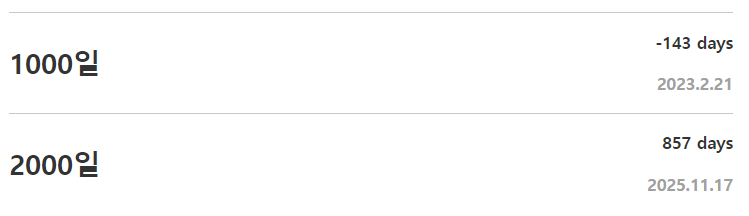
🔉 1000일, 2000일은 언제야?
// 1000일은 언제?
const thousand = new Date(start.getTime() + 999 * (1000 * 60 * 60 * 24));
const thousandDate = `${thousand.getFullYear()}.${thousand.getMonth() + 1}.${thousand.getDate()}`;
$('#thousand-date').text(thousandDate);

// 2000일은 언제?
const twoThousand = new Date(start.getTime() + 1999 * (1000 * 60 * 60 * 24));
const twoThousandDate = `${twoThousand.getFullYear()}.${
  twoThousand.getMonth() + 1
}.${twoThousand.getDate()}`;
$('#two-thousand-date').text(twoThousandDate);
기념일은 언제인가
start.getTime()은 시작일을 밀리초 단위의 타임스탬프로 변환한다.
(1000 * 60 * 60 * 24)는 밀리초를 날짜로 변환하기 위해 사용된다.
thousandDate는thousand날짜 객체에서연도, 월, 일을 추출하여
"yyyy.mm.dd"형식의 문자열로 표현
$('#thousand-date').text(thousandDate)는
thousandDate를#thousand-dateHTML 요소의 텍스트로 설정한다
twoThousand과twoThousandDate도 코드가 동일하다.

🔉 1000일, 2000일까지 남은 날짜
// 1000일까지 며칠 남았는지?
const dayDiff3 = Math.floor((thousand - now) / (1000 * 60 * 60 * 24));
$('#thousand').text(dayDiff3 + ' days');

// 2000일까지 며칠 남았는지?
const dayDiff4 = Math.floor((twoThousand - now) / (1000 * 60 * 60 * 24));
$('#two-thousand').text(dayDiff4 + ' days');
기념일은 언제인가
(thousand - now)은 는 현재 날짜와 1000일까지의 밀리초 단위의 차이를 계산한다.
(1000 * 60 * 60 * 24)는 밀리초를 날짜로 변환하기 위해 사용된다.
$('#thousand').text(dayDiff3 + ' days')는thousand는 계산된 차이인
dayDiff3를days문자열과 함께#thousandHTML 요소의 텍스트로 설정한다.
dayDiff4의 2000일도 코드가 동일하다.
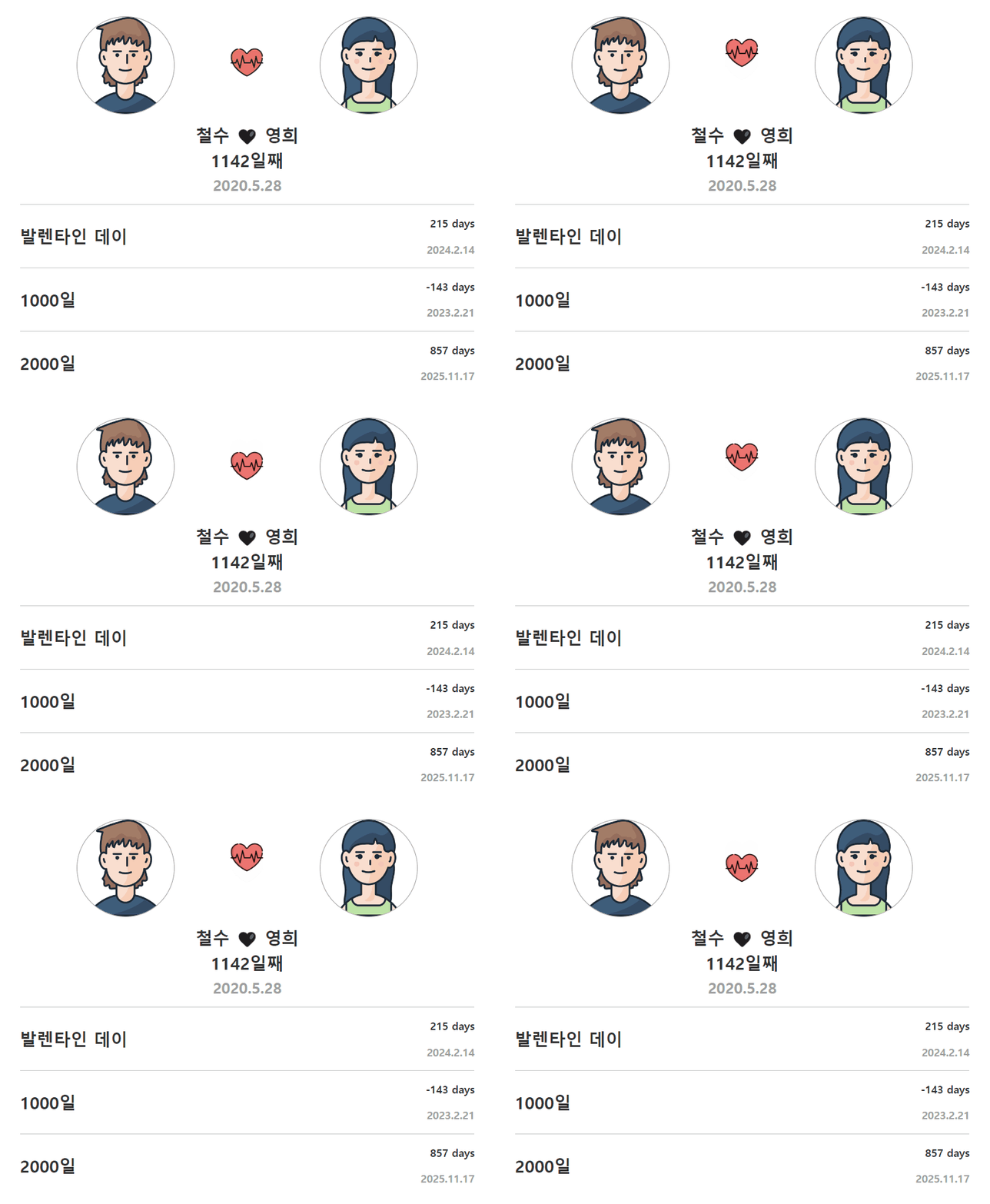
🔉 최종 결과물
🔉 전체 코드
index.html
<!DOCTYPE html>
<html lang="ko-KR">
  <head>
    <meta charset="UTF-8" />
    <meta http-equiv="X-UA-Compatible" content="IE=edge" />
    <meta name="viewport" content="width=device-width, initial-scale=1.0" />
    <title>기념일 계산기</title>
    <link rel="stylesheet" href="style.css" />
    <link
      href="https://cdn.jsdelivr.net/npm/bootstrap@5.0.2/dist/css/bootstrap.min.css"
      rel="stylesheet"
      integrity="sha384-EVSTQN3/azprG1Anm3QDgpJLIm9Nao0Yz1ztcQTwFspd3yD65VohhpuuCOmLASjC"
      crossorigin="anonymous"
    />
  </head>

  <body class="container">
    <!-- 남자, 여자, 하트 이미지 -->
    <section class="photos">
      <img id="man" src="./images/man.png" alt="man" />
      <img id="heart" src="./images/heart.png" alt="heart" />
      <img id="women" src="./images/woman.png" alt="women" />
    </section>

    <!-- 이름과 사귄 날짜 -->
    <div class="container d-flex flex-column justify-content-center align-items-center mt-3">
      <h3>철수 🖤 영희</h3>
      <h3 id="love">0일째</h3>
      <h4 class="date">2020.5.28</h4>
    </div>
    <hr />

    <!-- 발렌타인 데이까지 -->
    <section class="special-day">
      <h3 class="title">발렌타인 데이</h3>
      <div class="date-box">
        <p id="valentine" class="days-left"></p>
        <p class="date">2024.2.14</p>
      </div>
    </section>
    <hr />

    <!-- 1000일 -->
    <section class="special-day">
      <h3 class="title">1000일</h3>
      <div class="date-box">
        <p id="thousand" class="days-left"></p>
        <p id="thousand-date" class="date"></p>
      </div>
    </section>
    <hr />

    <!-- 2000일 -->
    <section class="special-day">
      <h3 class="title">2000일</h3>
      <div class="date-box">
        <p id="two-thousand" class="days-left"></p>
        <p id="two-thousand-date" class="date"></p>
      </div>
    </section>

    <script
      src="https://code.jquery.com/jquery-3.6.4.min.js"
      integrity="sha256-oP6HI9z1XaZNBrJURtCoUT5SUnxFr8s3BzRl+cbzUq8="
      crossorigin="anonymous"
    ></script>
    <script src="index.js"></script>
  </body>
</html>
index.js
// 우리 사귄지 며칠째?
const now = new Date();
const start = new Date('2020-05-28');
const dayDiff = Math.floor((now - start) / (1000 * 60 * 60 * 24) + 1);
$('#love').text(dayDiff + '일째');

// 기념일까지 남은 날짜?
const valentine = new Date('2024-02-14');
const dayDiff2 = Math.floor((valentine - now) / (1000 * 60 * 60 * 24));
$('#valentine').text(dayDiff2 + ' days');

// 1000일은 언제?
const thousand = new Date(start.getTime() + 999 * (1000 * 60 * 60 * 24));
const thousandDate = `${thousand.getFullYear()}.${thousand.getMonth() + 1}.${thousand.getDate()}`;
$('#thousand-date').text(thousandDate);

// 2000일은 언제?
const twoThousand = new Date(start.getTime() + 1999 * (1000 * 60 * 60 * 24));
const twoThousandDate = `${twoThousand.getFullYear()}.${
  twoThousand.getMonth() + 1
}.${twoThousand.getDate()}`;
$('#two-thousand-date').text(twoThousandDate);

// 1000일까지 며칠 남았는지?
const dayDiff3 = Math.floor((thousand - now) / (1000 * 60 * 60 * 24));
$('#thousand').text(dayDiff3 + ' days');

// 2000일까지 며칠 남았는지?
const dayDiff4 = Math.floor((twoThousand - now) / (1000 * 60 * 60 * 24));
$('#two-thousand').text(dayDiff4 + ' days');
style.css
* {
  color: #333333;
}

.photos {
  margin-top: 50px;
  display: flex;
  justify-content: center;
  align-items: center;
}

#man,
#women {
  width: 150px;
  height: 150px;
  object-fit: cover;
  border: 0.5px solid #a0a0a0;
  border-radius: 50%;
  margin: 0 auto;
}

@keyframes up-down {
  from {
    transform: translateY(opx);
  }
  to {
    transform: translateY(-20px);
  }
}

#heart {
  width: 50px;
  height: 50px;
  animation: up-down 0.5s infinite ease-in-out alternate;
}

.special-day {
  display: flex;
  justify-content: space-between;
}

.title,
.days-left,
.date,
.container h3 {
  font-weight: 600;
}

.days-left,
.date {
  text-align: right;
}

.title,
.date {
  margin-bottom: 0;
}

.title {
  display: flex;
  align-items: center;
}

.date {
  color: #a0a0a0;
}
할 수 있다고 믿는 사람은 결국 그렇게 된다 😄😊