개발 환경: Windows 11, Visual Studio Code
0️⃣ 마주하게 된 에러
리액트 개발 연습을 하려고 평소와 같이 npx create-react-app my-app을 실행하던 중 아래와 같은 오류를 마주했습니다.
Installing template dependencies using npm...
npm ERR! code ERESOLVE
npm ERR! ERESOLVE unable to resolve dependency tree
npm ERR!
npm ERR! While resolving: blog-frontend@0.1.0
npm ERR! Found: react@19.0.0
npm ERR! node_modules/react
npm ERR!   react@"^19.0.0" from the root project
npm ERR!
npm ERR! Could not resolve dependency:
npm ERR! peer react@"^18.0.0" from @testing-library/react@13.4.0
npm ERR! node_modules/@testing-library/react
npm ERR!   @testing-library/react@"^13.0.0" from the root project
npm ERR!
npm ERR! Fix the upstream dependency conflict, or retry
npm ERR! this command with --force or --legacy-peer-deps
npm ERR! to accept an incorrect (and potentially broken) dependency resolution.
npm ERR!
npm ERR!
npm ERR! For a full report see:
npm ERR! C:\Users\khj02\AppData\Local\npm-cache\_logs\2025-01-21T02_37_19_749Z-eresolve-report.txt

npm ERR! A complete log of this run can be found in: C:\Users\khj02\AppData\Local\npm-cache\_logs\2025-01-21T02_37_19_749Z-debug-0.log
대학교 1학년 때, 너무나도 많이 마주했던 이 에러..
보통이라면 npm install를 할 때 자주 보던 에러였지만, 프로젝트 시작도 전에 create-react-app에서 이 오류가 갑자기 나니 순간 뇌정지가 오게됐습니다 ㅋㅋㅋ..
1️⃣ 에러의 원인
npx create-react-app my-app 명령어로 프로젝트를 생성 시 react 최신 버전을 사용하게 됩니다.
(작성일 25.01.21 기준 "react": "^19.0.0")
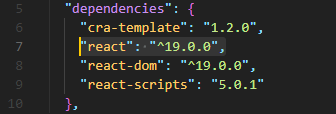
(위 사진은 package.json 파일 안의 내용입니다.)
검색하여 찾아보니, 2024년 12월 05일에 react 19 버전 정식 릴리즈를 시작하면서부터 의존성 문제가 발생한다고 합니다.
https://ko.react.dev/blog/2024/12/05/react-19
2️⃣ 해결 방법
----- 성공한 방법 -----
🟢 그냥 무시하기
일단 npx create-react-app을 입력하면, 폴더는 정상적으로 생성됩니다.
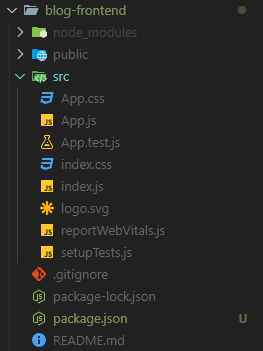
그럼 그냥 실행하면 되는 거 아님?
npm start
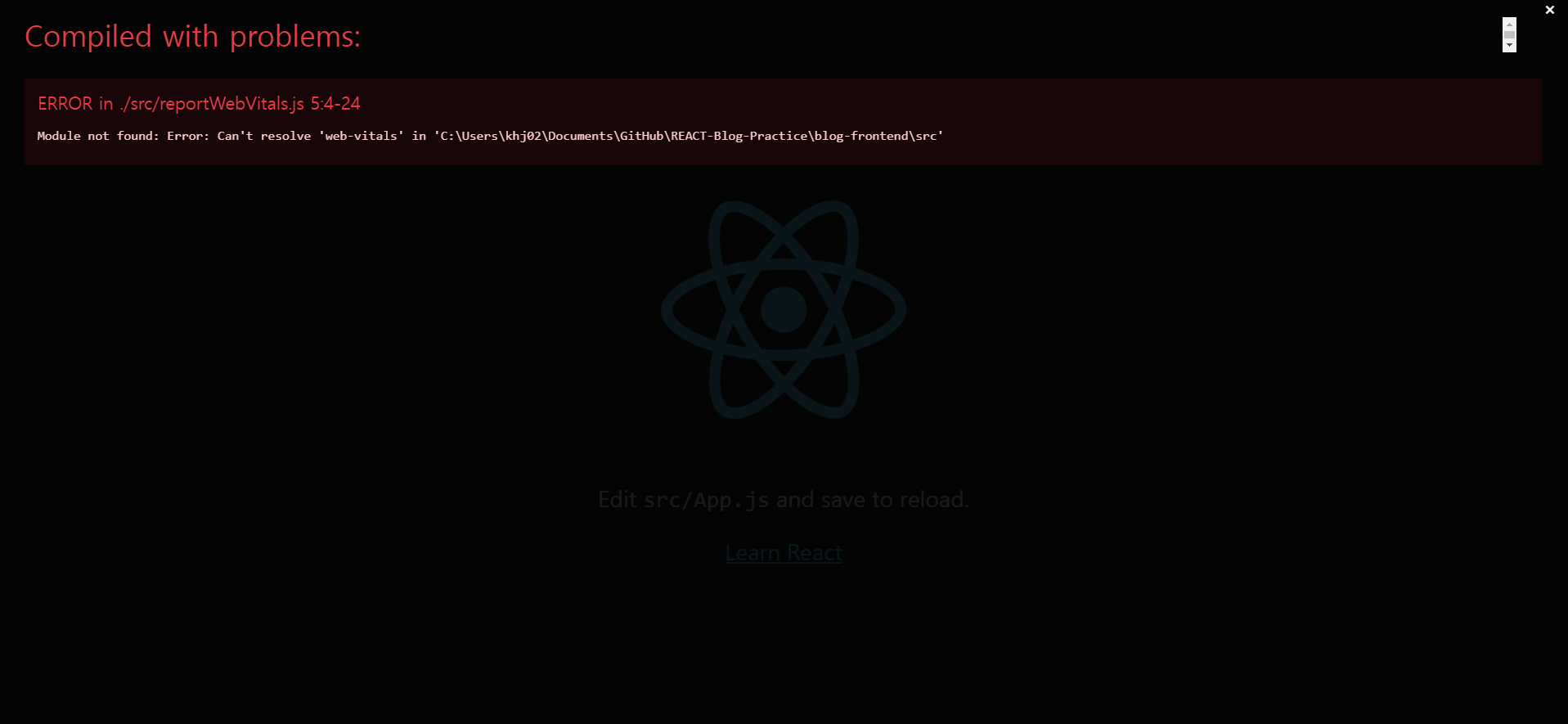

위 사진에서 나는 오류는 npm install web-vitals 명령어로 따로 추가 설치하여 해결하면 됩니다.
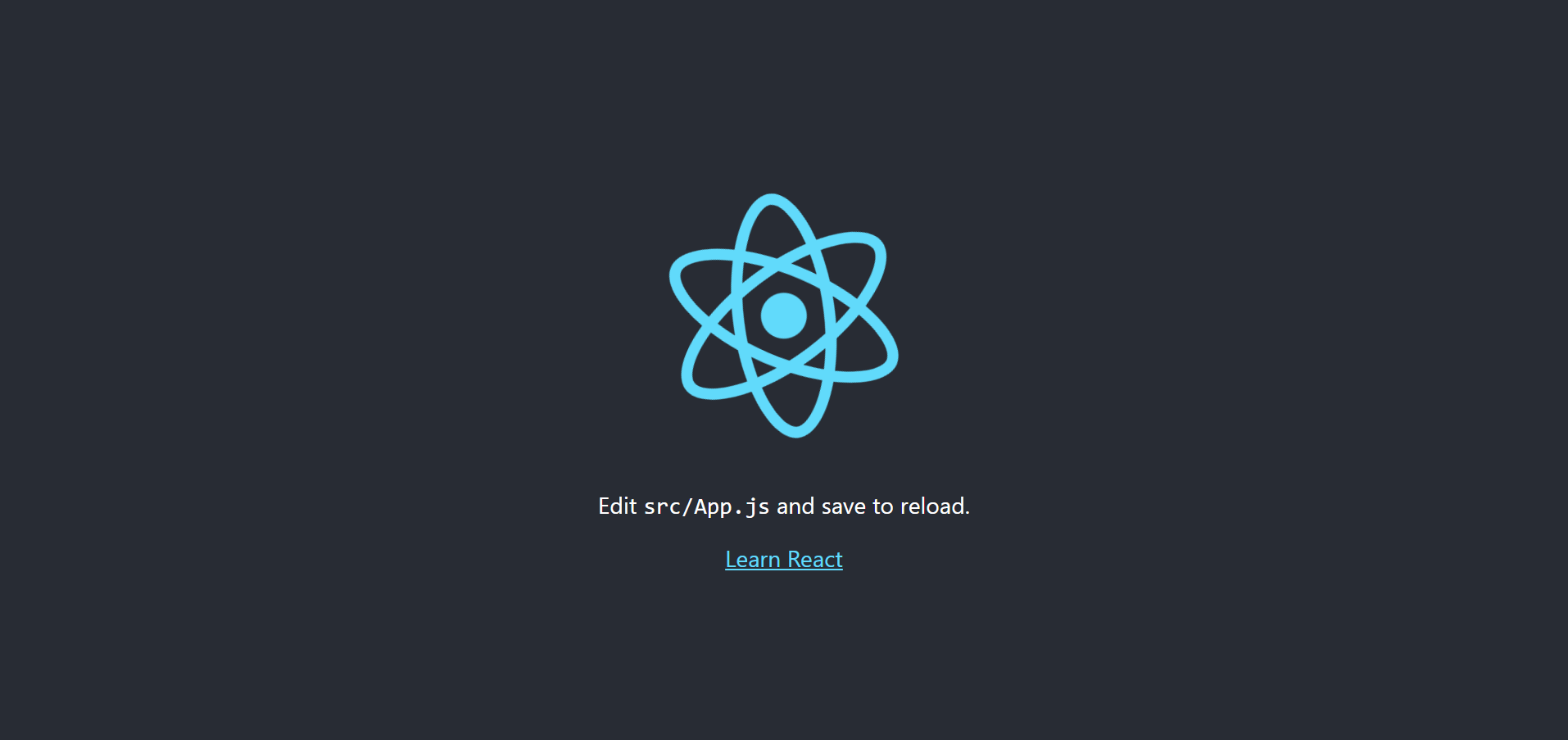
되긴.. 합니다.
🟢 Yarn을 사용하여 해결하기
npm install -g yarn 명령어를 사용하여 yarn을 설치합니다.
이후 yarn 명령어인 yarn create react-app my-app를 사용하여 리액트 앱을 생성합니다.
첫 yarn 명령어를 사용한다면 아래와 같은 오류가 나게 됩니다.

이 yarn 명령어 문제를 해결하기 위해서는 실행 정책을 변경해야 합니다.
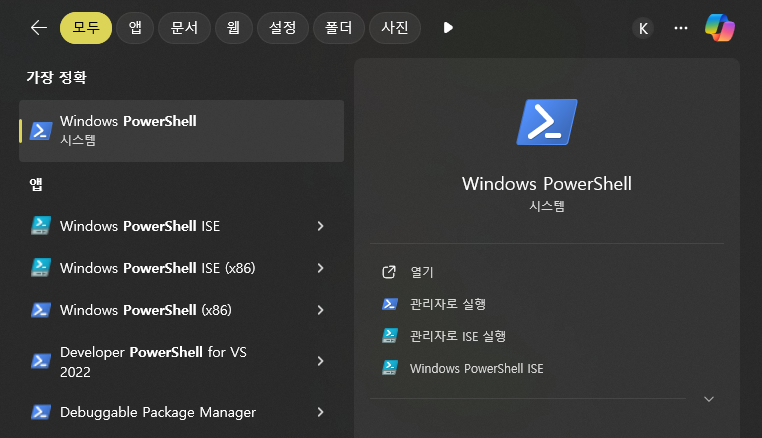
PowerShell을 관리자로 실행합니다.
Get-ExecutionPolicy 명령어를 입력하여 현재 실행 정책을 확인합니다.

보통 Restricted로 설정되어 있습니다.
이후 Set-ExecutionPolicy RemoteSigned 명령어를 입력하여, 실행 정책을 RemoteSigned로 변경합니다.

변경하시겠습니까? y 입력하여 변경하시면 됩니다.
변경이 되었으면, Visual Studio Code를 재실행하고, 터미널에서 yarn create react-app my-app를 입력하여 react app을 생성하면 에러 없이 성공합니다.
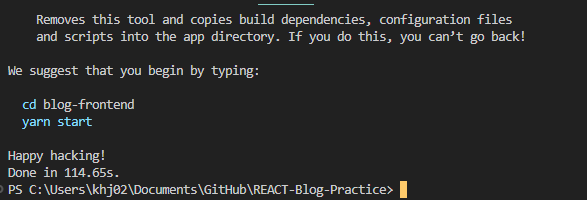
이젠.. yarn 명령어를 애용해야 할 이유가 생겼습니다.
----- 실패한 방법 -----
❌ 강제 설치
dependencies 문제가 발생했을 때, 꼭 해보는 방법이 있습니다.
의존성 문제는 있지만 실행에 지장이 없는 경우 아래 명령어를 통해 강제 설치를 진행합니다.
npx create-react-app my-app --force
npx create-react-app my-app --legacy-peer-deps
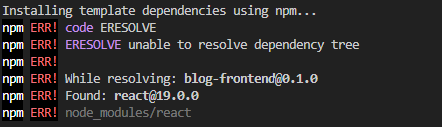
강제 설치까지 되지 않습니다.
❌ 다운그레이드
이 방법도 실패했습니다.
시대를 따라가도록 해봅시다.