오늘 하루 작업할 것
Inheritance, slicing and finishing the snake game
Class Inheritance : 클래스는 다른 클래스를 상속 받을 수 있다.
다른 클래스의 속성과 메소드를 상속받아 클래스를 수정하기 더 쉽고 더 많은 기능을 하게 된다.
파이썬에서 리스트와 딕셔너리 등을 어떻게 슬라이싱 하는 지 살펴보고 직접 슬라이싱 해본다.
클래스 상속(Class Inheritance)
Inherit Appearance: 외형 상속, 속성을 상속 받을 수 있다.
Inherit Behaviour: 동작을 상속 받는 거다.
# Inheritance
class Fish(Animal):
	def __init__(self):
    	super().__init__()
Fish클래스가 Animal클래스를 상속 받는다.
Animal클래스에 있는 모든 것, 속성과 메소드를 상속받기 위해선 가져오기 위해서는 init 안에super().__init__()을 추가한다.
super는 상위 클래스를 나타낸다.
상위 클래스가 Fish 클래스에서 할 수 있는 것을 전부 초기화한다.
실제 코드는 아래와 같다.
class Animal:
	def __init__(self):
    	self.num_eyes = 2

    def breathe(self):
    	print("Inhale, exhale.")

class Fish(Animal):
	def __init__(self):
    	super().__init__()

	def swim(self):
    	print("moving in water.")

nemo = Fish()
nemo.swim()  # moving in water
nemo.breathe()  # Inhale, exhale
print(nemo.num_eyes)  # 2
하지만, 여기서 상속받은 breathe 메소드를 추가하고 싶다면 아래와 같이 한다.
class Animal:
	def __init__(self):
    	self.num_eyes = 2

    def breathe(self):
    	print("Inhale, exhale.")

class Fish(Animal):
	def __init__(self):
    	super().__init__()

	def breathe(self):
    	super().breathe()
        print("doing this underwater.")

	def swim(self):
    	print("moving in water.")

nemo = Fish()
nemo.breathe()
# Inhale, exhale
# doing thus underwater.
메소드 수정은 아래와 같다.
class Dog:
	def __init__(self):
    self.temperament = "loyal"

class Labrador(Dog):
	def __init__(self):
    super().__init__()  # 이 부분은 생략해도 된다.
    self.temperament = "gentle"

 doggo = Dog()
 print(f"A dog is {doggo.temperament}")  # A dog is loyal

 sparky = Dog()
 print(f"A dog is {sparky.temperament}")  # Sparky is gentle
뱀이 먹이를 먹었는지 알아내기
food.py 파일을 아래와 같이 제작.
from turtle import Turtle
import random


class Food(Turtle):  # Turtle 클래스를 상속

    def __init__(self):
        super().__init__()
        self.shape("circle")
        self.penup()
        self.shapesize(stretch_len=0.5, stretch_wid=0.5)  # 20x20의 원을 10x10인 반으로 줄이는 것이다.
        self.color("blue")
        self.speed("fastest")  # 화면의 중앙에 먹이가 생기고 원하는 위치로 이동하는 과정이 빨라진다.
        random_x = random.randint(-280, 280)
        random_y = random.randint(-280, 280)
        self.goto(random_x, random_y)
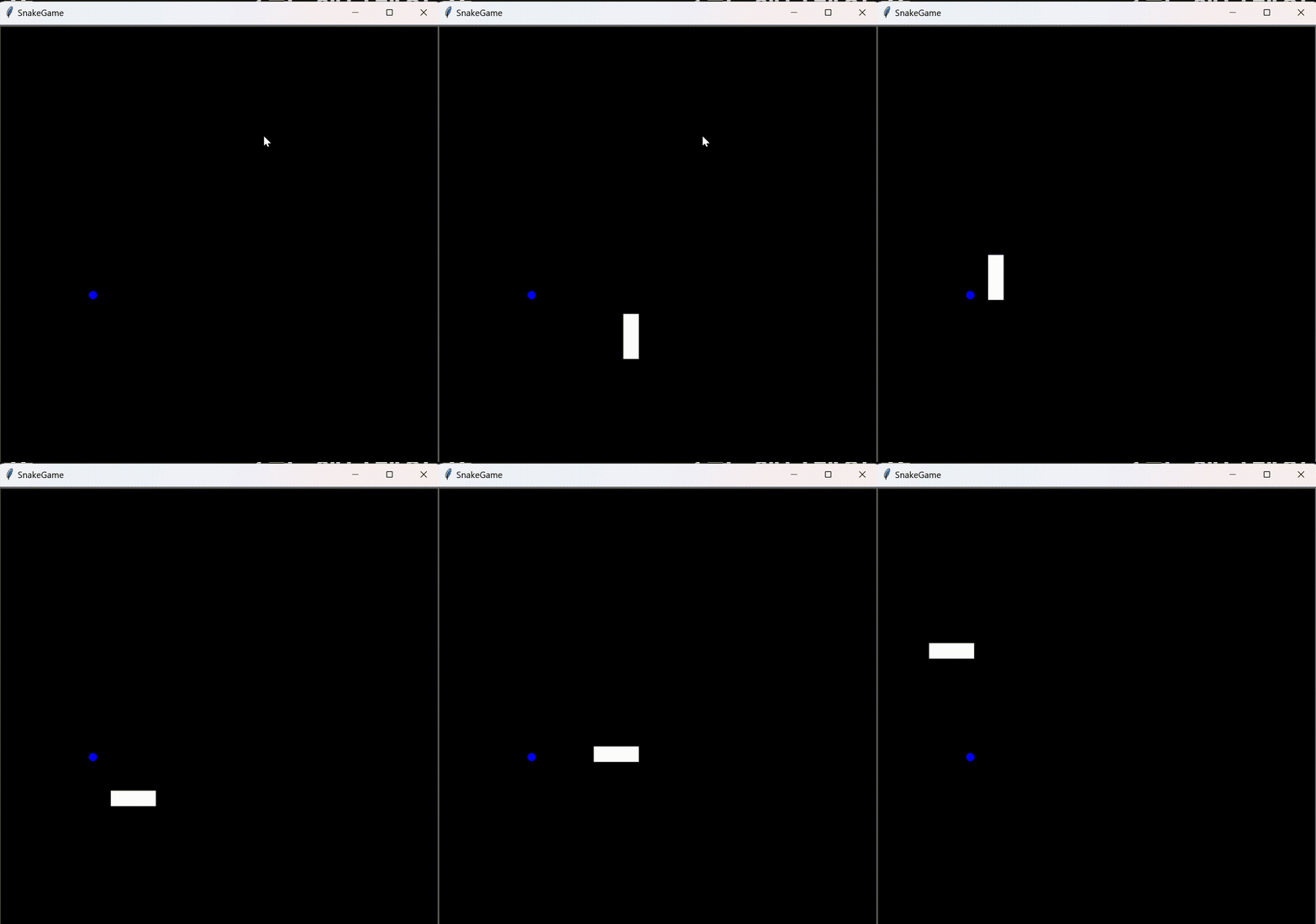
먹이를 먹어도 반응이 없으므로, 해당 코드를 추가해 준다.
그러기 위해서는 distance메소드를 활용한다.distance: 터틀과 이 괄호안 x,y나 turtle의 인스턴스를 비교한다.
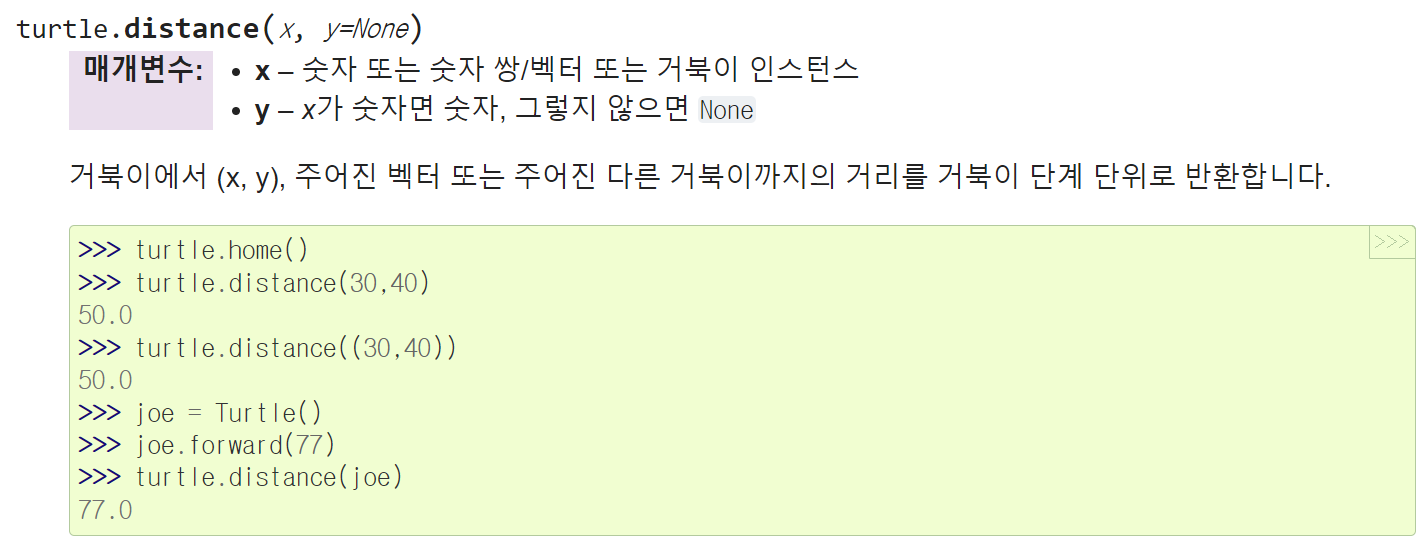
    if snake.head.distance(food) < 15:
    print("nom nom nom")  # 헤드와 먹이가 15픽셀보다 가까울 경우, 출력
# food.py에 추가
def refresh(self):
random_x = random.randint(-200, 200)
random_y = random.randint(-280, 280)
self.goto(random_x, random_y)
# 푸드를 새로운 위치에 생성하는 메소드if snake.head.distance(food) < 15:
food.refresh()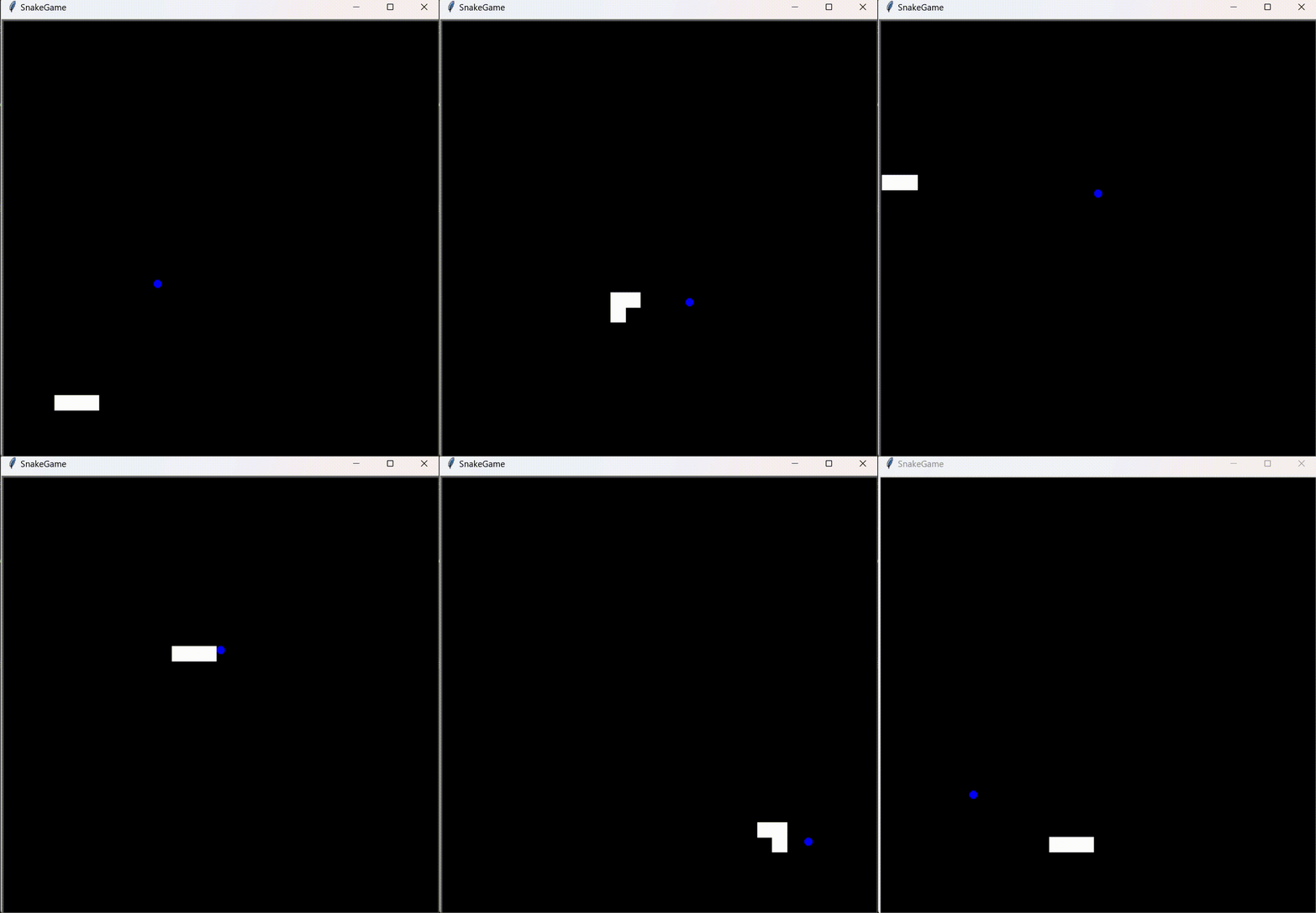
먹이를 먹었을 때, 뱀의 꼬리 추가는 마지막에 다룬다.
main.py
from turtle import Screen, Turtle
from snake import Snake
from food import Food
import time
screen = Screen()
screen.setup(width=600, height=600)
screen.bgcolor("black") # 스크린의 배경색을 검은색으로 할 수 있다.
screen.title("SnakeGame")
screen.tracer(0)
snake = Snake()
food = Food()
screen.listen()
screen.onkey(snake.up, "Up")
screen.onkey(snake.down, "Down")
screen.onkey(snake.left, "Left")
screen.onkey(snake.right, "Right")
game_is_on = True
while game_is_on:
screen.update()
time.sleep(0.1)
snake.move()
# Detect collision with food.
if snake.head.distance(food) < 15:
    food.refresh()
screen.exitonclick()snake.py
from turtle import Turtle, Screen

STARTING_POSITIONS = [(0, 0), (-20, 0), (-40, 0)]  # 파이썬에서 상수는 전부 대문자로 표기
MOVE_DISTANCE = 20
UP = 90
DOWN = 270
LEFT = 180
RIGHT = 0


class Snake:

    def __init__(self):
        self.segments = []
        self.create_snake()
        self.head = self.segments[0]

    def create_snake(self):
        for position in STARTING_POSITIONS:
            new_segment = Turtle("square")
            new_segment.color("white")
            new_segment.penup()
            new_segment.goto(position)
            self.segments.append(new_segment)

    def move(self):
        for seg_num in range(len(self.segments) - 1, 0, -1):  # (start, stop, step) 즉, 2에서 시작하여 -1씩해서 0에서 멈춤
            new_x = self.segments[seg_num - 1].xcor()
            new_y = self.segments[seg_num - 1].ycor()
            self.segments[seg_num].goto(new_x, new_y)
        self.head.forward(MOVE_DISTANCE)

    def up(self):
        if self.head.heading() != DOWN:
            self.head.setheading(UP)

    def down(self):
        if self.head.heading() != UP:
            self.head.setheading(DOWN)

    def left(self):
        if self.head.heading() != RIGHT:
            self.head.setheading(LEFT)

    def right(self):
        if self.head.heading() != LEFT:
            self.head.setheading(RIGHT)
food.py
from turtle import Turtle
import random


class Food(Turtle):  # Turtle 클래스를 상속

    def __init__(self):
        super().__init__()
        self.shape("circle")
        self.penup()
        self.shapesize(stretch_len=0.5, stretch_wid=0.5)  # 20x20의 원을 10x10인 반으로 줄이는 것이다.
        self.color("blue")
        self.speed("fastest")  # 화면의 중앙에 먹이가 생기고 원하는 위치로 이동하는 과정이 빨라진다.
        random_x = random.randint(-280, 280)
        random_y = random.randint(-280, 280)
        self.goto(random_x, random_y)

    def refresh(self):
        random_x = random.randint(-200, 200)
        random_y = random.randint(-280, 280)
        self.goto(random_x, random_y)
점수판을 만들어 점수 기록하기
뱀이 벽에 부딪혔는지 알아내기
파이썬에서 리스트와 튜플 슬라이싱하기

신입사원...