INSTALL
Install Python, VSCode by googling.
SETTING VSCode
And open VSCode and make folder and open folder.
You have to setting in View - Command palette and searching 'Select Interpreter' - click version of Python3.
Then you can see the version at left-down. 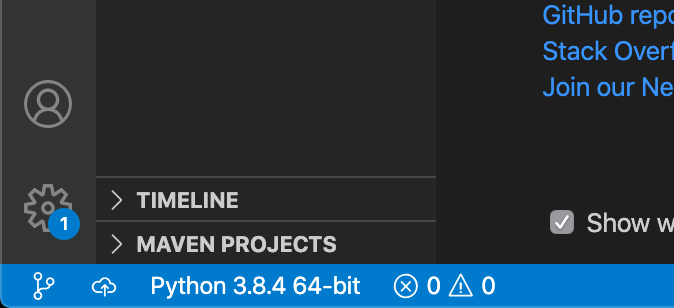
Now you can write Python code!
And You have to set the task to useful action in view - palette - Configure task - Others.
You can see the file of JSON. then change the code like this(look down side).
{
    // See https://go.microsoft.com/fwlink/?LinkId=733558
    // for the documentation about the tasks.json format
    "version": "2.0.0",
    "tasks": [
        {
            "label": "Project Label",
            "type": "shell",
            "command": "python",
            "args": [
                "${file}"
            ],
            "presentation": {
                "reveal": "always",
                "panel": "new"
            },
            "options": {
                "env": {
                    "PYTHONIOENCODING": "UTF-8"
                }
            },
            "group": {
                "kind": "build",
                "isDefault": true
            }
        }
    ]
}
NOW, you can play your code by <cmd+shift+B>. It so easy!

I want to be digital nomad!