
✅ 환경 정보
- 플랫폼: Azure AKS 클러스터
- 도구: GitPod, kubectl, istioctl, Helm
- Istio 버전: 1.20.8
✅ Svc Mesh 흐름
🔹 Istio 설치
export ISTIO_VERSION=1.20.8
curl -L https://istio.io/downloadIstio | ISTIO_VERSION=$ISTIO_VERSION TARGET_ARCH=x86_64 sh -
cd istio-$ISTIO_VERSION
export PATH=$PWD/bin:$PATH
istioctl install --set profile=demo --set hub=gcr.io/istio-release -y
🔹 Addons 설치 (Kiali, Grafana, Prometheus, Jaeger, Loki)
mv samples/addons/loki.yaml samples/addons/loki.yaml.old
curl -o samples/addons/loki.yaml https://raw.githubusercontent.com/msa-school/Lab-required-Materials/main/Ops/loki.yaml
kubectl apply -f samples/addons
🔹 서비스 타입 변경 (LoadBalancer)
kubectl patch svc kiali -n istio-system -p '{"spec": {"type": "LoadBalancer"}}'
kubectl patch svc tracing -n istio-system -p '{"spec": {"type": "LoadBalancer"}}'
🔹 모니터링 도구 접속 경로
- Kiali:
http://<EXTERNAL-IP>:20001(admin / admin) - Jaeger:
http://<EXTERNAL-IP>:80
🔹 사이드카 인젝션 적용
kubectl label namespace default istio-injection=enabled
kubectl apply -f deployment.yaml- nginx Pod에 사이드카 컨테이너(
istio-proxy) 자동 주입 - Kiali에서 메시 구조 확인 가능
🔹 Ingress Gateway 및 VirtualService 구성
# 서비스 생성
kubectl expose deployment hello-nginx --port=80 --target-port=80 --name=hello-nginx

# Gateway + VirtualService 설정
kubectl apply -f - <<EOF
apiVersion: networking.istio.io/v1beta1
kind: Gateway
metadata:
  name: hello-nginx-gateway
spec:
  selector:
    istio: ingressgateway
  servers:
  - port:
      number: 80
      name: http
      protocol: HTTP
    hosts:
    - "*"
---
apiVersion: networking.istio.io/v1beta1
kind: VirtualService
metadata:
  name: hello-nginx-vs
spec:
  hosts:
  - "*"
  gateways:
  - hello-nginx-gateway
  http:
  - route:
    - destination:
        host: hello-nginx
        port:
          number: 80
EOF
🔹 외부 접속 확인
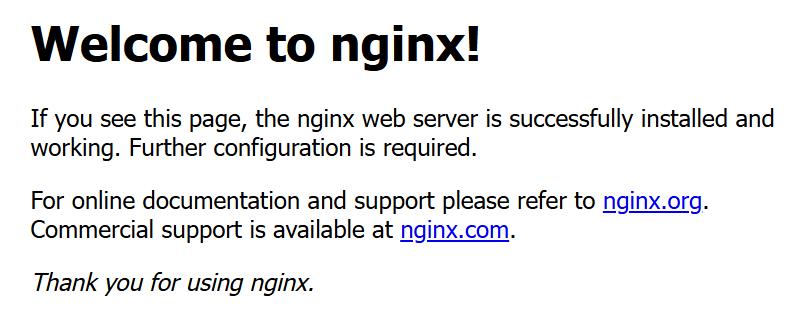
http://<EXTERNAL-IP>접속 시 Nginx Welcome 페이지 출력

코코딩딩