
🌼 게시글 리스트 출력
📕 페이징처리
📙 원하는 날짜로 필터링
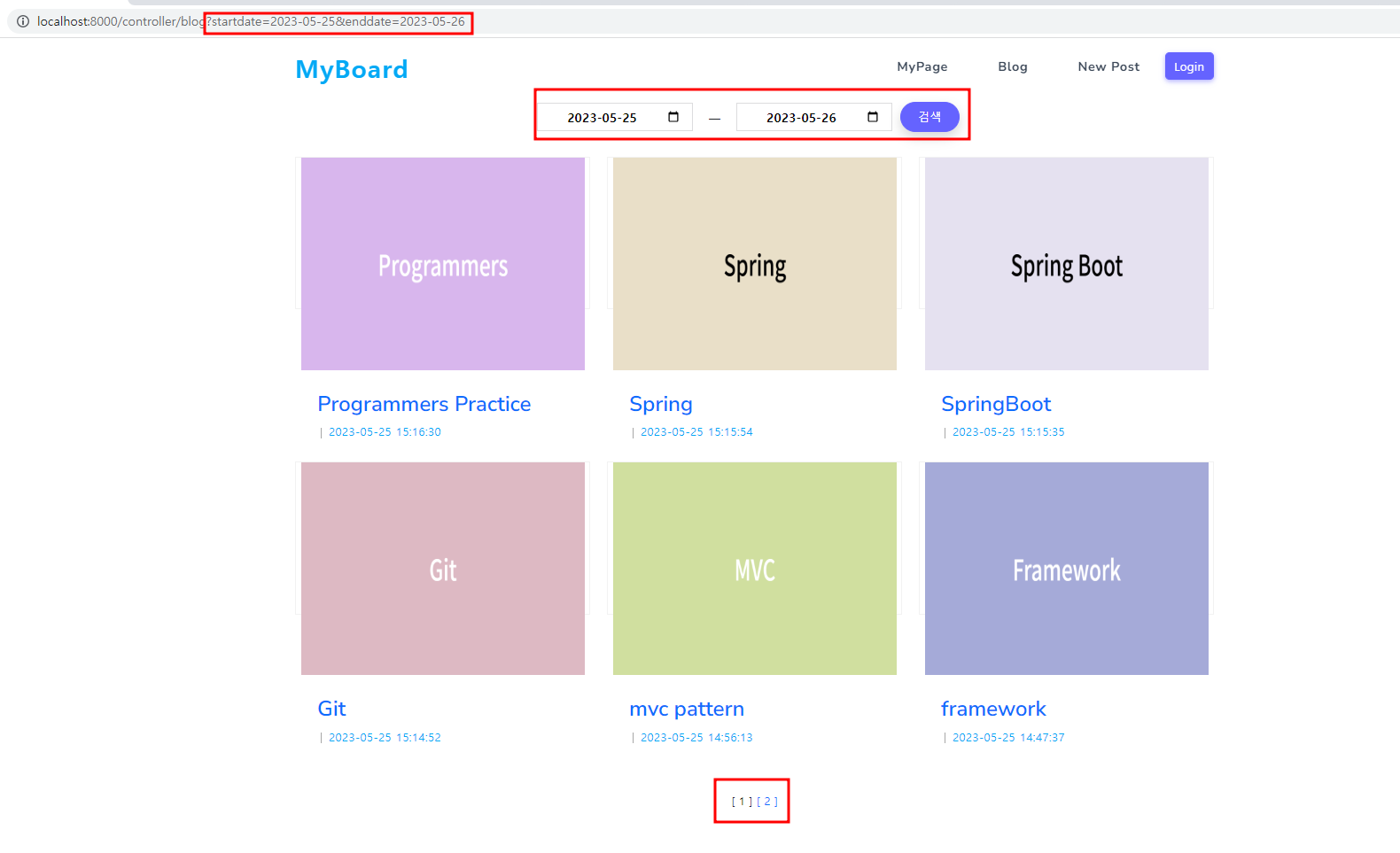
💡 날짜 필터링할 경우 경곗값 검색 안되는 문제 발생
- xml에서는 부등호 처리 불가 => <![CDATA[]]> 로 처리!!
	<select id="selectBoardList"  parameterType="map" resultType="Board">
		select * from (select rownum rn, boardlist.* from (select * from board
		<where>
			<if test="sDate != null and sDate!=''">
				and c_date <![CDATA[>=]]> #{sDate}
			</if>
			<if test="eDate!=null and eDate!=''">
				and c_date <![CDATA[<=]]> #{eDate}
			</if>
		</where>
		order by b_idx desc) boardlist ) where rn between #{startRow} and #{endRow}
	</select>
📌 mapper.xml
- 경곗값 날짜에 하루를 더해줌으로서 해결!
	<select id="selectBoardList"  parameterType="map" resultType="Board">
		select * from (select rownum rn, boardlist.* from (select * from board
		<where>
			<if test="sDate != null and sDate!=''">
				and c_date <![CDATA[>=]]> #{sDate}
			</if>
			<if test="eDate!=null and eDate!=''">
				and c_date <![CDATA[<=]]> TO_DATE(#{eDate}, 'YYYY-MM-DD')+1
			</if>
		</where>
		order by b_idx desc) boardlist ) where rn between #{startRow} and #{endRow}
	</select>
📌 ajax
- URLSearchParams 객체를 사용하여 현재페이지의 URL에서 쿼리 매개변수 추출
- window.location.search : 현재 URL의 쿼리 문자열
- urlParams.get() 을 사용하여 쿼리 매개변수값 추출
var page=1;
noticeListDisplay(page);

function noticeListDisplay(pageNum) {
    page = pageNum;
    const urlParams = new URLSearchParams(window.location.search);
    const startValue = urlParams.get('startdate');
    const endValue = urlParams.get('enddate');
- json형식으로 data 전달 (@RequestParam을 사용하여 data 사용)
    $.ajax({
        type: "post",
        url: "${pageContext.request.contextPath}/blogList",
        data: {
            pageNum: pageNum,
            sDate: startValue,
            eDate: endValue
        },
        dataType: "json",
        success: function(result) {
        	var html = "<section class='md'>";
                html = "<div class='container'>";
                html += "<div class='row'>";
        	$(result.boardList).each(function(){
                html += "<div class='col-md-6 col-lg-4 mb-1-9 blog-style-one'>";
                html += "<article class='item text-center'>";
                html +=	"<div class='post-img'>";
                html += "<img src='${pageContext.request.contextPath}/img/"+this.img+"' style='height: 300px; width: 400px;'>";
                html += "</div>";
                html += "<div class='content'>";
                html += "<h3 class='h5 mb-2'><a href='${pageContext.request.contextPath}/blog/view'>"+this.title+"</a></h3>";
                html += "<div class='tag alt-font'>";
                html += "<span class='d-inline-block text-primary'>"+this.cdate+"</span>";
                html += "</div>";
                html += "</div>";
                html += "</article>";
                html += "</div>";
            });
                html += "</div>";
                html += "</div>";
                html += "</section>";

            $("#noticetable").html(html);
            pageNumDisplay(result.pager);
        },
        error: function(xhr, status, error) {
            console.log(error);
        }
    });
}
- 페이징처리
function pageNumDisplay(pager) {
	var html="";

	if(pager.startPage > pager.blockSize) {
		html+="<a href='javascript:noticeListDisplay("+pager.prevPage+")'>[이전]</a>";
	}
	for(i=pager.startPage;i<=pager.endPage;i++) {
		if(pager.pageNum!=i) {
			html+="<a href='javascript:noticeListDisplay("+i+")'>[ "+i+" ]</a>";
		} else {
			html+="[ "+i+" ] ";
		}
	}
	if(pager.endPage != pager.totalPage) {
		html+="<a href='javascript:noticeListDisplay("+pager.nextPage+")'>[다음]</a>";
	}
	$("#pageNumDiv").html(html);
}
📌 controller
- @RequestParam을 사용하여 param값을 전달받아 Map객체에 저장!!
- param에 있는 여러 data중에서 원하는 값만 추출 가능
params.get("sDate")
	@RequestMapping(value = "/blog", method = RequestMethod.GET)
	public String blogmain() {
		return "blog/main";
	}

	@RequestMapping(value = "/blogList", method = RequestMethod.POST)
	@ResponseBody
	public Map<String, Object> blogList(@RequestParam(defaultValue = "1") int pageNum, @RequestParam Map<String, Object> params) {

		int totalQuestion = boardDAO.selectBoardCount(params);
		int pageSize=6;
		int blockSize=5;

		Pager pager= new Pager(pageNum, totalQuestion, pageSize, blockSize);

		Map<String, Object> pageMap = new HashMap<String, Object>();
		pageMap.put("startRow", pager.getStartRow());
		pageMap.put("endRow", pager.getEndRow());
		pageMap.put("sDate", params.get("sDate"));
		pageMap.put("eDate", params.get("eDate"));

		Map<String, Object> resultMap = new HashMap<String, Object>();
		List<Board> boardList = boardService.getBoardList(pageMap);

		resultMap.put("boardList", boardList);
		resultMap.put("pager", pager);

		return resultMap;
	}
📒 키워드 검색
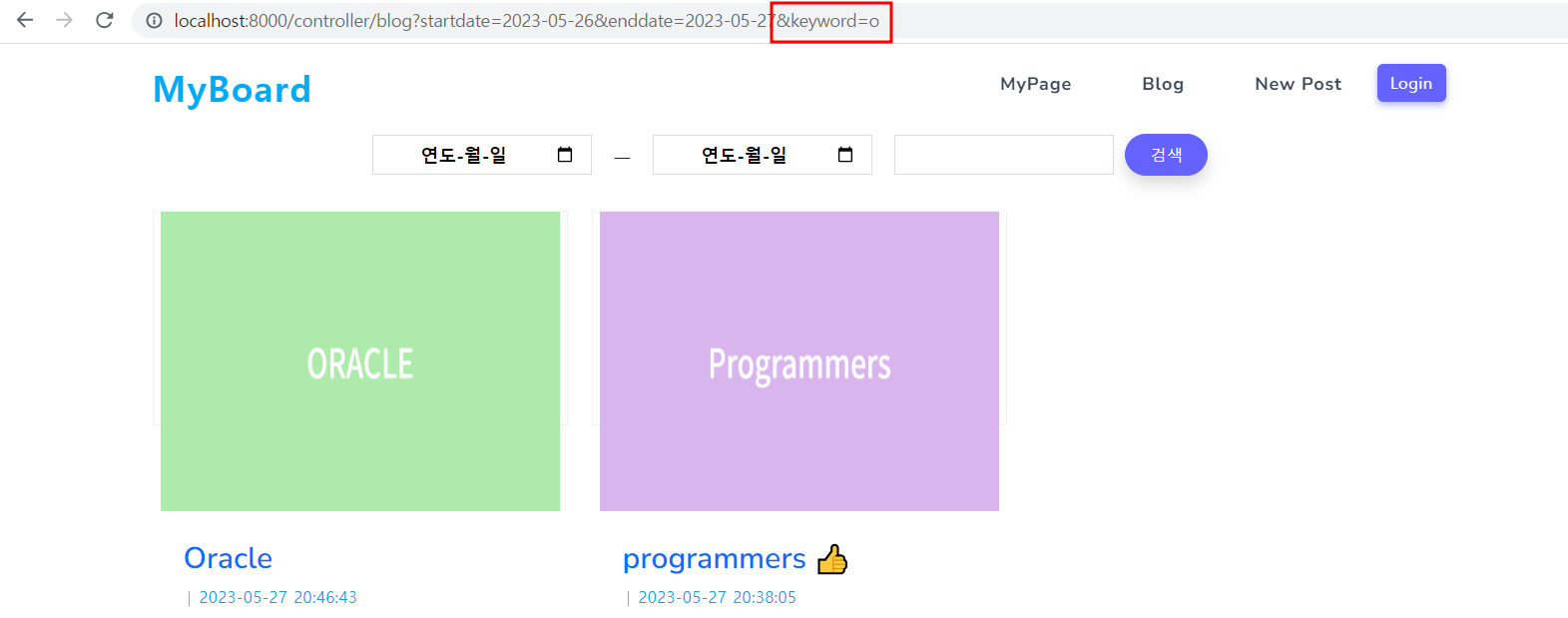
- 대소문자 구분없이 검색될 수 있도록 소문자로 변경해서 검색 처리
📌 mapper.xml
	<select id="selectBoardList"  parameterType="map" resultType="Board">
		select * from (select rownum rn, boardlist.* from (select * from board
		<where>
			<if test="sDate != null and sDate!=''">
				and c_date <![CDATA[>=]]> #{sDate}
			</if>
			<if test="eDate!=null and eDate!=''">
				and c_date <![CDATA[<=]]> TO_DATE(#{eDate}, 'YYYY-MM-DD')+1
			</if>
			<if test="keyword!=null and keyword!=''">
				<bind name="keyword" value="'%'+keyword+'%'"/>
				and lower(title) like lower(#{keyword})
			</if>
		</where>
		order by b_idx desc) boardlist ) where rn between #{startRow} and #{endRow}
	</select>
🌼 게시글 등록
📗 파일 업로드
📌 파일 업로드 위한 환경설정
- 파일 업로드 기능을 제공하는 라이브러리 빌드 처리 (pom.xml)
		<!-- https://mvnrepository.com/artifact/commons-fileupload/commons-fileupload -->
		<dependency>
		    <groupId>commons-fileupload</groupId>
		    <artifactId>commons-fileupload</artifactId>
		    <version>1.5</version>
		</dependency>
- 파일 업로드 기능을 제공하는 클래스를 Spring Bean으로 등록
- Spring Bean의 식별자(beanName)을 반드시 [multipartResolver]로 설정
	<beans:bean class="org.springframework.web.multipart.commons.CommonsMultipartResolver" id="multipartResolver">
		<!-- maxUploadSize 필드에 최대 업로드 파일의 제한 용량(Byte)을 주입 -->
		<beans:property name="maxUploadSize" value="20971520"/>
		<!-- defaultEncoding 필드에 전달값에 대한 문자형태(캐릭터셋)을 주입 -->
		<beans:property name="defaultEncoding" value="utf-8"/>
	</beans:bean>
📌 controller
	//디렉토리의 시스템 경로를 위해 ServletContext 객체 의존성 주입
	private final WebApplicationContext context;

	//파일 업로드하여 삽입 후 업로드 이름으로 이미지 이름 변경
	@RequestMapping(value = "/upload", method = RequestMethod.POST)
	public String upload(@RequestParam MultipartFile uploadFile, Model model, @ModelAttribute Board board) throws BoardNotFoundException, IOException {
    	//시스템경로 반환받아 저장
		String uploadDirectory=context.getServletContext().getRealPath("/resources/img");
		String originalFilename=uploadFile.getOriginalFilename();
        //파일객체 생성해서 전달파일을 서버 디렉토리에 저장
		File file=new File(uploadDirectory, originalFilename);
		String uploadFilename=originalFilename;

        //파일이 이미 존재한다면 번호를 부여해서 이름을 변경 후 저장
		int i=0;
		while(file.exists()) {
			i++;
			int index=originalFilename.lastIndexOf(".");
			uploadFilename=originalFilename.substring(0, index)+"_"+i+originalFilename.substring(index);
			file=new File(uploadDirectory, uploadFilename);
		}
        //MultipartFile 객체에 저장된 파일정보를 File 객체에 저장된 파일정보로 전달하여 저장
		uploadFile.transferTo(file);

		model.addAttribute("originalFilename", originalFilename);
		model.addAttribute("uploadFilename", uploadFilename);

		boardService.addBoard(board);
		Board boardinfo=boardService.getBoard(board.getBidx());
		boardinfo.setImg(uploadFilename);
		boardService.modifyBoard(boardinfo);

		return "redirect:/blog";
	}
📌 jsp
<input type="file" name="uploadFile" id="img">
🌼 게시글 상세내용 출력
📘 조회수증가 기능
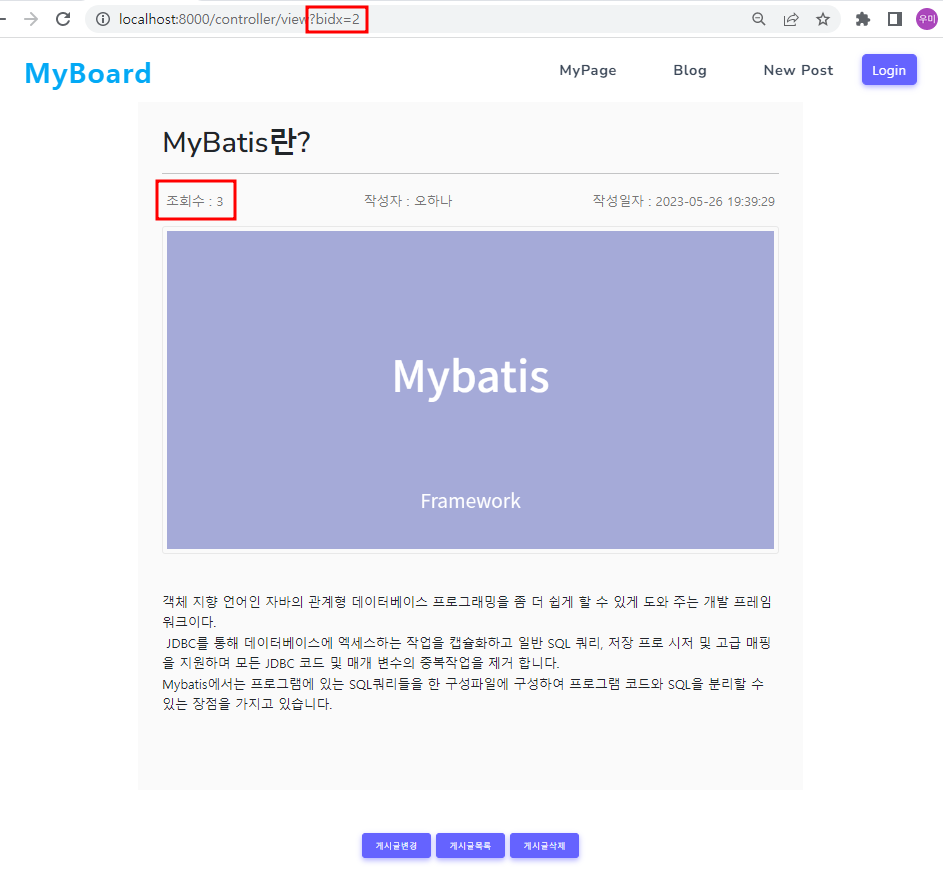
💡 controller에서 조회수증가 처리 할 경우 너무 많은 select문으로 성능 감소 → 증가 쿼리문 추가
	@RequestMapping(value = "/view", method = RequestMethod.GET)
	public String blogview(@RequestParam int bidx, Model model) throws BoardNotFoundException, HewonNotFoundException {
		Board board= boardService.getBoard(bidx);
		board.setCnt(board.getCnt()+1);//조회할때마다 조회수 1씩 증가
		boardService.modifyBoard(board);
		model.addAttribute("boardview", board);
        //작성자 이름출력을 위해 회원정보를 속성값으로 저장
		model.addAttribute("hewoninfo", hewonService.getHewon(boardService.getBoard(bidx).getBhid()));
		return "blog/view";
	}
📌 controller
	@RequestMapping(value = "/view", method = RequestMethod.GET)
	public String blogview(@RequestParam int bidx, Model model) throws BoardNotFoundException, HewonNotFoundException {
		boardDAO.updateBoardcount(bidx);
		model.addAttribute("boardview", boardService.getBoard(bidx));
		model.addAttribute("hewoninfo", hewonService.getHewon(boardService.getBoard(bidx).getBhid()));
		return "blog/view";
	}
Study Log 📂