딥러닝 특강을 들으면서 작성했던 코드들은 모두 윈도우 환경에서 만들었음. 고로, 내 작업환경인 맥북에서 다시 미니포지를 설치해보겠음.
Miniforge가 왜 필요함?
인공지능, 딥러닝의 언어가 대부분 C, C++ 언어로 개발된다고 함. C언어의 특징 중 하나로 하드웨어를 제어할 수 있기때문. 하지만 자바, C, C++ 언어의 단점인 컴파일을 해줘야했기때문에, 이것을 파이썬을 불러와서 사용함.
파이썬은 다양한 라이브러리나 프레임워크를 호출하거나 연결하는데 사용되고, '글루 언어'라고 부른다고도 함.
아나콘다
그런 파이썬을 사용하면서 프로젝트별로 가상환경을 만들어 라이브러리 관리를 용이하게 하고, 패키지 버전의 충돌 등을 막아주는 툴로 아나콘다를 사용한다고 함.
하지만 아나콘다는 가상환경 생성시 굉장히 많은 라이브러리를 다운 받기때문에 불필요한 스토리지 낭비가 될 수 있음. 또한 2020년부터 아나콘다가 유료화되었기때문에 경제적 부담이 될 수 있음.
미니콘다
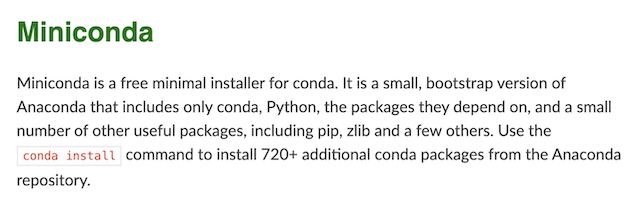
미니콘다는 아나콘다보다 가벼운 버전이고 최소한의 dependency를 설치하는 소프트웨어 패키지이지만, 아나콘다와 동일하게 유료 구매해야 사용할 수 있다고 함.
(Miniconda is a free minimal installer for conda?)
미니포지
그 대안으로 Anaconda사가 conda라는 패키지 매니저를 오픈소스로 공개하여 관리하고 있음. conda는 BSD-3-Clause 라는 무료 라이선스로 공개된 오픈소스이기때문에 무료로 사용하는데 문제되지 않는다고 함.
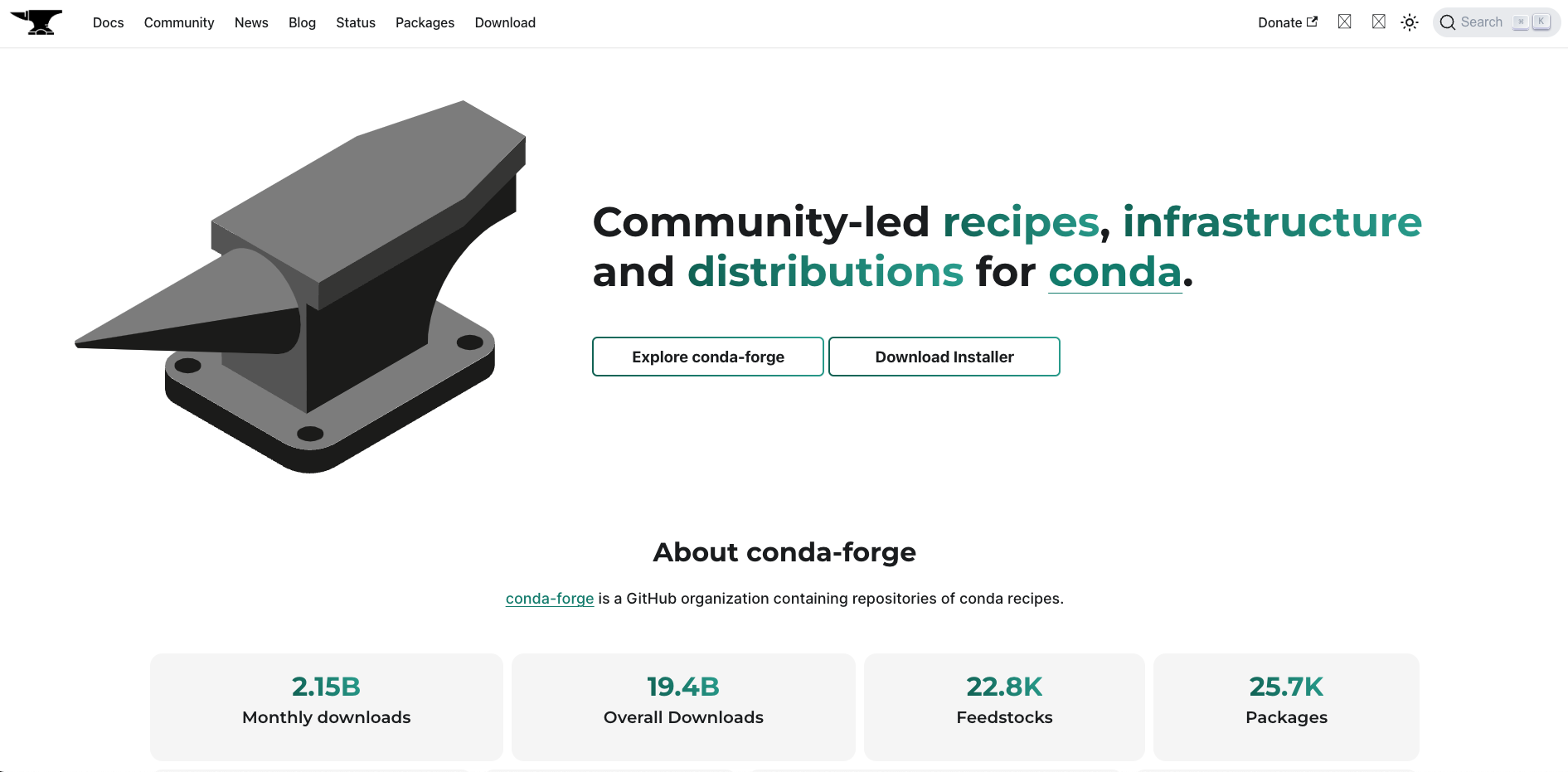
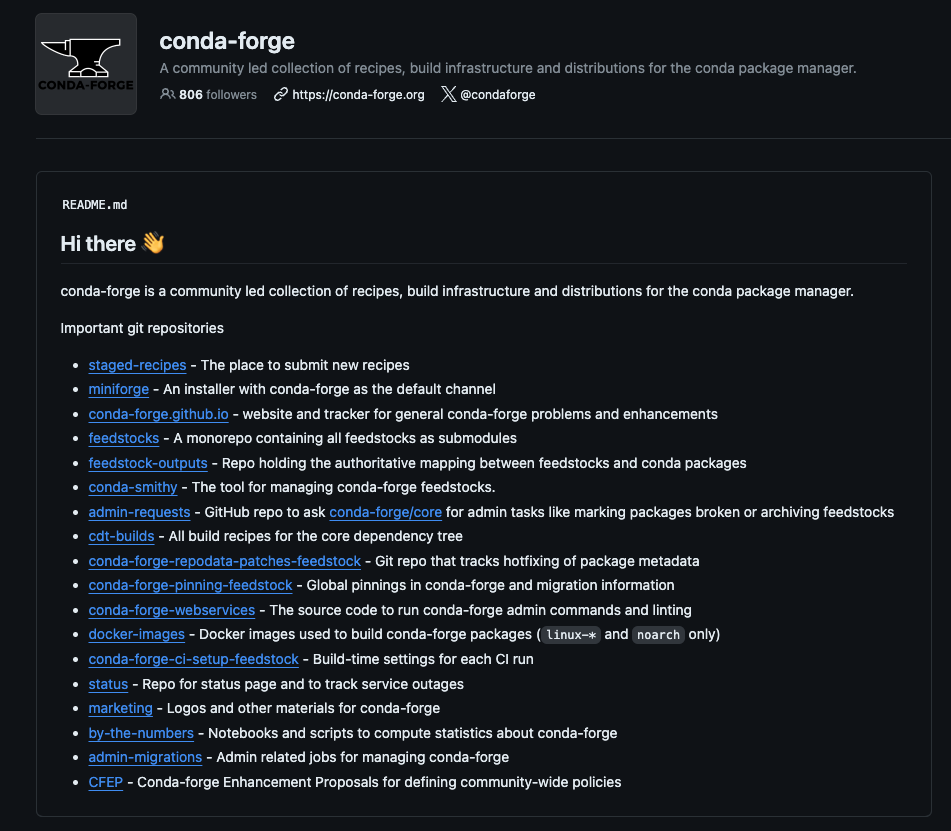
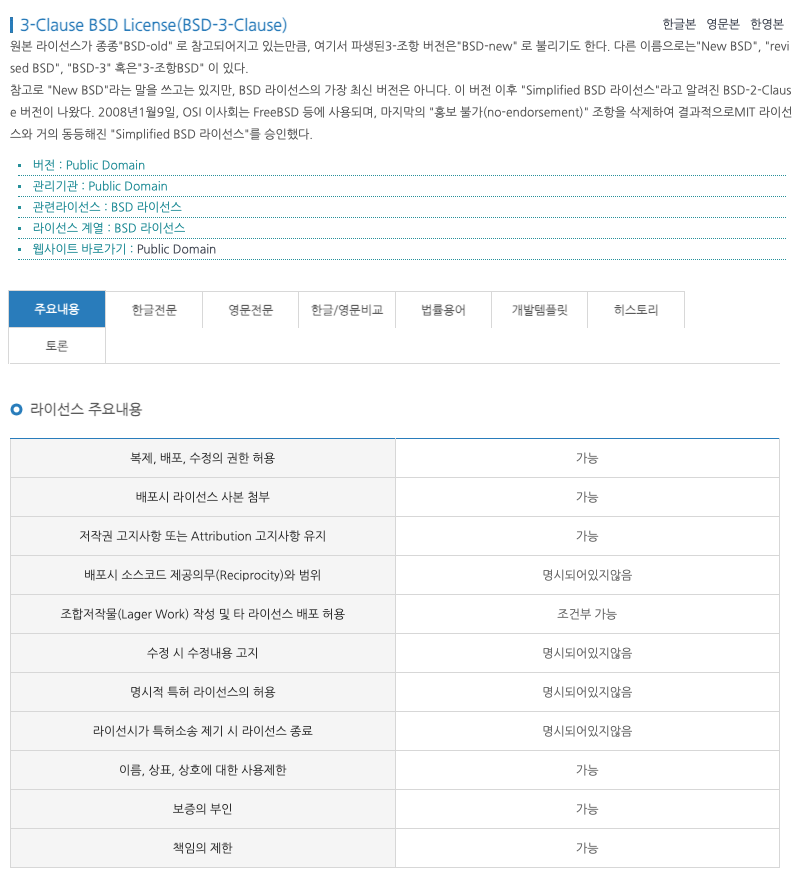
복잡하지만 결국 Anaconda 대신 Miniforge를 설치한다면 라이선스 위반 없이 개발 환경을 구축할 수 있음.
본격 설치
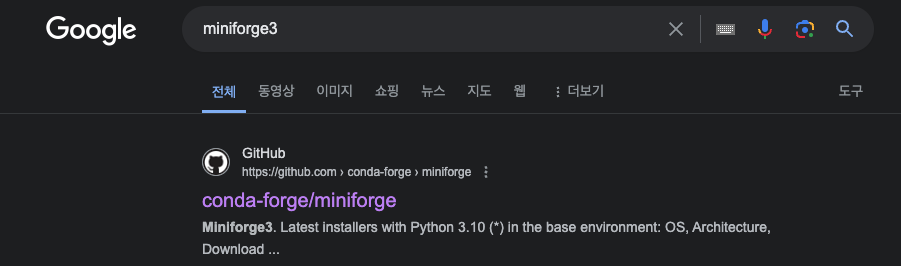
우선 미니포지를 구글에 검색하면 이미지와 같은 깃허브가 나옴. Anaconda사는 conda라는 package manager를 오픈소스로 공개하여 관리하고 있음.
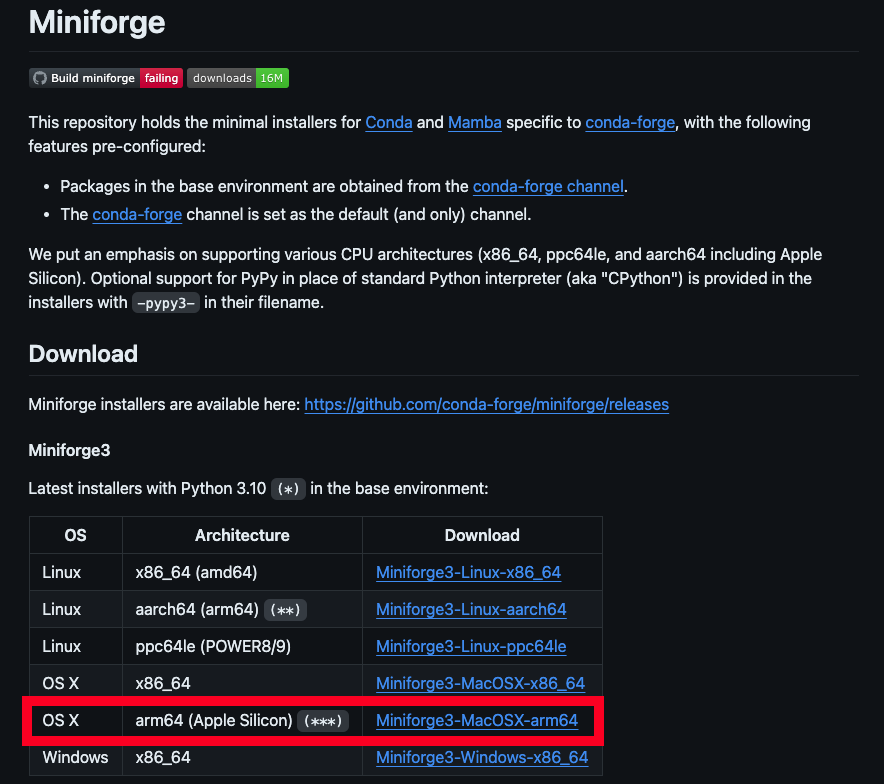
Apple M1이상부터는 arm64 버전을 다운로드 받아야함.
파인더에 저장이되면 더블클릭을 하는 것이 아니라 터미널을 실행시킴.
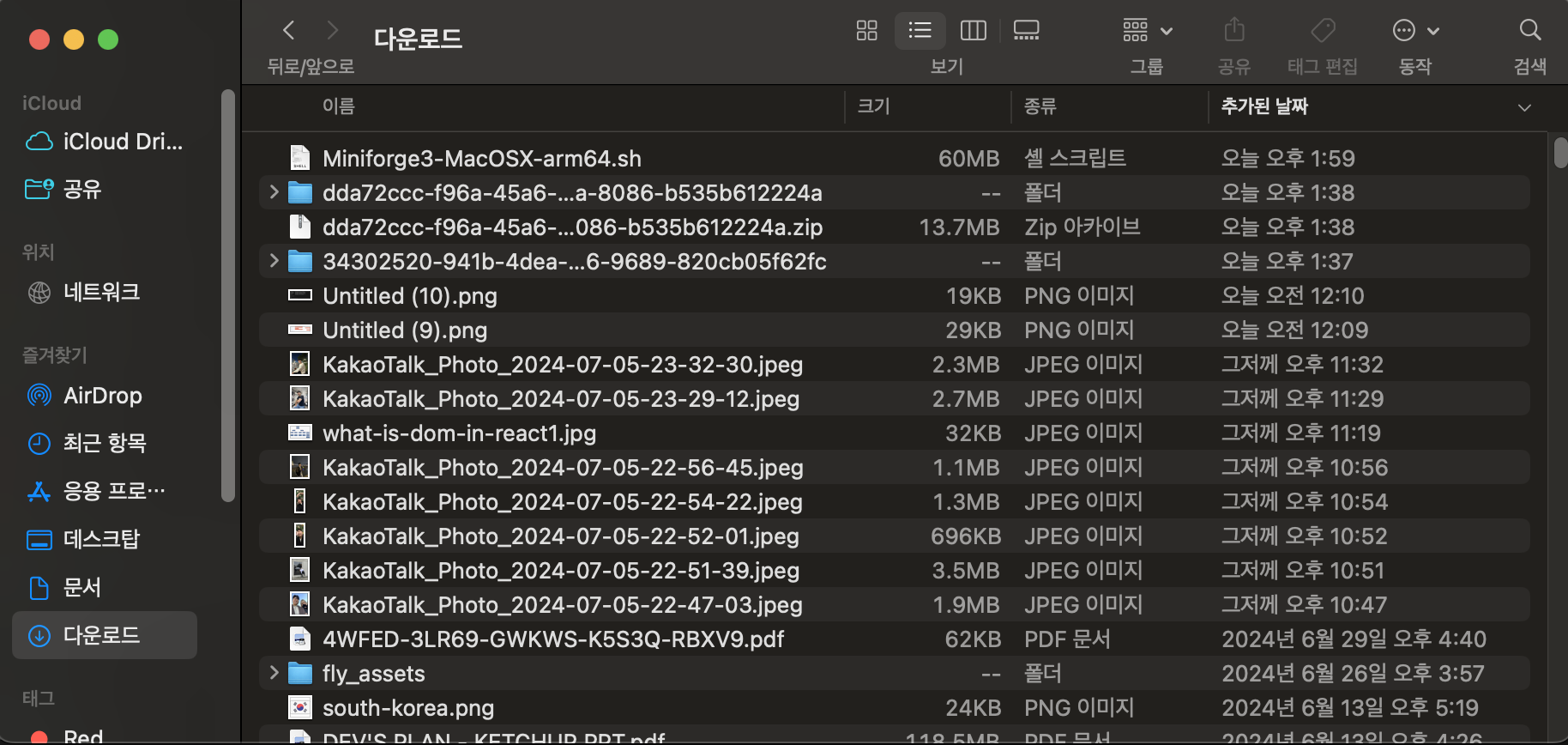
chmod +x /Users/jaylee/Downloads/Miniforge3-MacOSX-arm64.sh 명령어 입력해서 실행 권한을 부여해줌.
이후에 /Users/jaylee/Downloads/Miniforge3-MacOSX-arm64.sh 경로와 함께 파일명을 입력하여 스크립트 실행
아래와 같은 paragraph가 출력되면 end가 보일때까지 계속 ENTER
Welcome to Miniforge3 24.3.0-0

In order to continue the installation process, please review the license
agreement.
Please, press ENTER to continue
>>>
Miniforge installer code uses BSD-3-Clause license as stated below.

Binary packages that come with it have their own licensing terms
and by installing miniforge you agree to the licensing terms of individual
packages as well. They include different OSI-approved licenses including
the GNU General Public License and can be found in pkgs/<pkg-name>/info/licenses
folders.

Miniforge installer comes with a boostrapping executable that is used
when installing miniforge and is deleted after miniforge is installed.
The bootstrapping executable uses micromamba, cli11, cpp-filesystem,
curl, c-ares, krb5, libarchive, libev, lz4, nghttp2, openssl, libsolv,
nlohmann-json, reproc and zstd which are licensed under BSD-3-Clause,
MIT and OpenSSL licenses. Licenses and copyright notices of these
projects can be found at the following URL.
https://github.com/conda-forge/micromamba-feedstock/tree/master/recipe.

=============================================================================

Copyright (c) 2019-2022, conda-forge
All rights reserved.

Redistribution and use in source and binary forms, with or without
:
약관동의하고, 저장할 위치 정해서 다운로드
Do you accept the license terms? [yes|no]
>>> yes

Miniforge3 will now be installed into this location:
/Users/jaylee/miniforge3

  - Press ENTER to confirm the location
  - Press CTRL-C to abort the installation
  - Or specify a different location below
설치가 완료되면 Miniforge3 활성화 안내가 나옴. 환경을 활성화하고 conda의 초기화 설정 진행
To activate this environment, use:

    micromamba activate /Users/jaylee/miniforge3

Or to execute a single command in this environment, use:

    micromamba run -p /Users/jaylee/miniforge3 mycommand

installation finished.
Do you wish to update your shell profile to automatically initialize conda?
This will activate conda on startup and change the command prompt when activated.
If you'd prefer that conda's base environment not be activated on startup,
   run the following command when conda is activated:

conda config --set auto_activate_base false

You can undo this by running conda init --reverse $SHELL? [yes|no]
conda 명령어가 정상 추가되었는지 확인하기 위해 nano ~/.zshrc 해보면, 터미널에 아래와 같이 추가되어있음을 확인
# >>> conda initialize >>>
# !! Contents within this block are managed by 'conda init' !!
__conda_setup="$('/Users/jaylee/miniforge3/bin/conda' 'shell.zsh' 'hook' 2> /dev/null)"
if [ $? -eq 0 ]; then
    eval "$__conda_setup"
else
    if [ -f "/Users/jaylee/miniforge3/etc/profile.d/conda.sh" ]; then
        . "/Users/jaylee/miniforge3/etc/profile.d/conda.sh"
    else
        export PATH="/Users/jaylee/miniforge3/bin:$PATH"
    fi
fi
unset __conda_setup
# <<< conda initialize <<<
터미널 재시작하고 conda activate proj1 해보면, 베이스가 (proj1)으로 잘 바라보고있는 것을 확인
VS코드로 열기위해서 code /Users/jaylee/Documents/deep\ learning
VS코드에서도 베이스가 (proj1)으로 잘 변경된 것을 확인할 수 있음

출처:
"Anaconda 꼭 사서 쓰세요. 아니라면 conda-forge!", haksung, 23.03.12
"OneBook(Python & Deep Learning)"
[Python] - 아나콘다 설치 (Anaconda)