- $0 the Chrome Developer Tools console has a nifty shortcut that allows you to select elements from the DOM without using
document.querySelector,document.getElementbyId, or similar commands

When you click on an element in the Elements panel,`$0` becomes a variable that you can use in the console to refer to that element. So, I can perform the same actions I did above, just by operating on `$0`.

it can be checked out in console 
- getEventListeners() The Console tool, in Chromium-based browsers, comes with a nice utility function named getEventListeners which returns all of the listeners attached to a given element.
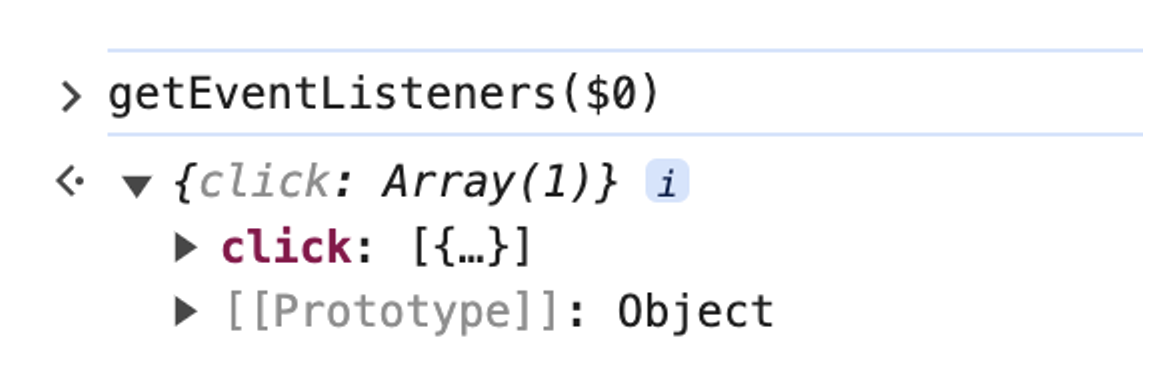
-
monitorEvent(element, event)
-
Event Listeners tab
The Event Listeners Tab is present in the Elements tool in Chrome and is used to check various event listeners of the elements present in the web page.
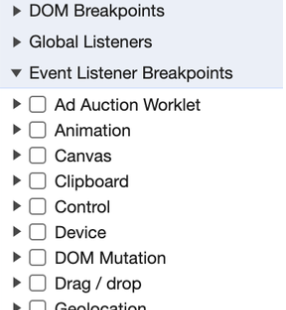
- Event Listener breakpoints In the source tool in chrome it is used to pause on the event listener code that runs after an event is fired.

까먹을때마다 보려고 올리는 나의 기록