What's Webpack and ES Build?
Webpack + ES Build
What’s Webpack?
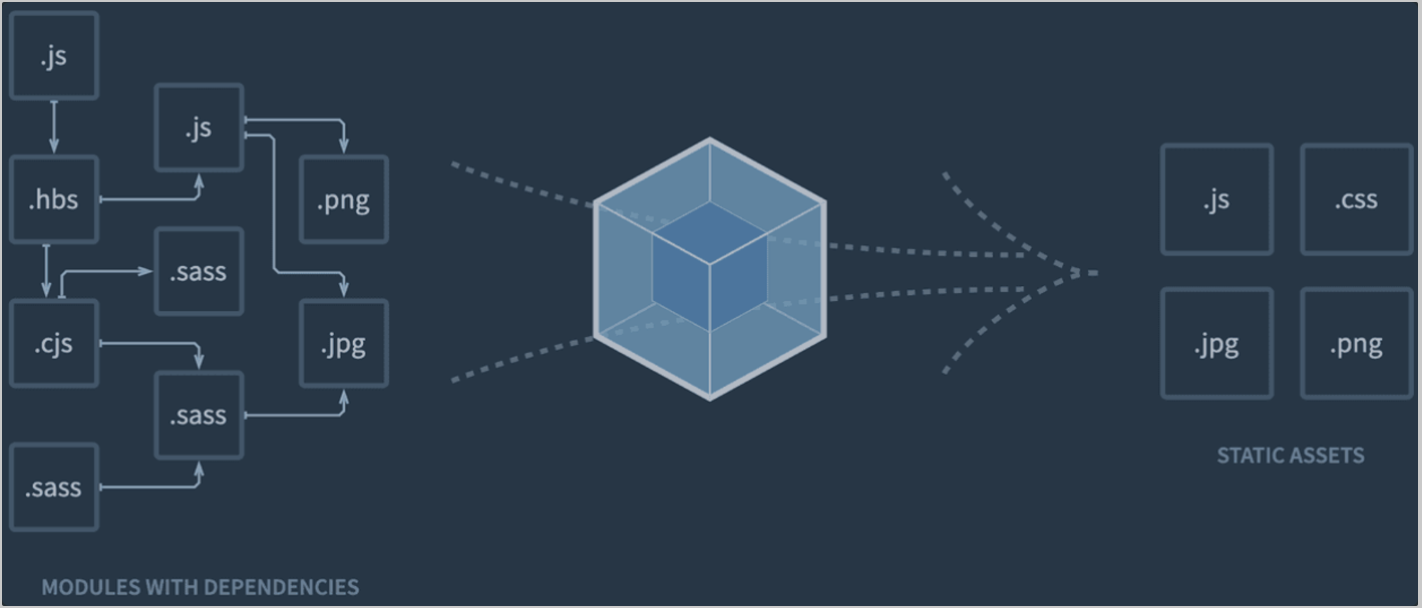
A module bundler that packages all our app assets into a production-ready bundle. Webpack does this by bundling all our app’s scripts into one file. And as a result, it minimizes HTTP requests and speeds up the site’s performance.
What’s Babel?
Transform JSX code or latest JavaScript into browser-friendly vanilla JavaScript.
What’s ES Build?
A fast, modern JavaScript bundler and minifier. it’s a lightweight and efficient tool for compiling and optimizing JavaScript code for the web.

Why is ES Build faster?
ES Build is faster than other bundlers for the following reasons:
- Native code generation:
ES Build is written in C++ and generates native code directly, which is significantly faster than executing JavaScript code.
- Go language usage:
ES Build is built using the Go language, which offers excellent performance and concurrency capabilities. Go provides similar performance to C while being easier to develop and use.
- Parallel processing optimization:
ES Build parallelizes the compilation process across multiple threads, greatly improving bundling speed. This is especially effective for large-scale projects.
- Memory usage optimization:
ES Build optimizes memory usage, allowing it to run with less memory than other bundlers. This is particularly important on systems with limited memory capacity.
- Use of a custom JavaScript parser:
ES Build uses its own JavaScript parser, eliminating the dependency on external libraries like Babel. This makes the bundling process more efficient and further improves speed.
How to use?
1.설치
yarn add esbuild-loader

or

npm i -D esbuild-loader
2.Webpack config 설정 변경 (JS & JSX)
module.exports = {
    module: {
      rules: [
-       {
-         test: /\\.js$/,
-         use: 'babel-loader',
-       },
+       {
+         test: /\\.js$/,
+         loader: 'esbuild-loader',
+         options: {
+           loader: 'jsx',  // Remove this if you're not using JSX
+           target: 'es2015'  // Syntax to compile to (see options below for possible values)
+         }
+       },
        ...
      ],
    },

}
3.Minification Settings
What is Minification?
Minification is a technique that optimizes JavaScript, CSS, and HTML code to improve web page loading speed.How dose Minification Work?
Removes unnecessary spaces, comments, and line breaks.
Shortens variable and function names.
Performs other optimizations that can make the code more efficient.
+ const { ESBuildMinifyPlugin } = require('esbuild-loader')

  module.exports = {
    ...,

    optimization: {
      minimizer: [
+       new ESBuildMinifyPlugin({
+         target: 'es2015'  // Syntax to compile to (see options below for possible values)
+         css: true  // optimize-css-assets-webpack-plugin 대체
+       })
      ]

},