0. 기본 구성
Terraform으로 VPC 구성 Route Table -4 에서 이어지는 내용이 포함되어 있습니다.
1. Private Subnet 구성
Private subnet은Public subnet과 다르게 인터넷과 통신이 되지 않는IP대역입니다.- 즉,
Internet gateway와 연결이 되어 있지 않은 곳이라서외부에서Private subnet으로 접근하는 것은 불가능합니다.
- 생성하는 방법은 위에서 서브넷 생성했던 방식과 동일합니다.
- 코드는 동일하지만,
Internet gateway와 연결되어 있느냐에 따라 속성이 달라집니다!
2. provider.tf
기본 구성에서 작성한
provider.tf사용
2.1 전체 코드
provider "aws" {
  region  = "ap-northeast-2"
}
3. resource.tf
기본 구성에서 작성한
resource.tf에 이어서 작성
...

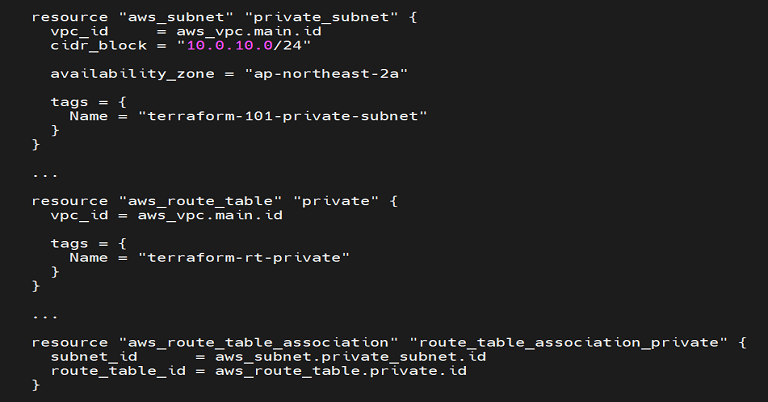
resource "aws_subnet" "private_subnet" {
  vpc_id     = aws_vpc.main.id
  cidr_block = "10.0.10.0/24"

  availability_zone = "ap-northeast-2a"

  tags = {
    Name = "terraform-101-private-subnet"
  }
}

...

resource "aws_route_table" "private" {
  vpc_id = aws_vpc.main.id

  tags = {
    Name = "terraform-rt-private"
  }
}

...

resource "aws_route_table_association" "route_table_association_private" {
  subnet_id      = aws_subnet.private_subnet.id
  route_table_id = aws_route_table.private.id
}
p.s. resource에 맞게 이름을 매칭시켜줘야 한다.
3.1 전체코드
resource "aws_vpc" "main" {
  cidr_block = "10.0.0.0/16"

  tags = {
    Name = "terraform-101"
  }
}

resource "aws_subnet" "public_subnet" {
  vpc_id     = aws_vpc.main.id
  cidr_block = "10.0.0.0/24"

  availability_zone = "ap-northeast-2a"

  tags = {
    Name = "terraform-101-public-subnet"
  }
}

resource "aws_subnet" "private_subnet" {
  vpc_id     = aws_vpc.main.id
  cidr_block = "10.0.10.0/24"

  availability_zone = "ap-northeast-2a"

  tags = {
    Name = "terraform-101-private-subnet"
  }
}

resource "aws_internet_gateway" "igw" {
  vpc_id = aws_vpc.main.id

  tags = {
    Name = "terraform-101-igw"
  }
}

resource "aws_route_table" "public" {
  vpc_id = aws_vpc.main.id

  tags = {
    Name = "terraform-rt-public"
  }
}

resource "aws_route_table" "private" {
  vpc_id = aws_vpc.main.id

  tags = {
    Name = "terraform-rt-private"
  }
}

resource "aws_route_table_association" "route_table_association_public" {
  subnet_id      = aws_subnet.public_subnet.id
  route_table_id = aws_route_table.public.id
}

resource "aws_route_table_association" "route_table_association_private" {
  subnet_id      = aws_subnet.private_subnet.id
  route_table_id = aws_route_table.private.id
}
4. References

기록하지 않으면 기록되지 않는다.