Semantic 태그
태그 사이에 있는 내용에 대한 컨텍스트를 제공하는 특정 요소를 통해 페이지에 의미를 도입
즉 간단하게 의미론적으로 생각하면 된다. 여기는 머리 여기 사이드 이런씩으로 생각하면 편하다.
기본 구조
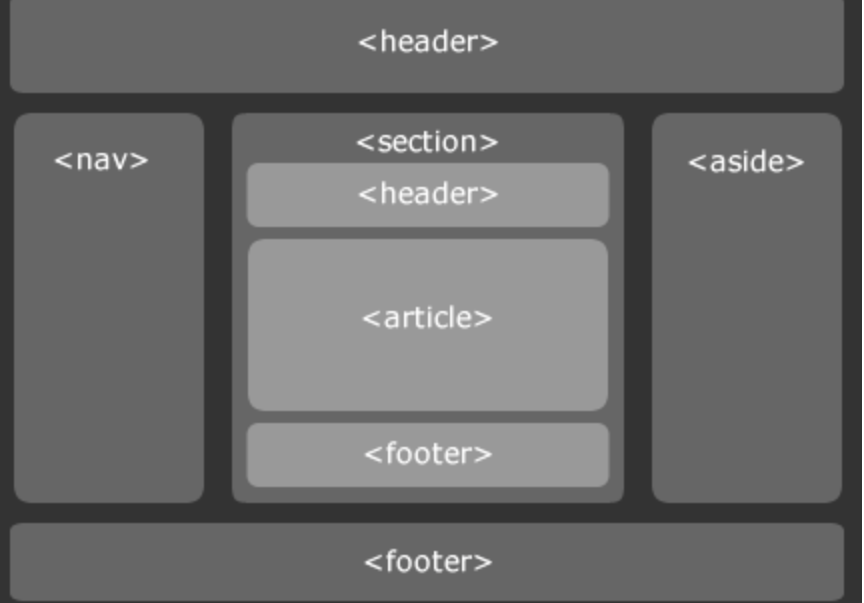
header
머리글
nva
내비게이션
aside
사이드 공간
section
여러 중심내용을 감싸는곳
article
설명, 중심내용 등 글이 가장 많은곳
footer
바닥글
figure
미디어를 캡슐화
figcaption
미디어 설명
그밖에 audio, video, embed 등등이 있다
예시
<!DOCTYPE html>
<html>
  <head>
    <link rel="stylesheet" type="text/css" href="style.css">
  </head>
  <body>
    <header>
      <h1>Navigational Links</h1>
      <nav>
        <ul>
          <li><a href="#home">Home</a></li>
          <li><a href="#posts">Posts</a></li>
          <li><a href="#contact">Contact</a></li>
        </ul>
      </nav>
    </header>

    <main>
      <section>
        <article>
          <h2>Facts About Dogs</h2>
          <p>
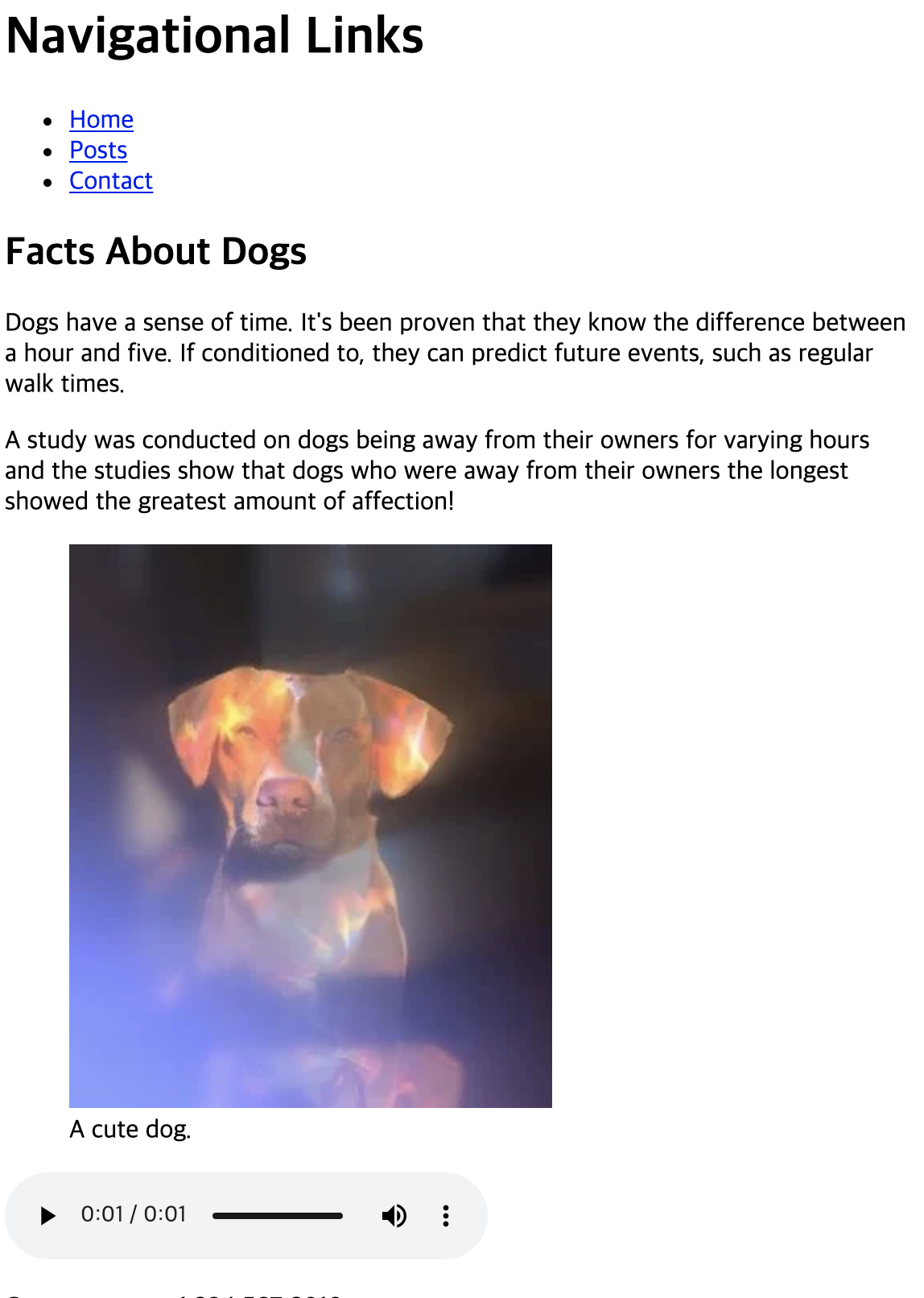
          Dogs have a sense of time. It's been proven that they know the difference between a hour and five. If conditioned to, they can predict future events, such as regular walk times.
          </p>
        </article>
        <aside>
          <p>A study was conducted on dogs being away from their owners for varying hours and the studies show that dogs who were away from their owners the longest showed the greatest amount of affection!
          </p>
        </aside>
      </section>
      <figure>
        <img src="https://content.codecademy.com/courses/SemanticHTML/dogimage.jpeg"/>
        <figcaption>A cute dog.</figcaption>
      </figure>
      <audio controls>
        <source src="https://content.codecademy.com/courses/SemanticHTML/dogBarking.mp3" type="audio/mp3">
      </audio>
      <video src="https://content.codecademy.com/courses/SemanticHTML/dog-video.mp4" controls>
      </video>
      <embed src="https://content.codecademy.com/courses/SemanticHTML/dog-on-beach.gif"/>

    </main>

    <footer>
      <p>Contact me at +1 234 567 8910 </p>
    </footer>

  </body>
</html>
왠지모르지만 동영상이 구현이 안됨 ㅠㅠ