Spring Cloud Bus
📌 개요
AMQP 란?
- 메시지 지향 미들웨어를 위한 개방형 표준 응용 계층 프로토콜
- 메시지 지향, 큐잉, 라우팅(P2P, Publisher-Subcriber), 신뢰성, 보안
- Erlang, RabbitMQ에서 사용
📌 소스코드
- pom.xml 수정
➡dependency추가- Config Server
<dependency> <groupId>org.springframework.boot</groupId> <artifactId>spring-boot-starter-actuator</artifactId> </dependency> <dependency> <groupId>org.springframework.cloud</groupId> <artifactId>spring-cloud-starter-bus-amqp</artifactId> </dependency> <dependency> <groupId>org.springframework.cloud</groupId> <artifactId>spring-cloud-starter-bootstrap</artifactId> </dependency> - User-service
<dependency> <groupId>org.springframework.cloud</groupId> <artifactId>spring-cloud-starter-bus-amqp</artifactId> </dependency> - API Gateway Service
<dependency>
    <groupId>org.springframework.cloud</groupId>
    <artifactId>spring-cloud-starter-bus-amqp</artifactId>
</dependency>
- Config Server
- application.yml 수정
-
Config Server
spring: rabbitmq: host: 127.0.0.1 port: 5672 username: guest password: guest management: endpoints: web: exposure: include: health, busrefresh -
User service
spring: rabbitmq: host: 127.0.0.1 port: 5672 username: guest password: guest management: endpoints: web: exposure: include: refresh, health, beans, busrefresh -
API Gateway Service
spring:
  rabbitmq:
    host: 127.0.0.1
    port: 5672
    username: guest
    password: guest

  management:
    endpoints:
      web:
        exposure:
        	include: refresh, health, beans, httpexchanges, busrefresh
💡 추가 설명
- User Service, GW Service, Config Server RabbitMQ의 클라이언트(Client) 역할로 등록
➡ RabbitMQ의 변경사항이 생길 경우,AMQP프로토콜로 전달 받기 위함- 포트 번호
1.AMQP: 5672
2.RabbitMQ: 15672include설정 정보
➡ Spring Cloud 2020.0.0. 부터 End-point 이름 변경됨
1.bus-env➡busenv
2.bus-refresh➡busrefresth
📌 RabbitMQ 실행
✅ 실행 순서: RabbitMQ 서버 기동 → Config Server → Eureka Server → Gateway Server → User Service
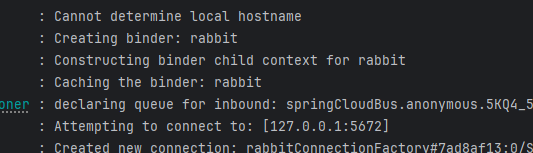
📌 Spring Cloud Bus 테스트
- bootstrap.yml 수정
- User-service 와 GW service의
bootstrap.xml수정spring: cloud: config: uri: http://127.0.0.1:8888 name: config-service # profiles: # active: dev
- User-service 와 GW service의
💡
spring.profiles.active주석 처리 한 이유
➡ config Server 설정 정보를 사용하기 위함
- 테스트1
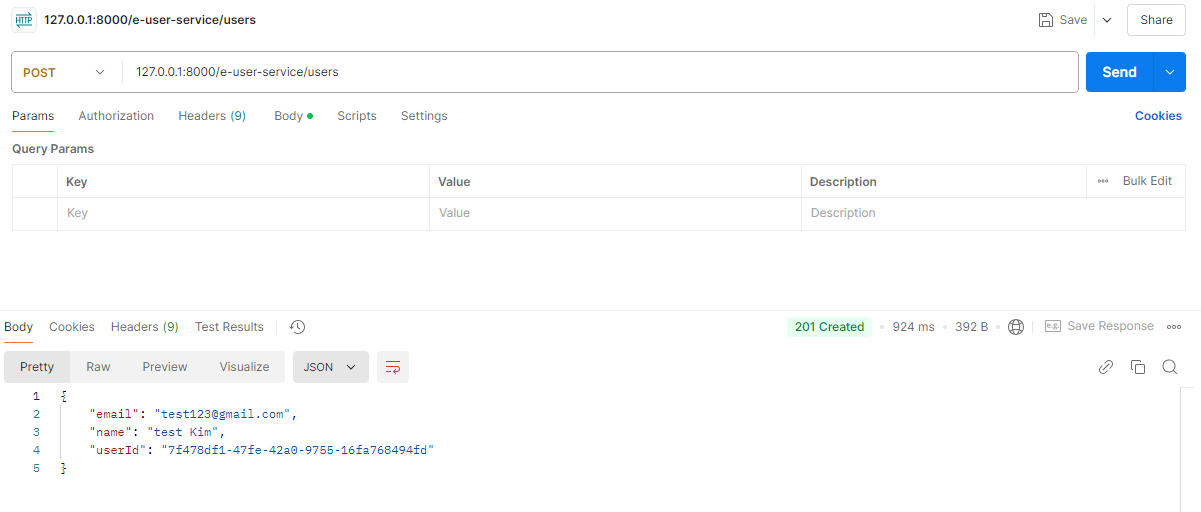
-
회원가입
-
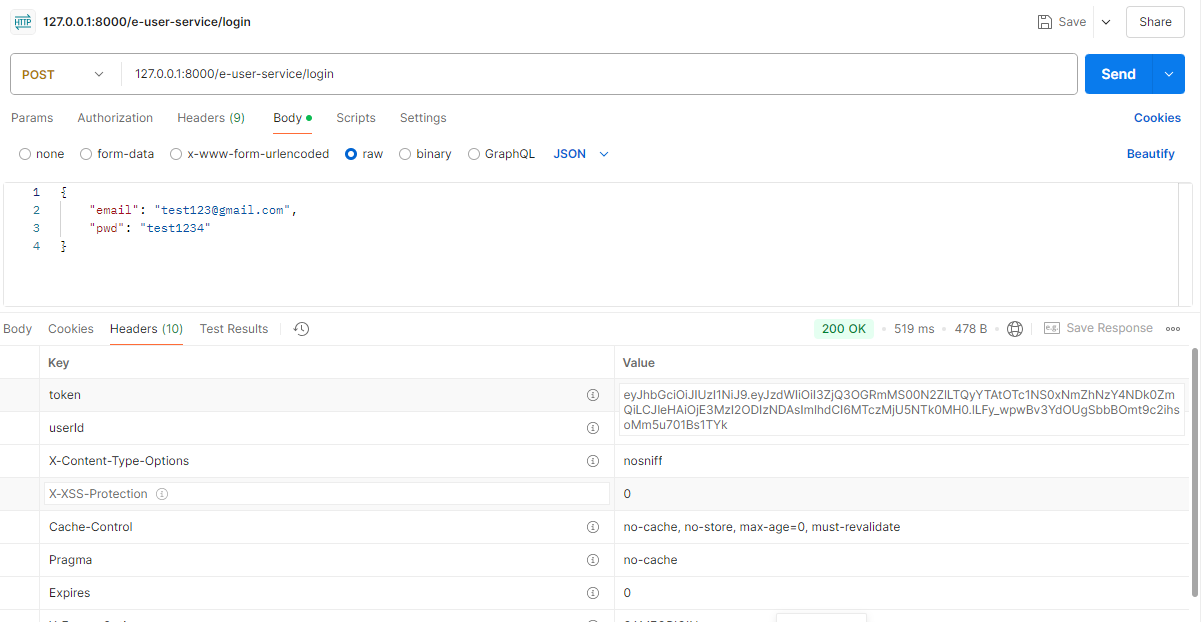
로그인
-
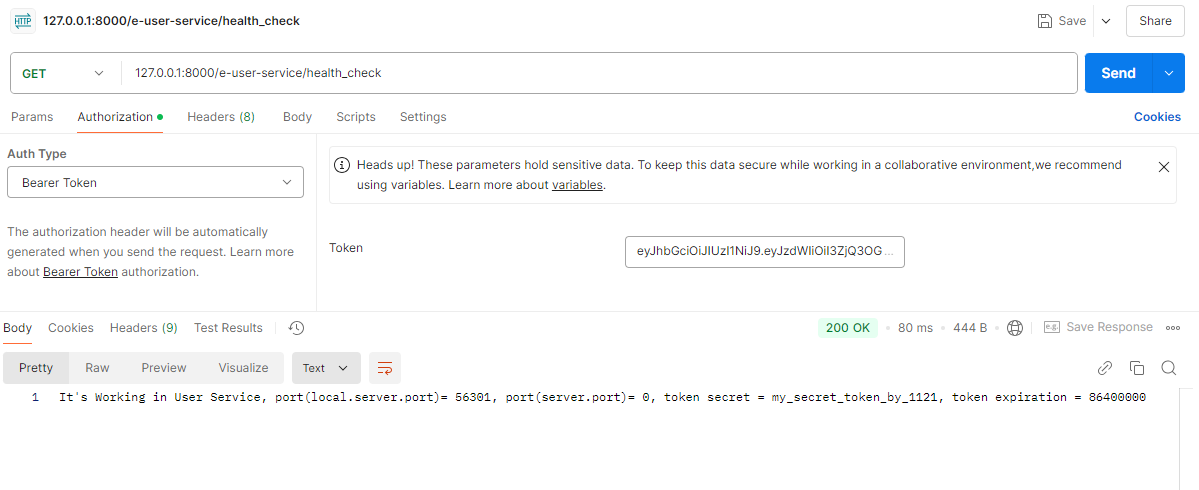
health_check
-
Config 설정 정보 변경
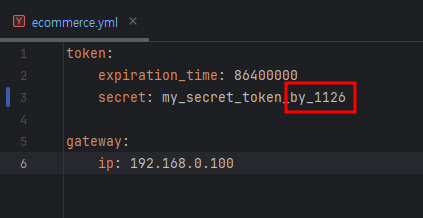
-
변경된 설정 정보 확인

-
user-service에서busrefresh실행
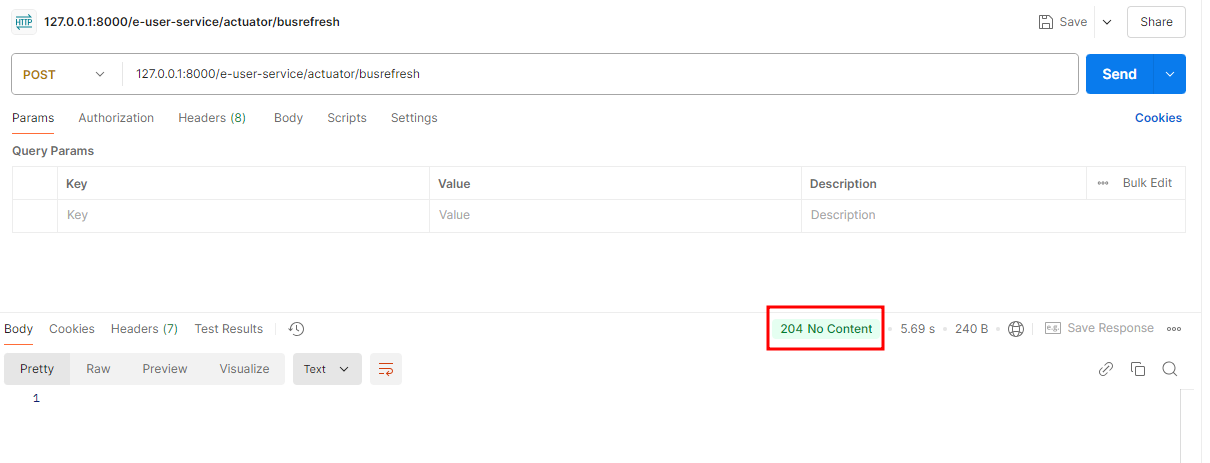
-
로그 확인


✅ 로그 설명
user-service의 로그(위)와GW service의 로그(아래)user-service에서 설정 정보가 변경된 것을 적용하였고(busrefresh), RabbitMQ에 연결되어 있는 모든 클라이언트 서비스에 해당 메시지가 Push 기능으로 전달되어 적용됨
- 변경 사항 확인
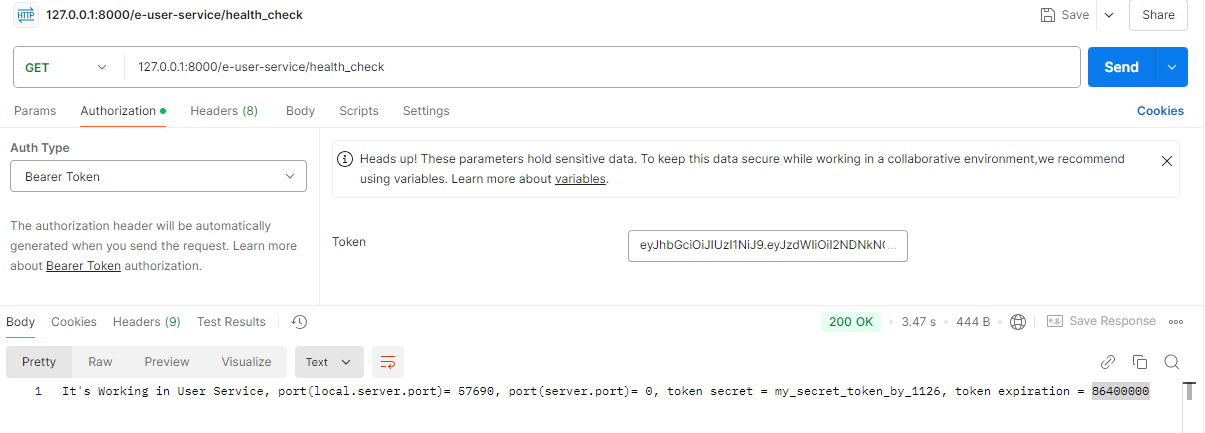
- 테스트2
-
Config 설정 정보 변경
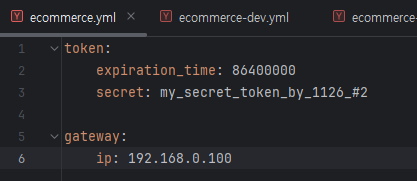
-
변경 사항 확인


새싹 개발자