0. 목표
- 글 작성 시 이미지(썸네일) 업로드
- 업로드된 파일을 서버에 저장
- DB에 파일 경로 저장
- 리스트·상세보기에서 썸네일 표시
1. pom.xml 의존성 확인
- Spring Web이 이미 있으므로, 별도의 파일 업로드 의존성은 필요 없음 (스프링 기본 제공).
- 단, 파일 용량 제한 등을 application.yml에서 설정 가능.
2. application.yml에 파일 업로드 설정
spring:
  servlet:
    multipart:
      max-file-size: 10MB
      max-request-size: 10MB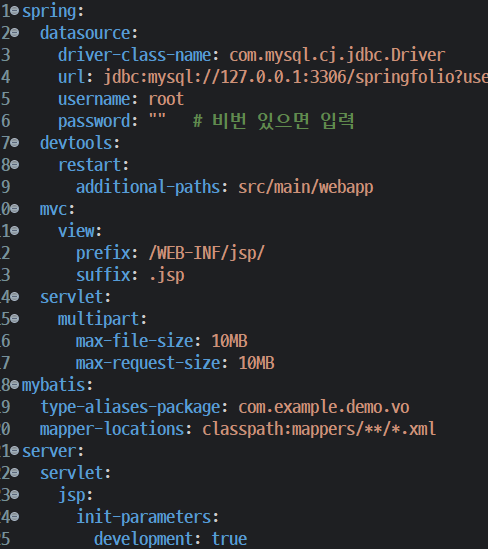
3. DB 테이블 수정
article테이블에thumbImg컬럼 추가
ALTER TABLE article
ADD thumbImg VARCHAR(255) DEFAULT NULL;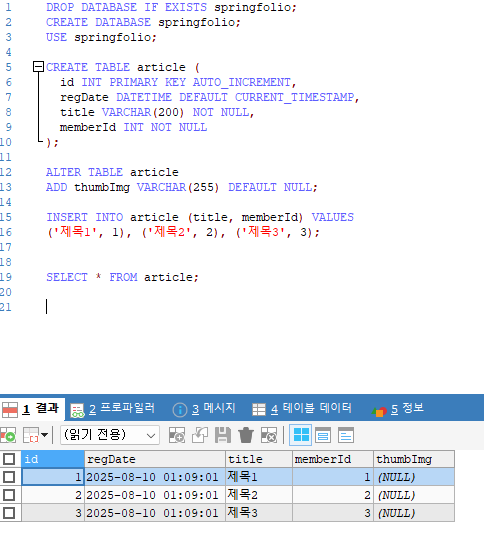
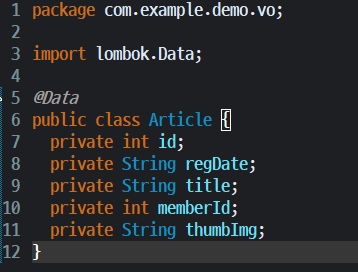
4. VO 수정
package com.example.demo.vo;

import lombok.Data;

@Data
public class Article {
    private int id;
    private String regDate;
    private String title;
    private int memberId;
    private String thumbImg; // 썸네일 이미지 경로
}
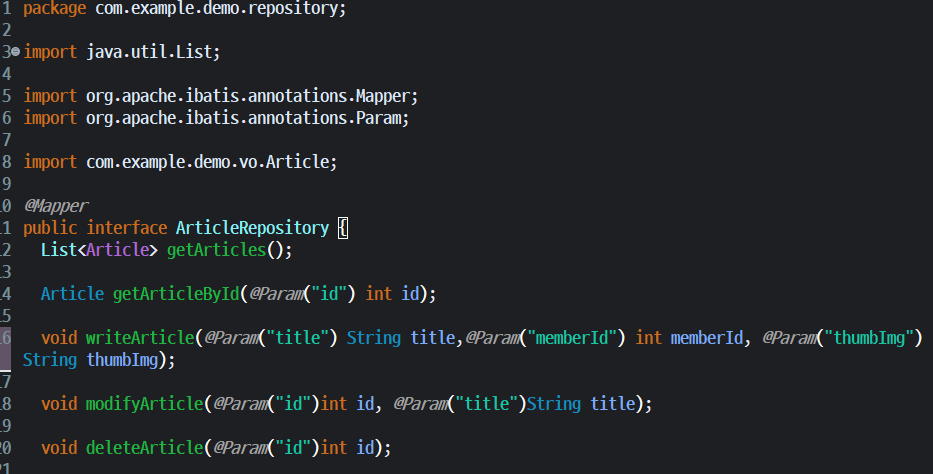
5. Repository 수정
package com.example.demo.repository;

import java.util.List;
import org.apache.ibatis.annotations.Mapper;
import org.apache.ibatis.annotations.Param;
import com.example.demo.vo.Article;

@Mapper
public interface ArticleRepository {
    List<Article> getArticles();
    Article getArticleById(@Param("id") int id);
    void writeArticle(@Param("title") String title,
                      @Param("memberId") int memberId,
                      @Param("thumbImg") String thumbImg);
    void modifyArticle(@Param("id") int id, @Param("title") String title);
    void deleteArticle(@Param("id") int id);
}
6. Mapper XML 수정
src/main/resources/mappers/ArticleMapper.xml
<mapper namespace="com.example.demo.repository.ArticleRepository">

  <select id="getArticles" resultType="com.example.demo.vo.Article">
    SELECT id, regDate, title, memberId, thumbImg
    FROM article
    ORDER BY id DESC
  </select>

  <select id="getArticleById" resultType="com.example.demo.vo.Article">
    SELECT id, regDate, title, memberId, thumbImg
    FROM article
    WHERE id = #{id}
  </select>

  <insert id="writeArticle">
    INSERT INTO article
    SET regDate = NOW(),
        title = #{title},
        memberId = #{memberId},
        thumbImg = #{thumbImg}
  </insert>

  <update id="modifyArticle">
    UPDATE article
    SET title = #{title}
    WHERE id = #{id}
  </update>

  <delete id="deleteArticle">
    DELETE FROM article
    WHERE id = #{id}
  </delete>

</mapper>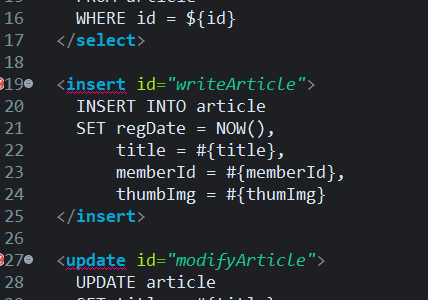
7. Controller 수정 핵심 (파일 업로드 처리)
package com.example.demo.controller;

import java.io.File;
import java.io.IOException;
import java.util.List;
import java.util.UUID;

import org.springframework.stereotype.Controller;
import org.springframework.ui.Model;
import org.springframework.web.bind.annotation.*;
import org.springframework.web.multipart.MultipartFile;

import com.example.demo.repository.ArticleRepository;
import com.example.demo.vo.Article;

import lombok.RequiredArgsConstructor;

@Controller
@RequiredArgsConstructor
public class ArticleController {

    private final ArticleRepository articleRepository;

    @RequestMapping("/usr/article/list")
    public String showList(Model model) {
        List<Article> articles = articleRepository.getArticles();
        model.addAttribute("articles", articles);
        return "article/list";
    }

    @GetMapping("/usr/article/write")
    public String showWriteForm() {
        return "article/write";
    }

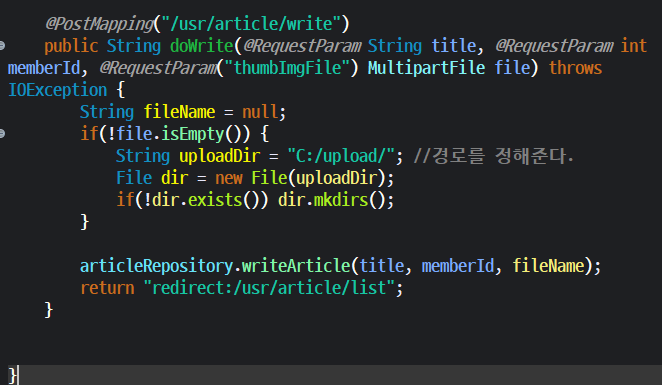
    @PostMapping("/usr/article/write")
    public String doWrite(@RequestParam String title,
                          @RequestParam int memberId,
                          @RequestParam("thumbImgFile") MultipartFile file) throws IOException {

        String fileName = null;
        if (!file.isEmpty()) {
            String uploadDir = "C:/upload/"; // 경로 정해주기.
            File dir = new File(uploadDir);
            if (!dir.exists()) dir.mkdirs();

            fileName = UUID.randomUUID().toString() + "_" + file.getOriginalFilename();
            file.transferTo(new File(uploadDir + fileName));
        }

        articleRepository.writeArticle(title, memberId, fileName);
        return "redirect:/usr/article/list";
    }
}
8. 글 작성 폼 JSP 수정
- 경로:
src/main/webapp/WEB-INF/jsp/article/write.jsp
<%@ page contentType="text/html; charset=UTF-8" pageEncoding="UTF-8" %>
<!DOCTYPE html>
<html>
<head>
    <title>글 작성</title>
</head>
<body>
<h1>글 작성</h1>

<form action="/usr/article/write" method="post" enctype="multipart/form-data">
    <div>
        제목: <input type="text" name="title" required>
    </div>
    <div>
        작성자 ID: <input type="number" name="memberId" required>
    </div>
    <div>
        썸네일: <input type="file" name="thumbImgFile" accept="image/*">
    </div>
    <div>
        <button type="submit">저장</button>
    </div>
</form>

</body>
</html>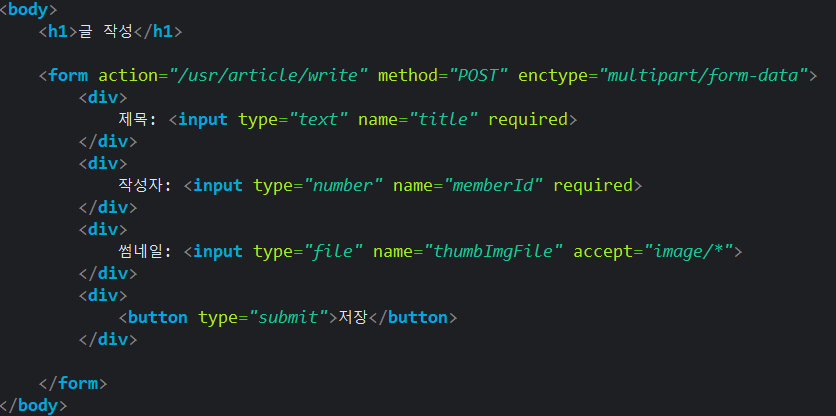
9. 리스트·상세보기 JSP 수정
- 리스트(
list.jsp)에 썸네일 표시
<td>
  <c:if test="${not empty article.thumbImg}">
    <img src="/upload/${article.thumbImg}" width="100">
  </c:if>
</td>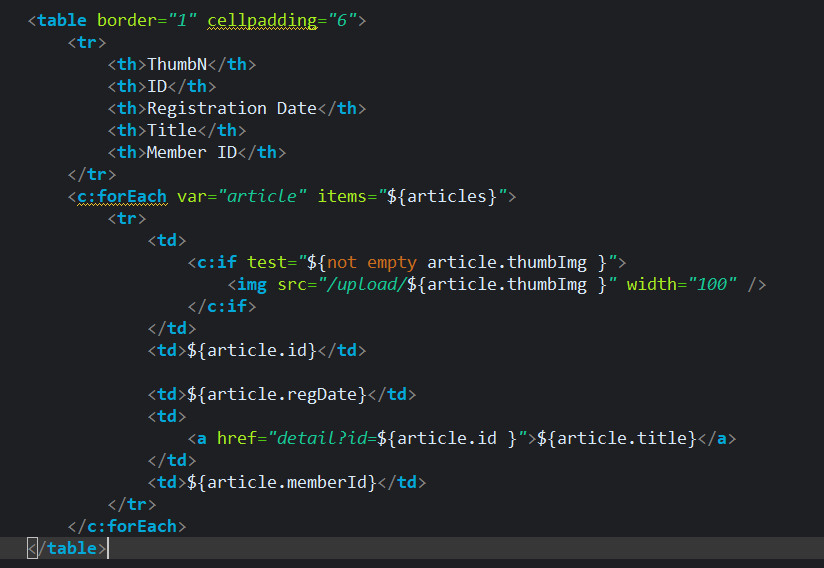
- 상세보기(
detail.jsp)에 썸네일 표시
<c:if test="${not empty article.thumbImg}">
  <img src="/upload/${article.thumbImg}" width="300">
</c:if>
10. 업로드된 파일 접근 설정
- 실제 서버에선
/upload/경로를 static 리소스로 매핑 필요
import org.springframework.context.annotation.Configuration;
import org.springframework.web.servlet.config.annotation.ResourceHandlerRegistry;
import org.springframework.web.servlet.config.annotation.WebMvcConfigurer;

@Configuration
public class WebConfig implements WebMvcConfigurer {
    @Override
    public void addResourceHandlers(ResourceHandlerRegistry registry) {
        registry.addResourceHandler("/upload/**")
                .addResourceLocations("file:///C:/upload/");
    }
}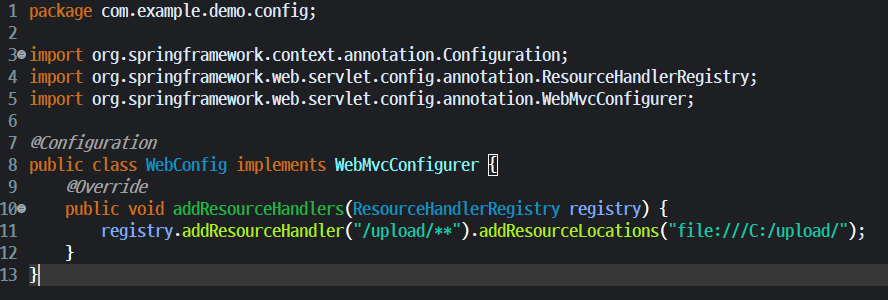
com.example.demo.config폴어 아래에 WebConfig.java를 만들었다.
11. 실행 흐름
-
/usr/article/write→ 제목·작성자·썸네일 업로드 -
서버에 파일 저장
-
DB에 파일명 저장
-
리스트·상세보기에서 이미지 표시
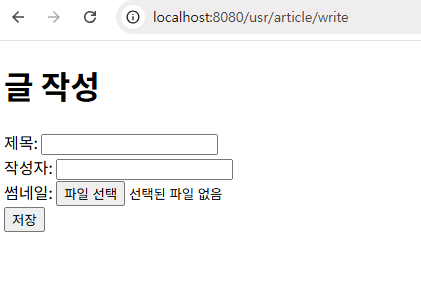
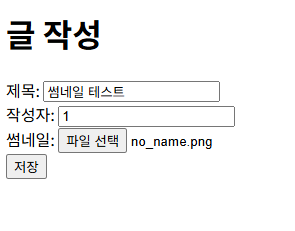
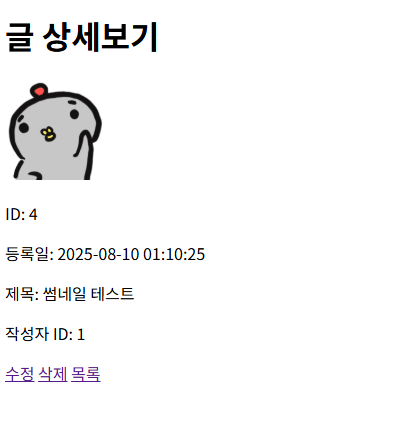
2시간동안 고치는데 애먹었다.
결론은 이미지의 확장자를 .jpg로 불러오려고하는데 이미지는 .png로 저장된게 문제였다. 그래서
UPDATE article
SET thumbImg = 'test.png'
WHERE id = 4;
DB끝에 이렇게 저장해서 이미지를 인식하게 했다.
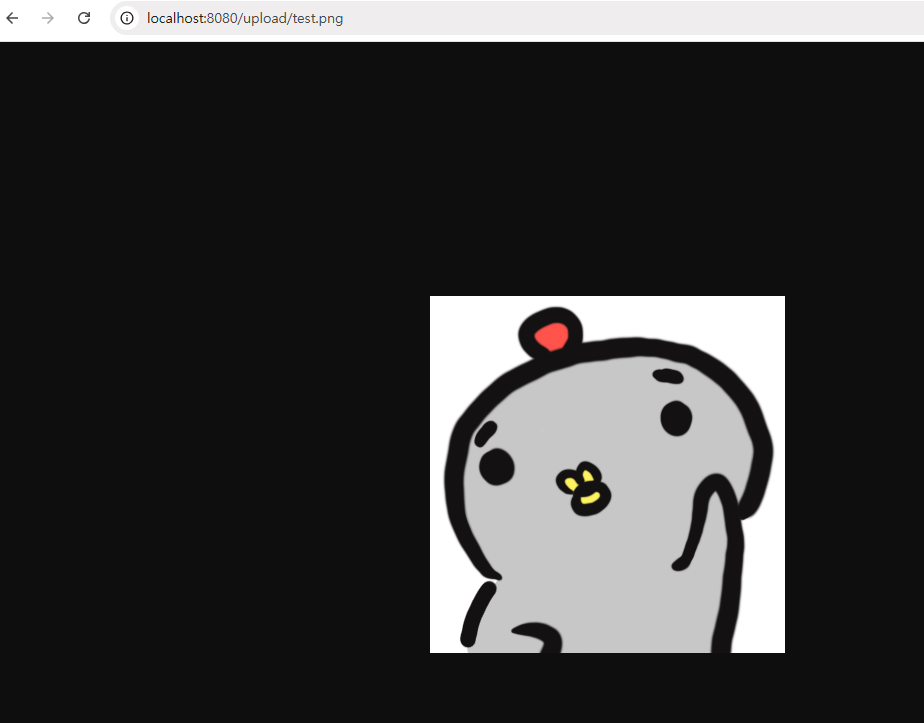
가장먼저 직접 자료를 올린 뒤 파일명.확장자를 입력해서 위치를 잘 찾는지 확인이 필요하다.
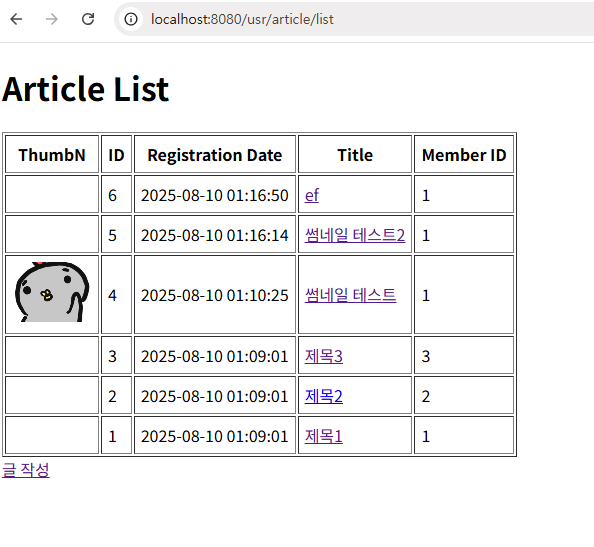
그게 잘 되고, 확장자도 맞으면 리스트에도 잘 뜬다.
하지만 지금 문제는
내가 새로운 글을 만들고(이미지 없음),
내가 직접 이미지를 upload폴더에 넣고, SQL에 가서
UPDATE article
SET thumbImg = 'test.png'
WHERE id = 5;
이렇게 써야 업로드가 된다.
내가 원하는 건 '글 작성'에서 파일을 올리고 글작성을 누르면 파일이 자동으로 upload폴더에 저장되는걸 원한다.
좀 길어질 것 같아서 여기서 잠시 중단.