Gradation 넣기
Container() 위젯 안에 decoration: BoxDecoration() -> gradient를 사용하면 관련 메서드를 볼 수 있다.
TIP💡 내가 원하는 색상을 넣고 싶을 때 Color(0xff색상코드)를 작성하면 된다.
class MyApp extends StatelessWidget {
const MyApp({super.key});
// This widget is the root of your application.
Widget build(BuildContext context) {
return Scaffold(
body: Container(
decoration: BoxDecoration(
gradient: LinearGradient(
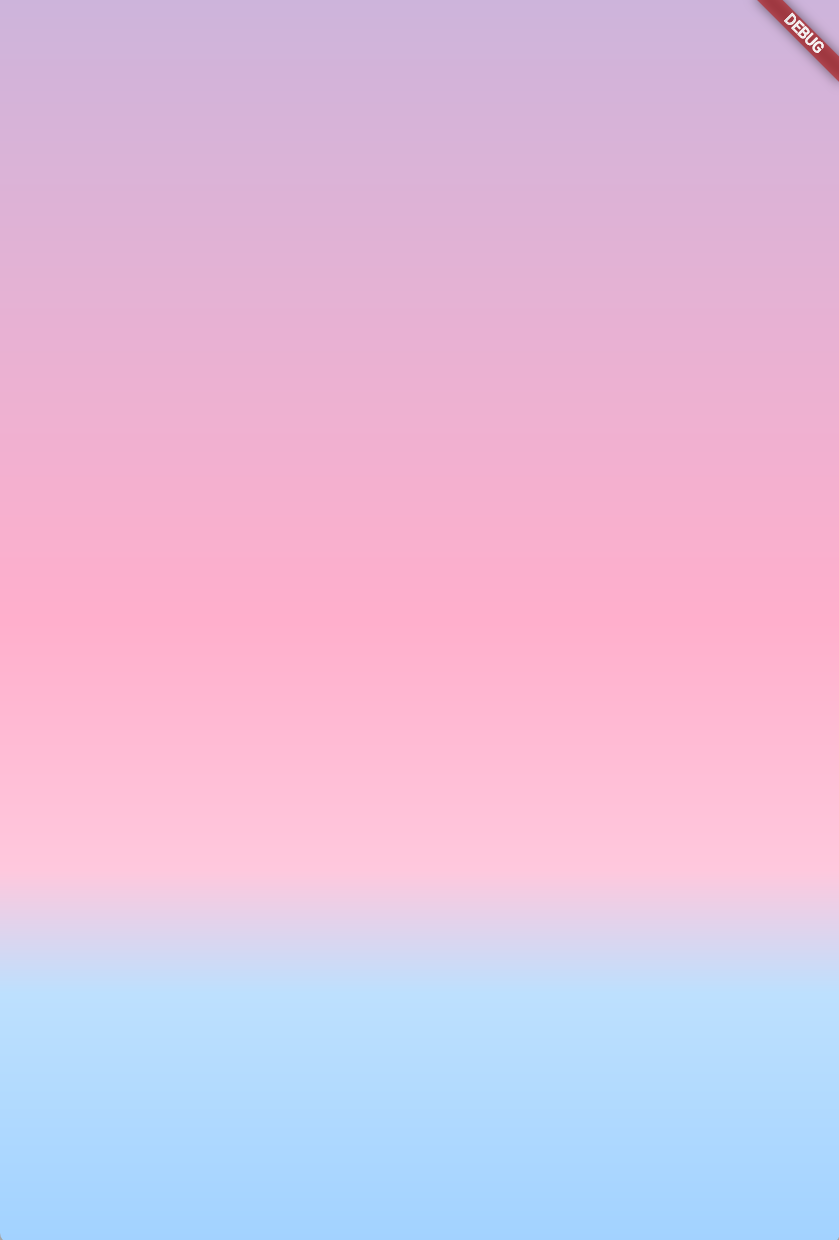
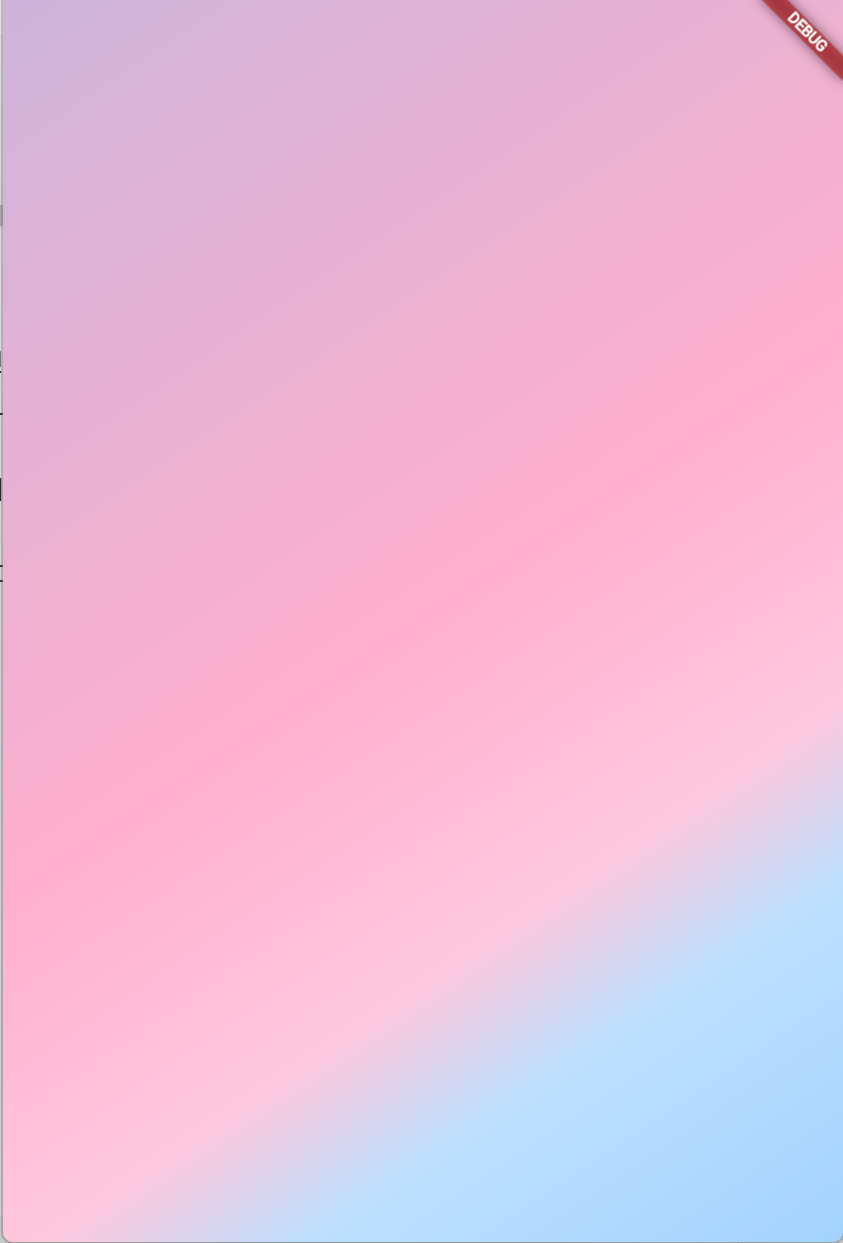
colors: [Color(0xffcdb4db),Color(0xffffafcc),Color(0xffffc8dd),Color(0xffbde0fe),Color(0xffa2d2ff)],
begin: Alignment.topCenter,
end: Alignment.bottomCenter,
stops: [0,0.5,0.7,0.8,1]
)
),
),
);
}
}시작점을 어디서 할건지는 begin: 으로 끝은 end: 로 정할 수 있다.
Alignment로 세부적인 위치를 정할 수 있다. topCenter나 topLeft같이말이다.
-
topCenter, bottomCenter
-
topLeft, bottomLeft

우주를 항해하는 여행자