A Mesmerizing Real-Time Fractal Zoom Screensaver
Turn your idle screen into an endless journey through the Mandelbrot set.
How about fractal gazing instead of fire gazing? It's a perfect match.
Even while building this, I've lost myself watching it more times than I can count.
 |
 |
 |
 |
 |
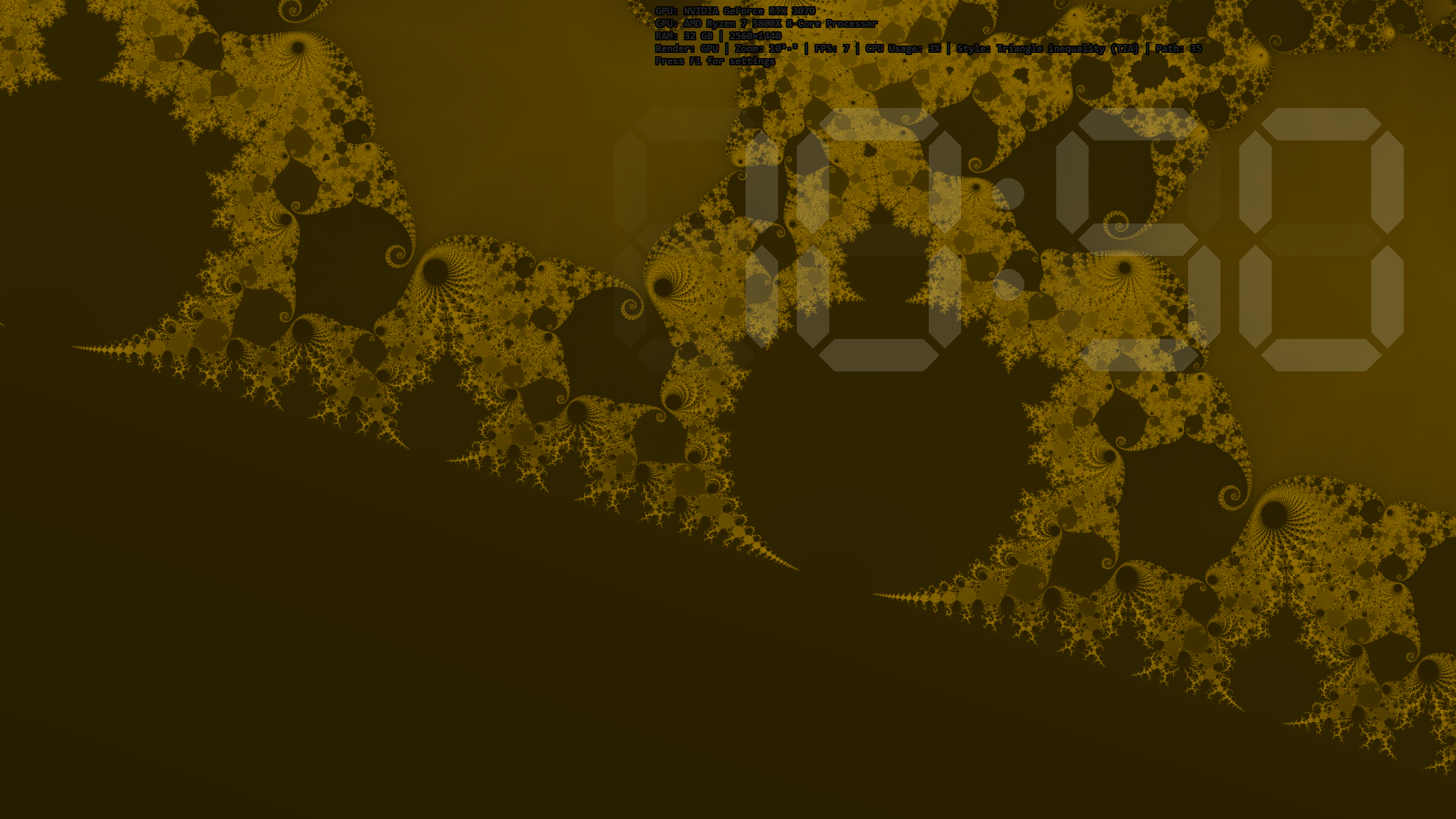 |
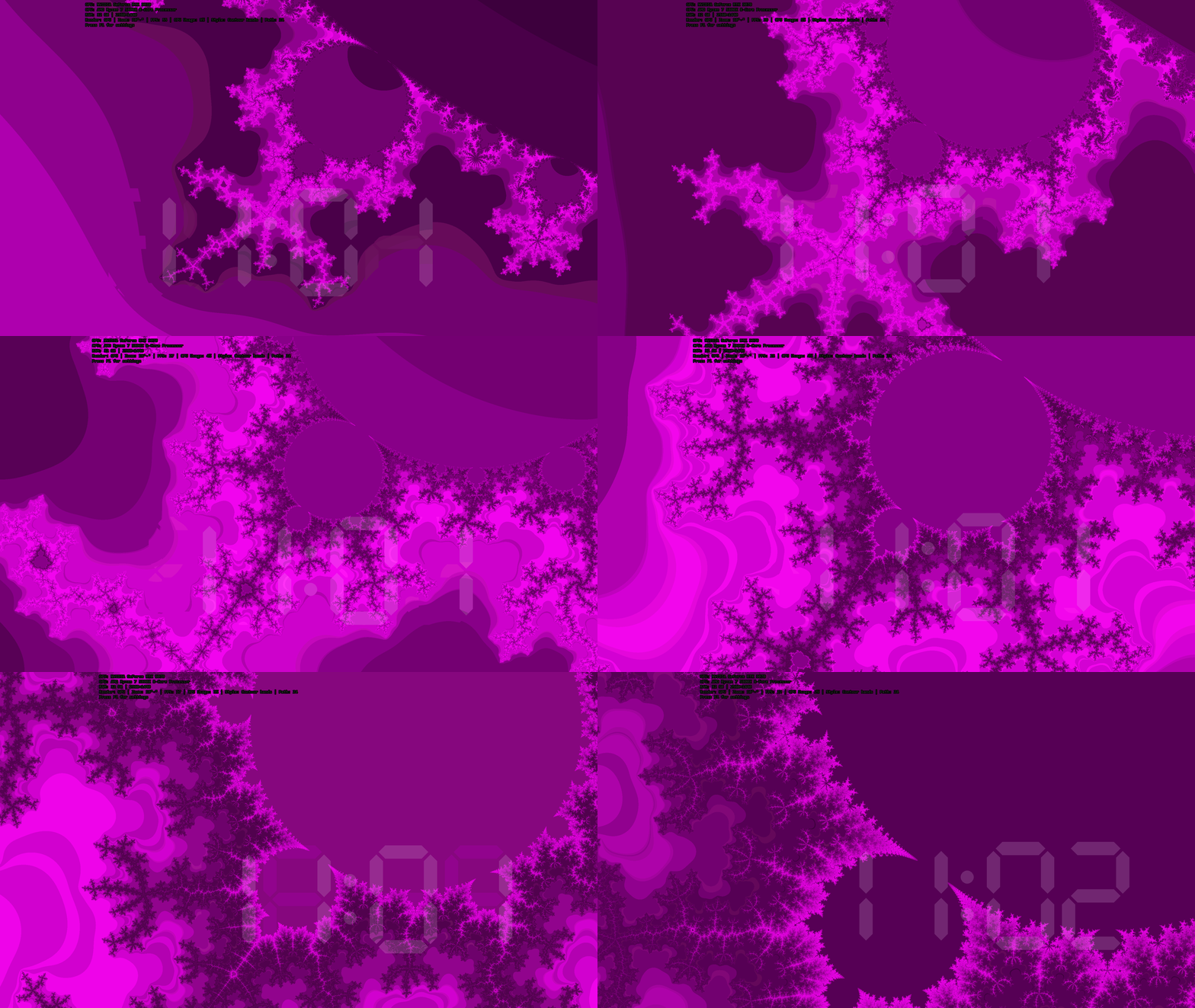
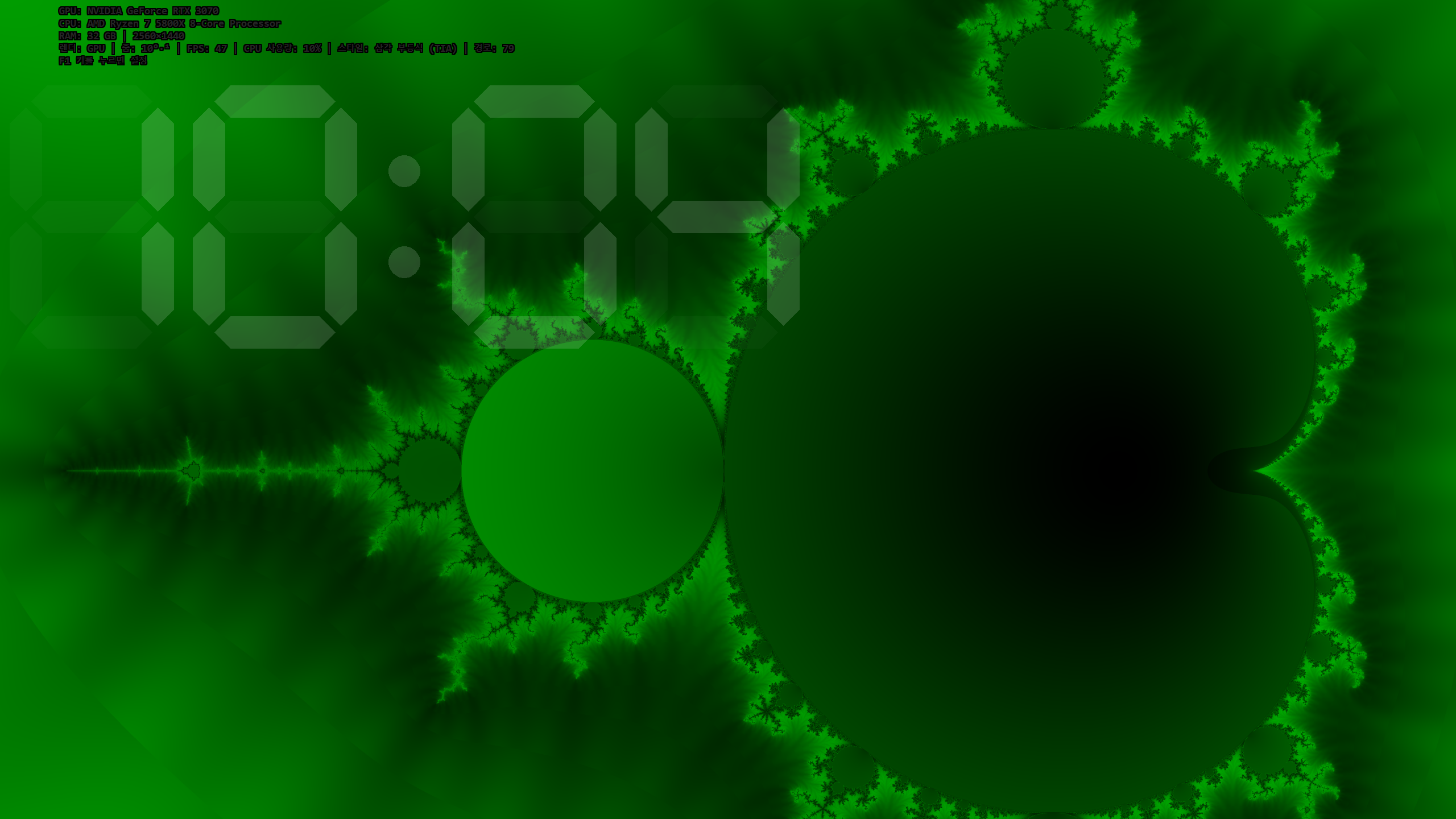
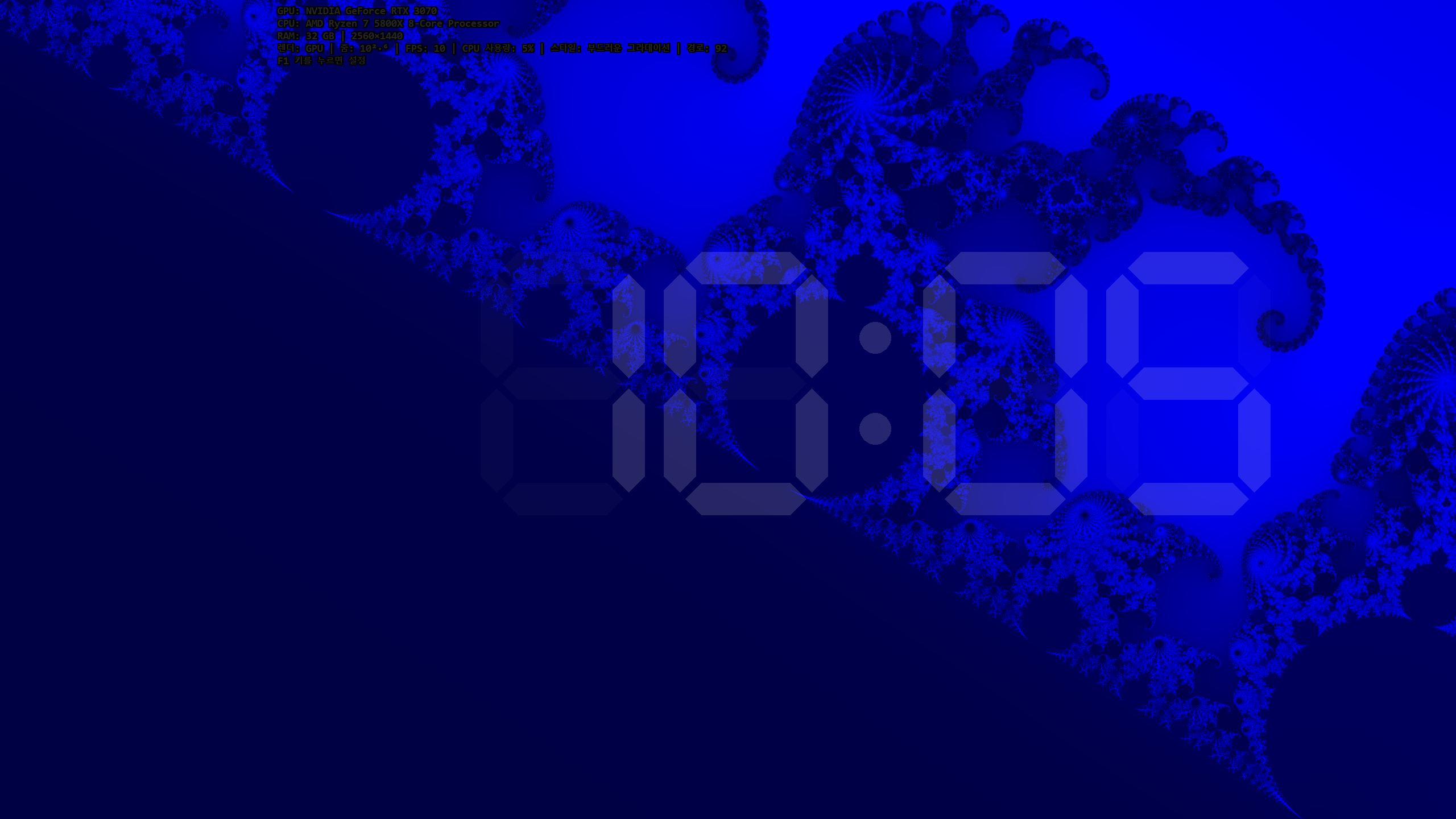
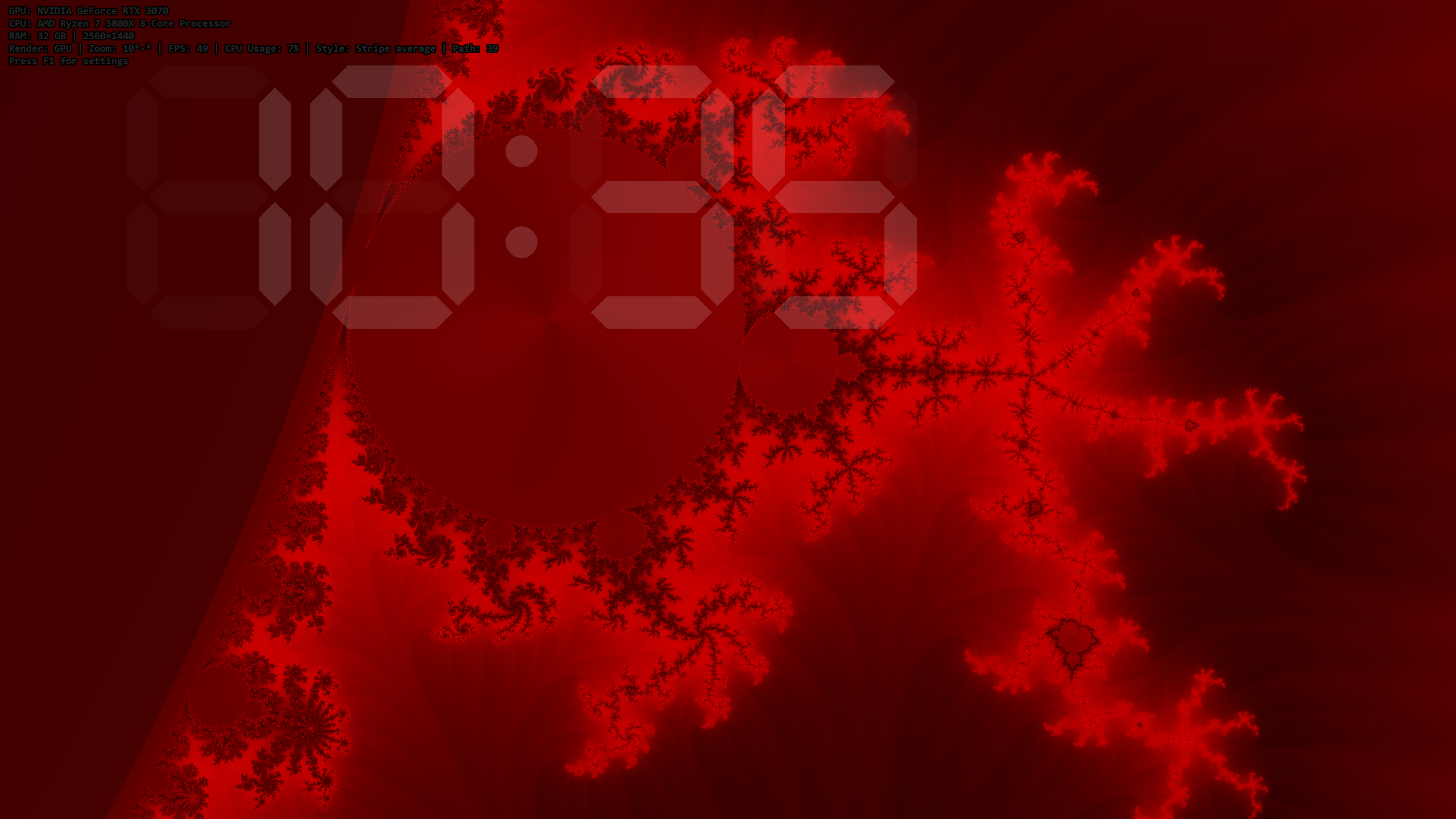
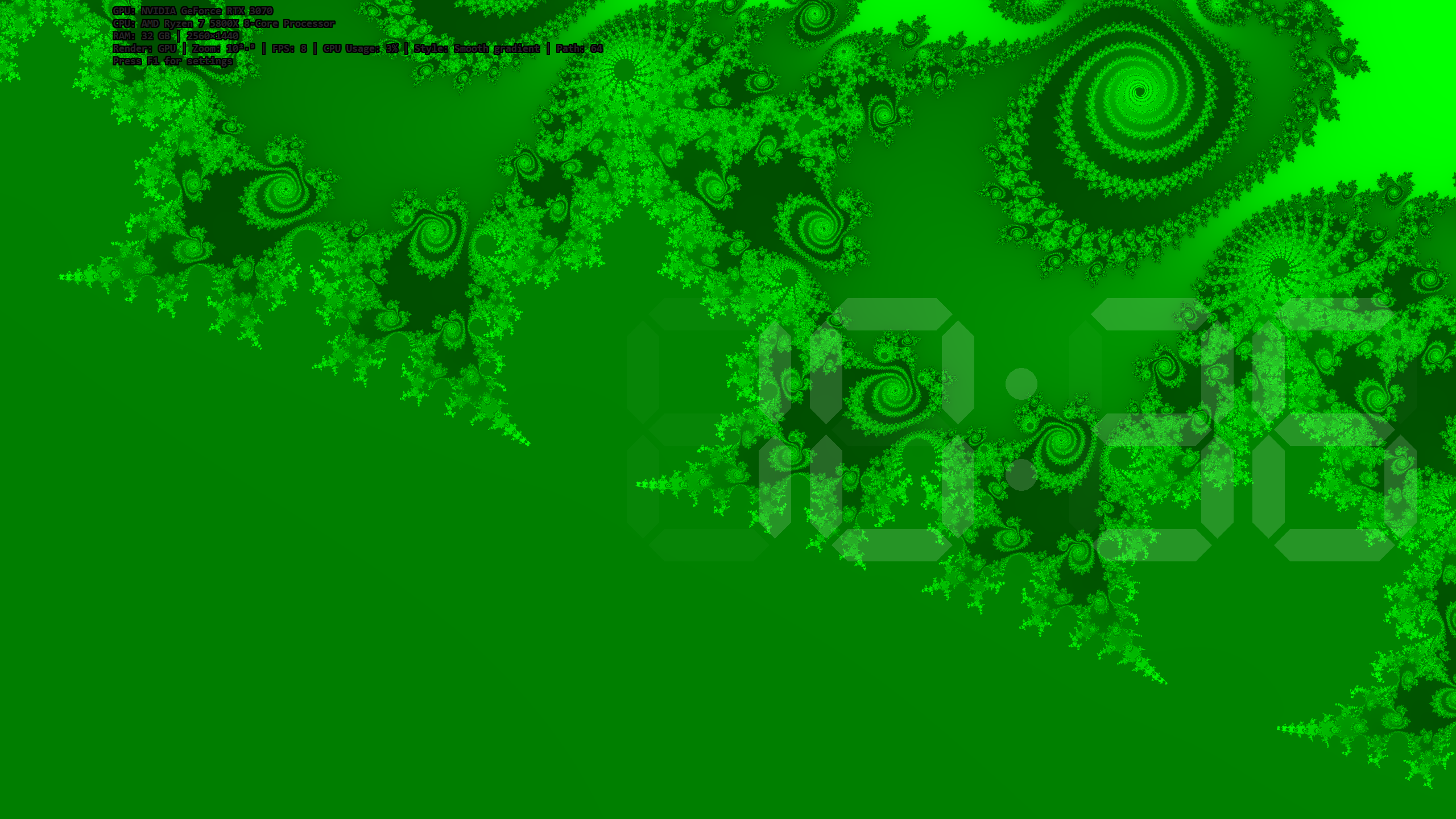
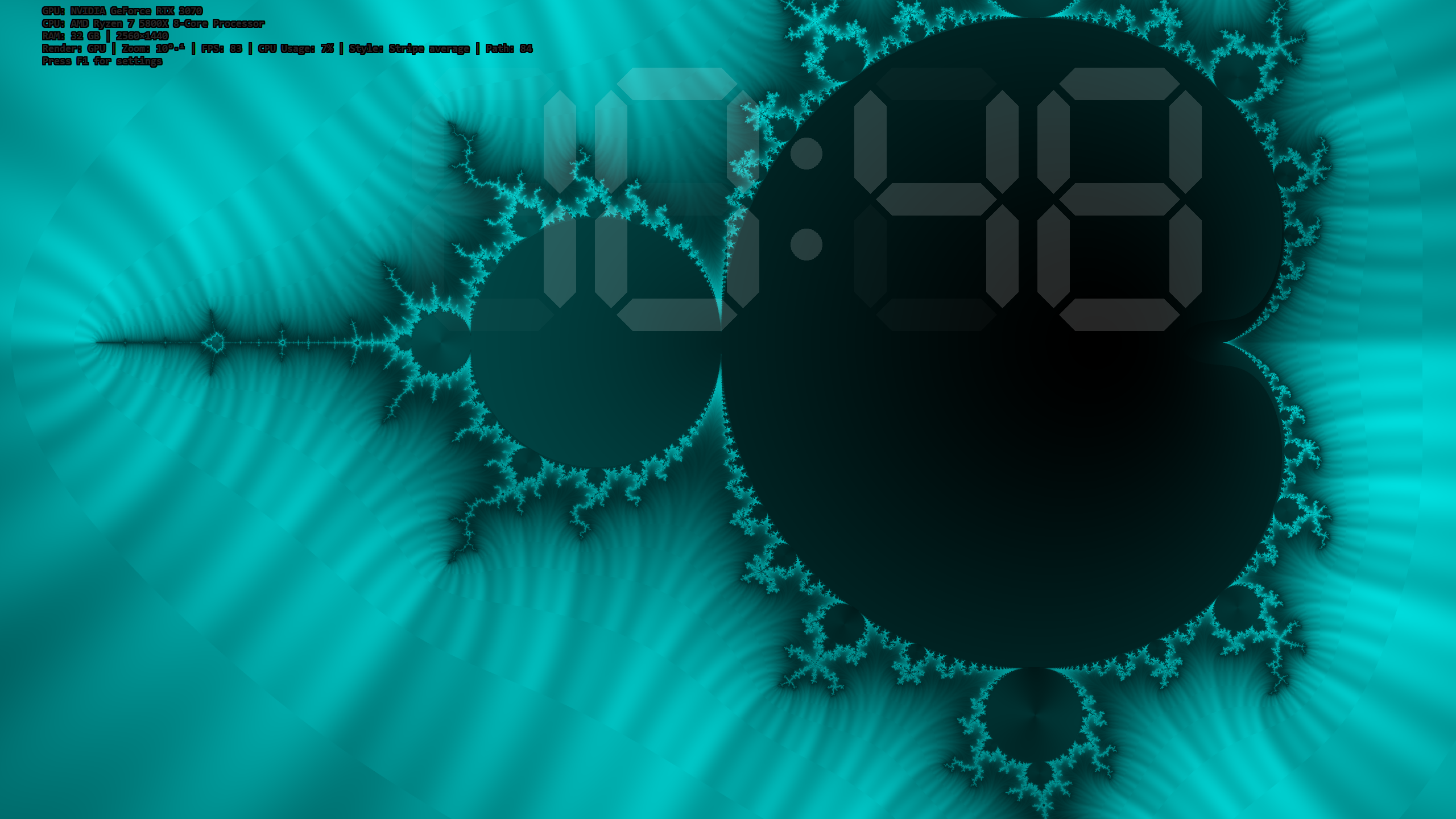
These images were captured at 2 second intervals for demonstration. The actual animation is very smooth.
What is FractalSaver?
FractalSaver is a free Windows screensaver that renders the Mandelbrot set in real time. It automatically explores 100 curated coordinates across 15 categories, continuously zooming into diverse fractal landscapes including seahorse valleys, spiral galaxies, Misiurewicz points, and mini Mandelbrot copies.
Every run delivers a unique experience. Visit order is shuffled, zoom targets are randomly offset, and colors shift continuously. The same animation never appears twice.
A moving digital clock is also displayed as an overlay.
The clock and fractal animation can be toggled on/off in the settings.
You can also display only the moving digital clock without the fractal animation.
Key Features
Dual Rendering Engine
- GPU Mode: D3D11 Compute Shader + double-float emulation (~48-bit precision)
- CPU Fallback: AVX2 SIMD (4-lane double), multithreaded - works without a dedicated GPU
Stunning Visuals
- 6 color themes: Red, Green, Blue, Cyan, Magenta, Gold - randomly shuffled each run
- 4 coloring styles: Smooth Gradient, Contour Bands, Stripe Average, Triangle Inequality Average (TIA)
- 24 visual combinations: 6 themes * 4 styles, all shuffled for maximum variety
- Auto color cycling: colors rotate every frame for an endlessly shifting palette
- 2*2 supersampled anti-aliasing: smooth edges at every zoom level
- Up to 16,384x zoom: explore deep fractal structures with double-float precision
Intelligent Zoom Animation
- 100 exploration coordinates (15 categories) - never a dull moment
- Boundary tracking: the camera automatically follows the most visually complex edges
- Adaptive direction changes: discovers intricate nearby patterns mid-zoom
- Curvature filtering: automatically skips monotonous straight boundaries
Overlay & Clock
- System info overlay: GPU/CPU model, RAM, resolution, FPS, zoom level, iteration count
- 7-segment digital clock: bounce physics + LED-style translucent rendering
Lightweight & Self-Contained
- Single file (~446 KB .exe) - no runtime dependencies, .NET, or Java required
- Static CRT (/MT) - runs immediately on a clean Windows installation
- Built-in installer - automatic UAC elevation without a separate installer
- Zero external dependencies - built from scratch in C++20
System Requirements
- OS: Windows 10 / 11 (64-bit)
- CPU: Intel Haswell (2013+) or AMD Excavator (2015+), AVX2 support required
- GPU: DirectX 11 compatible GPU (optional - CPU fallback available)
- RAM: 64 MB free
- Disk: Less than 1 MB
Installation
- Download FractalSaver.exe from the download link below (FractalSaverLite.exe for low-end PCs)
- Double-click to run - automatically elevates UAC and installs the screensaver
- The Windows Screen Saver Settings dialog opens automatically
- Preview without installing: FractalSaver.exe /s
- Uninstall: FractalSaver.exe /u or use the standard Windows uninstall feature
Settings
- Rendering: GPU (auto) / Force CPU (default: GPU auto)
- Zoom Speed: 1 (slow) ~ 10 (fast) (default: 3)
- Color Style: Auto Cycle / Smooth / Contour / Stripe / TIA (default: Auto Cycle)
- fractal animation: On / Off (default: On)
- Info Overlay: On / Off (default: On)
- Digital Clock: On / Off (default: On)
Technical Highlights
- C++20, MSVC Build Tools 2022
- D3D11 Compute Shader (cs_5_0): precise keyword + IEEE strict mode for numerical accuracy
- AVX2 intrinsics (
__m256d): 4 pixels computed simultaneously - GPU double-float emulation: Dekker splitting for ~48-bit mantissa precision
- Cardioid/Period-2 Bulb early rejection: SIMD-accelerated, classifies most interior points without iteration
- One-pass row rendering: stack-allocated buffer (~40 KB, L1 cache-friendly) vs. 132 MB heap
- Exponential zoom: adaptive panning + boundary-aware target tracking
- Binary search boundary detection: 30-50 iterations, precision ~10^-9 to 10^-15
- PCA curvature analysis: automatic filtering of visually uninteresting boundaries
- Whole program optimization (/GL + /LTCG) and link-time code generation
The Math Behind the Beauty
FractalSaver computes the Mandelbrot iteration z = z² + c for every pixel, enhancing visual quality with the following techniques:
- Smooth iteration count:
n + 1 - log₂(log₂(|z|))to eliminate color banding - Cosine palette: Inigo Quilez style, per-channel phase offsets for natural color transitions
- Orbit traps (Stripe/TIA): angular and radial orbit statistics for rich texturing
- Interior coloring: generates pseudo-iterations from mean orbit size, adding rich patterns even to non-diverging points
- Dynamic max iterations:
100 + 50 × log₂(zoom), up to 5000
Download
Download and install the latest version from the full releases page below. (Please use the installer with the version number when possible.)
A LITE version is also available for low-end PCs.
Support the Developer
If you enjoyed FractalSaver, please consider supporting its development:
Author
Yongho Hwang ( jogakdal@naver.com / jogakdal@gmail.com )