1장 실습문제
- 다음 HTML5 페이지는 HTML 태그에 2개, CSS에 1개의 간단한 오류를 포함하고 있다. 오류를 수정하라.
<DOCTYPE html>
<html>
  <head>
    <meta charset="utf-8" />
    <title>웹 페이지의 구성 요소</title>
    <style>
      h3 { text-align: center; color: darkred; }
      span { color = blue; font-size: 20px; }
  </head>
  <body>
    <h3>Elvis Presley</h3>
    <hr />
    He was an American singer and actor. In November 1956, he made his film
    debut in <span>Love Me Tender</span>. He is often referred to as "<span>
      the King of Rock and Roll </span
    >".
  </body>
</html>
수정사항1. <!DOCTYPE html>로 수정하기
수정사항2. color : blue;로 수정하기
수정사항3. </style> 추가하기
- 다음 HTML5 페이지는 HTML 태그에 2개, CSS에 1개의 간단한 오류를 포함하고 있다. 오류를 수정하라.
<!DOCTYPE html>
<html>
  <body>
    <meta charset="utf-8" />
    <title>웹 페이지의 구성 요소</title>
    <style>
      h3 { text-align: center color: darkred; }
      span { color : blue; font-size: 20px; }
     </style>
  </head>
  <body>
    <h3>Elvis Presley</h>
    <hr />
    He was an American singer and actor. In November 1956, he made his film
    debut in <span>Love Me Tender</span>. He is often referred to as "<span>
      the King of Rock and Roll </span
    >".
  </body>
</html>
수정사항1. 3번째줄에 <head>로 수정하기
수정사항2. h3 { text-align: center; color: darkred; } 로 ; 추가하기
수정사항3. </h3>로 수정하기
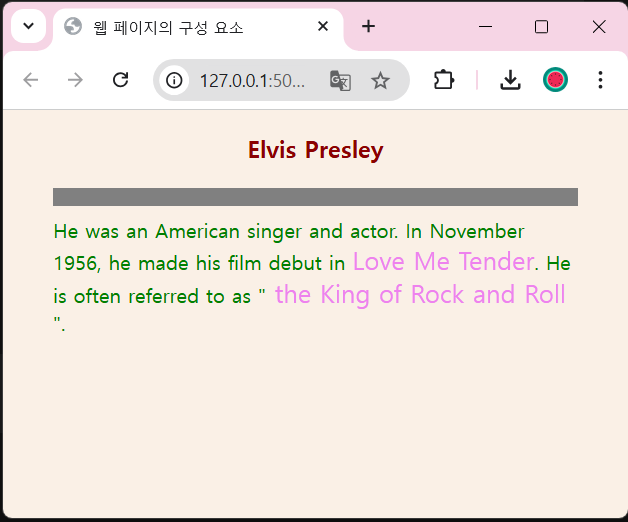
- 본문에 있는 그림 1-13의 test2.html을 수정하여 다음과 같이
<span>태그에 둘러싸인 글자색을 violet으로 수정하고<hr>태그에 의해 출력되는 수평선의 두께를 10px로 변경하라.
<!DOCTYPE html>
<html>
  <head>
    <meta charset="utf-8" />
    <title>웹 페이지의 구성 요소</title>
    <style>
      body {
        background-color: linen;
        color: green;
        margin-left: 40px;
        margin-right: 40px;
      }
      h3 {
        text-align: center;
        color: darkred;
      }
      hr {
        height: 10px;
        border: solid grey;
        background-color: grey;
      }
      span {
        color: violet;
        font-size: 20px;
      }
    </style>
  </head>
  <body>
    <h3>Elvis Presley</h3>
    <hr />
    He was an American singer and actor. In November 1956, he made his film
    debut in <span>Love Me Tender</span>. He is often referred to as "<span>
      the King of Rock and Roll </span
    >".
  </body>
</html>
실습결과
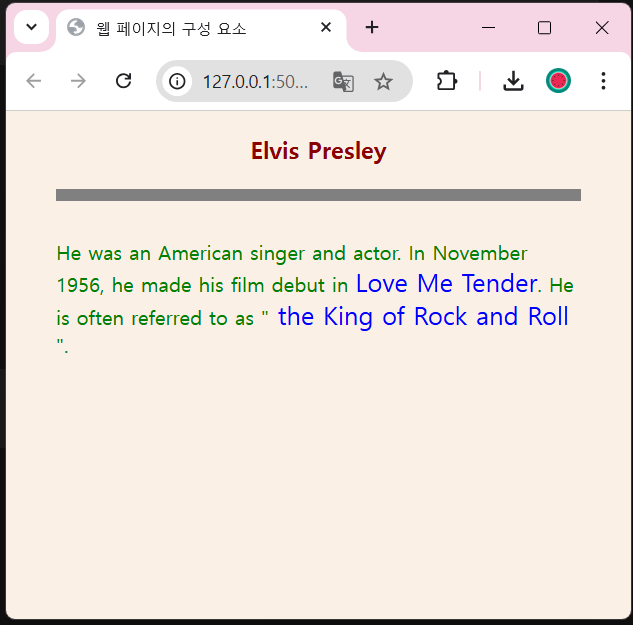
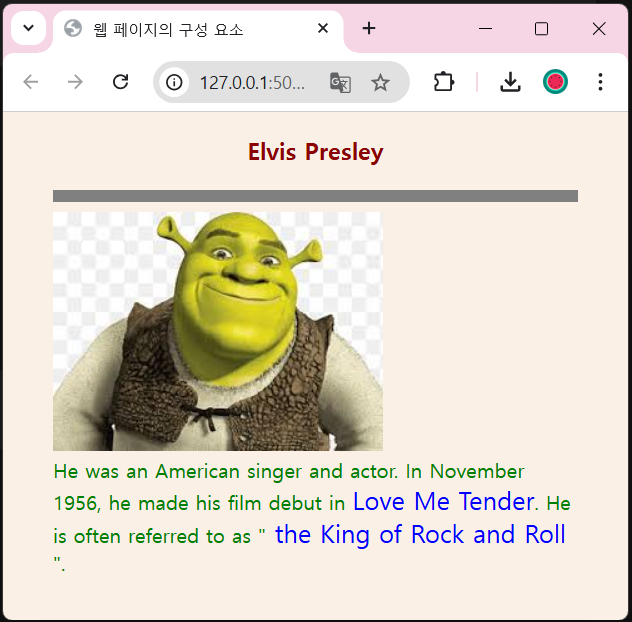
- 본문에 있는 그림 1-14의 test3.html을 자세히 들여다보고
<span>Love MeTender</span>에 의해 출력된 텍스트 위에 마우스를 올리면 엘비스 프레슬리의 사진 대신 자신의 사진이 출력되도록 수정하라. 사진 이미지는 test3.html 파일이 있는 파일에 두면 된다.
<!DOCTYPE html>
<html>
  <head>
    <meta charset="utf-8" />
    <title>웹 페이지의 구성 요소</title>
    <style>
      body {
        background-color: linen;
        color: green;
        margin-left: 40px;
        margin-right: 40px;
      }
      h3 {
        text-align: center;
        color: darkred;
      }
      hr {
        height: 5px;
        border: solid grey;
        background-color: grey;
      }
      span {
        color: blue;
        font-size: 20px;
      }
    </style>
    <script>
      function show() {
        document.getElementById("fig").src = "shrek.jpg";
      }
      function hide() {
        document.getElementById("fig").src = "";
      }
    </script>
  </head>
  <body>
    <h3>Elvis Presley</h3>
    <hr />
    <div><img id="fig" src="" /></div>
    He was an American singer and actor. In November 1956, he made his film
    debut in
    <span onmouseover="show()" onmouseout="hide()">Love Me Tender</span>. He is
    often referred to as "<span> the King of Rock and Roll </span>".
  </body>
</html>
실습결과
 |  |
|---|
기초부터 튼튼히