설정 방법
plt.style.use() 사용
- 테마 종류
‘default’‘dark_background’‘classic’‘ggplot’‘seaborn’
예제 코드
import numpy as np
import matplotlib.pyplot as plt

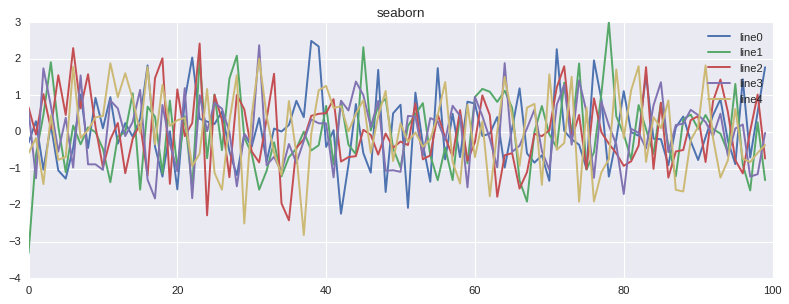
for theme in ['default','dark_background','classic','ggplot','seaborn']:

  plt.style.use([theme]) # 테마 설정

  plt.figure(figsize=(12, 4)) # 출력 크기 설정
  plt.title(theme)

  for i in range(5):
    temp = np.random.normal(0,1,(100,1))[:,0] # 표준정규분포 추출 100개 list 형태로 저장
    plt.plot(range(0,len(temp)), temp, label = f'line{i}') # line plot 출력

  plt.legend() # 범례 추가
  # plt.grid(False) # False로 설정 시 grid 제거

  plt.show()
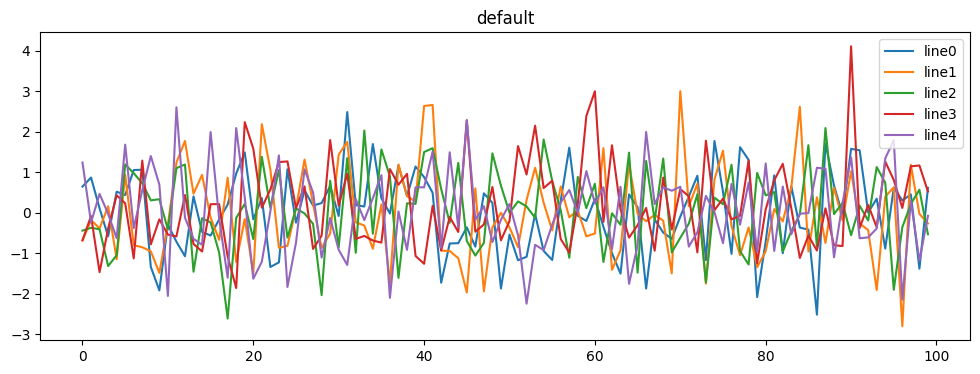
default
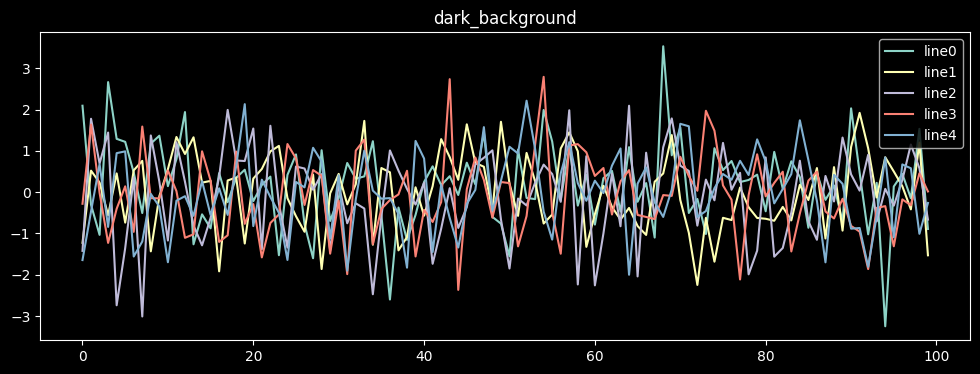
dark_background
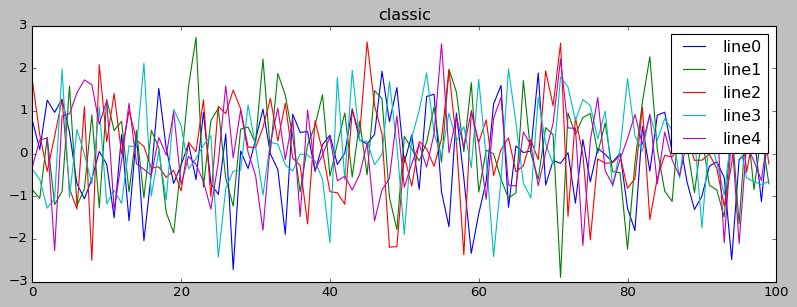
classic
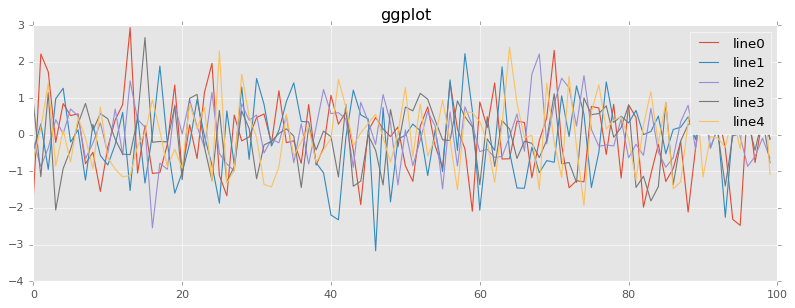
ggplot
seaborn
끝!

호앙조옹스우