AI; camera skicker app
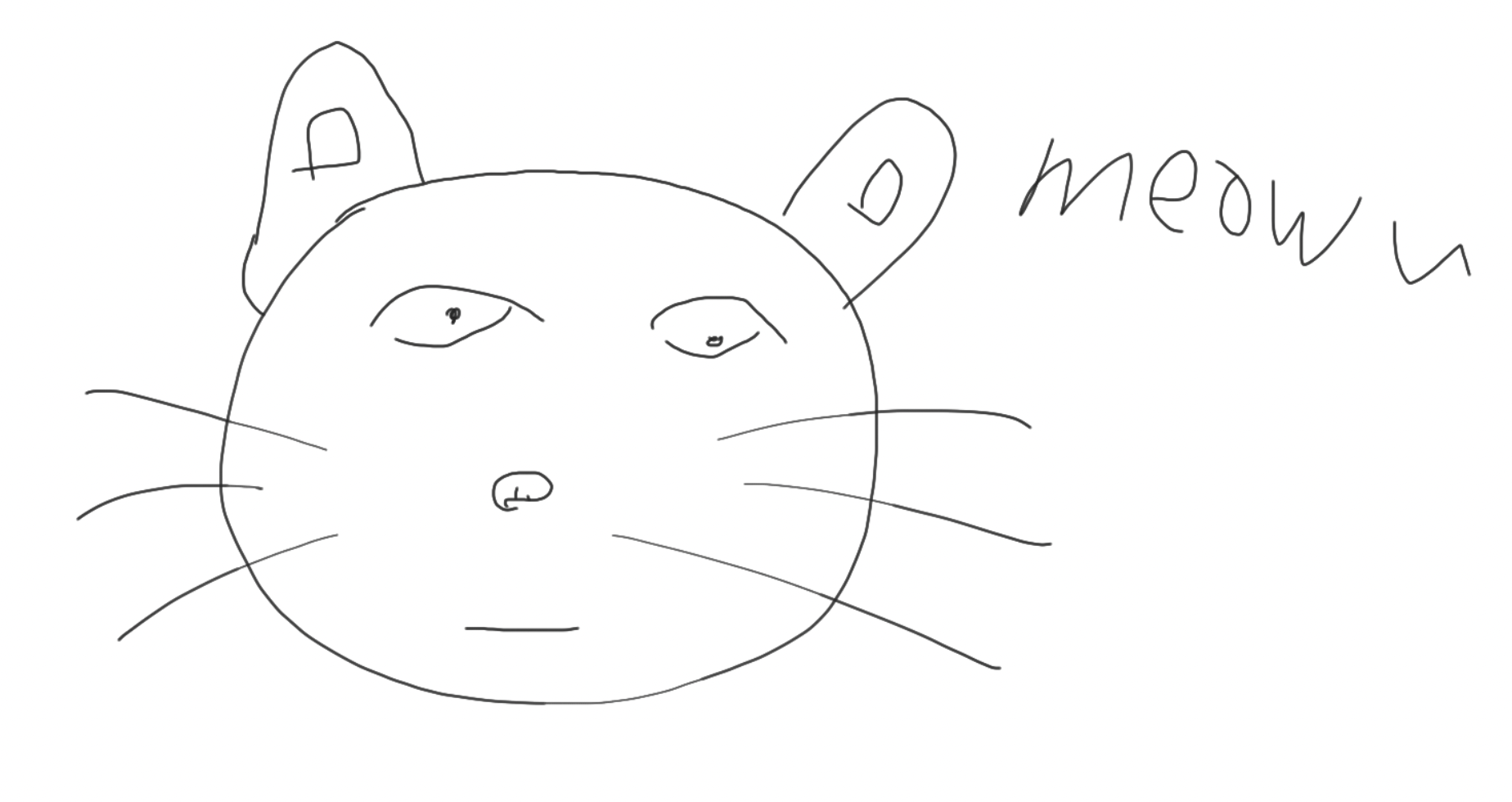
고양이 수염을 달아보자!
Today's library
openCV
dlib
import cv2 # openCV
import dlib
keypoint detection
feat. landmark or alignment
Keypoint detection involves simultaneously detecting people and localizing their keypoints. Keypoints are the same thing as interest points. They are spatial locations, or points in the image that define what is interesting or what stand out in the image. They are invariant to image rotation, shrinkage, translation, distortion, and so on.
https://paperswithcode.com/task/keypoint-detection
차례
- 이미지에서 얼굴 box; crop 추출 -> bounding box
- bounding box에서 눈 코 입 귀 턱선 눈썹을 표시하는 landmark
- landmark를 기준으로 스티커 붙이기
이미지 불러오기
img_path = '이미지 경로' + 'my_image.png'
img_bgr = cv2.imread(img_path)
img_rgb = cv2.cvtColor(img_bgr, cv2.COLOR_BGR2RGB)
plt.imshow(img_rgb)
plt.show()
기억할 점
cv2.imread
cv2.imread('img_path', 'flag') -> return img_bgr
flag; option
-1: color(default)
0: grey
1: with alpha_channel
참고: https://opencv-python.readthedocs.io/en/latest/doc/01.imageStart/imageStart.html
cv2.cvtColor
openCV imread의 출력 img_bgr을 img_rgb로 보정한다.
cv2.cvtColor(img_bgr, cv2.COLOR_BGR2RGB) -> return img_rgb
얼굴 찾기
import dlib

detector = dlib.get_frontal_face_detector()
dlib_rects = detector(img_rgb, 1)

dlib_rects # rectangles[[(345, 98) (531, 284)]]
face_detector
detector(img_rgb, 'number of pyramid') -> return dlib rectengles; 대각선 두 점을 tuple로 출력
with HOG & SVM
HOG; Histogram of Oriented Gradients 이미지 색상 변화량 감지
이미지 피라미드?
참고 https://opencv-python.readthedocs.io/en/latest/doc/14.imagePyramid/imagePyramid.html
number of pyramid: 값만큼 이미지에 face bounding box 좌표 출력
dlib.rectengles class는 dlib.rectengle class를 index 형태로 저장한다.
# 각 bounding box를 이미지에 표시

for dlib_rect in dlib_rects:
    l = dlib_rect.left()
    t = dlib_rect.top()
    r = dlib_rect.right()
    b = dlib_rect.bottom()

    cv2.rectangle(img_show, (l,t), (r,b), (0,255,0), 2, lineType=cv2.LINE_AA)
cv2.rectangle은 다음에 알아보자
이목구비 표시
feat. face landmark, object keypoint estimation
dlib ibug 300-W 데이터 기반 model로 구현하자
in terminal
$ wget http://dlib.net/files/shape_predictor_68_face_landmarks.dat.bz2
$ bzip2 -d ./models/shape_predictor_68_face_landmarks.dat.bz2
특이사항
'wget ~~' mac 터미널에서 이 명령어를 입력하기 위해서는 homebrew를 다운받고 brew install wget으로 wget을 받아야한다.
Warning: /opt/homebrew/bin is not in your PATH.만약 이 과정에서 위와 같은 에러 메세지가 생성됨과 brew command가 먹히지 않는다면 PATH 설정이 안 된 것이다.