ClikeButton script에 코드를 추가한다.
using System.Collections;
using System.Collections.Generic;
using UnityEngine;
using UnityEngine.SceneManagement;

public class ClickButton : MonoBehaviour
{
    public void OnClickGameStart()
    {
        SceneManager.LoadScene("PlayScene 2");
    }

    public void OnClickCostumeRoom()
    {
        SceneManager.LoadScene("CostumeScene");
    }
    public void OnClickBack()
    {
        SceneManager.LoadScene("StartScene");
    }

    //이효주 삽입
    public void ***OnClickReplay()***
    {
        SceneManager.LoadScene("PlayScene 1");
    }
    //삽입 끝
}
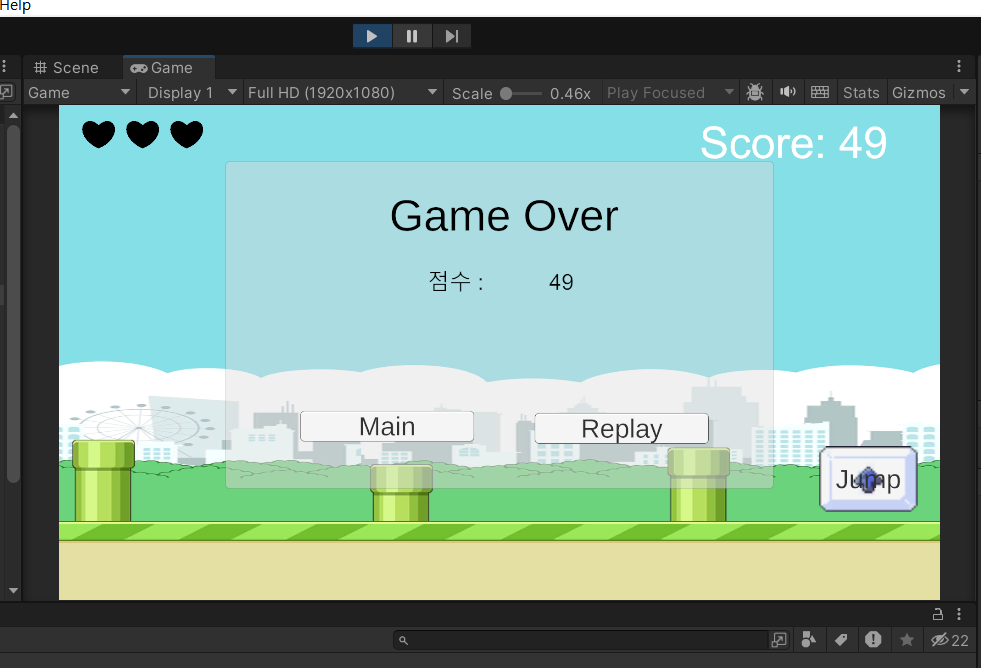
Playscene1에 GameOverButtons 게임오브젝트를 새로 생성한다. ClickButton 스크립트를 요소로 추가한다.
ReplayButton에 들어가서 OnClick을 +1한 다음, GameOverButtons을 드롭한다. 그리고 내가 원하는 기능을 선택하면 된다.
MainButton도 동일하게 하면 된다.
목숨 리셋 기능
리플레이 버튼을 누르면 이전 판 목숨이 유지된다. 따라서 게임이 시작될 때 목숨 개수를 초기화 시켜줘야한다. 아주 간단함!
HealthManager 스크립트에 들어가서 Awake함수 작성해주면 끝!
private void Awake()
{
    health = 3;
}

//전체코드

using System.Collections;
using System.Collections.Generic;
using UnityEngine;
using UnityEngine.UI;

public class HealthManager : MonoBehaviour
{
    public static int health = 3;

    public Image[] hearts;
    public Sprite fullHeart;
    public Sprite emptyHeart;

    private void Awake()
    {
        health = 3;
    }

    // Update is called once per frame
    void Update()
    {
        foreach (Image img in hearts)
        {
            img.sprite = emptyHeart;
        }
        for (int i = 0; i < health; i++)
        {
            hearts[i].sprite = fullHeart;
        }
    }
}

농담곰을 좋아해요 말랑곰탱이