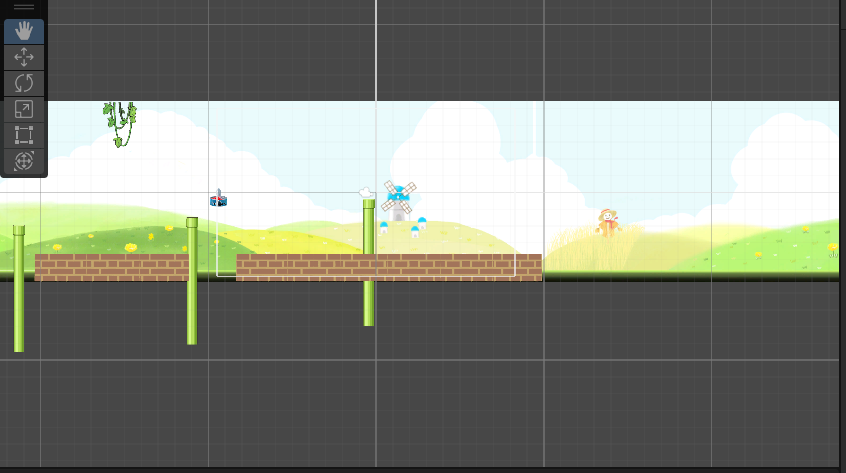
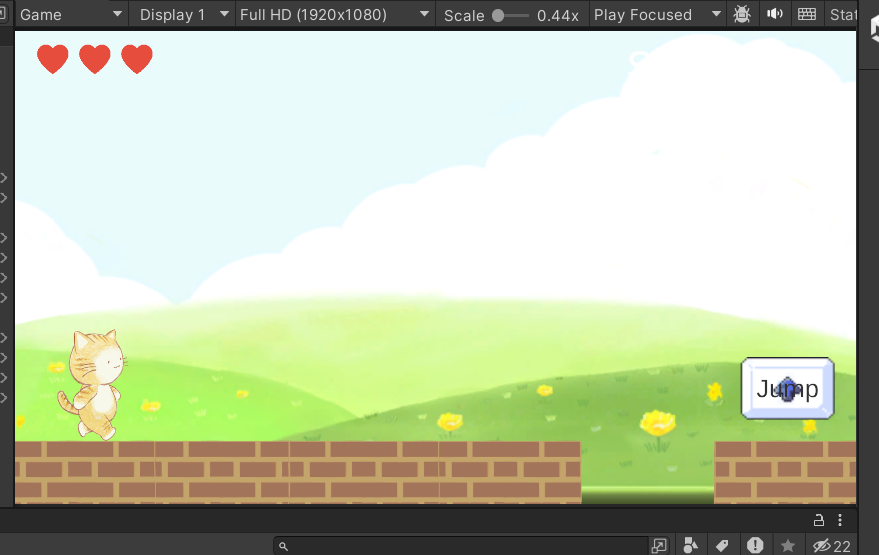
타일이 무한으로 깔리도록 하자. 유니티 2D의 배경 무한 스크롤링과 아주 유사하다.
X축으로 -20에 도착하면, 그 타일은 X = 10 으로 옮긴다. 그럼 무한 스크롤링! 또, 타일이 깔리는 속도는 배경이 빨라지는 속도랑 같아야 한다. 그래서 속도도 맞춰줌.
SpriteRenderer[] 을 이용해 타일 안에 복붙한 타일들을 쭉 넣어준다. 그 다음 transform.Translate를 이용해 시간이 지남에 따라, 배경의 속도에 맞춰서 왼쪽으로 이동하게 한다. 따라서 Time.deltaTime과 BackGroundLoop.speed를 써야함.
그리고 만약 타일의 x축 < -20이라면 newPosition을 이용해 x = 10으로 이동시켜준다.
using System.Collections;
using System.Collections.Generic;
using UnityEngine;
using UnityEngine.UIElements;

public class Tile : MonoBehaviour
{
    public SpriteRenderer[] tiles;
    private float startSpeed = 4f;
    private bool isPaused = false;
    private void Start()
    {
        BackGroundLoop.speed = startSpeed;

    }
    private void Update()
    {
        if (!isPaused)
        {
            for (int i = 0; i < tiles.Length; i++)
            {
                tiles[i].transform.Translate(new Vector2(-1, 0) * Time.deltaTime * BackGroundLoop.speed);

                if (tiles[i].transform.position.x < -20)
                {
                    Vector2 newPosition = tiles[i].transform.position;
                    newPosition.x = 10;
                    tiles[i].transform.position = newPosition;
                }
            }


            BackGroundLoop.timer += Time.deltaTime;
            if (BackGroundLoop.timer > BackGroundLoop.acceleration)
            {
                BackGroundLoop.speed += 0.5f;
                BackGroundLoop.timer -= BackGroundLoop.acceleration;
            }
        }

    }
}
농담곰을 좋아해요 말랑곰탱이