Js Mastery 라는 분의 Web3 CrowdFunding 공부해보려 한다.
공부 이유:
web3 라이브러리에 대한 이해
thirdweb 이라는 프레임워크 사용
smart contract 개발
준비물
seploia rpc : https://rpc.ankr.com/eth_sepolia
private key
사실 프로젝트는 고얼리로 진행되지만 나는 세폴리아가 매우 많은 관계로 세폴리아를 선호하여 seploia로 진행하겠습니다.
npx thirdweb@latest create --contract
✔ What is your project named? … thirdweb-contracts
✔ What framework do you want to use? › Hardhat
✔ What will be the name of your new smart contract? … crowdfundingbyTS
✔ What type of contract do you want to start from? › Empty Contract
설치가 완료되면 thridweb-contracts 라는 폴더가 보인다.
이 프로젝트는 크게 contracts 와 app 두가지로 나뉘게 되는데
npx thirdweb@latest create --contract -> smart contract
npx thirdweb@latest create --app -> 프론트
스마트컨트랙트 작성이 완료되면 이 sc를 thirdweb에 배포해주자
npm run deploy
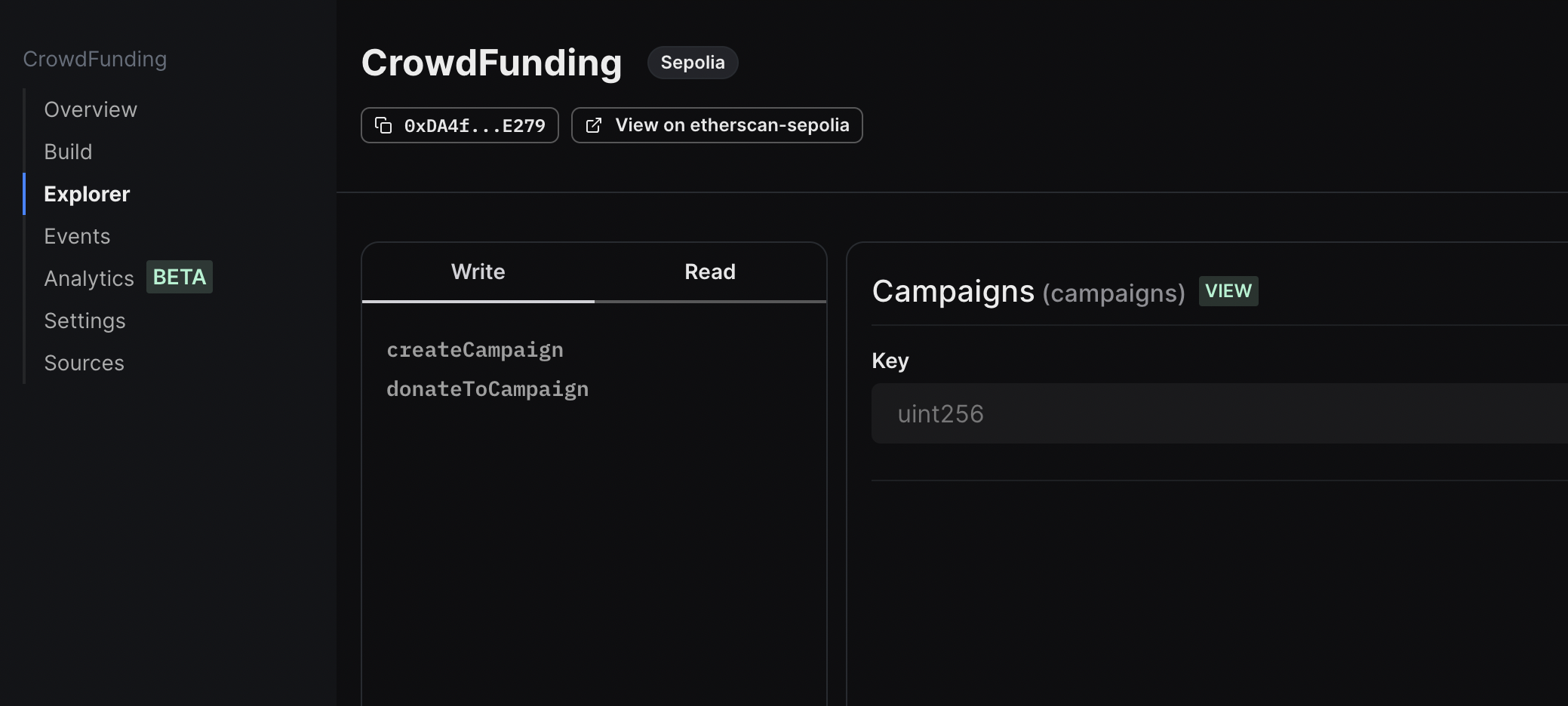
내가 배포한 컨트랙트에 대해서 매우 깔끔한 UI를 제공한다
내 느낌상은 exploerer 상위 버젼이다.
배포된걸 확인하면 client 단에서 폴더 구조와 tailwindcss 적용을 해주자
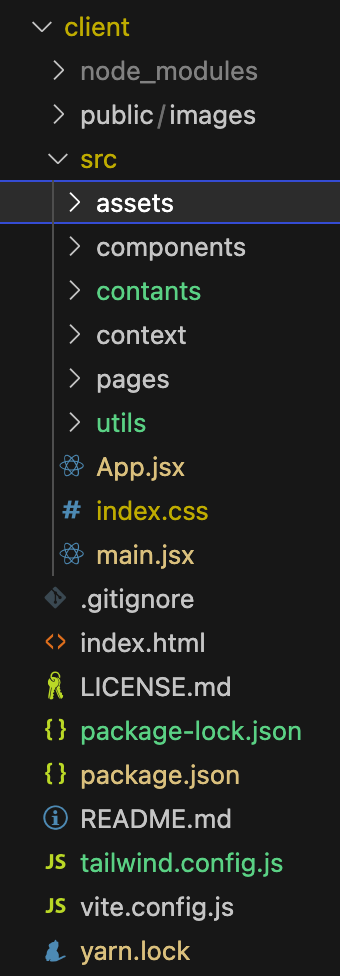
src 폴더 안에 필요한 구조를 정리해주었음.
tailwindcss 적용방법
- npm install -D tailwindcss
- npx tailwindcss init
이러면 tailwind.config.js 파일이 생성된다.
  content: [
    "./index.html",
    "./src/**/*.{js,ts,jsx,tsx}",
  ],
비어있는 content 배열을 이렇게 채워주면 된다. (공식문서 참조)
https://tailwindcss.com/docs/installation
tailwindcss 적용 공식문서이다.
영상에서 소개해준 방법과 버젼이 바뀌어서 영상따라하면 css 적용이 안되니까 주의.

잘 읽었습니다. 좋은 정보 감사드립니다.