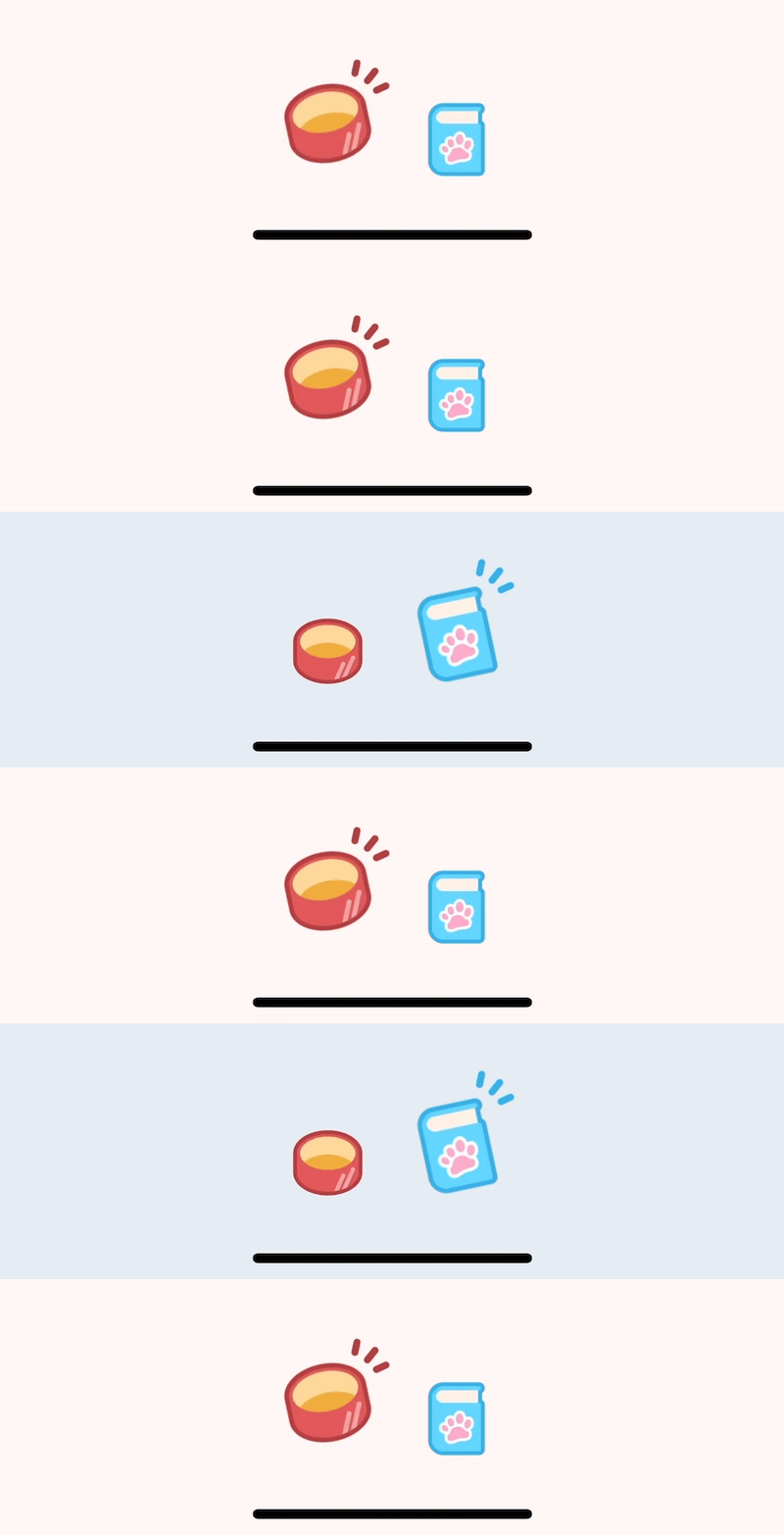
처음에는 그냥 tabBarIcon 옵션에 커스텀한 컴포넌트를 넣고 RN reanimated로 애니메이션을 주면 되지 않을까... 했지만 왠지 모르게 애니메이션이 아예 작동이 안 되는 것이었다! 그 이유는 (몇 시간의 삽질을 거쳐 알게 되었고) 다음 코드에서 알 수 있었다.
      <View
        style={[
          styles.icon,
          {
            opacity: activeOpacity,
            // Workaround for react-native >= 0.54 layout bug
            minWidth: iconSize,
          },
        ]}
      >
        {renderIcon({
          focused: true,
          size: iconSize,
          color: activeTintColor,
        })}
      </View>
      <View style={[styles.icon, { opacity: inactiveOpacity }]}>
        {renderIcon({
          focused: false,
          size: iconSize,
          color: inactiveTintColor,
        })}
      </View>
즉 처음부터 아이콘 두 개를 렌더해 놓고 opacity만 바꿔가며 보이고 있었던 것이다..
관련한 내용: https://github.com/react-navigation/react-navigation/issues/546#issuecomment-283677955
That's how TabBar loads icons for active and in-active state for a tab to display. It does that at once to optimise rendering.
See the implementation here: https://github.com/react-community/react-navigation/blob/master/src/views/TabView/TabBarIcon.js#L59
그러면 어떡해야 하나?
다행히도 Expo router에 커스텀한 tab bar를 구현할 수 있도록 컴포넌트를 제공하고 있었다. (expo-router/ui 모듈)
참고: https://docs.expo.dev/router/advanced/custom-tabs/
TabTrigger 컴포넌트에 asChild를 넣어주면 isFocused를 props로서 받을 수 있다.
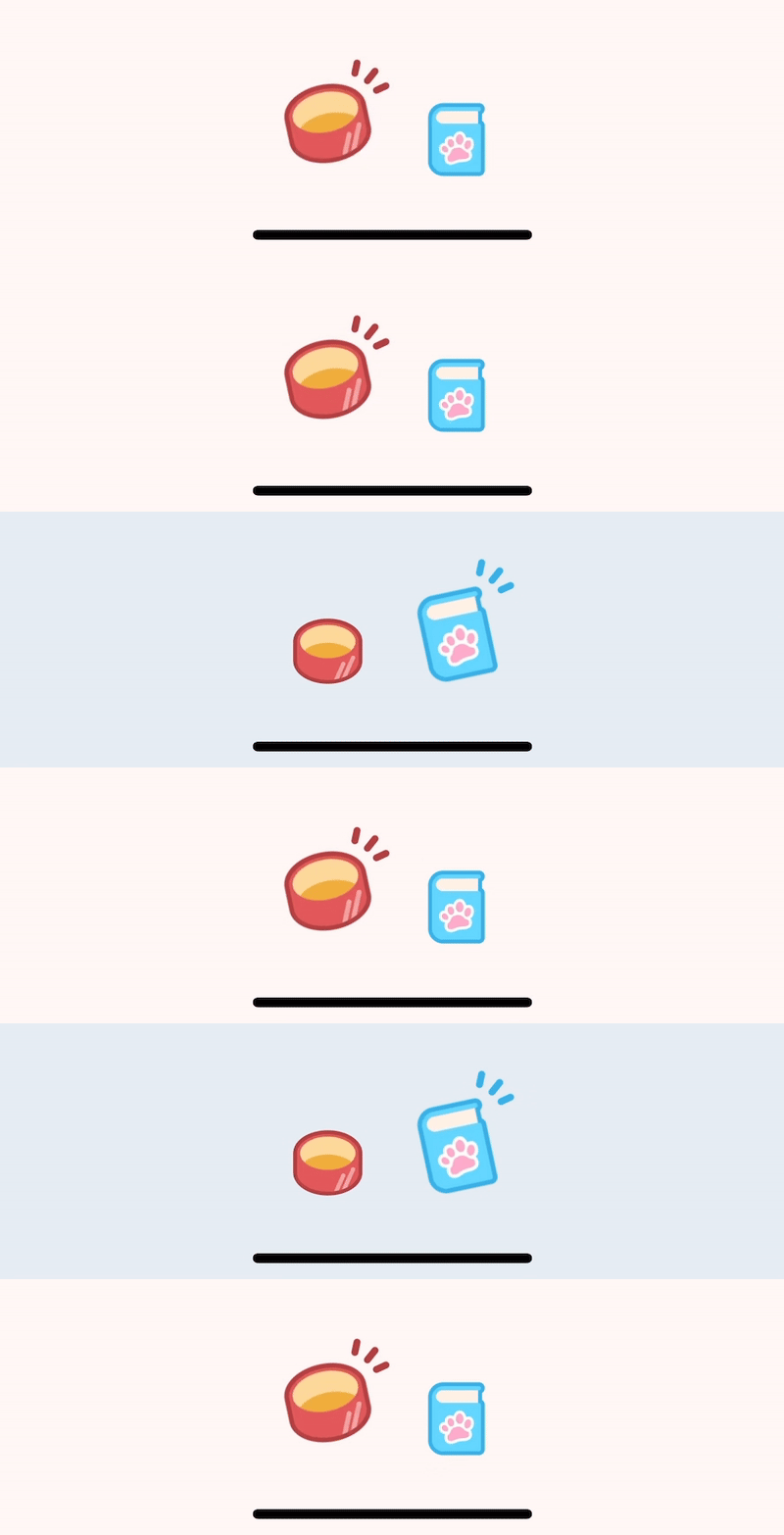
import {
  TabList,
  TabSlot,
  TabTrigger,
  type TabTriggerSlotProps,
  Tabs,
} from "expo-router/ui";
import { type Ref, useEffect } from "react";
import { PixelRatio, Platform, Pressable, Text, type View } from "react-native";
import Animated, {
  Easing,
  interpolate,
  useAnimatedStyle,
  useSharedValue,
  withSpring,
  withTiming,
} from "react-native-reanimated";
import { StyleSheet } from "react-native-unistyles";
import { ScalableImage } from "~/components/ScalableImage";
import { getSpringConfig } from "~/lib/reanimated";

export default function MainLayout() {
  return (
    <Tabs>
      <TabSlot />
      <TabList style={styles.list}>
        <TabTrigger name="index" href="/(main)" asChild>
          <TabButton
            tintColor="#B03E3E"
            source={{
              1: require("~/assets/icons/can.webp"),
              2: require("~/assets/icons/can__2x.webp"),
              3: require("~/assets/icons/can__3x.webp"),
            }}
          />
        </TabTrigger>
        <TabTrigger name="new" href="/(main)/new" asChild>
          <TabButton
            tintColor="#36B0E8"
            source={{
              1: require("~/assets/icons/words.webp"),
              2: require("~/assets/icons/words__2x.webp"),
              3: require("~/assets/icons/words__3x.webp"),
            }}
            emphTranslate={[-2, -6]}
          />
        </TabTrigger>
      </TabList>
    </Tabs>
  );
}

type TabButtonProps = TabTriggerSlotProps & {
  source: Record<number, string>;
  tintColor: string;
  ref?: Ref<View>;
  emphTranslate?: [number, number];
};

function TabButton({
  source,
  children,
  isFocused,
  tintColor,
  ...props
}: TabButtonProps) {
  const dpr = PixelRatio.get();
  const isFocusedValue = useSharedValue(isFocused ? 1 : 0);
  const translateY = useSharedValue(isFocused ? -8 : 0);
  useEffect(() => {
    isFocusedValue.value = withSpring(isFocused ? 1 : 0, getSpringConfig("xs"));
    translateY.value = withTiming(isFocused ? -8 : 0, {
      duration: 300,
      easing: Easing.bezier(0.14, 1.71, 0.74, 1.66),
    });
  }, [isFocused, isFocusedValue, translateY]);
  const iconStyle = useAnimatedStyle(() => ({
    transform: [
      {
        scale: interpolate(isFocusedValue.value, [0, 1], [1, 1.2], "clamp"),
      },
      {
        rotate: `${interpolate(isFocusedValue.value, [0, 1], [0, -12], "clamp")}deg`,
      },
    ],
  }));

  const emphStyle = useAnimatedStyle(() => ({
    opacity: isFocusedValue.value,
    transformOrigin: "70% 30%",
    transform: [
      {
        scale: interpolate(
          isFocusedValue.value,
          [0, 1],
          [0.3 / dpr, 1 / dpr],
          "clamp",
        ),
      },
      {
        translateX: (12 + (props.emphTranslate?.[0] ?? 0)) * dpr,
      },
      {
        translateY: (-12 + (props.emphTranslate?.[1] ?? 0)) * dpr,
      },
    ],
  }));

  return (
    <Pressable {...props}>
      <Animated.View
        style={[styles.container, { transform: [{ translateY }] }]}
      >
        <Animated.View style={[iconStyle, styles.iconContainer]}>
          <ScalableImage source={source} style={styles.icon} />
        </Animated.View>
        <Animated.View style={[styles.emph, emphStyle]}>
          <ScalableImage
            source={{
              1: require("~/assets/icons/emph.webp"),
              2: require("~/assets/icons/emph__2x.webp"),
              3: require("~/assets/icons/emph__3x.webp"),
            }}
            style={{
              width: 21 * PixelRatio.get(),
              height: 19 * PixelRatio.get(),
              tintColor,
            }}
          />
        </Animated.View>
      </Animated.View>
    </Pressable>
  );
}

const styles = StyleSheet.create((theme, rt) => ({
  list: {
    flexDirection: "row",
    justifyContent: "center",
    paddingBottom:
      rt.insets.bottom + Platform.select({ ios: theme.gap(-1), default: 0 }),
    position: "absolute",
    bottom: 0,
    width: "100%",
  },
  container: {
    position: "relative",
    width: theme.gap(8),
    height: theme.gap(8),
  },
  emph: {
    position: "absolute",
    right: 0,
    top: 0,
  },
  iconContainer: {
    position: "absolute",
    left: theme.gap(1),
    top: theme.gap(1),
  },
  icon: { width: theme.gap(6), height: theme.gap(6) },
}));
화면 전환 애니메이션은?
https://docs.expo.dev/router/advanced/custom-tabs/#customizing-how-tab-screens-are-rendered
Customizing how tab screens are rendered
The
TabSlotaccepts arenderFnproperty. This function can be used to override how your screen is rendered, allowing you to implement advanced functionality such as animations or persisting/unmounting screens. See the Router UI Reference for more information.
How do I create animated tabs?
You can provide a custom renderer to
TabSlotto customize how it renders a screen. You can use this to detect when screen is focused an animate appropriately.
renderFn이라는 argument를 줘야 한다고 한다...
문서에 자세히 설명도 되어 있는 것 같지 않다. 일단 renderFn의 기본값은 다음 함수이다.
/**
 * @hidden
 */
export function defaultTabsSlotRender(
  descriptor: TabsDescriptor,
  { isFocused, loaded, detachInactiveScreens }: TabsSlotRenderOptions
) {
  const { lazy = true, unmountOnBlur, freezeOnBlur } = descriptor.options;

  if (unmountOnBlur && !isFocused) {
    return null;
  }

  if (lazy && !loaded && !isFocused) {
    // Don't render a lazy screen if we've never navigated to it
    return null;
  }

  return (
    <Screen
      key={descriptor.route.key}
      enabled={detachInactiveScreens}
      activityState={isFocused ? 2 : 0}
      freezeOnBlur={freezeOnBlur}
      style={[styles.screen, isFocused ? styles.focused : styles.unfocused]}>
      {descriptor.render()}
    </Screen>
  );
}react-native-screens를 제대로 알아야 만질 수 있을 것 같은 느낌이 들어 일단 보류.
