[Project Overview]
- The objective of this project is to clone the HTML and CSS of the Genesis website.
- Responsive design for mobile devices is not be considered.
- I'm in charge of cloning the 'Experiences(체험)" page of the website.
- You can refer to the below github repository to see the final result. I'm in charge of 'space.html'
-https://github.com/mjkim41/genesis-web-clone
[Key Observations I Made During the Project]
- 아래 구현하는 법 !
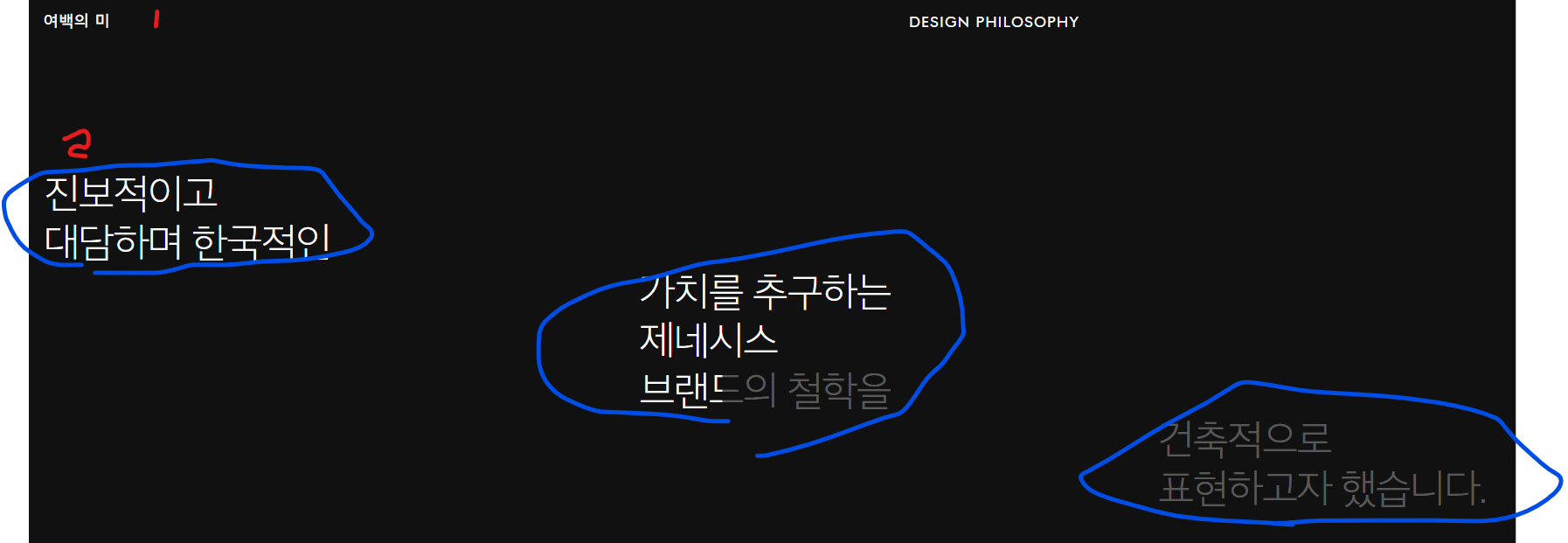
- 1 : 부모요소
display: flex;+ 자식요소 각각flex: 1 - 2 :
1) 각 파란박스를 만들고, 부모요소에display: flex;+flex-direction: column;
2) 각 파란박스에,display: flex;+align-self: start/center/flex-end;
- imagebox의 크기를 동일하게 줬음에도 불구하고 아래와 같이 박스 크기가 다르게 보일 때 :
-> display: flex;로 인하여 사진의 크기가 조절되는 것
-> 해결방법 :flex: 0 0 800px(원하는 width);
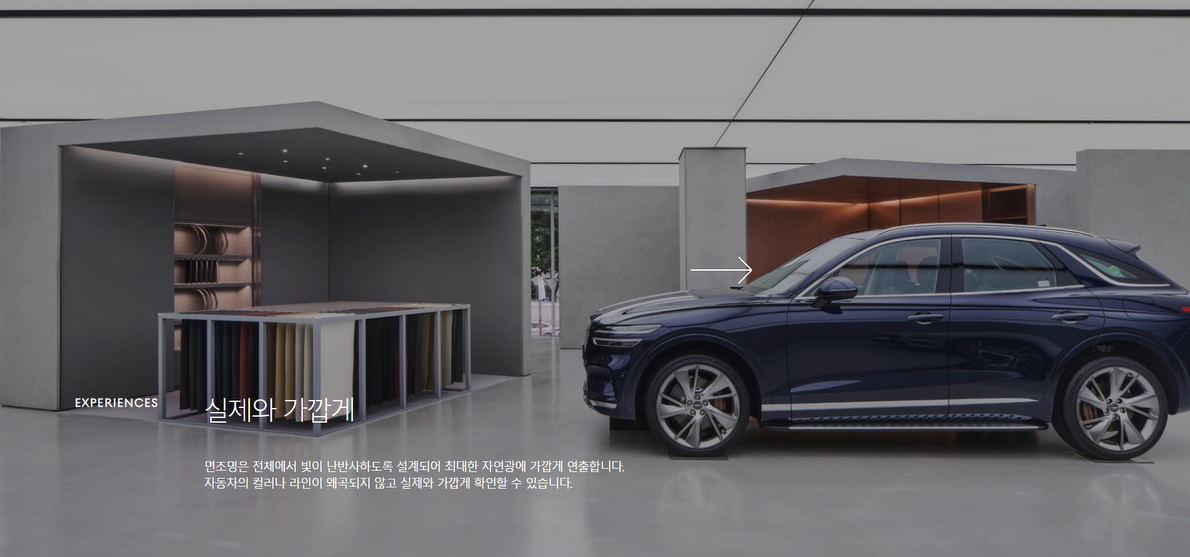
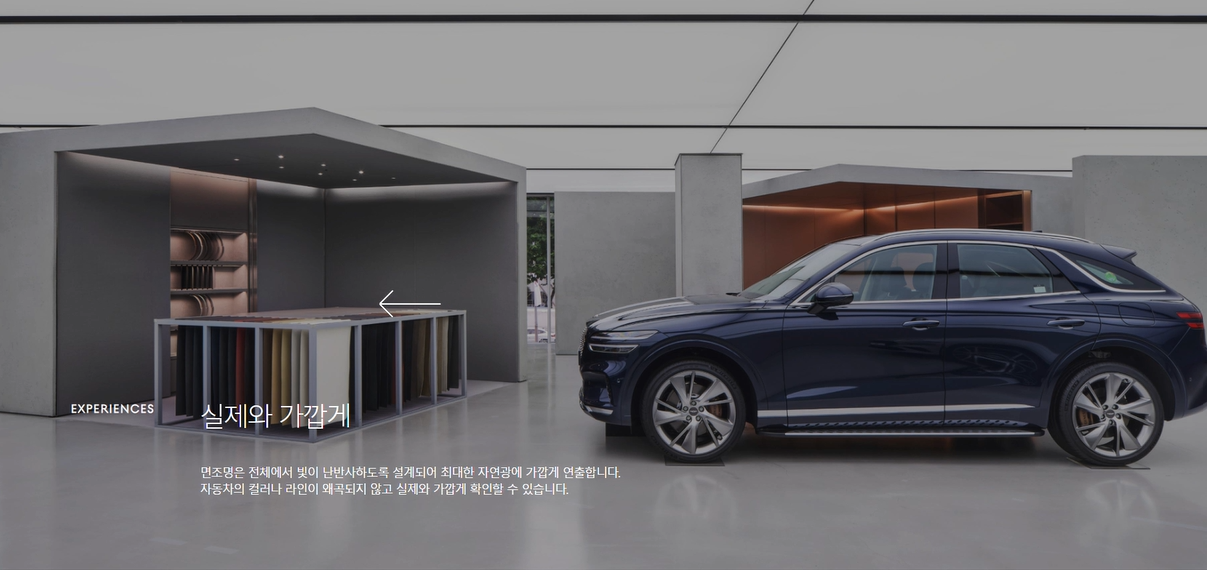
- 아래와 같이 마우스를 따라 다니는 커서 모양 바꾸는 법 :
화면 영역 잡은 후, cursos: url('');
- 글자 사이 중간 선 : 가상요소 사용하여 만들기

-
클릭하면 단어 둘러싸는 선 생기는 효과 :
가상요소 만든 후,
content:'';
position: absolute;
left: -20px;
top: -20px;
right: 15px;
bottom: -20px;
border-right: 1px solid #000;;
border: 1px solid #fff;
} -
ul>li에서 li을 2줄 이상으로 배치하고 싶을 때 :
display: flex;후,flex-wrap: wrap; -
인라인 요소 사이에 공백 생길 때 :
인라인 요소를 하나의 부모요소로 묶어주고, 부모요소를 display: flex; -
html에서 폰트 다운 받아서 사용하는 법 : woff 파일 다운받아서 저장 후, css에 아래와 같이 적용
@font-face {
    font-family: 'MyCustomFont'; /* 원하는 이름 */
    src: url('fonts/myfont.woff') format('woff'); /* WOFF 파일의 경로 */
    font-weight: normal; /* 기본 굵기 */
    font-style: normal; /* 기본 스타일 */
}

body {
    font-family: 'MyCustomFont', sans-serif; /* 폰트 적용 */
}