
actions : { }
- ajax 하는 곳임
- or 오래 걸리는 작업들도
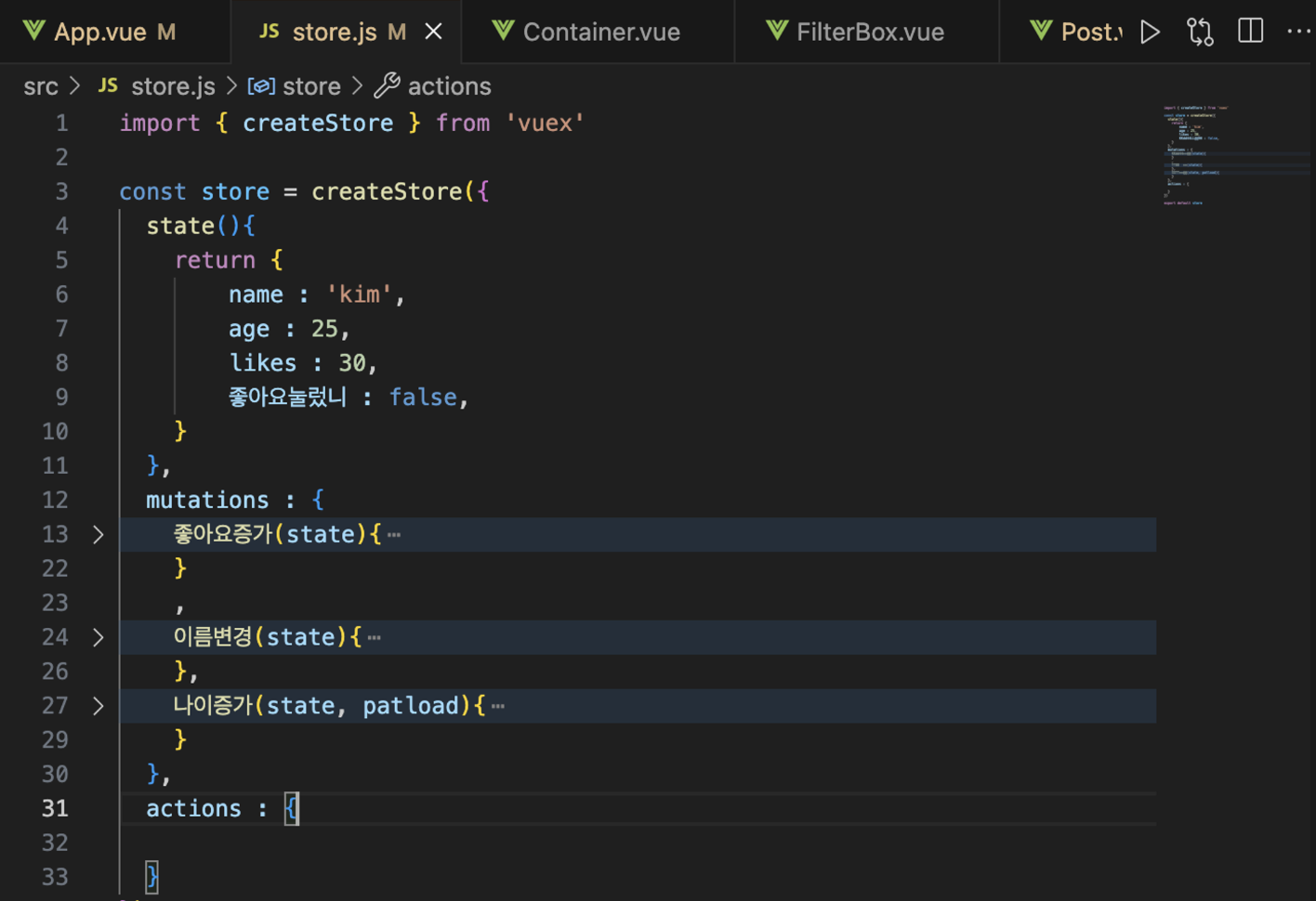
actions 하나 맹들어 주자
더보기 게시물 ajax 요청
예를 들어서 더보기 게시물을 ajax 요청을 한다고 해보자
서버에서 더보기 게시물을 가져와서 more에 저장해보자
  state(){
    return {
        name : 'kim',
        age : 25,
        likes : 30,
        좋아요눌렀니 : false,
        more : {}
} <p> {{ $store.state.more }}</p>
<button> 더보기 </button>일단은 app.vue에서 more 데이터를 가져와 보자
우리가 배운점들로는 mutations에다가 함수를 정의해서 요청하는 방법이 있다
할수가 있긴함. 근데 안댄다…
→ 그냥 actions에다가 ajax 요청하셈
//store.js

import axios from 'axios';

  actions : {
    getData(){
        axios.get('https://codingapple1.github.io/vue/more${this.더보기}.json')
        .then((a)=>{
            console.log(a.data)
        })
    },
}- 코드 설명
Vuex 액션의 구조
-
Vuex의 작업은 비동기 작업 수행을 담당합니다. 작업은 Vuex 저장소의
actions개체 내의 메서드로 정의됩니다. Vue 구성 요소의 'dispatch' 메서드를 사용하여 작업이 호출됩니다.코드 분석
javascriptCopy code actions : { getData(){ axios.get('https://codingapple1.github.io/vue/more${this.더보기}.json') .then((a)=>{ console.log(a.data) }) }, } -
axios.get: Axios는 JavaScript에서 비동기 HTTP 요청을 만드는 데 널리 사용되는 Promise 기반 HTTP 클라이언트입니다. 여기서는 지정된 URL에 대한 GET 요청을 만드는 데 사용됩니다.
-
템플릿 문자열이 포함된 URL: URL
'https://codingapple1.github.io/vue/more${this.더보기}.json''은 동적 부분을 포함하기 위한 템플릿 문자열로 의도된 것 같습니다. URL(${this.더보기})에 있습니다. 그러나 JavaScript의 템플릿 리터럴에 필요한 백틱(``````) 대신 작은따옴표(``'')로 잘못 묶여 있습니다. 이는 실제 동적 부분${this.더보기}`가 평가되지 않고 대신 문자열의 리터럴 부분으로 처리됨을 의미합니다.- 수정된 URL: 이를 수정하려면 백틱을 사용하세요:
https://codingapple1.github.io/vue/more${this.더보기}.json.this.더보기가 의도한 대로 작동하려면더보기는getData가 정의된 컨텍스트에서 액세스 가능한 속성이어야 합니다. 이는 일반적으로this가 저장소를 참조하지 않기 때문에 Vuex 액션에서는 그렇지 않습니다. 직접적으로 예시를 들어보세요. 일반적인 접근 방식은 필요한 데이터를 작업에 대한 매개 변수로 전달하는 것입니다.
- 수정된 URL: 이를 수정하려면 백틱을 사용하세요:
-
.then((a) => { ... }): 코드의 이 부분은 axios 요청의 응답을 처리합니다. 요청이 성공하면 'console.log(a.data)'를 통해 응답 개체가 콘솔에 기록됩니다. 응답 객체의 '.data' 속성에는 일반적으로 서버에서 반환한 페이로드가 포함됩니다.
-
당장 ajax를 사용해야 하니 store.js에서 axios를 임포트 해주고 데이터를 박아넣는 형식으로 action을 작성했다.
 //app.vue
  <p> {{ $store.state.more }}</p>
  <button @click="$store.dispatch('getData')"> 더보기 </button>
다시 app.vue에서 돌아와서 온클릭으로 getData를 요청해 더보기 게시물을 만드는 방법이다
commit ⇒ mutation 요청
dispatch ⇒ actions 요청
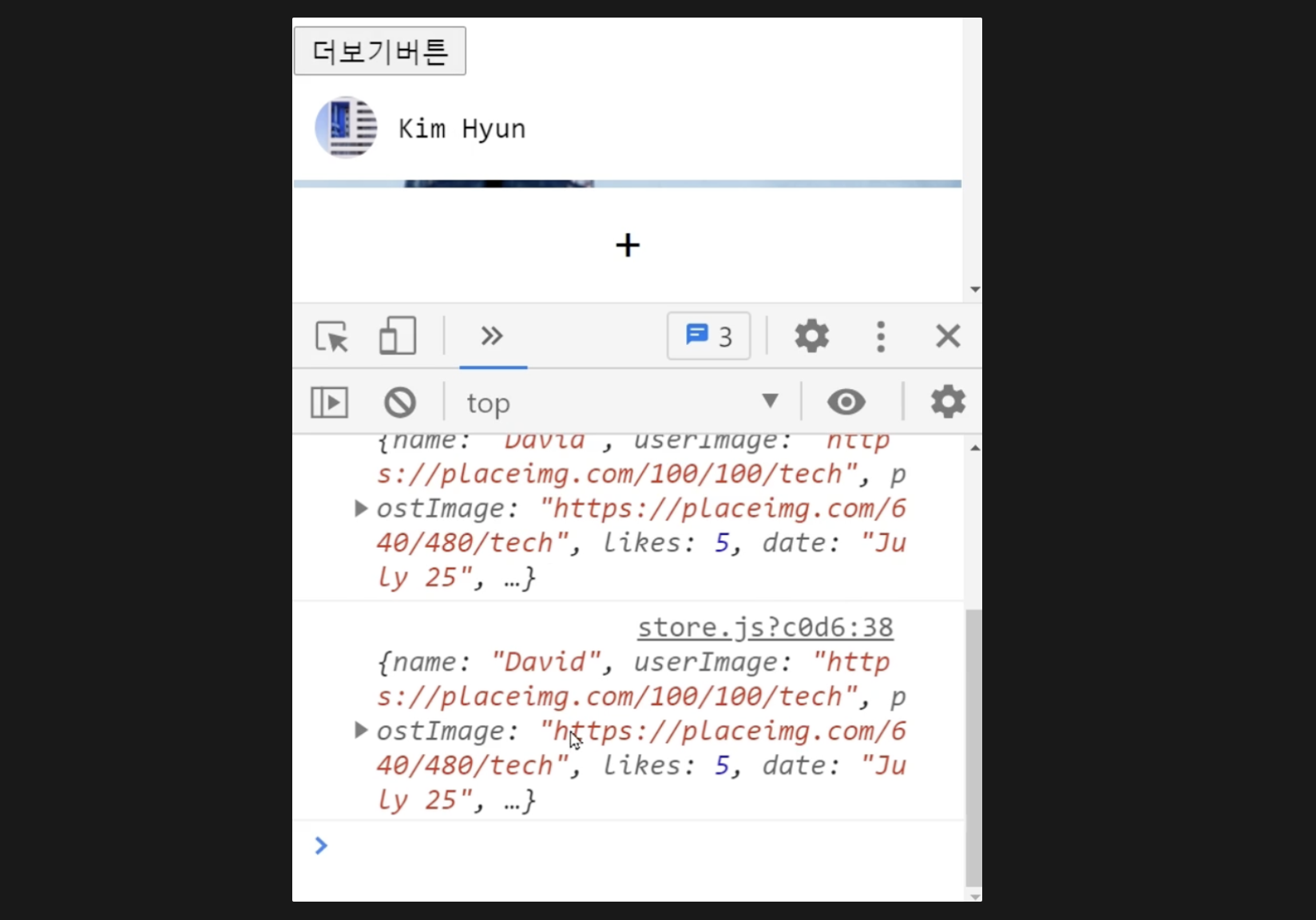
더보기 눌러서 콘솔창 열어보면 ajax 데이터가 제대로 잘 감ㅋ
근데 우리는 데이터를 전송만 하기만 했지 more이라는 공간에 저장을 아직 안함
ㄱㄱ
actions 후에 state 변경은 무조건 mutations가 한다..
mutations : {
    setMore(state,data){
        state.more = data
    },

  actions : {
    getData(context){
        axios.get('https://codingapple1.github.io/vue/more${this.더보기}.json')
        .then((a)=>{
            console.log(a.data);
            context.this.commit('setMore',a.data);
        })
    },
더보기로 가져온 데이터를 setMore함수랑 같이 동작함
a.data를 가지고 more에 저장
actions에서 commit 하려면 context를 붙혀줘야함…
정리
더보기를 누르면
-
dispatch(’getData’) → store한테 요청
-
그럼 store.js가 getData 실행함 → axios로 데이터를 가져옴
actions : { getData(context){ axios.get('https://codingapple1.github.io/vue/more${this.더보기}.json') .then((a)=>{ console.log(a.data); context.this.commit('setMore',a.data); }) }, -
근데 저장이 바로 안됨 그래서 mutation을 이용해 commit을 따로 해서 state를 저장
mutations : {
    setMore(state,data){
        state.more = data
    },

  actions : {
    getData(context){
        axios.get('https://codingapple1.github.io/vue/more${this.더보기}.json')
        .then((a)=>{
            console.log(a.data);
            context.this.commit('setMore',a.data);
        })
    },
그럼 더보기를 누를때마다 more에 잘 저장 할 수 있다
배운점
ajax 요청은 actions에서
state 변경은 mutations 에서
