오늘은 로그인 및 회원가입 기능을 제작하였습니다.
1 2 3 4 5 6 7 8 9 10 11 12 13 14 15 16 17 18 19 20 21 22 23 24 25 26 27 28 29 30 31 32 33 34 35 36 37 38 39 40 41 | package com.beans.erp.controller; import com.beans.erp.model.User; import com.beans.erp.repository.UserRepository; import org.springframework.beans.factory.annotation.Autowired; import org.springframework.stereotype.Controller; import org.springframework.ui.Model; import org.springframework.web.bind.annotation.GetMapping; import org.springframework.web.bind.annotation.PostMapping; import org.springframework.web.bind.annotation.RequestParam; @Controller public class LoginController { @Autowired private UserRepository userRepository; @GetMapping("/login") public String showLoginPage() { return "login"; } @PostMapping("/login") public String loginUser(@RequestParam String username, @RequestParam String password, Model model) { User user = userRepository.findByUsernameAndPassword(username, password); if (user != null) { return "redirect:/beans_erp"; } else { model.addAttribute("error", "Invalid username or password"); return "login"; } } @GetMapping("/beans_erp") public String showBeansErpPage() { return "beans_erp"; } } | cs |
1 2 3 4 5 6 7 8 9 10 11 12 13 14 15 16 17 18 19 20 21 22 23 24 25 26 27 28 29 30 31 32 33 34 35 36 37 38 39 | package com.beans.erp.controller; import com.beans.erp.model.User; import com.beans.erp.repository.UserRepository; import com.beans.erp.service.UserService; import org.springframework.beans.factory.annotation.Autowired; import org.springframework.stereotype.Controller; import org.springframework.web.bind.annotation.GetMapping; import org.springframework.web.bind.annotation.PostMapping; import org.springframework.web.bind.annotation.RequestParam; @Controller public class UserController { @Autowired private UserService userService; @GetMapping("/register") public String showRegisterPage() { return "register"; } @PostMapping("/register") public String registerUser(@RequestParam String username, @RequestParam String password, @RequestParam String email) { User existingUser = userService.findByEmail(email); if (existingUser != null) { return "redirect:/register?error=email"; } User user = new User(username, password, email); userRepository.save(user); return "redirect:/login"; } @Autowired private UserRepository userRepository; } | cs |
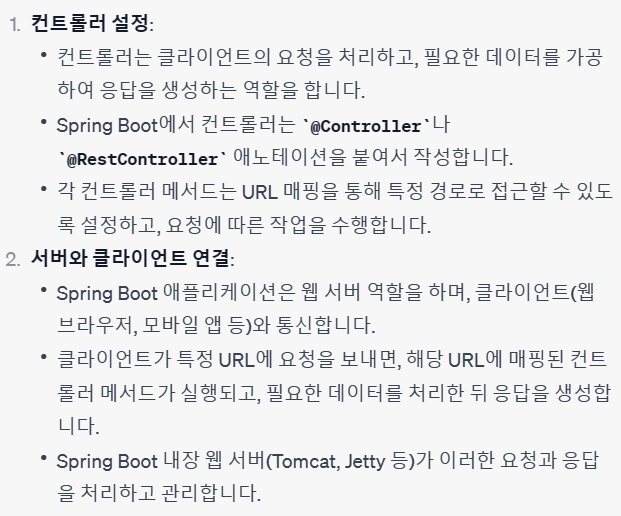
먼저 컨트롤러를 설정하여 준후, 서버와 클라이언트를 연결하여주었습니다.
1 2 3 4 5 6 7 8 9 10 11 12 13 14 15 16 17 18 19 20 21 22 23 24 25 26 27 28 29 30 31 32 33 34 35 36 37 38 39 40 41 42 43 44 45 46 47 48 49 50 51 52 53 54 55 56 57 58 59 60 61 62 63 64 65 66 67 68 69 70 71 72 73 74 75 76 77 78 79 80 81 82 83 84 85 86 87 88 89 90 91 92 93 | package com.beans.erp.model; import javax.persistence.Entity; import javax.persistence.GeneratedValue; import javax.persistence.GenerationType; import javax.persistence.Id; @Entity public class User { @Id @GeneratedValue(strategy = GenerationType.IDENTITY) private Long id; private String username; private String password; private String email; public User() { } public User(String username, String password, String email) { this.username = username; this.password = password; this.email = email; } public Long getId() { return id; } public String getUsername() { return username; } public String getPassword() { return password; } public String getEmail() { return email; } } package com.beans.erp.model; import javax.persistence.Entity; import javax.persistence.GeneratedValue; import javax.persistence.GenerationType; import javax.persistence.Id; @Entity public class Employee { @Id @GeneratedValue(strategy = GenerationType.IDENTITY) private Long id; private String name; private String position; private String department; public String getName() { return name; } public void setName(String name) { this.name = name; } public String getPosition() { return position; } public void setPosition(String position) { this.position = position; } public String getDepartment() { return department; } public void setDepartment(String department) { this.department = department; } } | cs |
객체들을 생성하여주었습니다.
springboot는 따로 mysql에 sql코드를 추가하지 않아도 된다는것에서 엄청난 편의성을 느끼었습니다.

매일매일 무한한 근성으로 코드를 작성합니다.