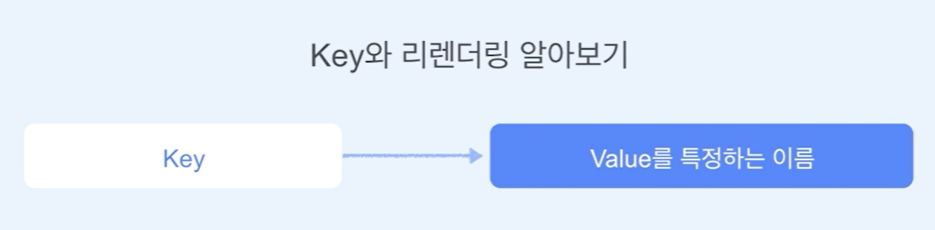
1. key
- to do 리스트 만들기
<!DOCTYPE html>
<html lang="ko">
  <body>
    <script src="https://unpkg.com/react@17/umd/react.development.js"></script>
    <script src="https://unpkg.com/react-dom@17/umd/react-dom.development.js"></script>
    <script src="https://unpkg.com/@babel/standalone/babel.min.js"></script>

    <div id="root"></div>

    <script type="text/babel">
      const rootElement = document.getElementById("root");

      const todos = [
        [
          { id: 1, value: "Wash dishes" },
          { id: 2, value: "clean th bed" },
          { id: 3, value: "Running" },
          { id: 4, value: "Learning" }
        ],
        [
          { id: 4, value: "Learning" },
          { id: 1, value: "Wash dishes" },
          { id: 2, value: "clean th bed" },
          { id: 3, value: "Running" }
        ],
        [
          { id: 3, value: "Running" },
          { id: 4, value: "Learning" },
          { id: 1, value: "Wash dishes" },
          { id: 2, value: "clean th bed" }
        ],
        [
          { id: 2, value: "clean th bed" },
          { id: 3, value: "Running" },
          { id: 4, value: "Learning" },
          { id: 1, value: "Wash dishes" }
        ]
      ];

      const App = () => {
        const [items, setItems] = React.useState(todos);

        React.useEffect(() => {
          const interval = setInterval(() => {
            const random = Math.floor(Math.random() * 3);
            setItems(todos[random]);
          }, 1000);

          return () => {
            clearInterval(interval);
          };
        }, []);

        const handleDoneClick = (todo) => {
          setItems((items) => items.filter((item) => item !== todo));
        };

        const handleRestoreClick = () => {
          setItems((items) => [
            ...items,
            todos.find((item) => !items.includes(item))
          ]);
        };

        return (
          <>
            {items.map((todo, index) => (
              <div key={todo.value}>
                <button onClick={() => handleDoneClick(todo)}>
                  {todo.value}
                </button>
              </div>
            ))}
            <br />
            <br />
            <button onClick={handleRestoreClick}>Restore</button>
          </>
        );
      };

      ReactDOM.render(<App />, rootElement);
    </script>
  </body>
</html>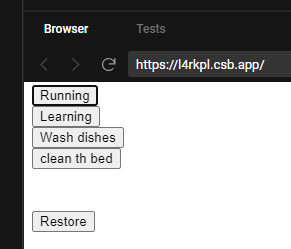
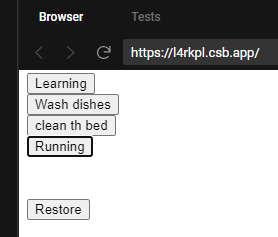
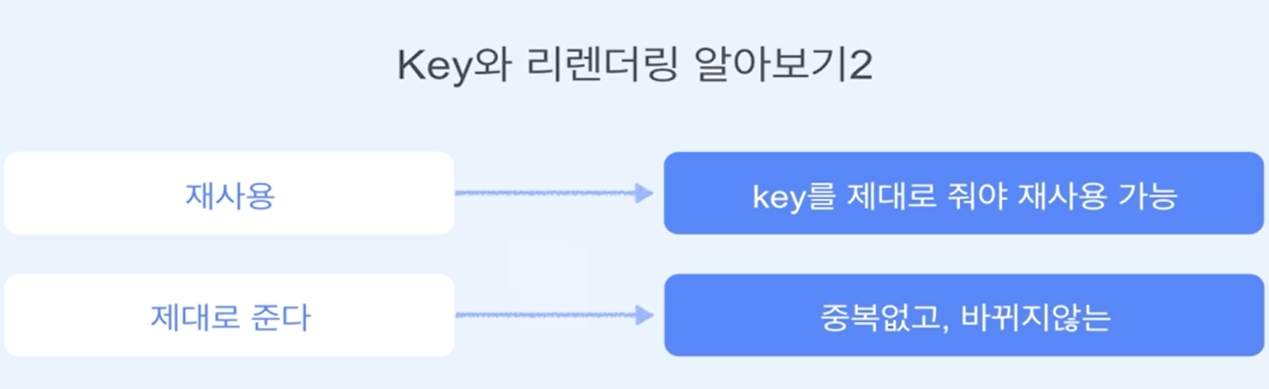
key에 todo.id나 todo.value를 주면 tab을 눌렀을 때
계속 같은 버튼을 바라보지만 index로 주면 계속 바뀐다.
2. 상태 끌어올리기(State lifting up)
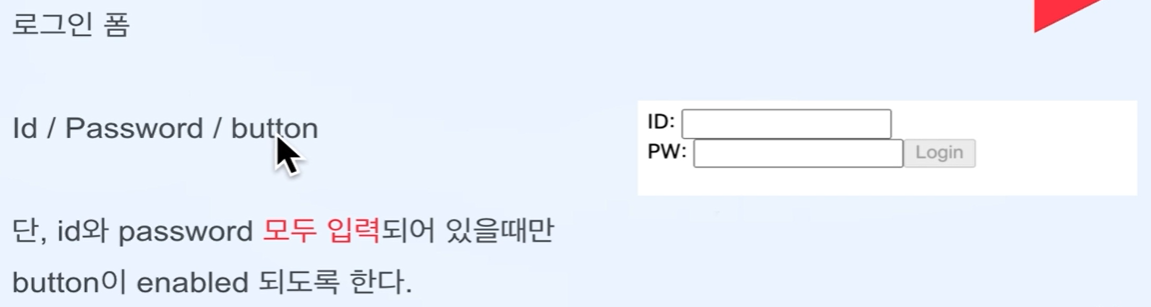
- 로그인 폼 만들기
<!DOCTYPE html>
<html lang="ko">
  <body>
    <script src="https://unpkg.com/react@17/umd/react.development.js"></script>
    <script src="https://unpkg.com/react-dom@17/umd/react-dom.development.js"></script>
    <script src="https://unpkg.com/@babel/standalone/babel.min.js"></script>

    <div id="root"></div>

    <script type="text/babel">
      const rootElement = document.getElementById("root");

      const Id = ({ handleIdChange }) => {
        return (
          <>
            <label>ID: </label>
            <input onChange={handleIdChange} />
          </>
        );
      };

      const Password = ({ handlePwChange }) => {
        return (
          <>
            <label>PW: </label>
            <input type="Password" onChange={handlePwChange} />
          </>
        );
      };

      const App = () => {
        const [id, setId] = React.useState("");
        const [pw, setPw] = React.useState("");

        const handleIdChange = (e) => {
          setId(e.target.value);
          // console.log(`id length: ${e.target.value.length > 0}`);
        };

        const handlePwChange = (e) => {
          setPw(e.target.value);
          // console.log(`pw length: ${e.target.value.length > 0}`);
        };

        const handleLoginClick = (e) => {
          alert(`id: ${id}, pw: ${pw}`);
        };
        return (
          <>
            <Id handleIdChange={handleIdChange} />
            <br />
            <Password handlePwChange={handlePwChange} />
            <button
              disabled={id.length === 0 || pw.length === 0}
              onClick={handleLoginClick}
            >
              Login
            </button>
          </>
        );
      };

      ReactDOM.render(<App />, rootElement);
    </script>
  </body>
</html>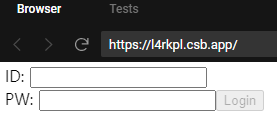
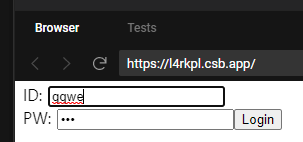
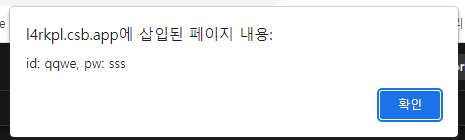
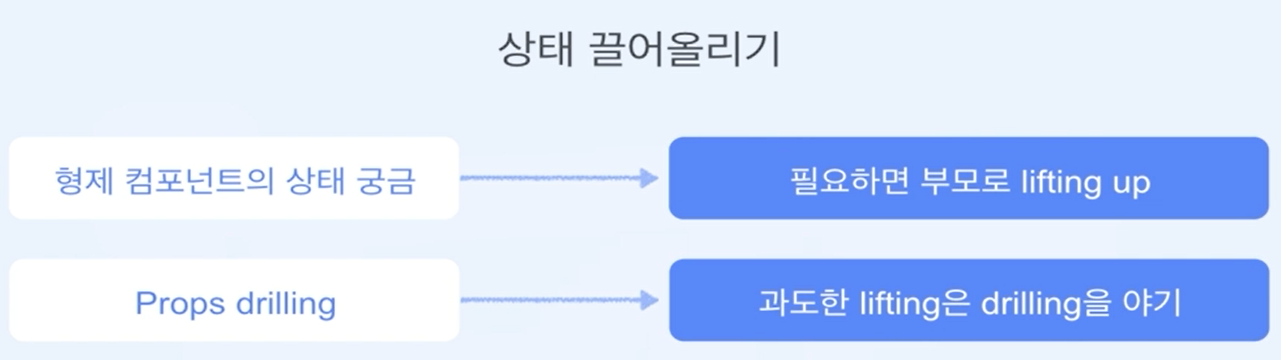
handleIdChange과 handlePwChange를 App안에 넣어서 끌어올려서 App이 id,pw의 값을 알 수 있게 만드는것이 끌러올리기다.
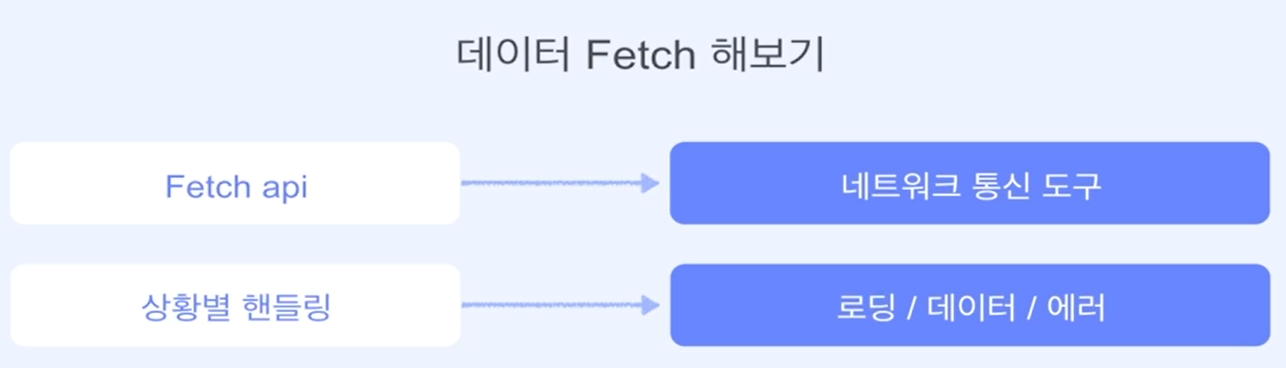
3. 데이터 Fetch 해보기
Fetch API (MDN 페이지)
<!DOCTYPE html>
<html lang="ko">
  <body>
    <script src="https://unpkg.com/react@17/umd/react.development.js"></script>
    <script src="https://unpkg.com/react-dom@17/umd/react-dom.development.js"></script>
    <script src="https://unpkg.com/@babel/standalone/babel.min.js"></script>

    <div id="root"></div>

    <script type="text/babel">
      const rootElement = document.getElementById("root");

      const App = () => {
        const [data, setData] = React.useState(null);
        const [error, setError] = React.useState(null);

        React.useEffect(() => {
          fetch(
            "https://raw.githubusercontent.com/techoi/raw-data-api/main/simple-api.json"
          )
            .then((response) => {
              return response.json();
            })
            .then((myJson) => {
              setData(myJson.data);
            })
            .catch((error) => {
              setError(error.message);
            });
        }, []);

        if (error != null) {
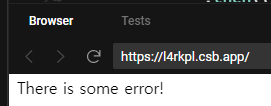
          return <p>There is some error!</p>;
        }
        if (data == null) {
          return <p>Loading...</p>;
        }

        return (
          <div>
            <p>People</p>
            {data.people.map((person) => (
              <div>
                <span>name: {person.name}</span>
                <span>age: {person.age}</span>
              </div>
            ))}
          </div>
        );
      };

      ReactDOM.render(<App />, rootElement);
    </script>
  </body>
</html>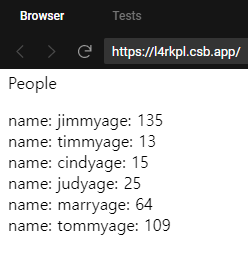

프론트엔드 개발자