
리액트 디테일 잡기
1. jsx
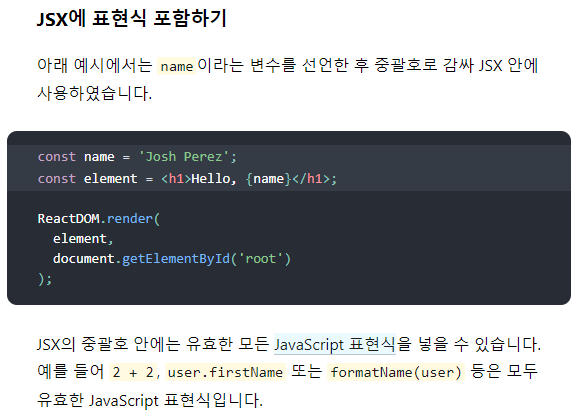
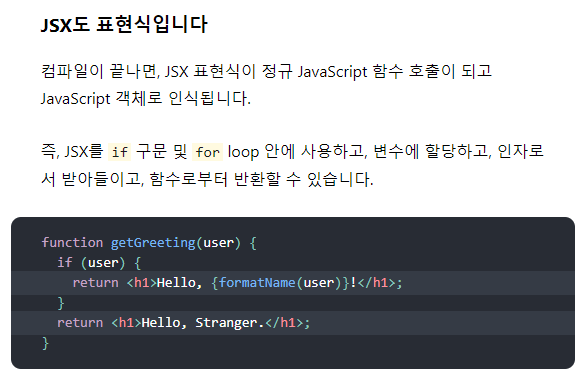
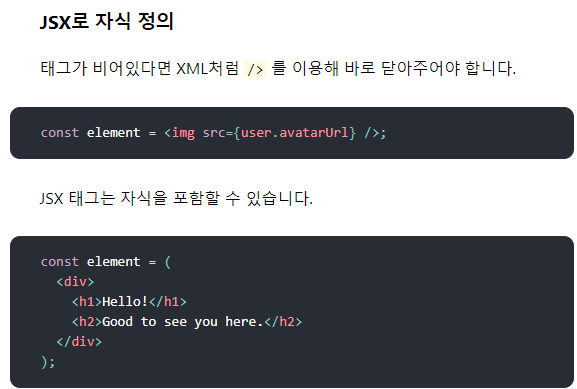
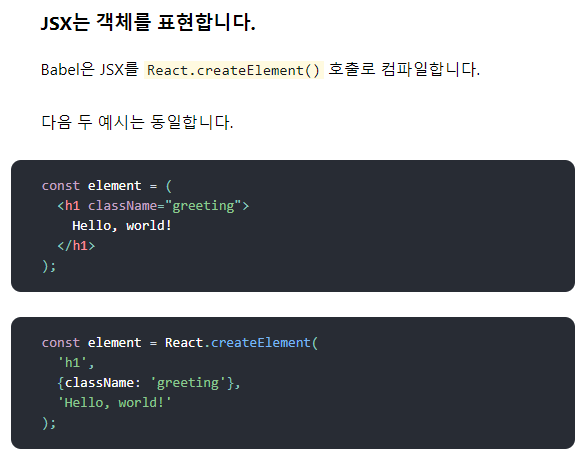
jsx소개
https://ko.reactjs.org/docs/introducing-jsx.html#gatsby-focus-wrapper


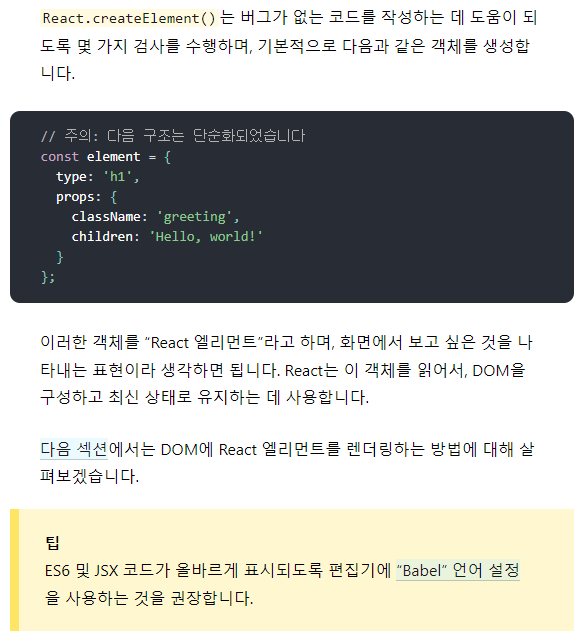
2. props
https://ko.reactjs.org/docs/components-and-props.html#gatsby-focus-wrapper
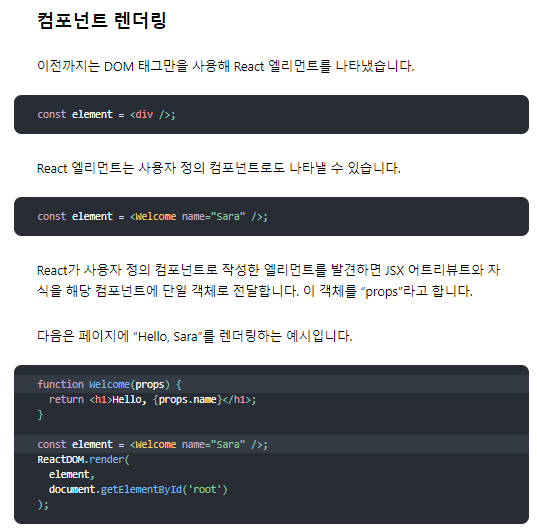


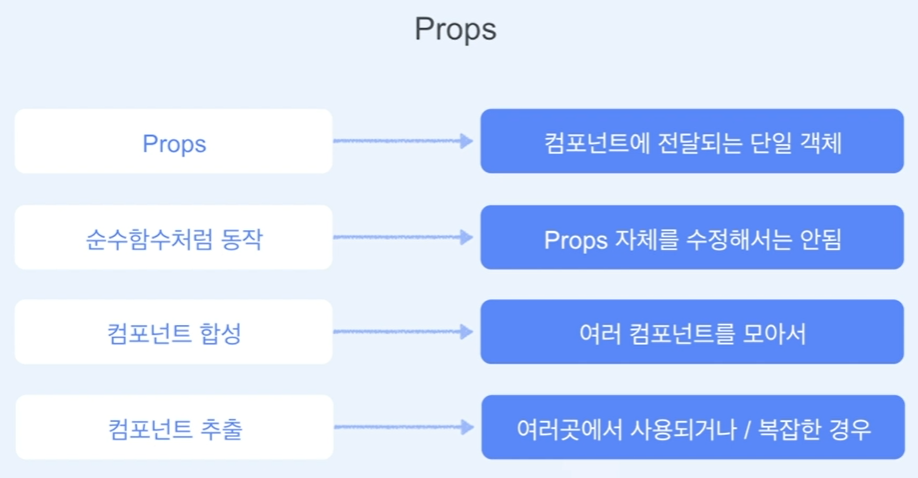
- 컴포넌트 합성
import React from 'react'

function Welcome(props){
  return <h1>hello, {props.name}</h1>;
}

export default function Composition() {
  return (
    <div>
      <Welcome name="kwak" />
      <Welcome name="lee" />
      <Welcome name="milim" />
    </div>
  )
}
import './App.css';
import Composition from './component/2-4.props/Composition';
function App() {
return (
<div className="App">
<Composition />
</div>
);
}
export default App;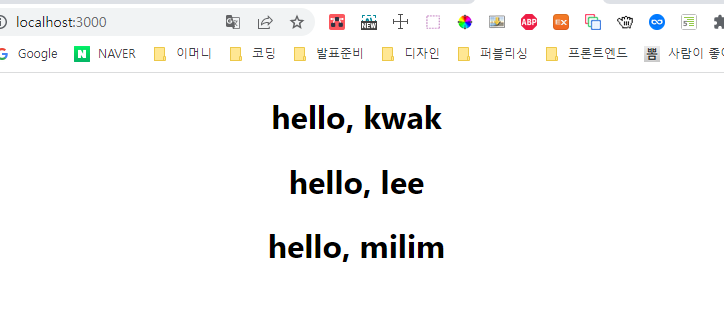
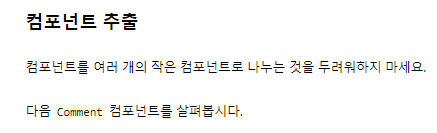
- 컴포넌트 추출
function Comment(props) {
  return (
    <div className="Comment">
      <div className="UserInfo">
        <img className="Avatar"
          src={props.author.avatarUrl}
          alt={props.author.name}
        />
        <div className="UserInfo-name">
          {props.author.name}
        </div>
      </div>
      <div className="Comment-text">
        {props.text}
      </div>
      <div className="Comment-date">
        {formatDate(props.date)}
      </div>
    </div>
  );
}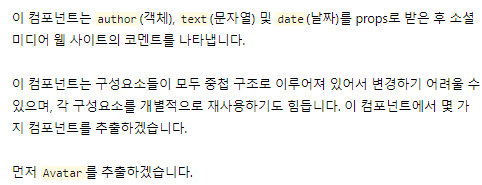
function Avatar(props) {
  return (
    <img className="Avatar"
      src={props.user.avatarUrl}
      alt={props.user.name}
    />
  );
}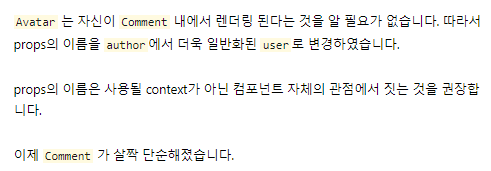
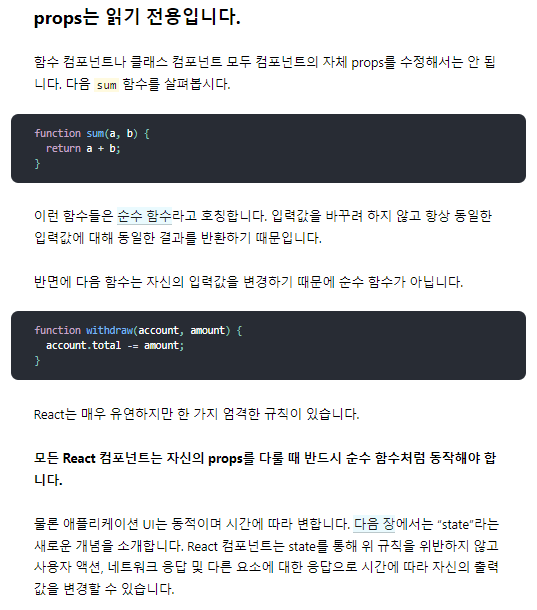
function Comment(props) {
  return (
    <div className="Comment">
      <div className="UserInfo">
        <Avatar user={props.author} />
        <div className="UserInfo-name">
          {props.author.name}
        </div>
      </div>
      <div className="Comment-text">
        {props.text}
      </div>
      <div className="Comment-date">
        {formatDate(props.date)}
      </div>
    </div>
  );
}
function UserInfo(props) {
  return (
    <div className="UserInfo">
      <Avatar user={props.user} />
      <div className="UserInfo-name">
        {props.user.name}
      </div>
    </div>
  );
}
Comment 가 더욱 단순해졌습니다.
function Comment(props) {
  return (
    <div className="Comment">
      <UserInfo user={props.author} />
      <div className="Comment-text">
        {props.text}
      </div>
      <div className="Comment-date">
        {formatDate(props.date)}
      </div>
    </div>
  );
}
처음에는 컴포넌트를 추출하는 작업이 지루해 보일 수 있습니다. 하지만 재사용 가능한 컴포넌트를 만들어 놓는 것은 더 큰 앱에서 작업할 때 두각을 나타냅니다. UI 일부가 여러 번 사용되거나 (Button, Panel, Avatar), UI 일부가 자체적으로 복잡한 (App, FeedStory, Comment) 경우에는 별도의 컴포넌트로 만드는 게 좋습니다.
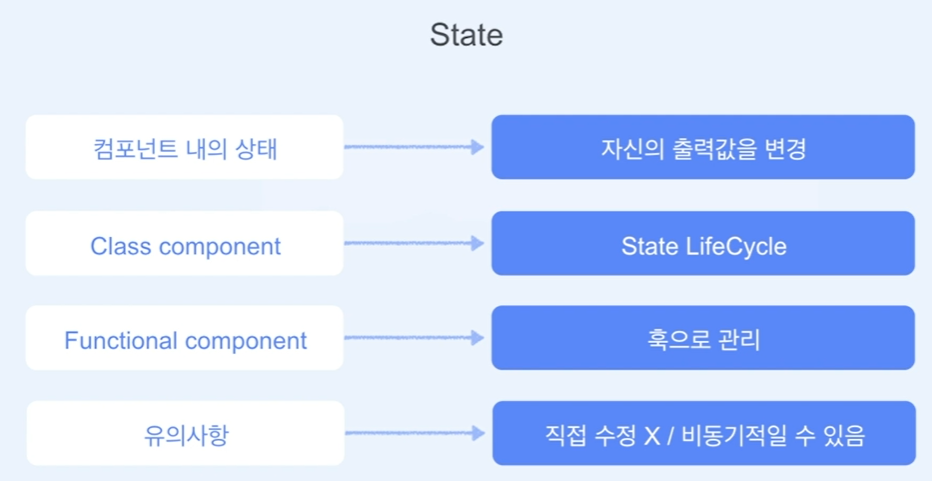
3. state
https://ko.reactjs.org/docs/state-and-lifecycle.html#gatsby-focus-wrapper
- 시계
- ClassComponent.jsx
import React, { Component } from 'react'

export default class ClassComponent extends Component {
  constructor(props) {
    super(props);
    this.state = { date: new Date() };
  }

  componentDidMount() {
    this.timerID = setInterval(
      () => this.tick(),
      1000
    );
  }

  componentWillUnmount() {
    clearInterval(this.timerID);
  }

  tick() {
    this.setState({
      date: new Date()
    });
  }

  render() {
    return (
      <div>
        <h1>Hello, world!</h1>
        <h2>It is {this.state.date.toLocaleTimeString()}.</h2>
      </div>
    );
  }
}- App.js
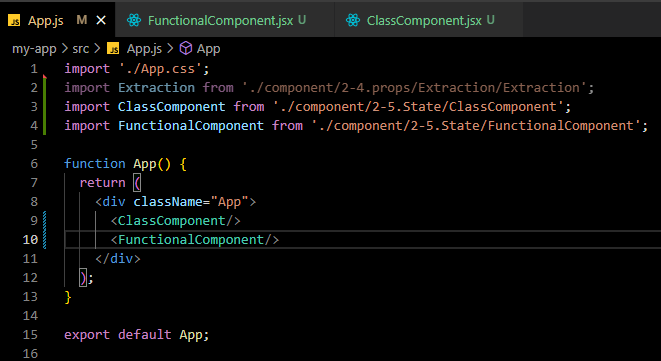
import './App.css';
import Extraction from './component/2-4.props/Extraction/Extraction';
import ClassComponent from './component/2-5.State/ClassComponent';

function App() {
  return (
    <div className="App">
      <ClassComponent/>
    </div>
  );
}

export default App;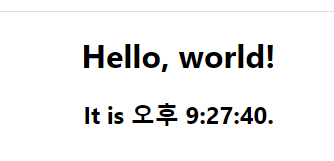
- 함수형 컴포넌트
import React, {useEffect, useState} from 'react'

export default function FunctionalComponent() {
  const [date, setDate] = useState(new Date());

  const tick = () => {
    setDate(new Date());
  }

  useEffect( () => {
    const interval = setInterval(() => tick(), 1000);

    return () => {
      clearInterval(interval);
    }
  }, []);

  return (
    <div>
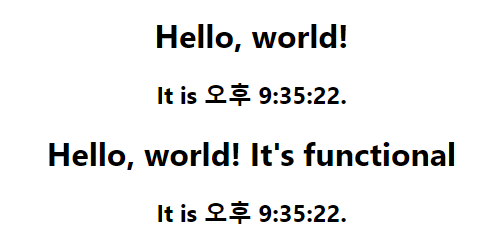
      <h1>Hello, world! It's functional</h1>
      <h2>It is {date.toLocaleTimeString()}.</h2>
    </div>
  );
}
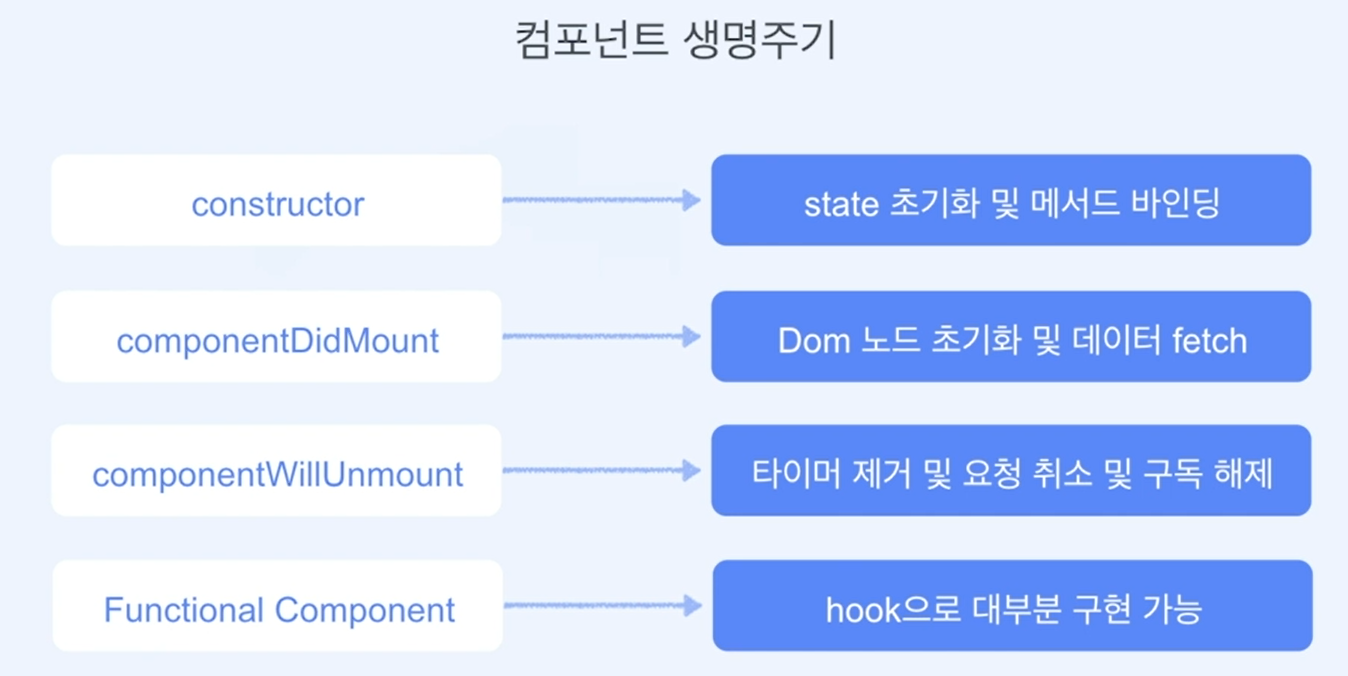
4. 컴포넌트 생명주기
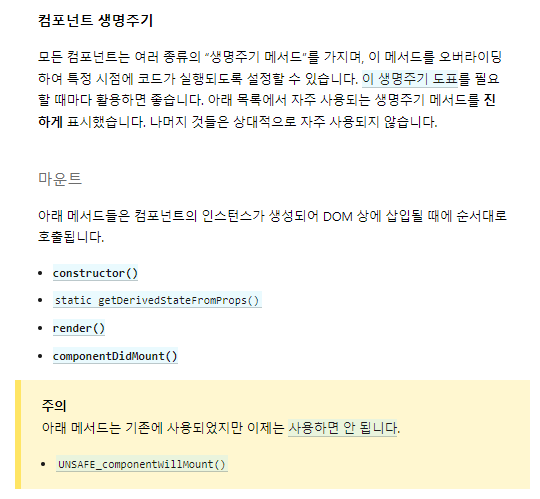
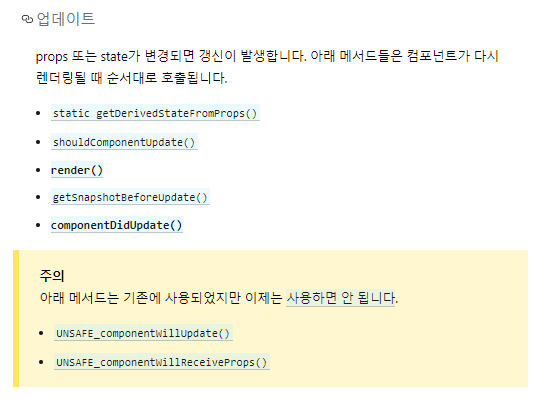
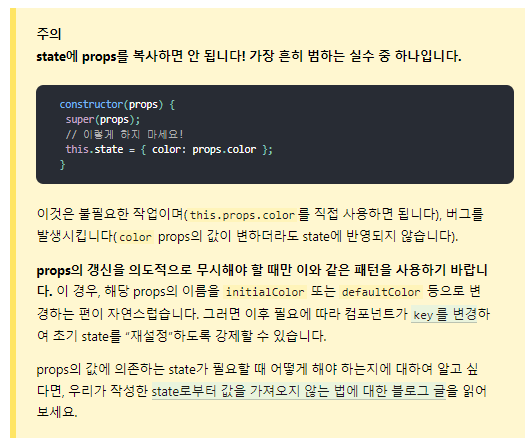
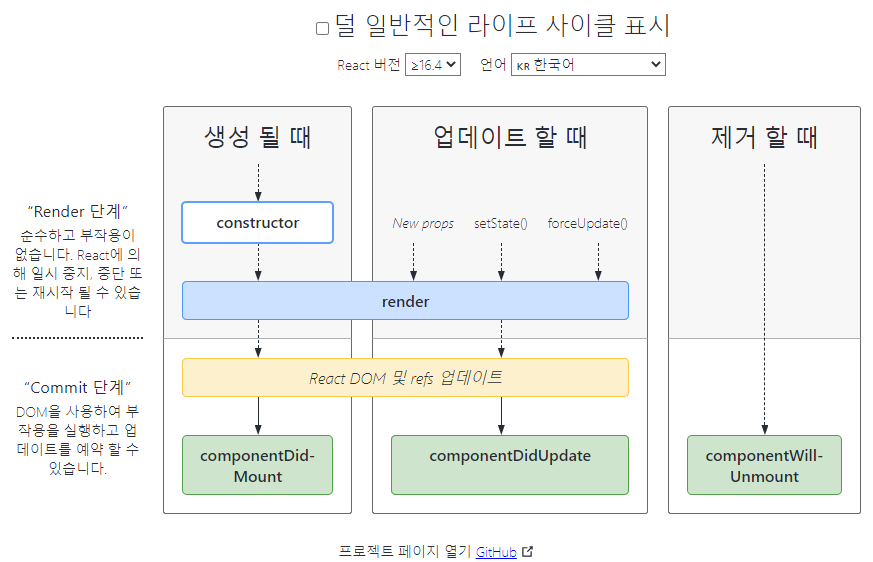
https://projects.wojtekmaj.pl/react-lifecycle-methods-diagram/

프론트엔드 개발자