주사위 게임을 만들어 보자
import 'package:flutter/material.dart';
import 'dart:math';
void main() {
runApp(const MyApp());
}
class MyApp extends StatelessWidget {
const MyApp({super.key});
Widget build(BuildContext context) {
return const MaterialApp(
debugShowCheckedModeBanner: false,
home: DicePage(),
);
}
}
class DicePage extends StatefulWidget {
const DicePage({super.key});
State<DicePage> createState() => _DicePageState();
}
class _DicePageState extends State<DicePage> {
final randomizer = Random();
int currentDiceRoll = 1;
void rollDice() {
setState(() {
currentDiceRoll = randomizer.nextInt(6) + 1;
});
}
Widget build(BuildContext context) {
return Scaffold(
body: Container(
decoration: const BoxDecoration(
gradient: LinearGradient(
colors: [
Colors.purple,
Colors.deepPurple,
],
),
),
child: Center(
child: Column(
mainAxisAlignment: MainAxisAlignment.center,
children: [
Image.asset(
'assets/images/dice-$currentDiceRoll.png',
width: 200,
),
const SizedBox(height: 20),
TextButton(
style: TextButton.styleFrom(
foregroundColor: Colors.white,
textStyle: const TextStyle(
fontSize: 28,
),
),
onPressed: rollDice,
child: const Text("주사위 게임"),
),
],
),
),
),
);
}
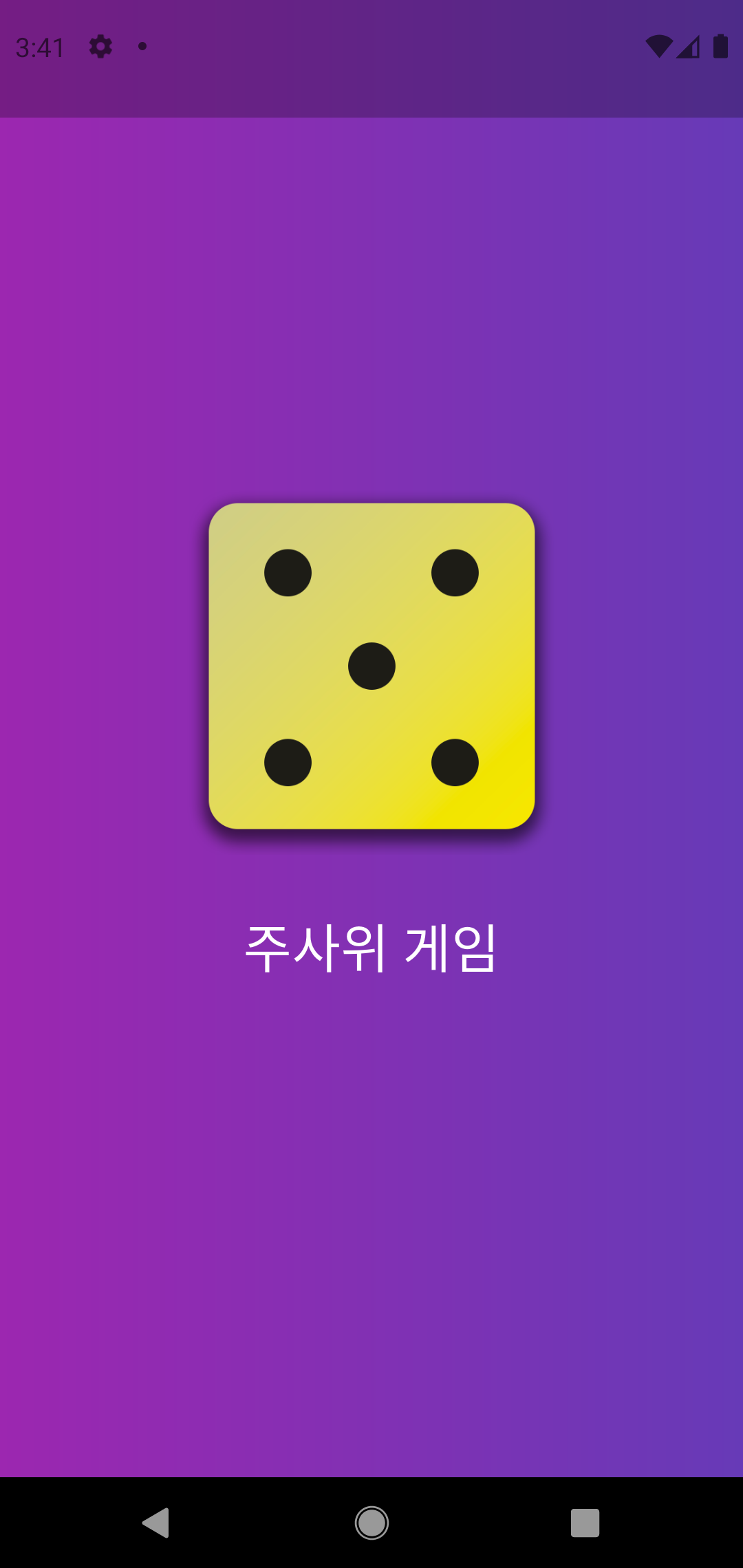
}

쿵스보이(얼짱뮤지션)