영상 : https://tv.kakao.com/v/450032779
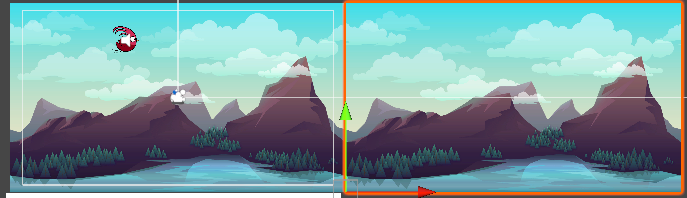
Move Tool(W) - Vertex Snapping(V)
Move Tool에서 V를 누른채로 모서리에 대면 축이 자동으로 붙는 스내핑 기능을 사용할 수 있다.
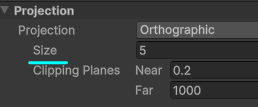
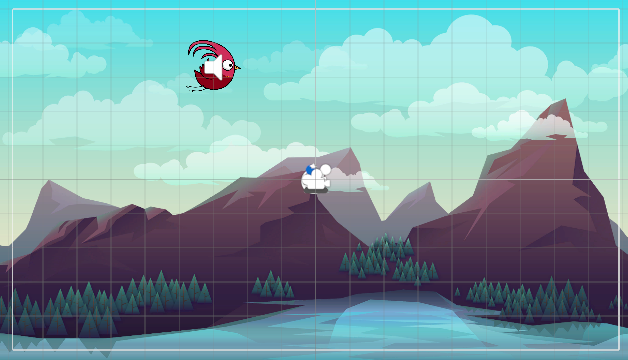
카메라 컴포넌트의 Size는 중심점으로부터 Unit의 크기. (5이므로 위아래로 5칸)
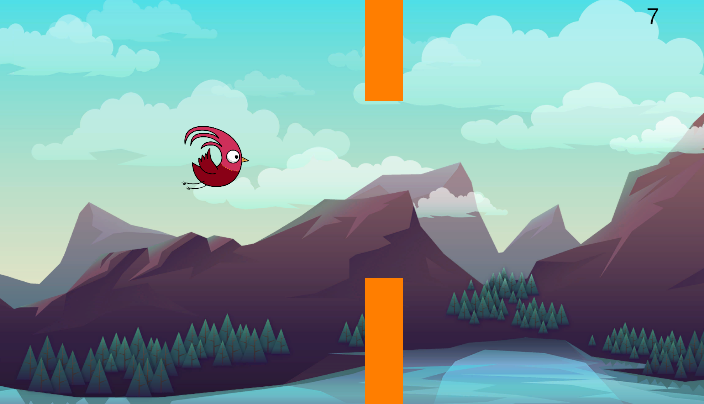
    void OnCollisionEnter2D(Collision2D collision)
    {
        if (collision.gameObject.CompareTag("Wall"))
        {
            int score = (int)FlappyBirdGameManager.instance.Score;
            PlayerPrefs.SetInt("Score", score);
            SceneManager.LoadScene("FlappyBirdGameover");
        }
    }
점수는 PlayerPrefs로 저장하여 씬이 바뀌어도 값이 유지되게 한다.
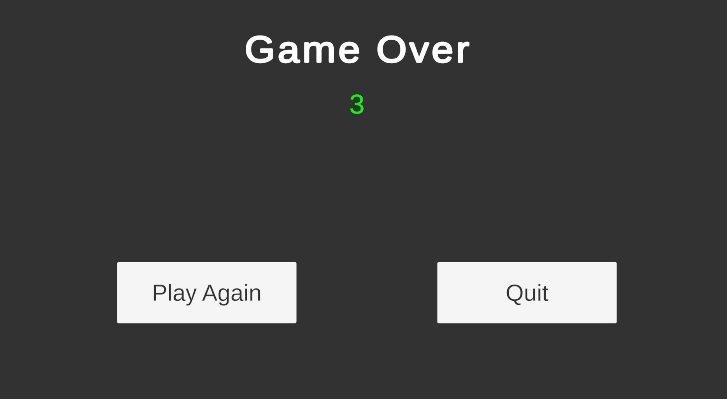
    public TextMeshProUGUI scoreText;

    void Start()
    {
        int score = PlayerPrefs.GetInt("Score", 0);
        scoreText.text = score.ToString();
    }

    public void OnPlayAgainPressed() => SceneManager.LoadScene("FlappyBirdIngame");

public void OnQuitPressed() => Application.Quit();-
TextMeshProUGUI클래스 대신TMP_Text로 선언해도 된다. (동일한 기능) -
PlayerPrefs로 가져온 int형 데이터는ToString으로 변환해서 텍스트로 출력 -
한 줄짜리 함수는
람다식으로 간결하게 호출
float speed, width;

    void Start()
    {
        speed = 10f;
        width = 19.2f;
    }

    void Update()
    {
        transform.Translate(Vector2.left * Time.deltaTime * speed);

        if (transform.position.x < -width)
            transform.Translate(new Vector3(width * 2, 0));
    }
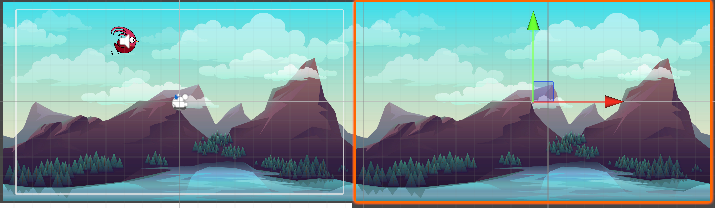
이미지 두개를 이어붙여서 이동시키는 간단한 코드
왼쪽 이미지의 초기 x값은 0
오른쪽 이미지의 초기 x값은 19.2
유니티는 오브젝트가 왼쪽으로 이동하면 x값이 감소하기 때문에 이를 이용한다.
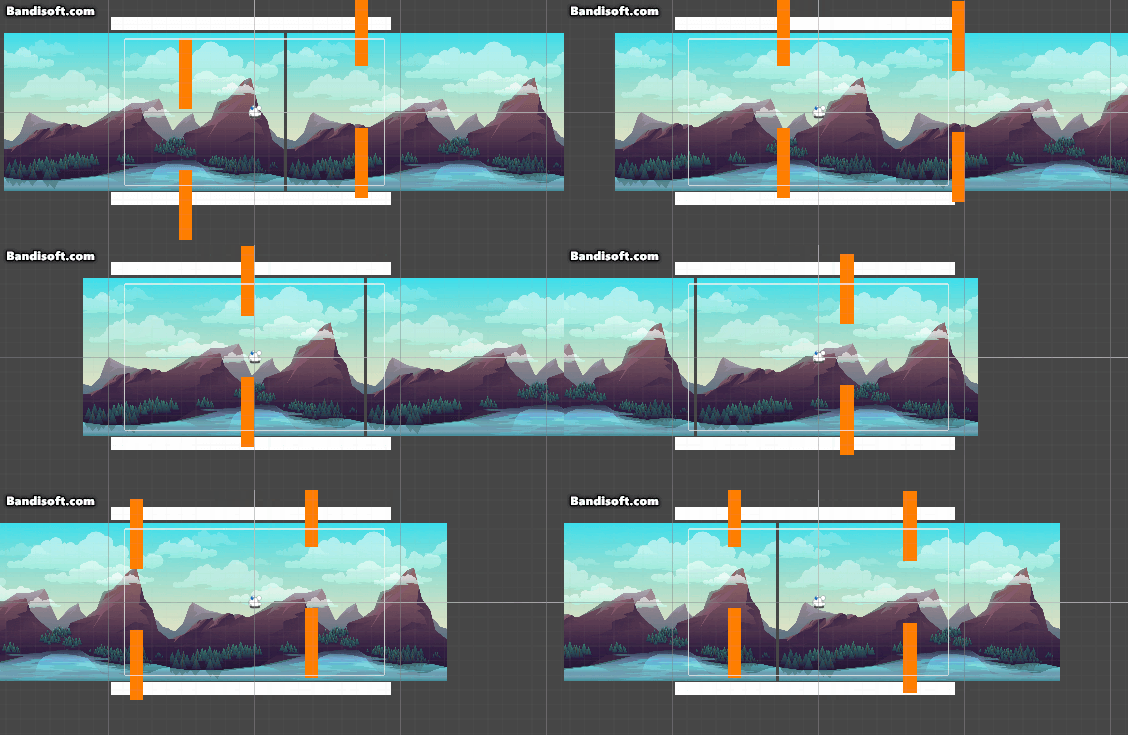 x값이 -19.2보다 낮아지면 두 칸 뒤로
 Translate (width * 2)
[Wall Script]
	public float speed = 2;

    void Update()
    {
        transform.Translate(Vector2.left * Time.deltaTime * speed);

        if (transform.position.x < -10)
            Destroy(gameObject);
    }


[GameManager Script]
    public GameObject walls;
    public float spawnTerm = 4f;
    float spawnTimer = 0;

    void Update()
    {
        spawnTimer += Time.deltaTime;
        score += Time.deltaTime;

        if (spawnTimer > spawnTerm)
        {
            spawnTimer -= spawnTerm;

            GameObject obj = Instantiate(walls);
            obj.transform.position = new Vector2(10, Random.Range(-2f, 2f));
        }
}-
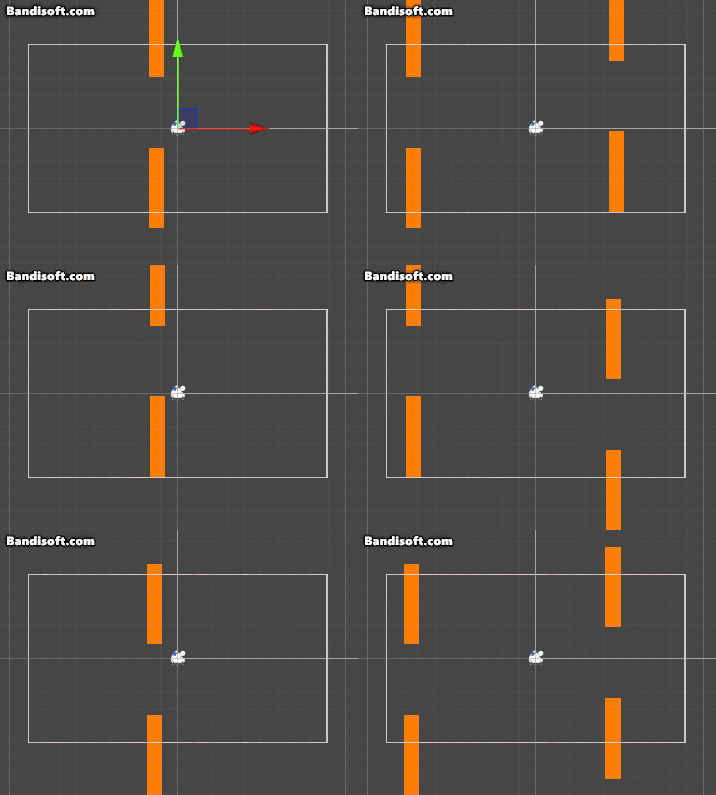
벽 스크립트에 이동하고 스스로 파괴되는 코드를 구현
-
게임매니저에서
Instantiate를 통해 일정 간격을 두고 -
생성 위치는
Random.Range로 랜덤한 값을 부여
