main 함수
플러터 앱실행의 시초
void main() {
	runApp(MyApp());
}
//main 함수가 실행되면 runApp이라는 또 다른 함수가 실행된다.
//MyApp은 클래스 이름이다.
Material App이란?
하위페이지, 구성요소를 최 상단에서 담는 그릇
html로 비유하자면 <html></html>태그와 같다고 볼 수 있다.
void main() {
	runApp(MyApp());
}

class MyApp extends StatelessWidget {

	@override
    Widget build(BuildContext context) {
    	return MaterialApp(
        	title:'Flutter Demo',
            theme: ThemeData(
            	primarySwatch: Colors.blue,
            ),
            home: MyHomePage(
            title:'Flutter Demo Home Page'
            ),
        );
    }
}

class MyHomePage extends StatefulWidget {...}
MaterialApp의 옵션
- title
- theme
- home
✔️ MaterialApp에서 가장 먼저 나오는 페이지이다. 이 페이지는 Scaffold라는 형태를 가진다.
위젯
✔️ 위와 같은 MetarialApp / Scaffold ....을 위젯이라고 부른다.
MaterialApp 작성하기
void main() {
	runApp(MyApp());
}

class MyApp extends StatelessWidget {

	@override
    Widget build(BuildContext context) {
    	return MaterialApp(
        	home: FirstWidget()
            //FirstWidget에 경고줄이 생긴다.
        );
    }
}
위젯 만들기
위젯은 대문자로 시작한다.
void main() {
	runApp(MyApp());
}

class MyApp extends StatelessWidget {

	@override
    Widget build(BuildContext context) {
    	return MaterialApp(
        	home: FirstWidget()
            //위젯을 생성하여 경고줄이 사라진다.
        );
    }
}

class FirstWidget extends StatelessWidget {}
//위젯을 생성하였지만 이 줄의 FirstWidget 경고줄이 생긴다.
extends의 규칙으로 override
class FirstWidget extends StatelessWidget {
// extends 규칙으로 override 하여 경고줄이 사라진다.

	//절대적인 규칙이다.
	@override
    Widget build(BuldContext context) {
    	return Scaffold();
	}
}
✔️ 홈을 주기 위한 위젯이므로 페이지는 Scaffold 형태가 되어야한다.
✔️ FirstWidget은 스테이트 위젯이 되었다.
➕ 두가지 종류의 위젯
- 스테이트레스 위젯 (StatelessWidget)
- 스테이트풀 위젯 (StatefullWidget)
Scaffold
Material Design 앱을 구축하기 위한 기본적인 구조를 제공하는 위젯
html태그로 따지면 <body></body> 태그라고 할 수 있다.
Implements the basic material design visual layout structure.
기본적인 material design의 시각적인 레이아웃 구조를 실행한다.
Scaffold 위젯을 사용하면 내가 원하는 곳에 위젯을 쉽게 배치할 수 있도록 해준다고 생각하자
Scaffold - appBar
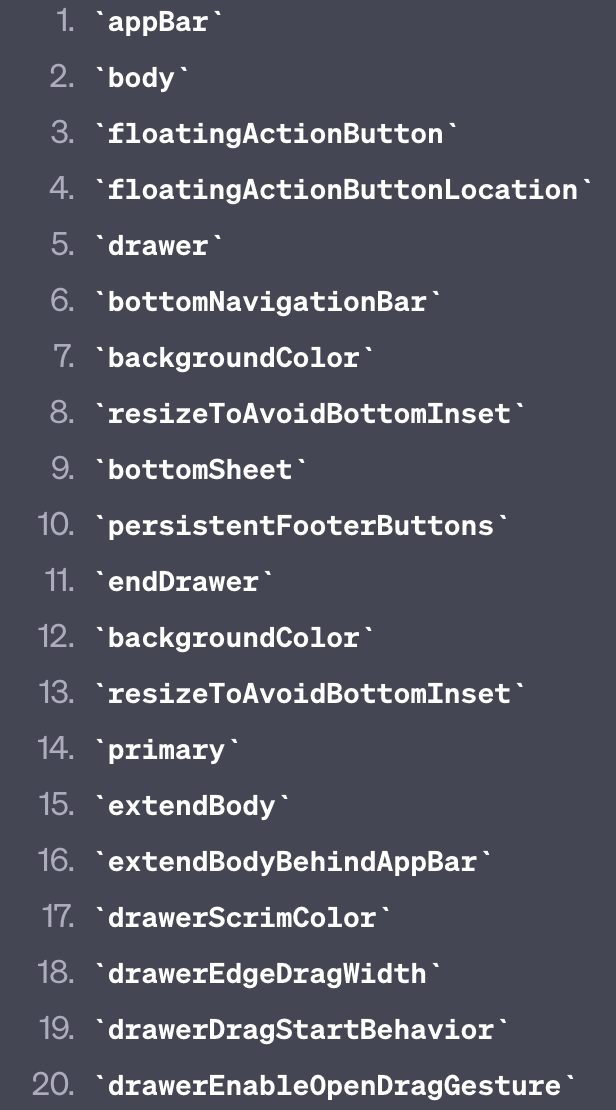
✔️ Scaffold의 기본 옵션
- appBar
- body
- bottomNavicationBar
- floatingActionButton
총 20개의 옵션이 있다고 챗 gpt가 알려줬다
appBar에 텍스트 넣어보기
class FirstWidget extends StatelessWidget {

	@override
    Widget build(BuldContext context) {
    	return Scaffold(
        	appBar: AppBar(//플러터 내부 위젯
            	title: Text("hello")
                //appBar는 title옵션을 가진다
                //타이틀에 글씨를 작성하기 위해서는 Text()위젯을 사용해야한다.
            )
        )
	}
}
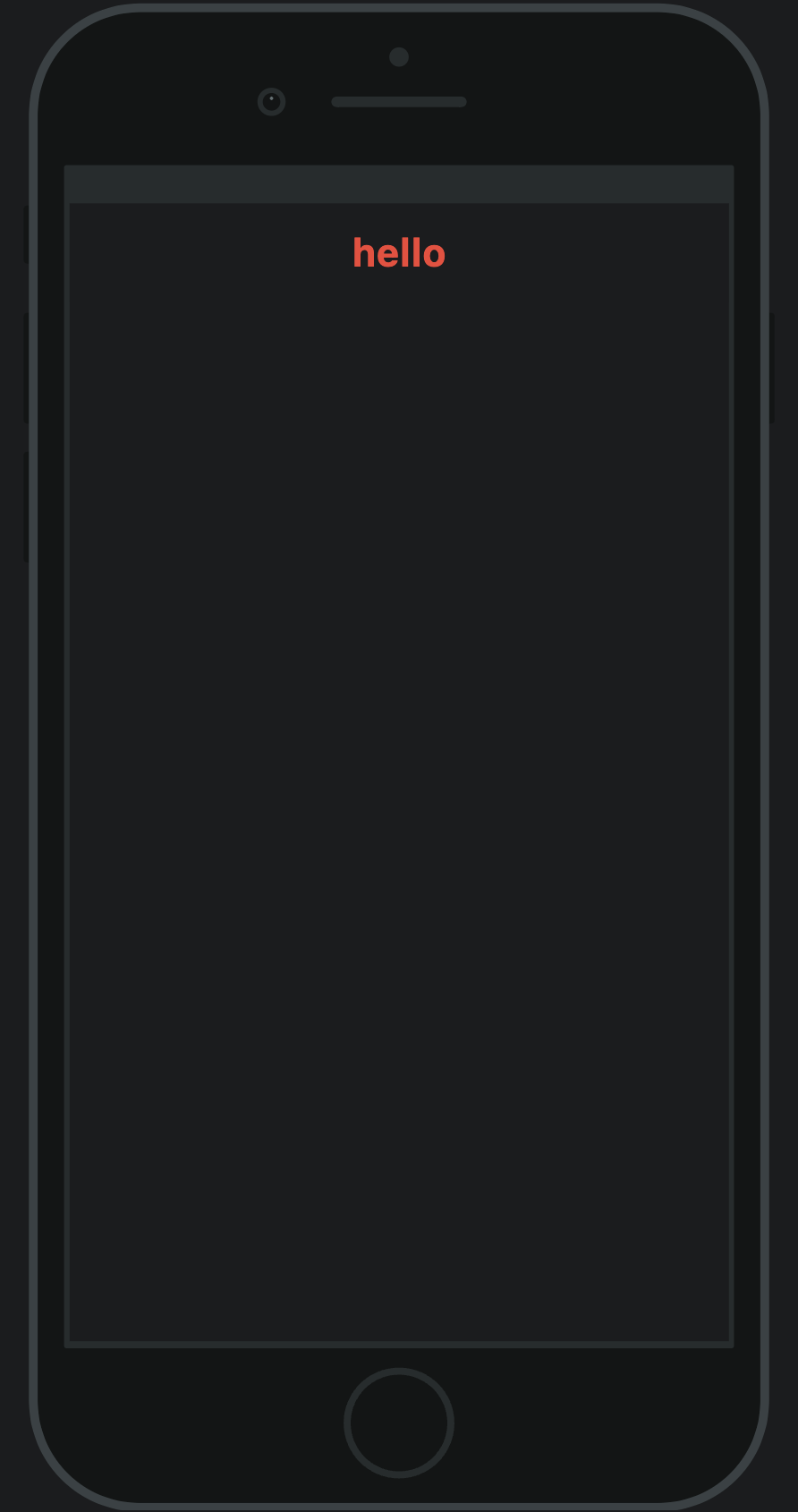
appBar의 텍스트 style 주기
class FirstWidget extends StatelessWidget {

	@override
    Widget build(BuldContext context) {
    	return Scaffold(
        	appBar: AppBar(
            	title: Text("hello",
                	style: TextStyle(color: Colors.red, fontWeight: FontWeight.bold),),
                //style 옵션은 TextStyle이라는 위젯이 필요
                //TextStyle의 color라는 옵션을 받는다.
                //color는 Colors라는 일반 클래스를 받는다.


            ), //AppBar
        ); //Scaffold
	}
}
📱 화면
➕ 위젯이 갖는 옵션 / 옵션이 받는 위젯 확인
- 위젯 위에 마우스를 올린 후 command 누르기
Scaffold - body
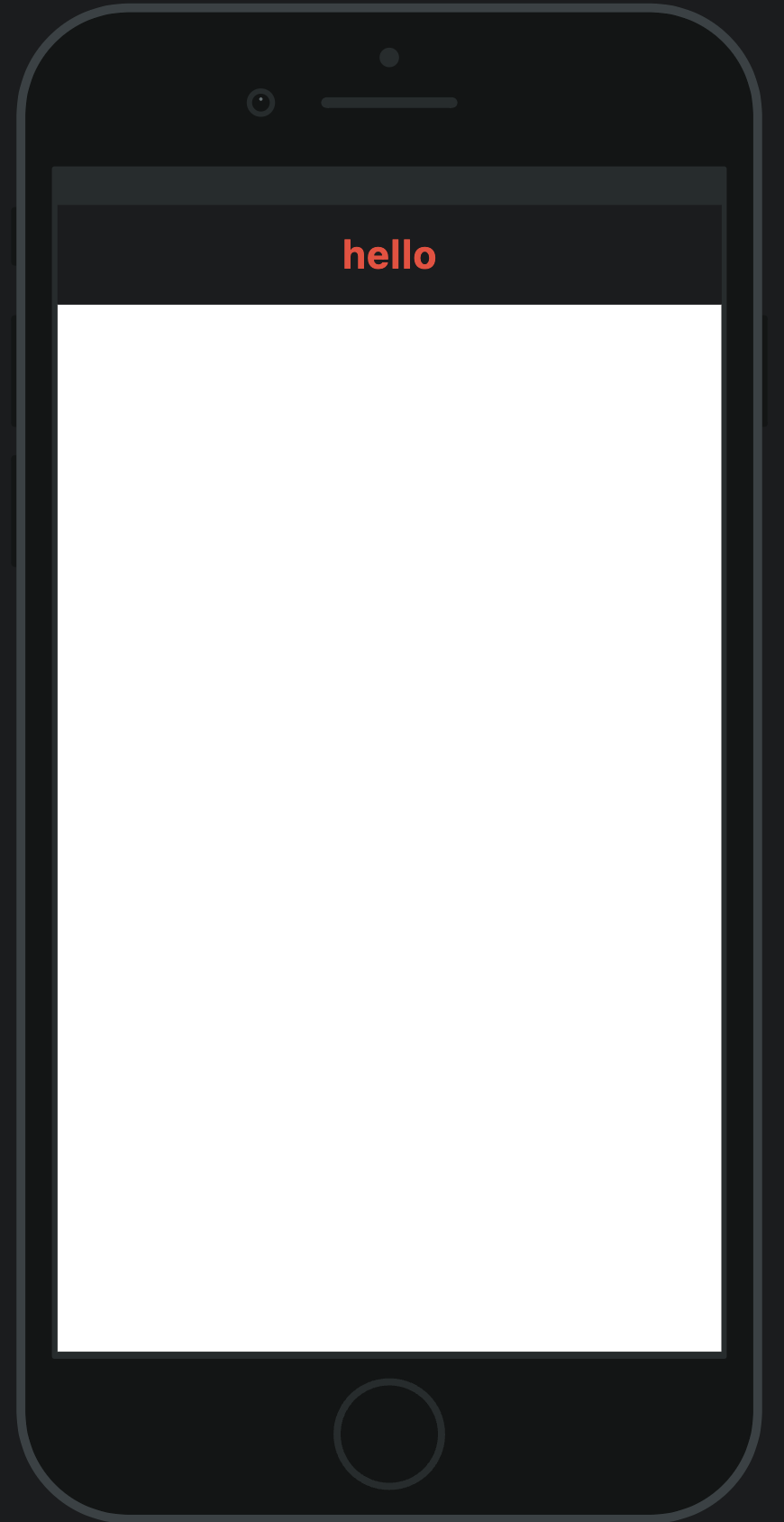
body _ Container 위젯
class FirstWidget extends StatelessWidget {

	@override
    Widget build(BuldContext context) {
    	return Scaffold(
        	appBar: AppBar(
            	title: Text("hello",
                	style: TextStyle(color: Colors.red, fontWeight: FontWeight.bold),),
            ), //AppBar

            body: Container(
            //Container라는 위젯을 받는다.
            	color: Colors.white,
                //color 옵션을 줄 수있다.
                // body 공간이 white 컬러로 변경된다.
            )

        ); //Scaffold
	}
}
📱 화면
✔️ Container 위젯
웹에서 div 개념과 같다.
출처: 백수코딩

한별잉